
The practical answer
- Short answer
- 73% of Snowflake implementations are wasting cash. Here is the 10-day technical due diligence framework for PE Operating Partners to spot 'lift and shift' liabilities and $2M cost traps.
- Best fit
- Industry: B2B SaaS / Data Infrastructure. Function: Engineering / DevOps
- Operating path
- Technical Debt → Turnaround & Restructuring → Transaction Advisory Services
- Key metric
- 73% Organizations wasting budget on Snowflake due to lack of visibility.
The 'Ferrari in a School Zone' Problem
You see Snowflake on the CIM, and you check the box: "Modern Data Stack." You assume scalable architecture, separation of compute and storage, and zero maintenance. What you actually bought is an Oracle database disguised as a cloud platform.
We see this in 8 out of 10 tech-enabled services acquisitions. The engineering team performed a "Lift and Shift" migration—taking legacy SQL Server or Oracle logic (stored procedures, row-by-row processing, heavy cursor usage) and dropping it directly into Snowflake. This is catastrophic for your unit economics.
Snowflake is a columnar store optimized for massive parallel processing (MPP). It is not designed for the transactional, row-based logic typical of legacy on-prem systems. When you run legacy code on Snowflake, you aren't just getting poor performance; you are paying a premium for it. We recently audited a $50M healthcare analytics firm where a single unoptimized stored procedure was burning 12 credits per hour ($36/hr) to do work that should have cost $0.50. That single script was a $300,000 annual EBITDA leak.
The $500K Lesson in Visibility... a fintech company came to me panicked about a $42,000 monthly Snowflake warehouse bill... The warehouse ran 24/7, seemingly processing critical workloads... Annual waste: ~$400,000.
The 3-Point Diagnostic for Due Diligence
You have 10 days
to validate the tech stack. Do not rely on high-level AWS bills. Ask for read-only
access to the SNOWFLAKE.ACCOUNT_USAGE schema and run these three diagnostics.
If the CTO pushes back, you have your red flag.
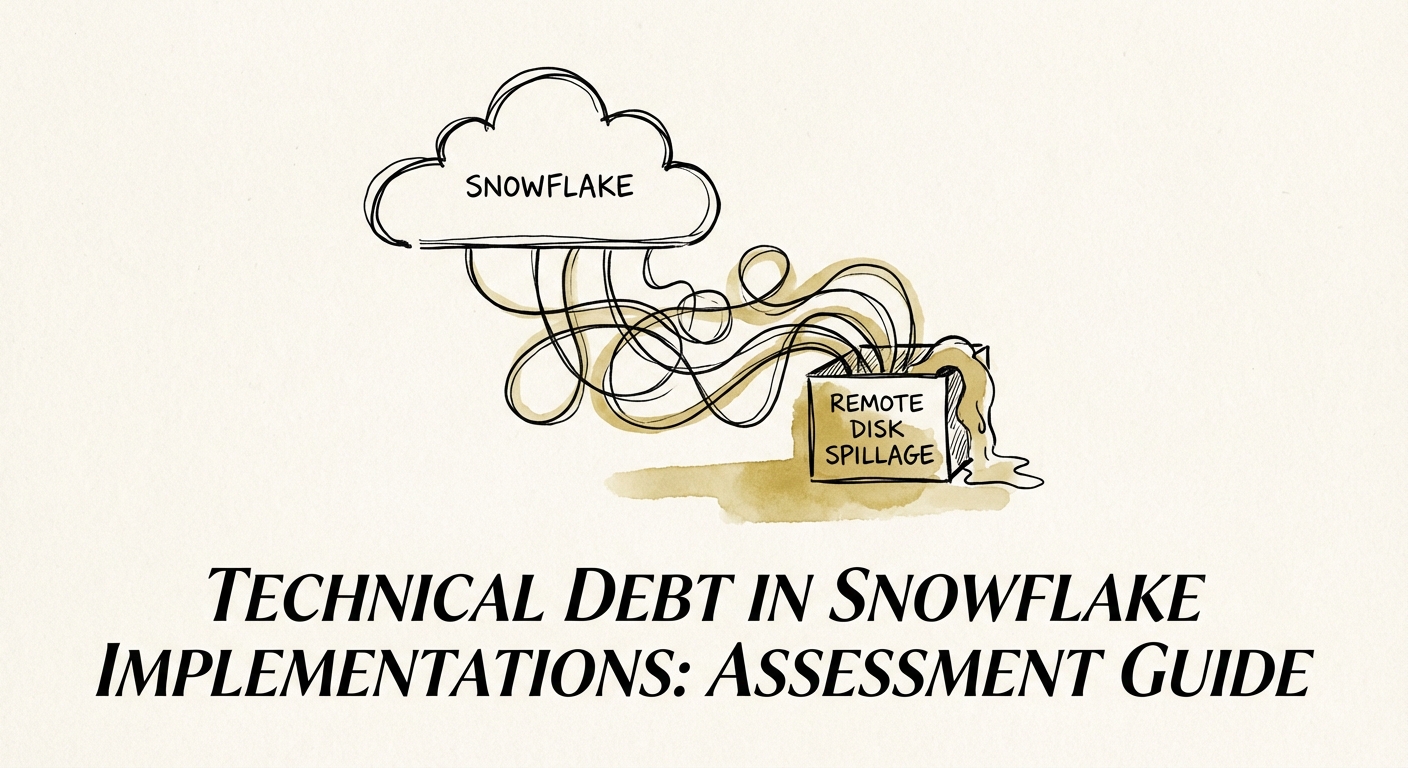
1. The 'Remote Disk Spillage' Test
This is the technical smoking gun. When a Snowflake warehouse is undersized or a query is poorly written, data spills from RAM to local SSD (slow) and then to remote S3 storage (painfully slow). This is called "Remote Disk Spillage."
The
Signal: Look at QUERY_HISTORY. If you see significant BYTES_SPILLED_TO_REMOTE_STORAGE,
the team is brute-forcing bad code with expensive hardware. They are masking technical
debt with your capital.
2. The 'Stale Warehouse' Check
Query the
WAREHOUSE_METERING_HISTORY view. You are looking for warehouses with
high "Credits Used" but low "Query Load." We frequently find
warehouses configured to run 24/7 for dashboards that are only viewed once a week.
In one case, we found a "Dev-Test" warehouse burning $42,000 a month because
a developer disabled the auto-suspend feature "temporarily" in 2023.
3. The 'Data Hoarding' Audit
Use the ACCESS_HISTORY view to identify
tables that haven't been queried in 90 days. In "Lift and Shift" scenarios,
teams often migrate 100% of historical data "just in case." Benchmark
data shows that 30-50% of storage cost in Series C companies is
for data that hasn't been touched in over a year. That’s pure margin erosion.
Turning Technical Debt into EBITDA Expansion
Finding these issues during diligence isn't a deal-breaker; it's a leverage point. You aren't just identifying risk; you're identifying "pre-paid" EBITDA expansion.
If we find $500k in Snowflake waste, that’s $500k in margin you can recover in the first 90 days post-close without firing a single person or raising prices. That’s a $5M-$7M increase in Enterprise Value at exit.
The Playbook for the First 100 Days:
- Day 1: Enforce strict "Auto-Suspend" policies on all warehouses (set to 60 seconds for interactive, 5 minutes for ETL).
- Day 30: Implement "Resource Monitors" to kill run-away queries automatically.
- Day 60: Refactor the top 10 most expensive queries. Usually, 80% of your credit consumption comes from fewer than 5% of your queries. Fix those, and the bill drops by half.
Stop treating cloud spend as a fixed cost. In the Snowflake era, infrastructure cost is a variable metric of engineering discipline.