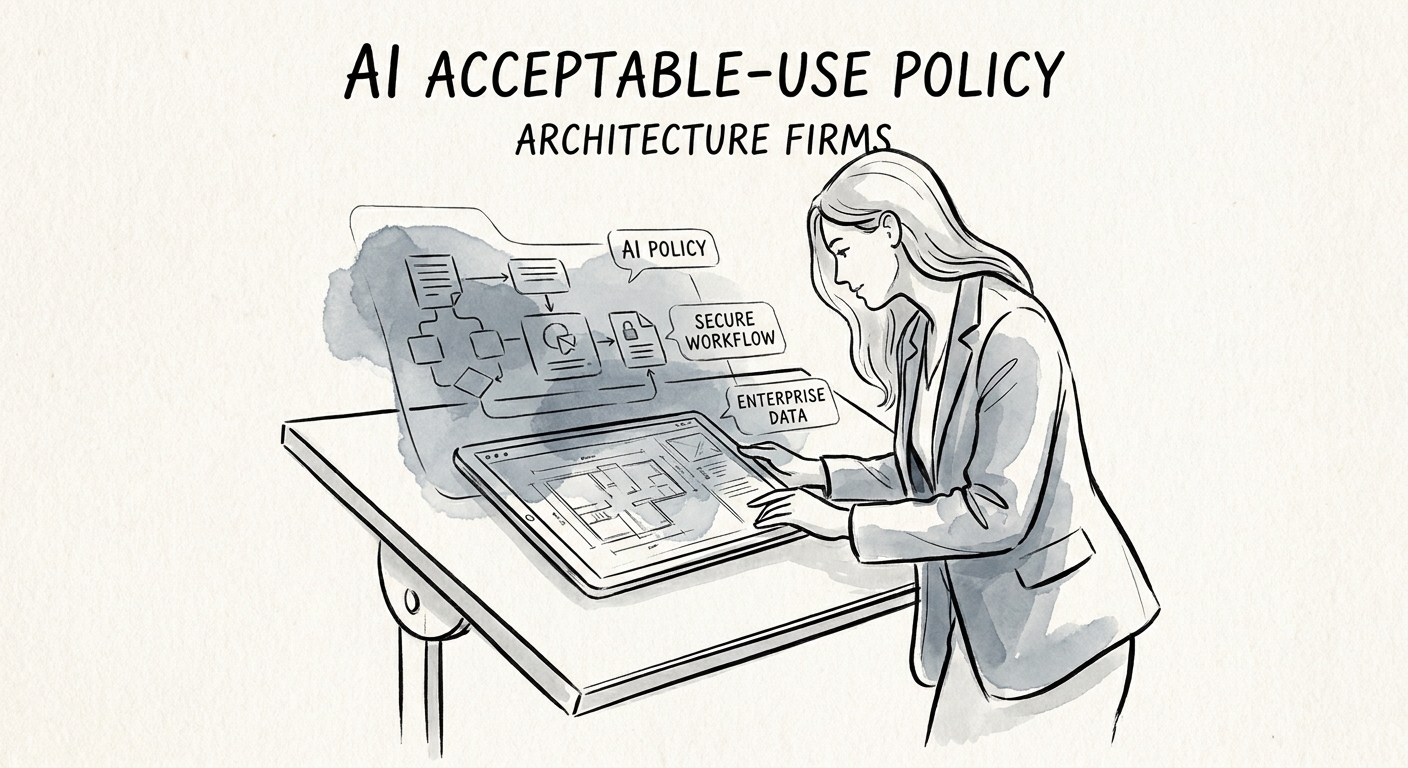
The 11 p.m. submittal is where the policy gets tested
Picture a Thursday before a Friday DD deadline. A project architect is behind, pastes a chunk of the owner's program narrative plus a few sheets of unissued plans into a public chatbot, and asks it to draft the design narrative for the package. It comes back clean and saves two hours. Nobody notices. That single prompt may have just shipped a client's confidential program requirements — square footages, budget assumptions, phasing strategy — to a third party your contract never named, on a project you may be competing to keep through CDs.
That is the scenario an acceptable-use policy exists to prevent, and it is why generic "use AI responsibly" memos fail in a studio. Adoption research from RSM, the San Francisco Fed, and the OECD points to the same thing for smaller firms: AI sticks when it fits the workflow and someone owns the management of it — not when a tool gets handed out and everyone improvises.
For a 15-to-80-person architecture practice, the improvising happens at the worst moment: deadline pressure, junior staff, a deliverable that carries contractual and competitive weight. Your policy has to be specific enough to survive that Thursday night.
Sort your project records into three buckets, not two
Most firms split AI use into "allowed" and "not allowed" and then argue about every edge case. Architecture work sorts more cleanly into three buckets, and naming them is the whole job.
Green — fair game in any approved tool. Drafting a meeting agenda, summarizing a published section of the IBC or a local zoning ordinance, turning your own rough notes into a proposal outline, generating interview questions for a hiring panel. These touch nothing client-confidential.
Yellow — managed tools only, with reviewer signoff. Anything that pulls from owner program requirements, consultant RFIs and markups, cost or schedule assumptions, or site documentation tied to a real project. This is where most of the daily value lives, and it is exactly the data CISA's AI data security guidance says you have to control at the point of input. Before you green-light a managed assistant for this bucket, read the actual terms — Microsoft 365 Copilot's privacy controls and OpenAI's enterprise privacy commitments — and confirm they don't conflict with your owner-architect agreements.
Red — never goes into AI, full stop. Unissued or sealed drawing sets, anything stamped, life-safety calcs, and any package that is one click from a building department or a client's board. The NIST AI Risk Management Framework gives you the verb sequence here: map the workflow, name the risk, assign an owner. The hard line isn't the document type alone — it's the document's proximity to a stamp or a submittal.
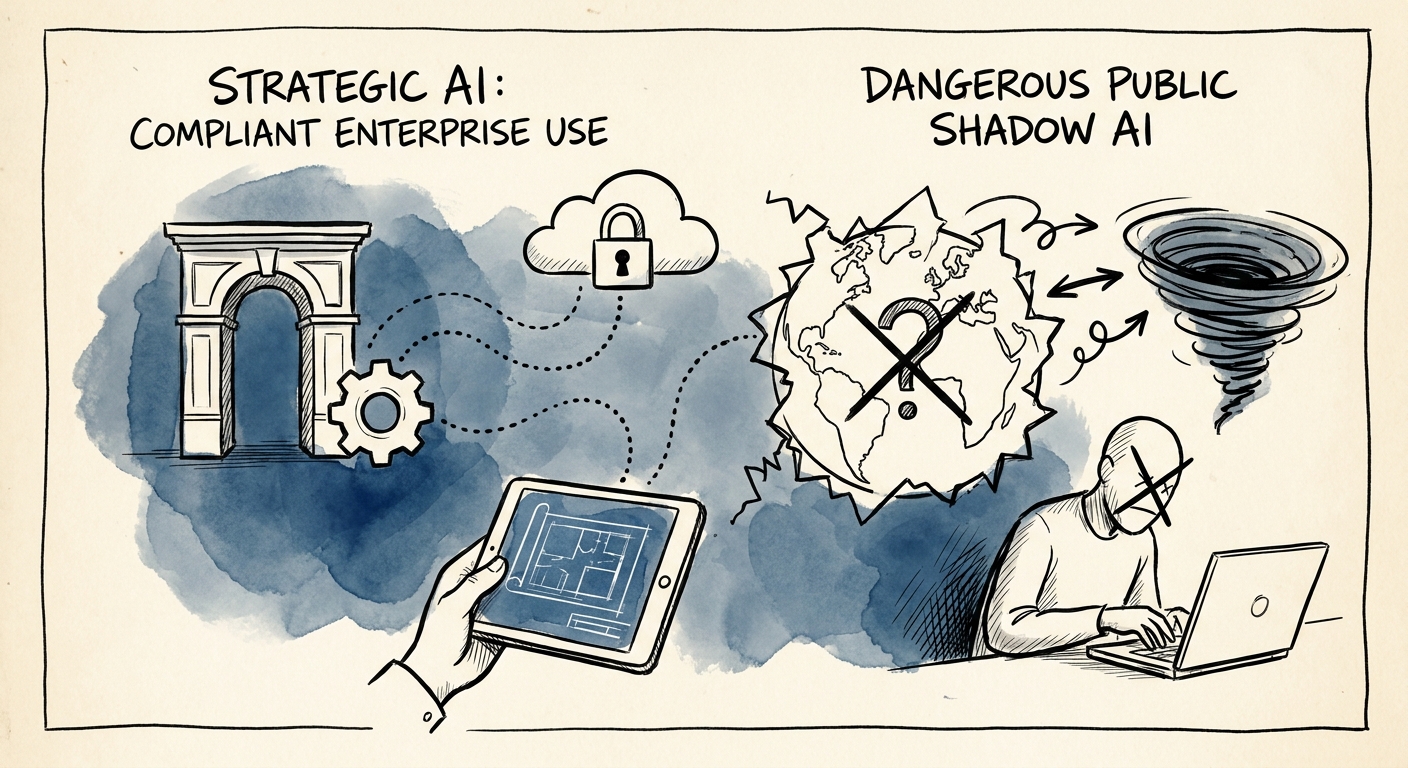
Hang the policy on the PM, and write the three sentences that matter
The control that works in a studio isn't a 20-page document. It's three sentences a project manager can repeat at kickoff: which tools are approved, which project sources are off-limits without their okay, and who to text when someone isn't sure. The escalation path is the part firms skip and the part that actually prevents the Thursday-night incident — when staff have a fast "ask first" route, they use it instead of guessing.
Tie the review trigger to a deliverable milestone, not to a vibe. AI can touch the draft; a licensed professional owns the code interpretation, the design judgment, and the signoff before anything moves toward submittal. Revisit the rules at three predictable moments: project kickoff, QA/QC review, and proposal closeout. Same cadence as your other quality gates, so it doesn't become a separate chore that dies in a month.
If you want a starting point this week: pick one real project, walk its document flow, and tag each record green, yellow, or red. That single exercise surfaces where your team is already improvising. From there, the SMB AI readiness assessment stress-tests your project-data maturity, and the 90-day implementation plan turns the buckets into tool approvals, training, and one measured first workflow.
