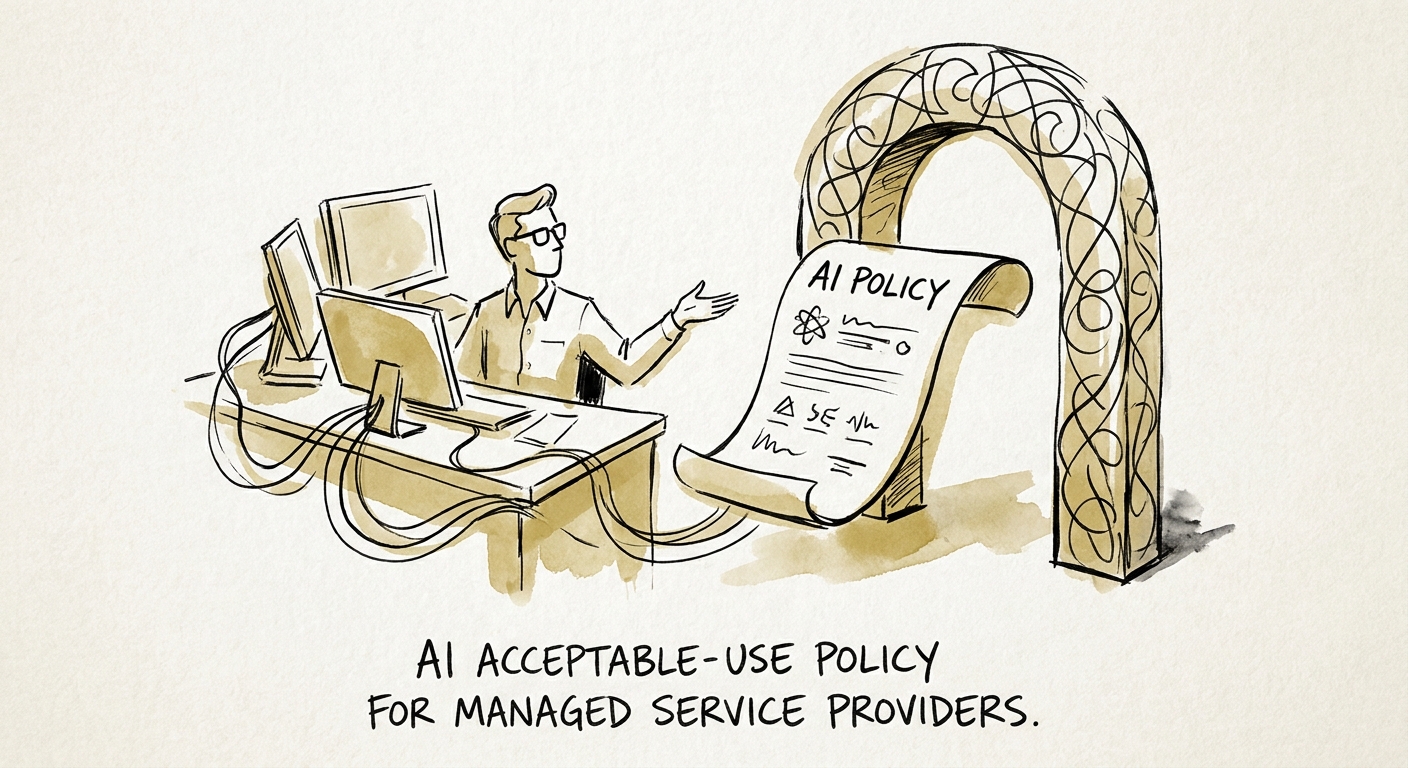
The data your techs paste into AI doesn't belong to you
Picture a Tuesday at a 30-seat MSP. A level-two tech is stuck on a misbehaving Sophos rule for a client's network. Under deadline, they paste the full firewall config — interface names, NAT rules, the lot — into a public chatbot and ask it to explain the conflict. They get a clean answer in forty seconds. They also just transmitted a client's complete edge topology to a third party that the client never authorized, never signed an agreement with, and would be horrified to learn about.
That is the whole problem in one scene. Most AI policies are written by companies worried about leaking their own roadmap or HR files. An MSP's exposure is categorically different: you are the custodian of credentials, network diagrams, tenant configurations, and incident timelines for dozens of businesses that trusted you with administrative keys. A single careless prompt doesn't risk your data — it breaches someone else's, under your name, against contracts you signed.
The broader research is encouraging on the upside. The RSM middle-market AI survey, the San Francisco Fed's small-business AI analysis, and the OECD's SME adoption report all point the same way: smaller firms get real value from AI when it's wired into controlled workflows rather than improvised at the keyboard. For an MSP, "controlled" has a specific meaning — the control has to survive a tech who is tired, behind, and certain the shortcut is harmless.
Sort by who owns the data, not by how clever the use case sounds
The mistake is sorting AI use by task. "Is drafting allowed?" is the wrong question. The right one for an MSP is: whose data touches the prompt, and did that client agree to it? Sort everything into three lanes by data ownership.
Green — your own material, no client identifiers. Cleaning up an internal runbook template, drafting a generic onboarding checklist, rewriting a knowledge-base article from approved source content, summarizing your own internal process docs. No client name, no client config, no ticket body. Use freely in approved tools.
Yellow — client work that has been scrubbed and explicitly authorized. A QBR narrative built from sanitized metrics, a service-report draft with identifiers stripped, a runbook generalized from a real engagement. Allowed only through the configured assistant, only after the client-data fields are removed, and only in a workflow leadership has signed off on per client.
Red — privileged client-system data, full stop without specific approval. Credentials and secrets, raw logs, firewall and network configs, tenant screenshots, EDR and SIEM alert detail, active incident timelines, admin notes, unresolved security exceptions. None of this enters any AI tool unless there is a documented, client-aware exception. This is the lane that ends contracts.
Two frameworks do the heavy lifting here. The NIST AI Risk Management Framework gives you the vocabulary to map each use and assign a named owner, and the CISA AI Data Security Best Practices sharpen the data-handling lens you already apply to client environments — source access, prompt handling, logging, and output review. If you run a managed assistant, verify its real configuration against Microsoft 365 Copilot's privacy and data controls and OpenAI's enterprise privacy commitments — but remember the vendor's data boundary is not your client's. Their tenant might be isolated from model training and still be a place that client never agreed their config could go.
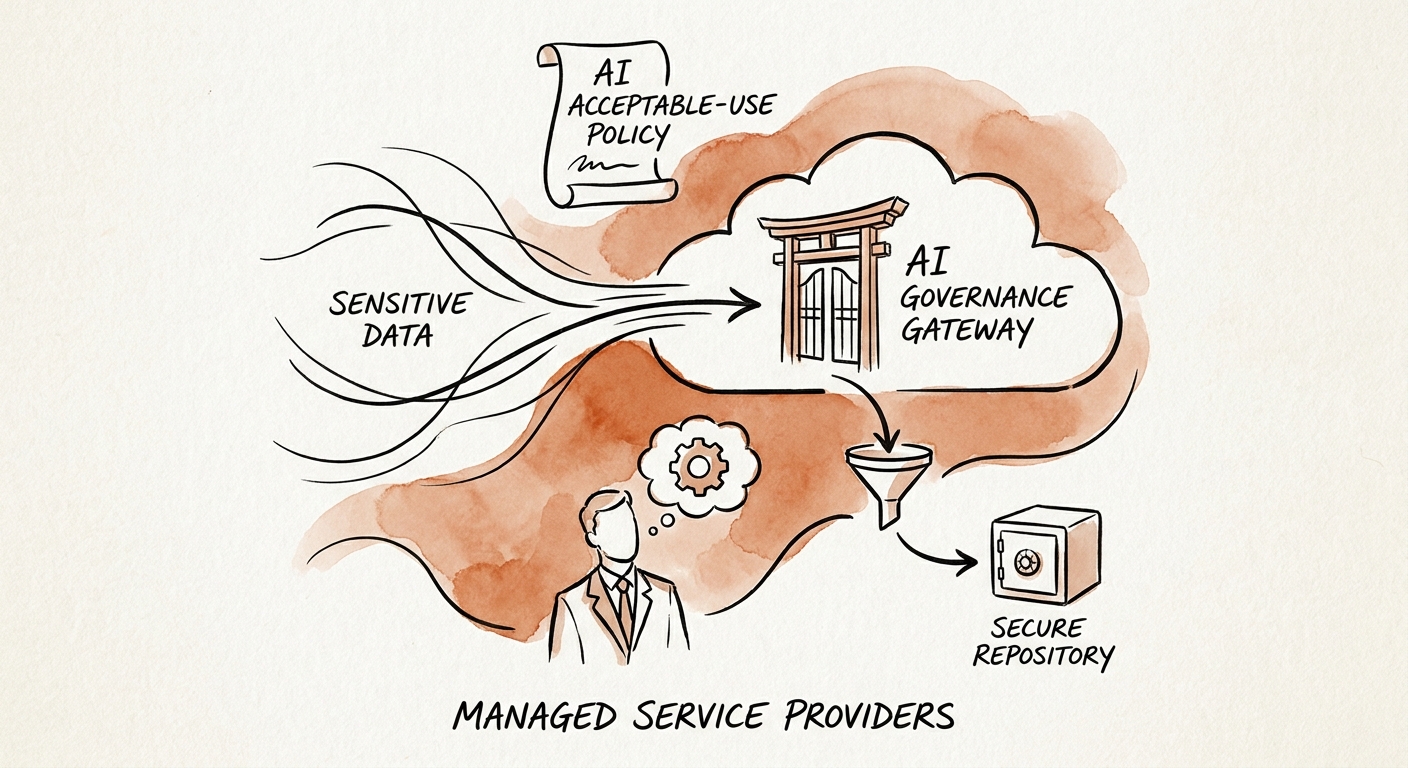
Make it a service-desk control, not a PDF nobody opens
An AI policy that lives in a shared drive changes nothing. For an MSP it has to live where the work happens — inside service operations. Concretely, that means a short approved-tool list pinned in the PSA, the red/yellow/green data lanes printed on a card at the service desk, a review rule on AI-assisted QBR and ticket output before it reaches a client, an exception log for any red-lane request, and a standing escalation path for anything touching incident response or privileged access.
Start where the data is yours and the upside is obvious: QBR prep from sanitized numbers, internal runbook cleanup, knowledge retrieval against approved sources. Prove the workflow, log what happens, then widen. Keep credentials, live incident handling, client architecture, and admin work behind the stricter gate until the discipline is muscle memory — and write the client-notification expectation into your master services agreement so the boundary is contractual, not just internal.
If you want a structured way to pressure-test those data boundaries, run the SMB AI readiness assessment, then use the 90-day implementation plan to sequence tool approval, tech training, pilot selection, and measurement — so policy becomes a working control inside one quarter instead of a document you cite after the incident.
