
The practical answer
- Short answer
- Why 62% of Atlassian Cloud migrations fail on adoption, not data. A diagnostic guide for preventing the 'User Revolt' and ensuring business continuity.
- Best fit
- Industry: B2B Tech. Function: Operations
- Operating path
- Process Documentation → Operational Excellence → Transaction Execution Services
- Key metric
- 69% of IT leaders reported budget overruns in their cloud migration projects due to unforeseen complexities.
The 'Green Light' Lie: Technical Success vs. Business Failure
In the boardroom, the Atlassian Cloud migration project is often marked as "Complete" the moment the data center servers are decommissioned. The CIO reports that 100% of Jira tickets and Confluence pages were successfully transferred. The data integrity checks passed. The green light is on.
Yet, in the engineering and product teams, productivity has collapsed. This is the "Green Light Lie." Recent industry data reveals that 62% of cloud migration projects fail or encounter significant difficulties that prevent them from delivering the promised business value. The disconnect stems from a fundamental misunderstanding of what is actually being migrated. IT teams migrate data; business teams migrate workflows.
When a migration is treated as a technical lift-and-shift, it ignores the decades of "tribal knowledge" hard-coded into the on-premise instance. ScriptRunner scripts, complex workflow transitions, and post-function triggers that powered your R&D velocity often have no direct equivalent in the Cloud environment. When these break, the "green light" dashboard hides a reality where developers are reverting to spreadsheets because their Jira buttons no longer work. The cost of this disruption often exceeds the migration budget itself, with 69% of IT leaders reporting budget overruns due to unforeseen operational friction.
The goal of an Atlassian migration isn't to move data from Server A to Cloud B. It's to ensure that on Monday morning, your engineering team can still ship code.
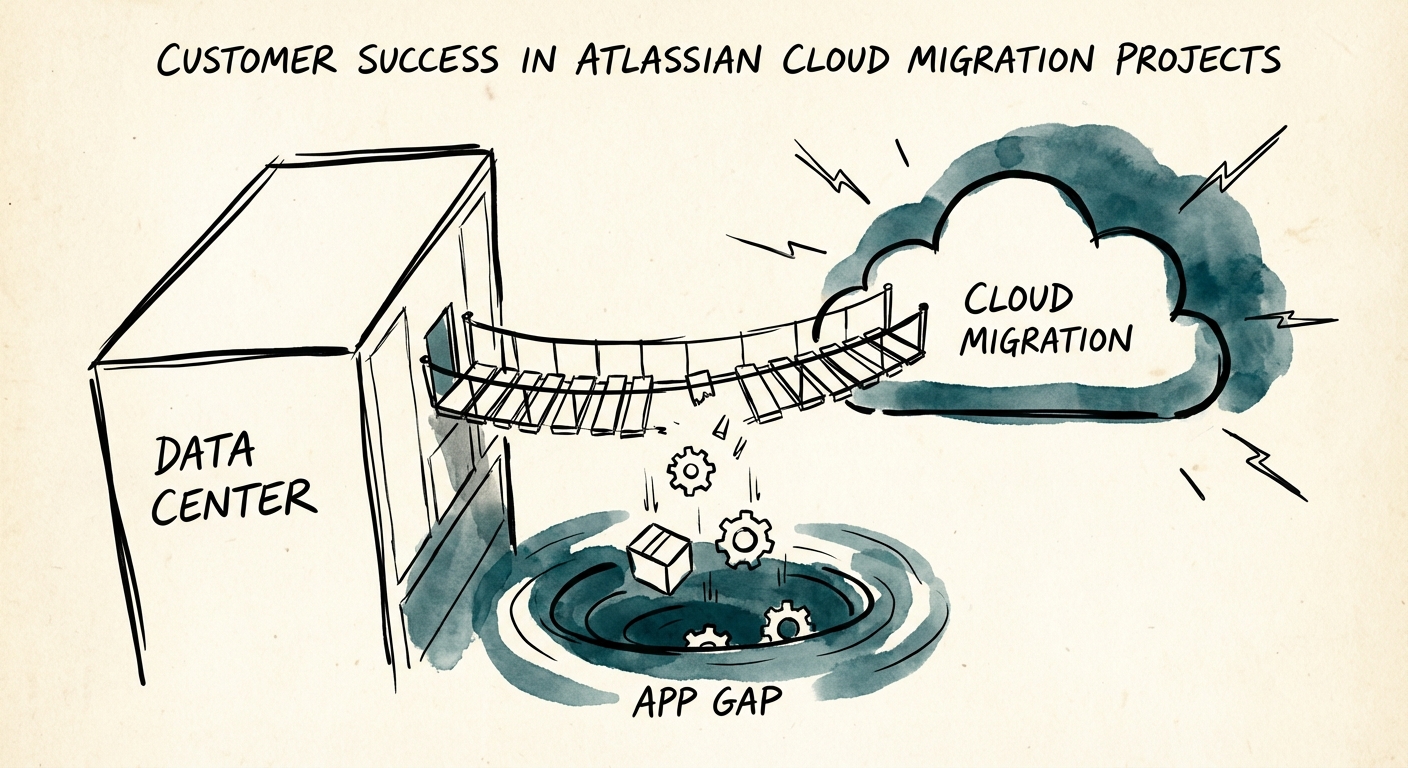
The 'App Gap': The Silent Killer of Workflows
The single biggest vector for the "User Revolt" is the Atlassian Marketplace. With over 5,700 apps available, your on-premise instance has likely accumulated a precarious stack of plugins that define your team's daily reality. In the Data Center world, these apps had direct access to the database and could be customized endlessly. In the Cloud, they are restricted by API rate limits and sandboxed environments.
Our diagnostic data shows that 38% of migration failures are directly tied to integration and app compatibility issues. This is the "App Gap." It manifests in three ways:
- Functionality Loss: The Cloud version of a critical app (e.g., a time-tracking tool or Gantt chart) lacks 30% of the features users rely on.
- Data Ghosting: The app migrates, but its historical data (metadata, logs, configurations) does not, leaving teams with a "fresh install" that erases years of context.
- The 'Inactive' Script: Custom Groovy scripts used in ScriptRunner for Server often require a complete rewrite for Cloud. If this isn't identified in the audit phase, critical automations fail silently post-launch.
The solution is not to find a 1:1 replacement for every app, but to audit the process the app supports. Often, the "User Revolt" can be quelled by proving that a native Cloud automation can replace a legacy expensive plugin—but this requires documentation before migration, not discovery after the fact.
The 'Process First' Defense: A Pre-Migration Inventory
To prevent the User Revolt, you must invert the standard migration playbook. Instead of starting with a "Server Backup," start with a "Workflow Inventory." This aligns with the Process Documentation methodology that high-value acquirers look for.
Successful migrations that preserve User Adoption follow a specific sequence:
1. The Usage Audit
Don't ask teams what they use; check the logs. We frequently find that 40% of installed apps haven't been accessed in six months. Migrating these is technical debt, not value.
2. The 'Critical Path' Mapping
Identify the top 5 workflows that drive revenue (e.g., "Code Commit to Deploy" or "Customer Ticket to Bug Fix"). Document every click, transition, and automation in these paths. If the Cloud environment cannot replicate these exactly, you must have a training plan ready before the switch is flipped.
3. The 'Sandbox' Rehearsal
Never migrate straight to production. Create a sandbox environment and force your "loudest" users to work in it for a week. Their complaints during this phase are free; their complaints after the cutover are expensive. This rehearsal typically reveals the hidden costs of the new operating model before they hit your P&L.