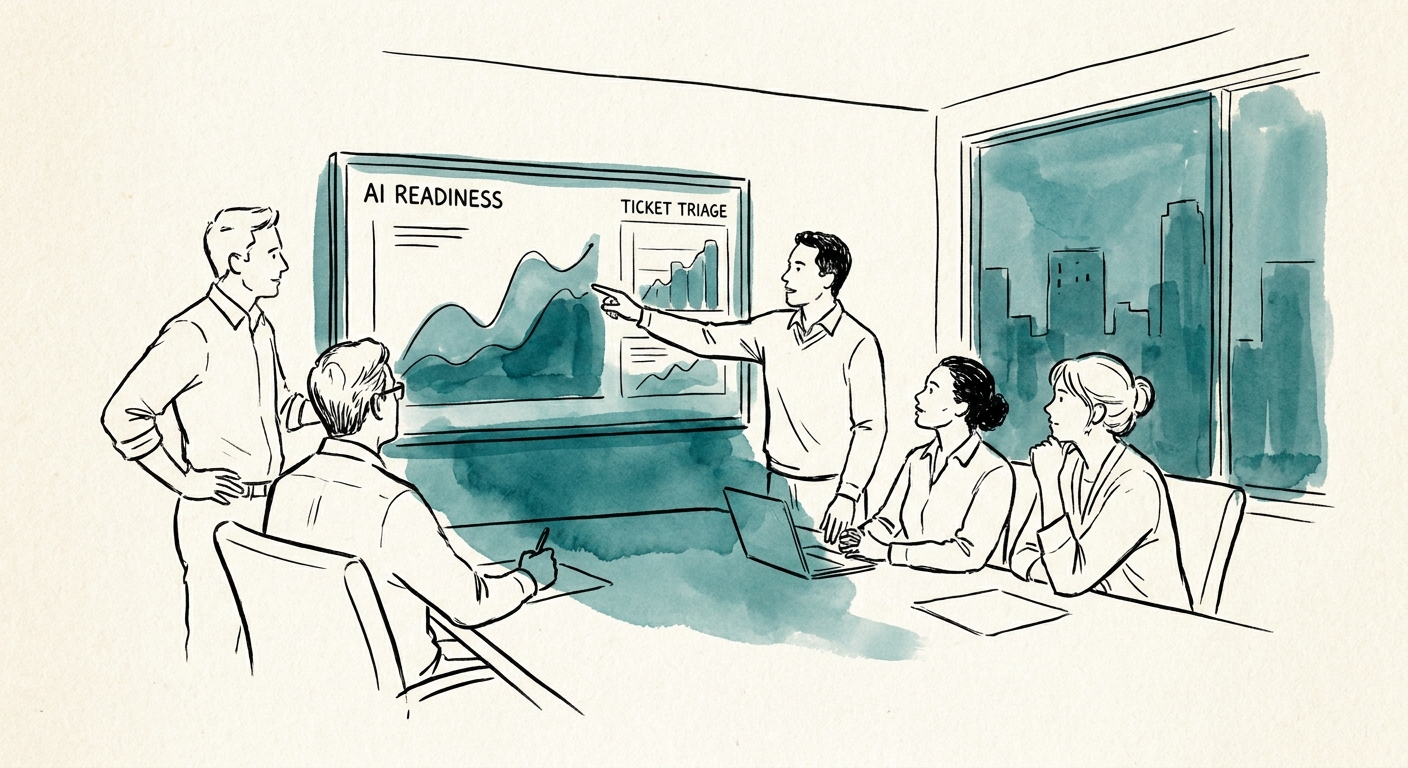
The readiness question isn't "do we have the data" — it's "who has the time"
Picture a 25-person managed services shop. The owner is also the de facto sales engineer, the escalation point on the three accounts that pay the rent, and the person who signs off on every quote over $5,000. When a vendor pitches an AI assistant for the help desk, the real constraint isn't model accuracy or whether the ticketing system has an API. It's that the one person who can tell a good answer from a confidently wrong one already has no slack in the day. Federal Reserve Bank of San Francisco research on small-business AI and the OECD report on SME AI adoption both point at the same chokepoint in firms this size: adoption pressure is everywhere, but owner attention is the resource that doesn't scale.
So readiness, for an MSP at this headcount, comes down to a single test: can you carve out one recurring queue narrow enough that the owner can eyeball the AI's output once a week without it becoming a second job? Ticket triage — auto-categorizing and drafting first-response for inbound tickets — is usually the cleanest first target, because the corrections are fast to spot and the blast radius of a wrong draft is small. Internal knowledge lookup ("what's the VPN reset procedure for the Henderson account?") is a close second. Quote follow-up is tempting but riskier, because that's where a premature, AI-sent message can commit you to a price or a timeline the owner never approved.
What a "Tuesday afternoon back" actually looks like on the dashboard
Most readiness checklists die in the abstract. Make yours boringly concrete. Before you flip anything on, spend two weeks logging four numbers for your chosen queue. Say it's ticket triage: how many minutes a day does the owner or senior tech spend reading raw tickets to figure out priority and route them? How old is the median unresolved ticket? How often does a customer call back because the first response missed context that was sitting in a prior ticket? And — the one everyone skips — how many tickets stall because the relevant runbook or account note simply isn't written down anywhere a tool could find it?
That last number is the honest readiness signal. If a third of your tickets depend on knowledge that lives only in one tech's head, an AI assistant trained on your knowledge base will hallucinate to fill the gap, and the owner will spend more time catching fabricated answers than the tool ever saved. The fix isn't a fancier model; it's writing down the ten procedures that drive most of your volume first. Then, after the pilot has run a few weeks, the weekly review reads the same four numbers back plus one more: how often did the owner override the AI's draft? When override frequency drops and median ticket age drops together, you have evidence the tool changed the work — not just that it produced more drafts. Only once those numbers are moving and tied to a named owner does it make sense to put structure around the decision with something like the AI Opportunity Score or the AI ROI Calculator.
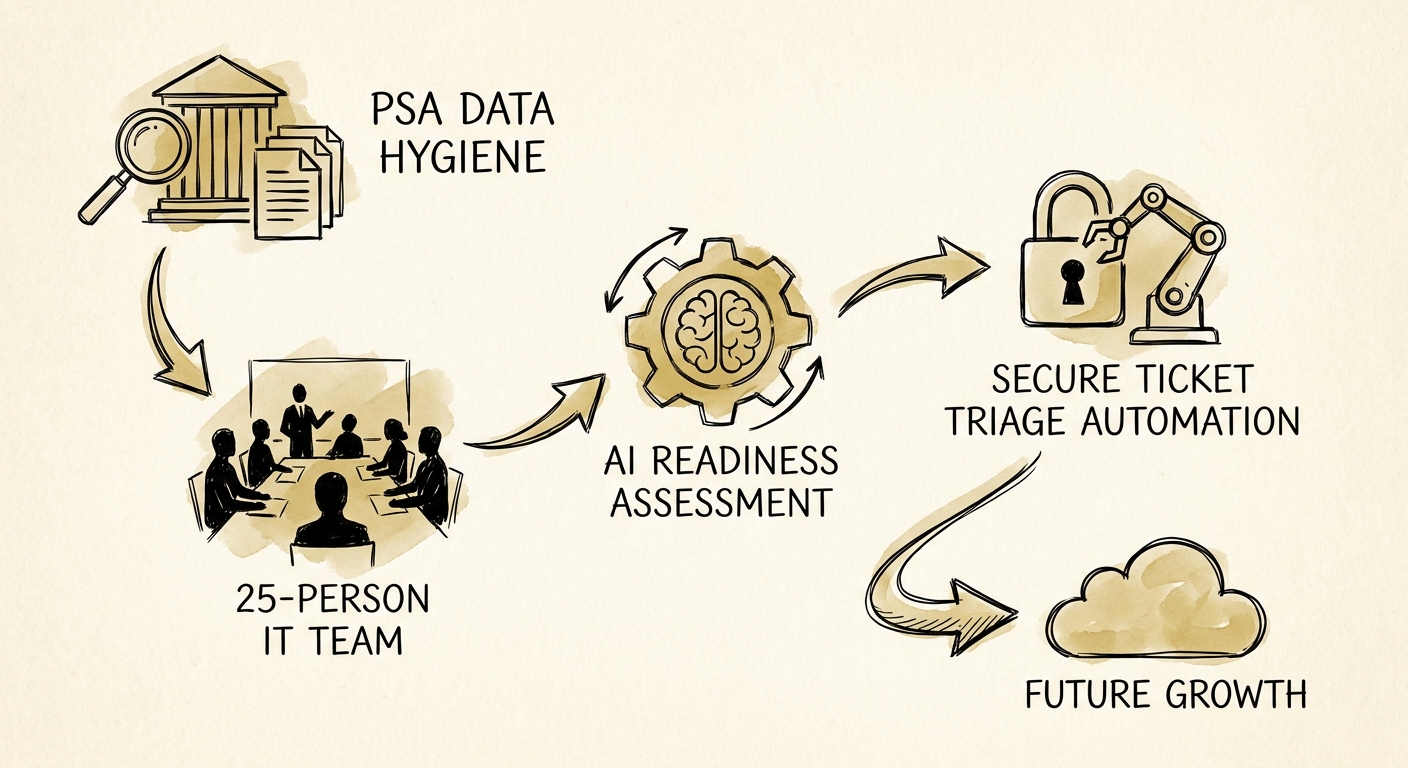
The line a small MSP cannot let AI cross alone
You hold client data, admin credentials, and the trust that you won't leak either. That changes the rules. Use the NIST AI Risk Management Framework to write down, in plain language, what this assistant is allowed to do, what it isn't, and who is accountable when it's wrong — for a 25-person shop this can be one page, not a policy binder. Then scope access hard: the triage tool should see ticket text and your published runbooks, not your RMM credentials, not your billing system, not every client's raw config. The CISA guidance on securing data used to train and operate AI systems is the right reference for which sources to expose and how long to retain what the model touches.
The non-negotiable: nothing leaves the firm under a customer's eyes without a human pressing send. AI can draft the ticket response, suggest the priority, surface the runbook — but the reply to the client, and certainly any quote or commitment, stays behind owner or senior-tech approval until you've watched the tool be right for weeks. Run it for a month on one queue. If it gives the owner back real hours without a single customer-trust scare or a wrong commitment slipping out, that's your green light to add the second queue. If it doesn't, you've spent a month and a few hundred dollars to learn the firm wasn't ready yet — which is a far cheaper lesson than a botched company-wide rollout.
