The 11 a.m. email that should never have left the building
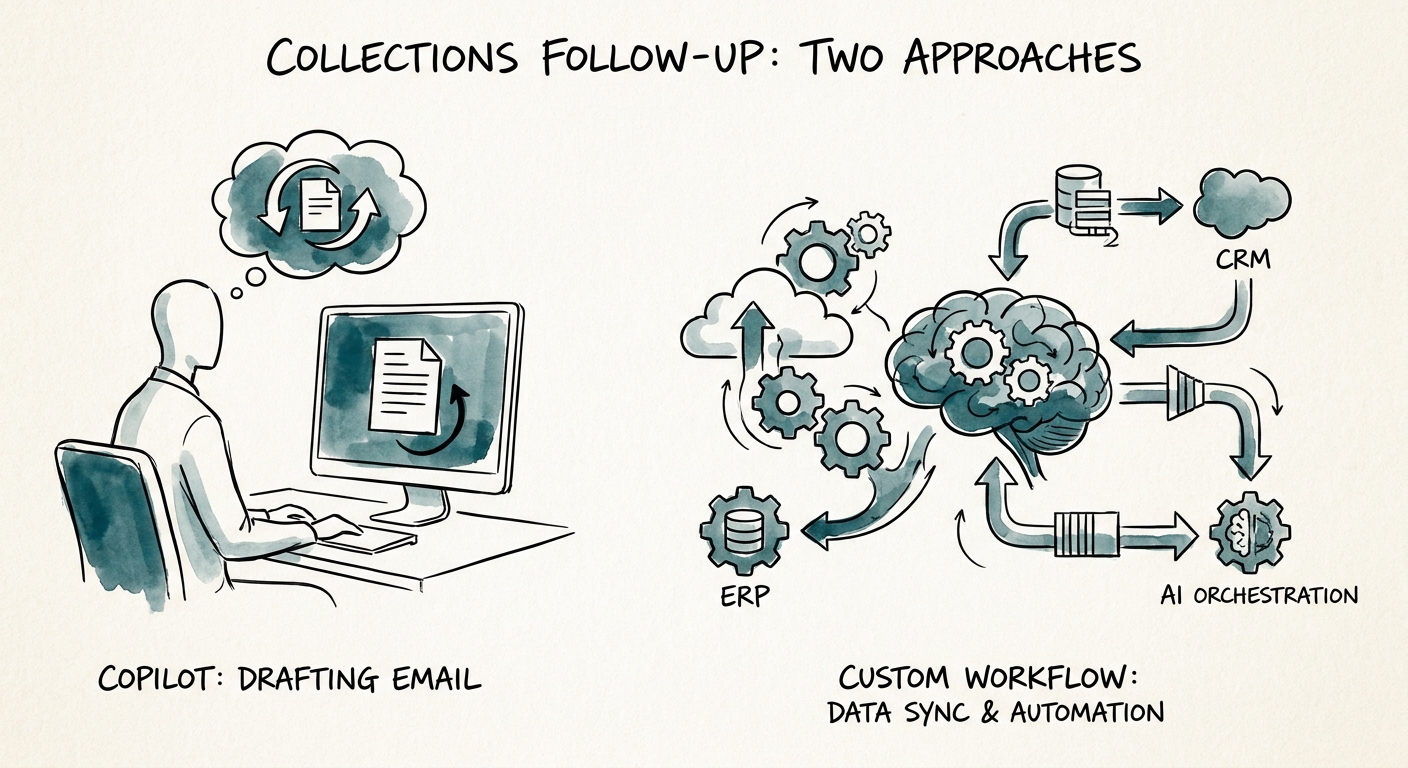
Picture a 60-person B2B software shop. Invoice #4471 is 38 days past due. A collector opens Microsoft Copilot, says "draft a firm but polite payment reminder for Acme Corp," and gets a clean, on-brand email in four seconds. It's a good email. It also doesn't know that Acme opened a support ticket last Tuesday disputing two line items, that their account owner promised a credit on a call Thursday, or that Acme is mid-renewal and the email is about to land in the buyer's inbox the same week the deal closes.
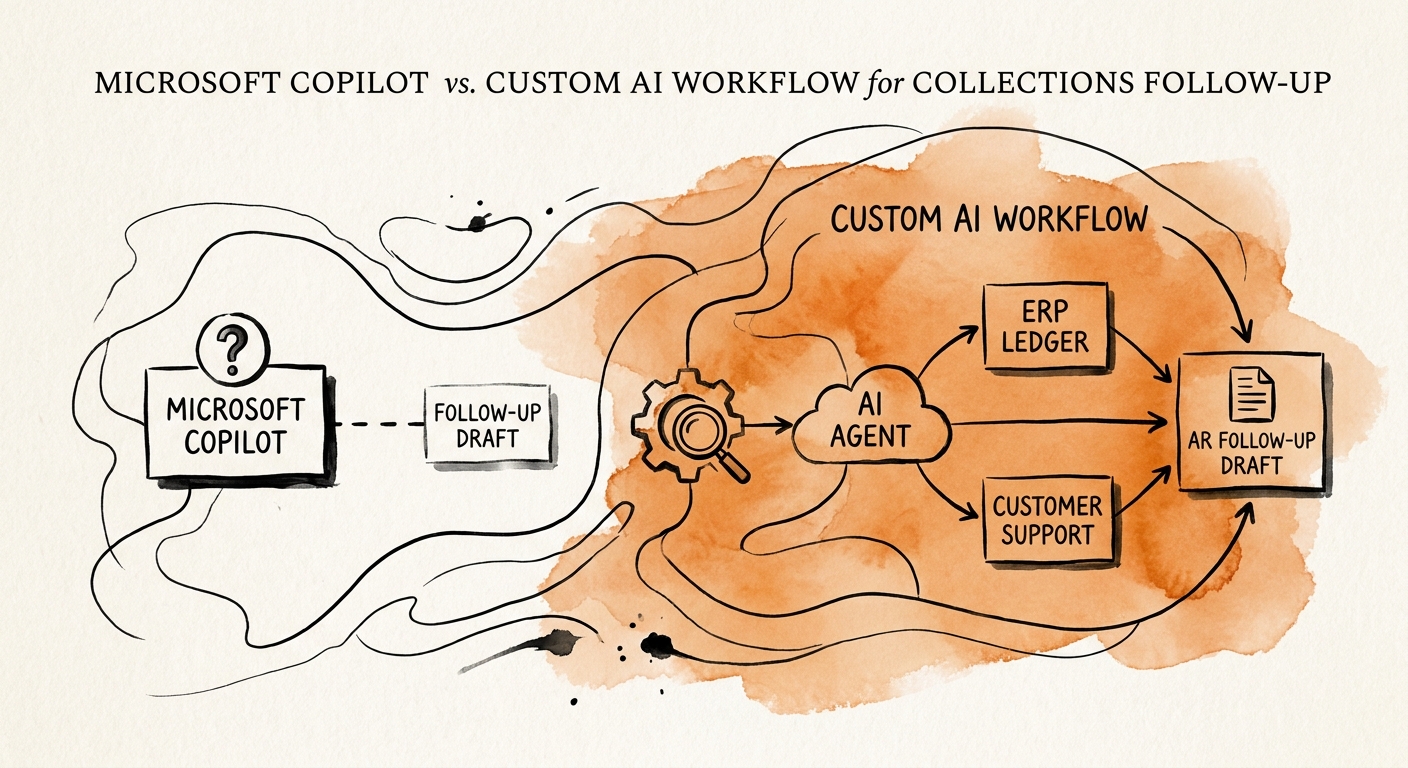
That's the whole problem with collections in one scene. Microsoft's own architecture, data protection, and auditing documentation is explicit that Copilot reasons over the content a user can already reach inside Microsoft 365 — mail, files, chats. It's a phenomenal drafting and summarizing tool inside that boundary. But the facts that decide whether a past-due notice is correct or catastrophic live in your ERP (invoice and aging status), your CRM (the renewal stage, the promise-to-pay), and your support system (the open dispute). Copilot writes the message. It does not know the message is wrong.
Build the gate, not the better paragraph
The instinct after that incident is to buy a better AI writer. The fix is the opposite: a custom collections workflow's job is mostly to decide whether to write at all. Before any reminder leaves, it reconciles three systems — ERP, CRM, and support — and checks for the conditions that turn a routine nudge into a liability: an open dispute, a recorded promise-to-pay date still in the future, a credit memo pending, an account flagged as a strategic renewal. Any one of those should pull the item out of the auto-send lane and into a human review queue.
Because these notices touch customers and money, treat them as the risk-bearing decisions they are. The NIST AI Risk Management Framework and the PwC Responsible AI survey both point the same direction: where AI output reaches a customer, you want context, traceability, and a clear human checkpoint, not a black box that fires emails. Concretely, that's a queue where the AI assembles the evidence — current balance, days outstanding, dispute status, last contact, the proposed message — and a finance or account owner approves, edits, or kills it before it sends. The AI does the gathering and drafting at scale; the human owns the send on anything that smells like risk. Clean accounts flow; the messy ones get a person.
What to measure on Monday
Don't measure this with "emails sent." The value of a collections workflow shows up earlier and later than the send. IBM's Institute for Business Value and McKinsey's State of AI research keep landing on the same finding — the returns come from redesigning the operating workflow, not bolting a writer onto the old one. So track these: minutes to assemble full account context (the number that justifies the build), the share of items the AI correctly diverted to human review, how many disputes got caught before a dunning email went out, promise-to-pay follow-through rate, and the only scoreboard finance actually cares about — movement in days sales outstanding once the team trusts the queue.
Start narrow. Pick your highest-risk segment — strategic accounts mid-renewal, or anything with an open ticket — and route only those through the review gate first. Keep Copilot exactly where it's good: helping a collector phrase the hard message once the workflow has confirmed it should be sent. When the process needs to read ERP, CRM, and support together, that's AI for operations and finance; when it needs system-to-system routing and approval steps, that's workflow automation.