The 4:55 p.m. Friday ticket tells you everything
A 40-person field-service company. A customer emails "system's down, we have a crew on site" at 4:55 on a Friday. It lands in a shared inbox, gets read as a routine question, and sits in the queue until Monday because the keyword model saw "system" and "question" and tagged it low. That single misroute is the entire ticket-triage problem in one ticket: the workflow has to decide severity, owner, SLA risk, and next action before a human even looks, and it has to get the hard ones right, not the easy ones.
Most teams that bring AI into triage start in the wrong place. They want it to summarize. The actual failure mode isn't slow summaries — it's misclassification, late routing, inconsistent escalation, and the SLA clock that nobody was watching. San Francisco Fed research on small-business AI use keeps landing on the same point: the constraint is implementation capacity, not model access. So your first slice is narrow on purpose — one queue, one severity model, and a lead who reviews the AI's overrides for two weeks before it touches anything live. You are not automating support. You are automating the first decision about a ticket, and you're checking its work.
Copilot is a co-pilot for the agent, not a dispatcher for the queue
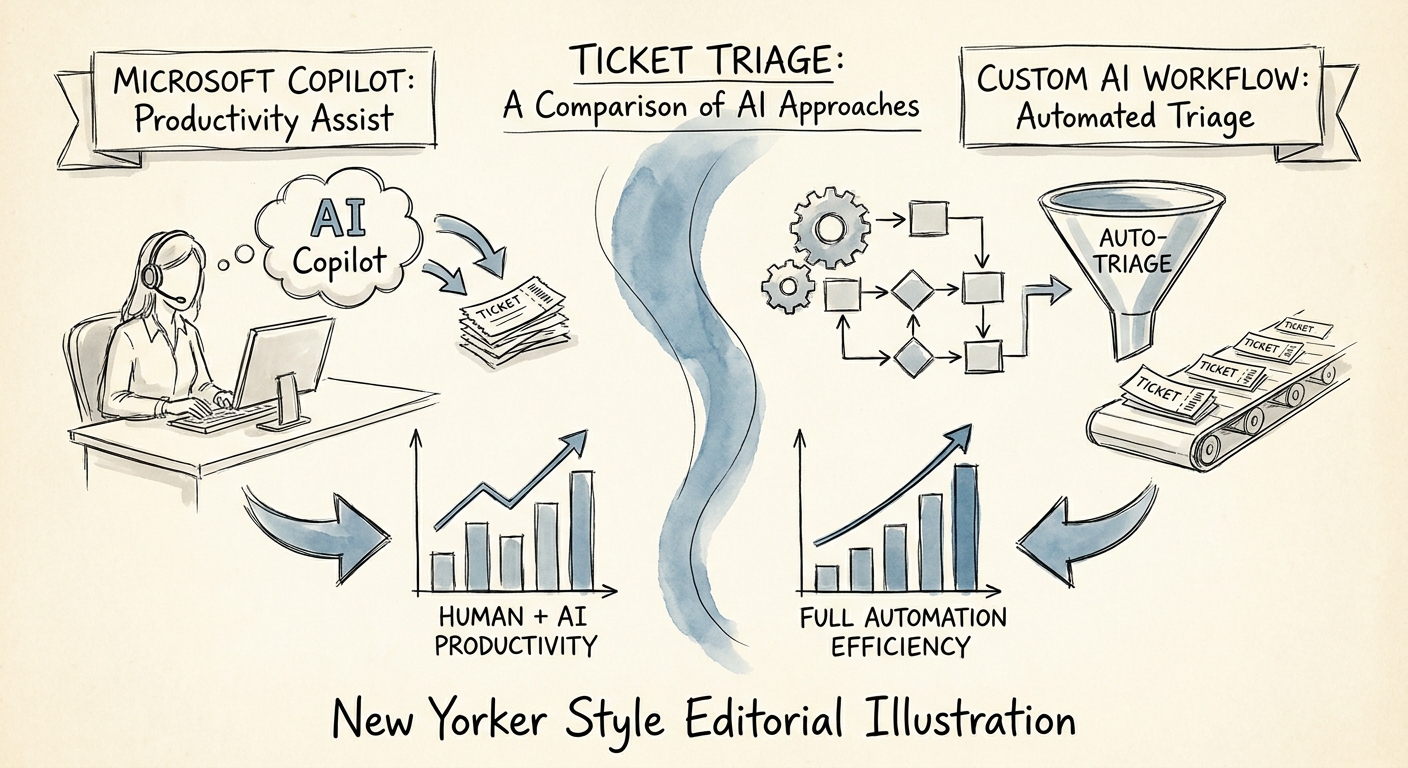
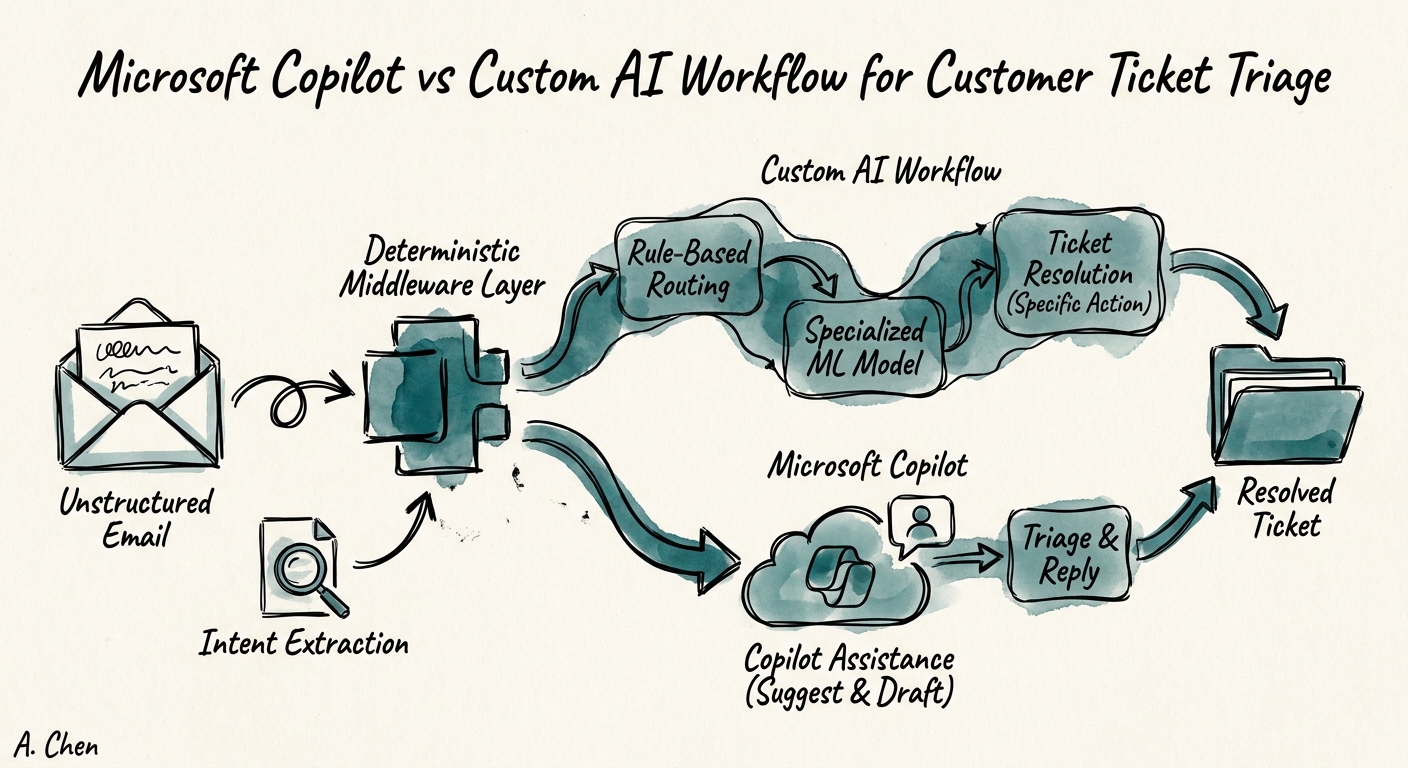
Here's the clean dividing line, because the marketing blurs it. Microsoft 365 Copilot is excellent at the moment an agent already has the ticket open and needs to move faster: summarize a 30-message thread, pull the customer's last three incidents, surface the relevant internal runbook, draft a reply in the right tone. When that context lives in Microsoft 365 — Outlook, Teams, SharePoint — Copilot earns its seat, and it does so inside the tenant's privacy and data-protection boundary. The Copilot architecture is built to reason over your documents and conversations. That's the job it's good at: helping a human respond.
It is not built to run the queue. Triage automation has to call the helpdesk API and write back to it; classify which product area a ticket belongs to; apply your actual severity rules (the ones where "crew on site" beats every keyword); start and watch SLA timers; know that the enterprise account on a 1-hour SLA outranks the free-tier user; route to the right team; and log every override with a reason so the decision can be defended later. That's a stateful, integrated workflow with branching logic — not a chat turn. So when you scope NIST AI RMF review and escalation thresholds for this system, you're governing a thing that takes actions, which is exactly why CISA's AI data-security practices matter here: tickets are full of customer records, employee detail, and operational specifics that the workflow now reads and moves. A draft-reply tool and a queue dispatcher have different blast radii. Treat them that way.
The only metric that settles the argument: did the queue move better?
The build-vs-buy debate ends the moment you measure. Deloitte's State of AI work points to where the value actually shows up — in production, not in pilots — and ticket triage gives you a uniquely cheap way to prove it. Carve off one bounded queue segment, run the AI triage on it live, and put the current routing process next to it. Then watch six numbers for a month: reassignment rate (how often a human has to re-route what the AI decided), SLA breach rate, escalation accuracy on the genuinely urgent ones, first-response time, backlog aging, and percentage of tickets resolved with zero manual reroute. If reassignment and breaches drop, the workflow is real. If they don't, you stop and fix the severity model before you scale a faster way to misroute.
So, on Monday: pick your single highest-pain queue. Write down the five severity rules a new hire would actually need on day one — including the override conditions that beat keywords. Decide which side of the line each piece sits on. Reply preparation, thread summaries, runbook lookup → leave it with Copilot. Classification, SLA timers, customer-tier routing, write-backs to the helpdesk, and override logs that hold up under review → that's the custom triage workflow, and that's where the engineering goes. Get those five rules right on one queue and you have something worth rolling out. Skip them, and you've just automated the 4:55 Friday miss.
