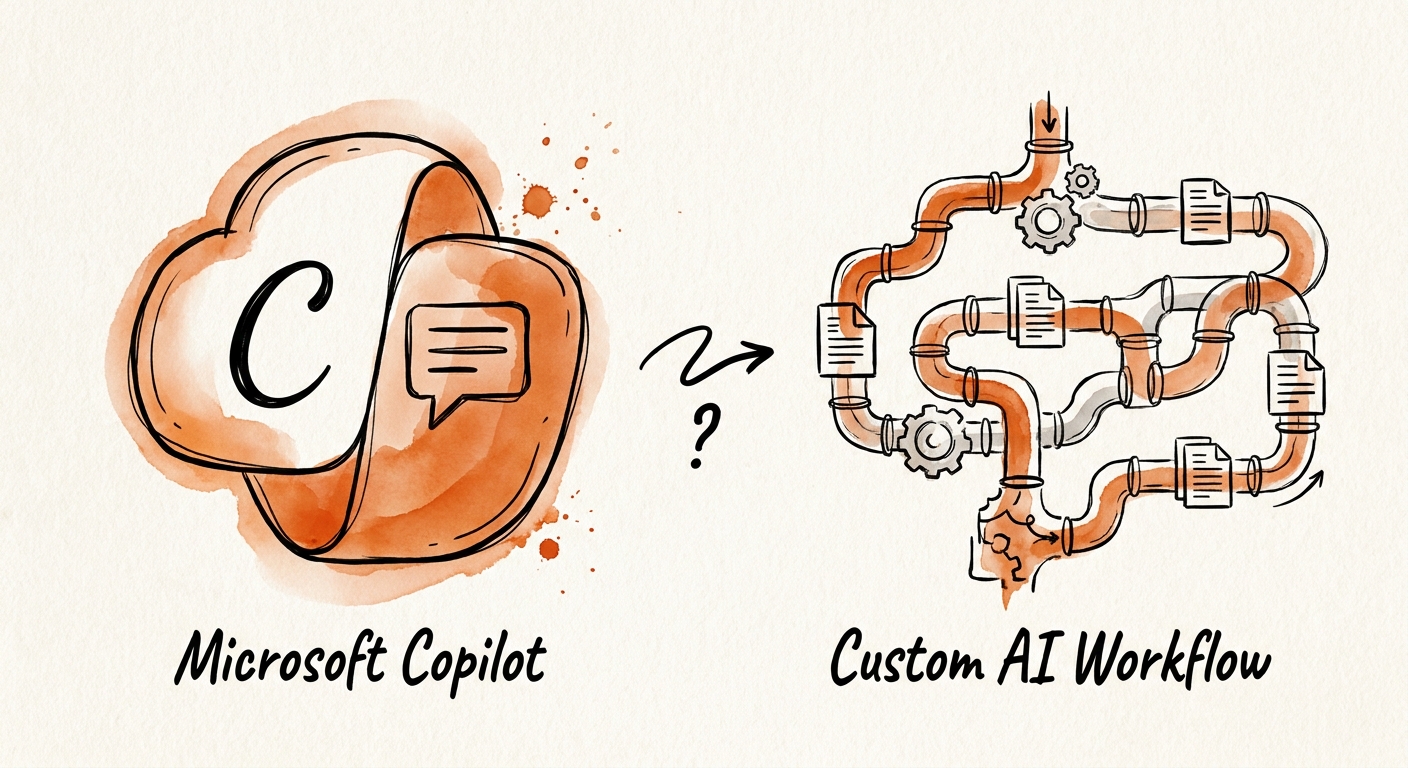
The same 600 duplicate vendors, every quarter
Picture a 180-person distributor running on Microsoft 365 and a Dynamics or NetSuite back end. The AP lead exports the vendor master, sorts by name, and finds the usual mess: "Acme Inc," "Acme, Inc.," "ACME INCORPORATED," three of them with different remit-to addresses, two with stale tax IDs. She fixes a few by hand, the rest rot, and next quarter the same 600 fuzzy duplicates are back, now feeding a wrong 1099 run and a finance close that takes an extra two days.
This is where the Copilot-versus-custom question actually lives — not in some abstract build-vs-buy matrix, but in whether your AI is allowed to change a record. RSM's middle-market AI survey describes companies under real pressure to adopt AI without the enterprise-scale data teams that normally guard master data. So before any tool touches a row, name four things: the data domain (vendor master), the owner (the AP lead, not "finance"), the systems that disagree (ERP says one address, the contract PDF says another), and the decision that gets better when the records are clean (a 1099 run that doesn't generate IRS notices).
Copilot reads the room; it doesn't rewrite the record
Microsoft 365 Copilot is genuinely good at the diagnostic half of cleanup. Point it at content the AP lead can already see and it will cluster the likely duplicates, draft the merge rationale, surface the conflicting addresses buried in an email thread, and explain why two "different" vendors are the same entity under a renamed LLC. It can do this because it grounds answers in your Microsoft Graph — the same SharePoint, Outlook, and Teams context that user already has permission to read. The Copilot architecture documentation is worth reading precisely so you understand that boundary: Copilot retrieves and reasons over Graph content, and the privacy and data protection guidance confirms it respects existing access controls. What it does not do is reach into your ERP, run a fuzzy-match rule against the canonical tax ID, write the merge, and keep the before-image so you can reverse it.
That second list is the custom workflow, and it's a different animal: deterministic record matching, validation tests that block a merge if the tax IDs conflict, an exception queue for the records the rule can't decide, scoped API credentials that update the ERP, reviewer permissions so the AP lead approves before anything commits, and a rollback log. Use the NIST AI Risk Management Framework to name the failure modes — a wrong merge that points payments at the wrong remit-to is a real-money error — and the CISA AI data security practices to govern how tax IDs and bank details are handled while matching and writing. Copilot proposes; the workflow disposes — and only the workflow can prove what it disposed of.
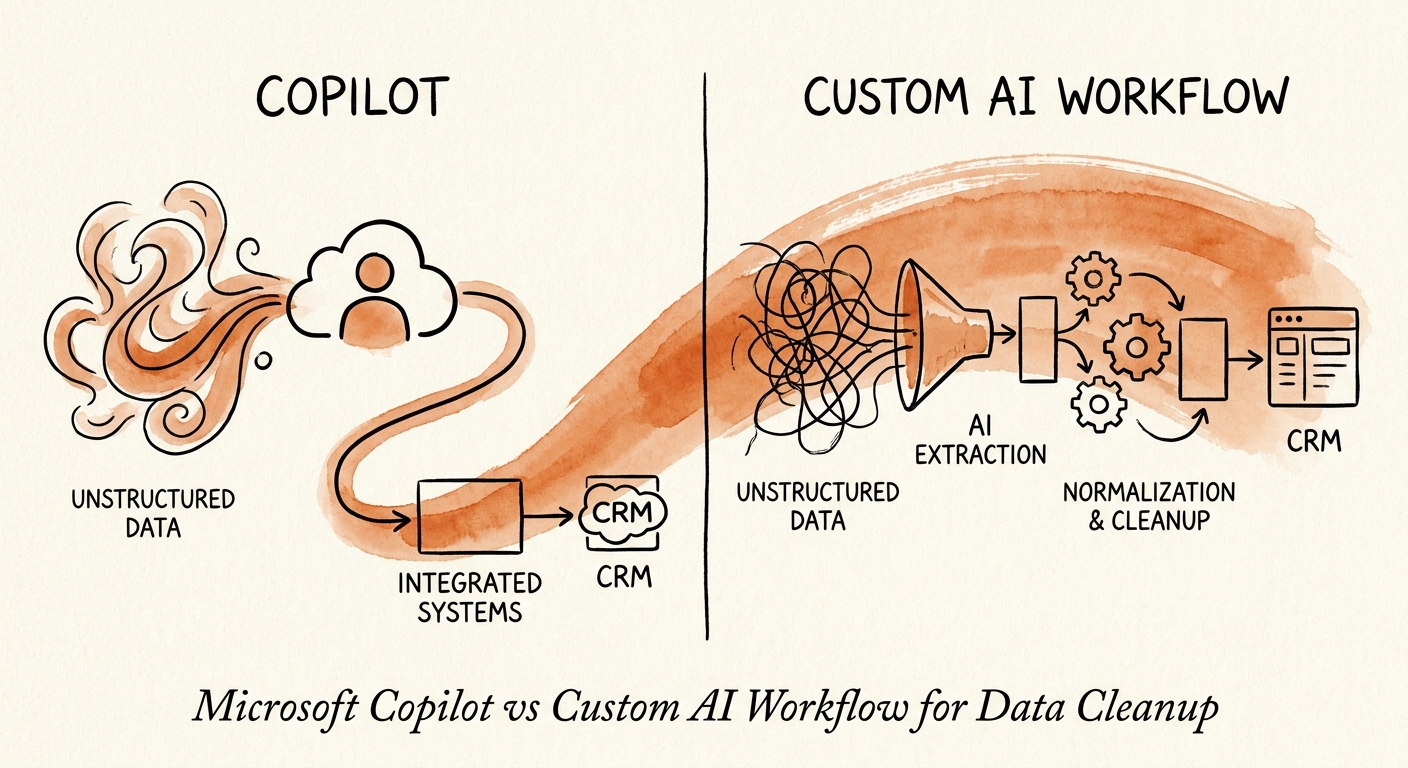
Pilot one object, and measure the undo button
Don't boil the master-data ocean. Deloitte's 2026 AI research keeps landing on the same point — value shows up when a pilot becomes a repeatable production routine, not when it stays a demo. So pick exactly one object with a known pain: the vendor master, customer accounts, the product catalog, or employee profiles. Run a controlled remediation loop on a copy, then on the live system behind reviewer approval.
Track numbers that map to that object, not vanity metrics: how many duplicate clusters got resolved versus kicked to the exception queue, how many merges a reviewer can approve per hour, whether the downstream error rate fell (fewer mis-paid invoices, a faster close, zero IRS mismatch notices next 1099 run). And track the one that separates a toy from a system — can you point at any automated merge and see its source, who approved it, and a one-click reversal? If your team only needs to understand the mess, Copilot is plenty and you should stop there. The moment the business needs the records actually fixed, repeatedly, without conscripting your data analysts into a manual merge help desk, that's the signal to build the governed path. If you want help drawing that line for your own data, our AI transformation blueprint starts exactly here.
