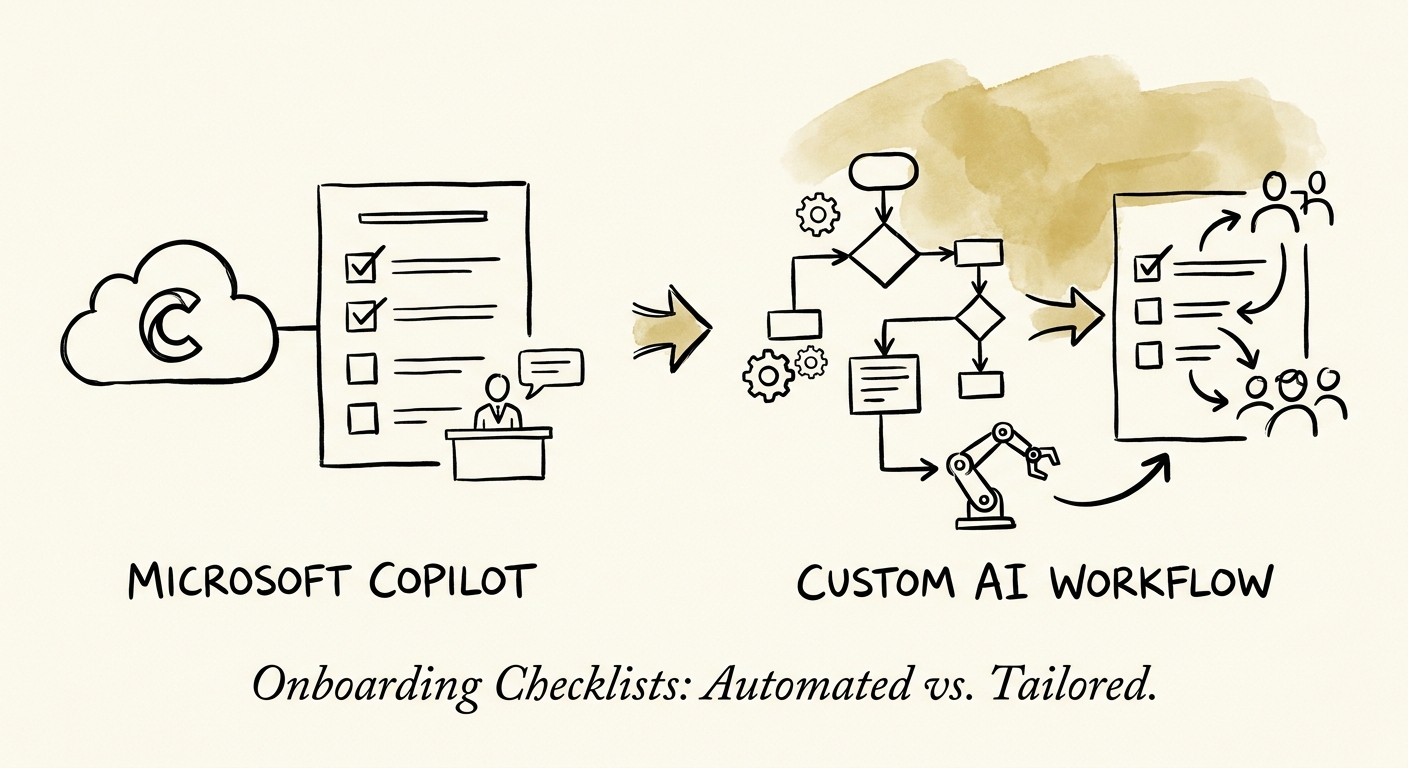
The checklist was perfect. The new hire still couldn't log in.
Monday, 8:55 a.m. A new account manager walks in. The desk is set, the welcome email is warm, and somewhere in a SharePoint folder there's a gorgeous 14-item onboarding checklist. By 9:30 she's borrowing a laptop because hers shipped to the wrong office, she's locked out of the CRM because her access group was never provisioned, and her manager is in a meeting Slacking IT one item at a time. The checklist was never the problem. The checklist completing itself across six systems by a fixed date was the problem.
That's what makes onboarding different from almost any other document workflow at a 50-300 person company: the deadline is immovable and external. You can't push someone's start date because a ticket slipped. Worse, the work spans HR, IT, security, finance, facilities, and the hiring manager — six owners who don't share a queue and only discover the gap when the person is standing there. San Francisco Fed research on AI and small businesses keeps surfacing the same constraint: smaller firms don't lack ideas, they lack implementation capacity. Onboarding is a smart first AI target precisely because its scope can be drawn tight — one role family, a known set of source systems, a hard date — but only if you define those boundaries before you pick a tool.
Copilot lives where your onboarding content already does
Here's the genuine reason to reach for Microsoft 365 Copilot first, and it's specific to your stack: your HR templates, the previous account manager's first-week plan, the IT access matrix, and the security policy a new hire has to acknowledge already live in Microsoft 365. Copilot reads that graph with the same permissions the asking person has, so a hiring manager can say "draft a 30-day plan for this role using how we onboarded the last two" and get something grounded in real documents, not invented from scratch. For manager prep and content drafting — turning a vague title into a credible first-week plan, summarizing a 9-page policy into what the new person actually needs to sign — that's a real assistant, and it's deployable this quarter against tooling you already pay for.
What Copilot will not do is the part that broke at 9:30 a.m. It doesn't open the IT ticket, it doesn't check whether the HRIS status flipped to "active," it doesn't validate that the CRM access group was applied, and it doesn't escalate when day one is 48 hours out and the laptop hasn't shipped. That orchestration — reading state across systems, writing changes into them, chasing the exception before it becomes a person standing at a borrowed desk — is the custom-workflow job. Build it with guardrails: use the NIST AI Risk Management Framework to define which steps a human must approve (granting privileged access, always) and what the automation does when a system is unreachable, and let CISA's data-security practices govern how identity, employment, and access records move through it. The dividing line is clean: Copilot prepares the human; the custom workflow changes the systems.
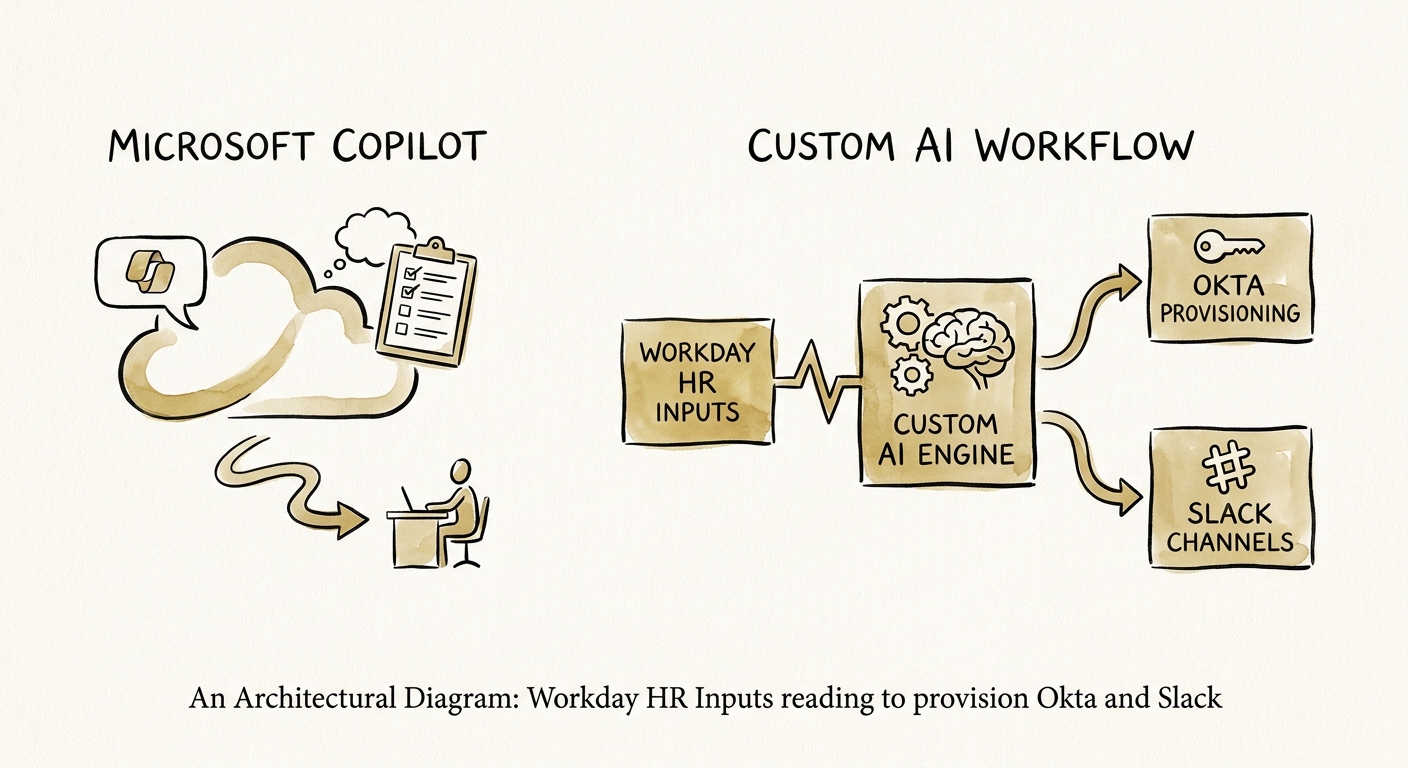
Stop counting checklist items. Score whether Monday worked.
The trap with onboarding automation is measuring the artifact instead of the outcome. A polished checklist with 100% of its boxes drafted is worthless if the person can't work. Deloitte's State of AI research lands on the same point across functions: the value shows up in operating results, not in how much content the tool produced. So define your pilot's pass/fail on the start date itself.
Track six things for the next ten hires: percent fully ready by start time (logged in, equipped, access granted — the one metric that matters most), access defects caught after day one, how many times a manager had to chase a missing item, days to first productive task, which department generates the most repeat exceptions, and the questions new hires ask that reveal a step nobody documented. Run it for one role family, not all of them. If after ten hires Copilot-drafted plans are sharp but the same access gaps and laptop misfires keep appearing, you've proven the case: keep Copilot for the prep, and build the custom workflow for the cross-system orchestration where accountability — and an escalation that fires before Monday — is the actual product. Mapping that boundary before you commit budget is the difference between automating a document and fixing day one.
