"Can I See My Wife's Benefits Enrollment?" Lands in the IT Queue
Picture a 140-person company. An employee types into the internal assistant: "I need access to my spouse's enrollment details for open enrollment." A generic AI reads the words "access" and "details," decides this is an account-permissions question, and helpfully drafts steps to file an IT access ticket. The request was a benefits-eligibility question for HR, possibly touching a dependent's protected information. The assistant answered fluently. It routed blind.
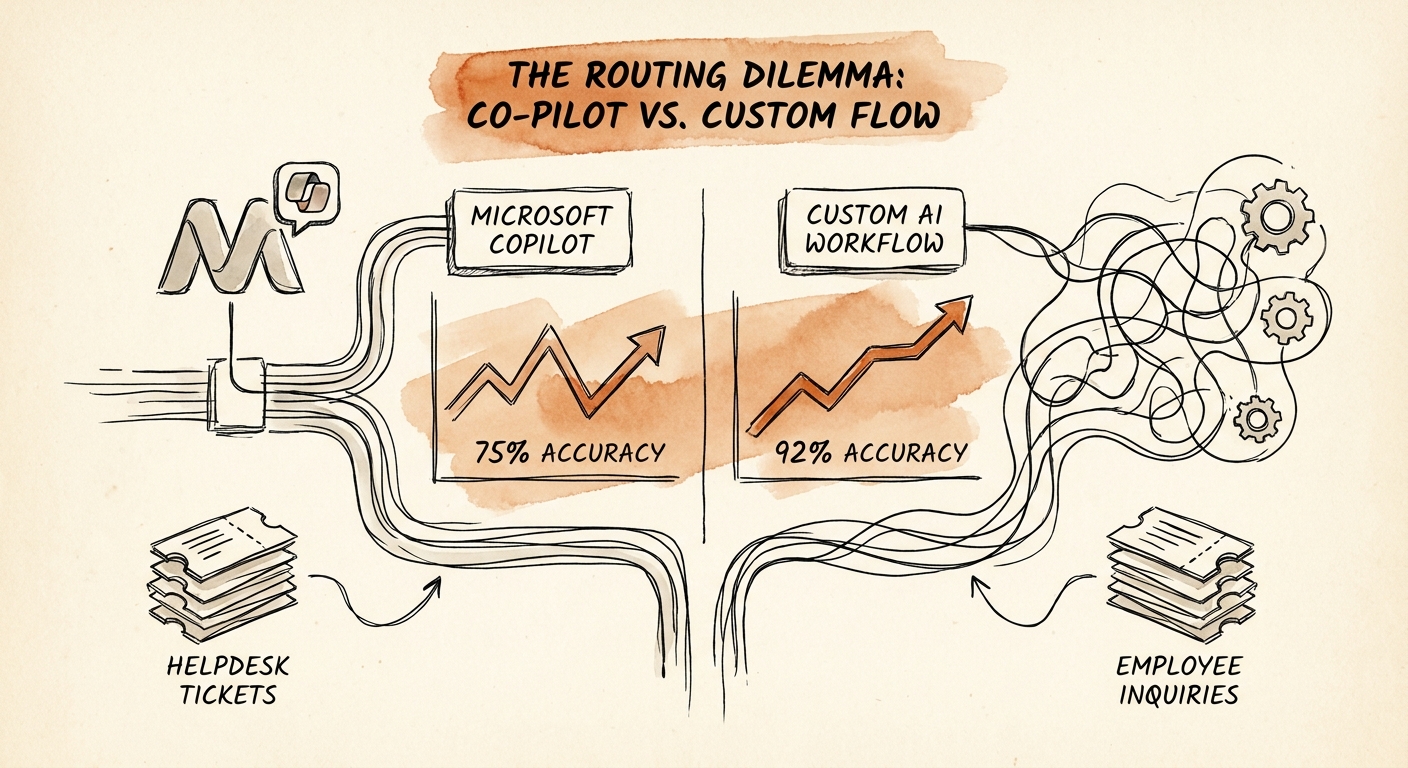
That is the whole game for helpdesk routing, and it is why the Copilot-versus-custom debate gets framed wrong. Leaders ask "which tool writes the better answer?" The harder question is which tool reliably decides whose case this is when a single message straddles HR policy, IT access, payroll, manager discretion, and an employee's private record. In a company of 50 to 300 people, you do not have a tiered service desk to absorb a misroute. You have one HR generalist, one IT lead, and a finance manager who all already wear three hats.
The adoption research only matters once you read it through that lens. The RSM middle-market AI survey, the San Francisco Fed small-business AI analysis, and the OECD SME AI adoption report all point at the same gap: companies stand up an assistant and never define the source of truth or the accountable owner behind each answer. For helpdesk routing, that gap is not abstract. It is the difference between a request that lands on the right desk and one that exposes salary or health data to someone who should never see it.
The Real Comparison: Where Each Approach Breaks
Stop comparing Copilot and a custom workflow on answer quality. Compare them on three failure points specific to routing employee requests.
First, classification. Microsoft 365 Copilot is genuinely good at one thing here: an employee asks "what's our PTO carryover policy?" and it retrieves the right policy doc from your tenant, respecting existing permissions. That is a clean, single-owner, non-sensitive request, and Copilot will beat a custom build on speed-to-value every time. Where it breaks is the mixed request, the ambiguous one, the one where "access" means benefits and not Active Directory. Copilot will answer rather than classify. A custom workflow can run a deterministic step first: tag the case type, check the employee's permission boundary, and decide the owner before any answer is composed.
Second, sensitive-data exposure. This is where you stop hand-waving. Use the NIST AI Risk Management Framework to write down, in plain terms, what a sensitive helpdesk case is and who is accountable when one is mishandled. Use CISA AI Data Security Best Practices to decide which inputs the assistant may even touch: payroll records, finance approval rules, and a manager's private notes on a performance issue should be excluded from retrieval, not summarized into a reply. A generic assistant that can read everything an employee can read will eventually surface something it should have flagged.
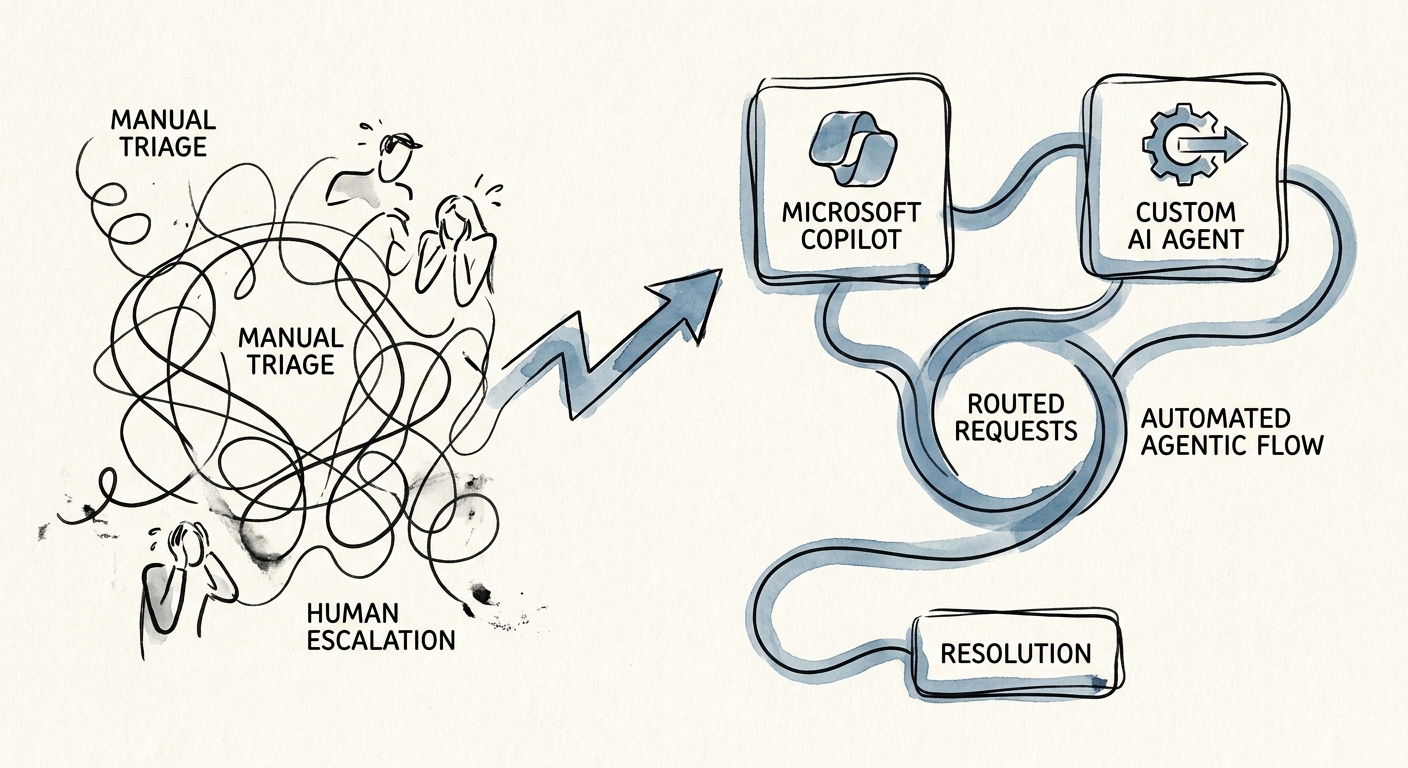
Third, action. Answering a question is reversible. Provisioning access, approving an expense, or updating a record is not. If your helpdesk only needs to explain policy, a broad assistant with mandatory draft-and-review is enough; keep the human signoff. The moment routing has to do something across systems, you need deterministic checks wrapped around the model: a sensitive-case flag, an escalation rule to a named owner, and a logged reviewer decision. That control packet, case type plus permission boundary plus policy source plus owner plus sensitive flag plus escalation path plus reviewer call, is the actual deliverable. It is also exactly what Copilot does not give you out of the box.
What You Pilot, and the Metric That Settles the Argument
The Deloitte State of AI in the Enterprise 2026 report keeps hammering the same shift: stop counting pilots, start counting production value. For a helpdesk, production value is not "answers per day." It is misroutes avoided and sensitive cases caught before they reach the wrong inbox.
So instrument those. Track routing accuracy (did the case reach the right owner), sensitive-case escalation rate (were protected requests flagged, not auto-answered), time to the right owner, policy-source coverage, and reviewer correction rate. If the reviewer is overturning more than a small fraction of sensitive routings, your classification layer is not ready, and no amount of fluent drafting fixes that. That single number, the correction rate on flagged cases, settles the Copilot-versus-custom argument faster than any vendor demo: if Copilot's permission model and your draft-review loop keep it low, you do not need a custom build yet. If it stays high on mixed and sensitive requests, that is the signal to build deterministic routing.
Run it narrow. Pick your single highest-volume request family; for most companies in that 140-person scenario, it is "where do I find / am I eligible for [benefit, policy, access]." Define the approved sources for exactly that family, route everything else to a human for now, and require the reviewer to inspect every sensitive flag before you widen scope. Confirm the workflow is worth fixing with the manual-work scoring guide, then stage source cleanup, prototype, reviewer training, and launch with the 90-day AI implementation plan. The rollout earns trust by protecting the spouse's benefits question from the IT queue, not by answering faster.
