The vendor email that comes in five different ways
A 110-person distribution company gets the same supplier onboarding packet from forty vendors. One sends a clean fillable PDF. One sends a photo of a paper form taken on a phone, slightly rotated. One pastes the details into the body of an email. One uploads through your portal but skips the tax-ID field. One forwards a six-page contract with the real numbers buried on page four. The packet is "the same" in the sense that you need the same eight fields out of it — and completely different in every way that matters to a machine.
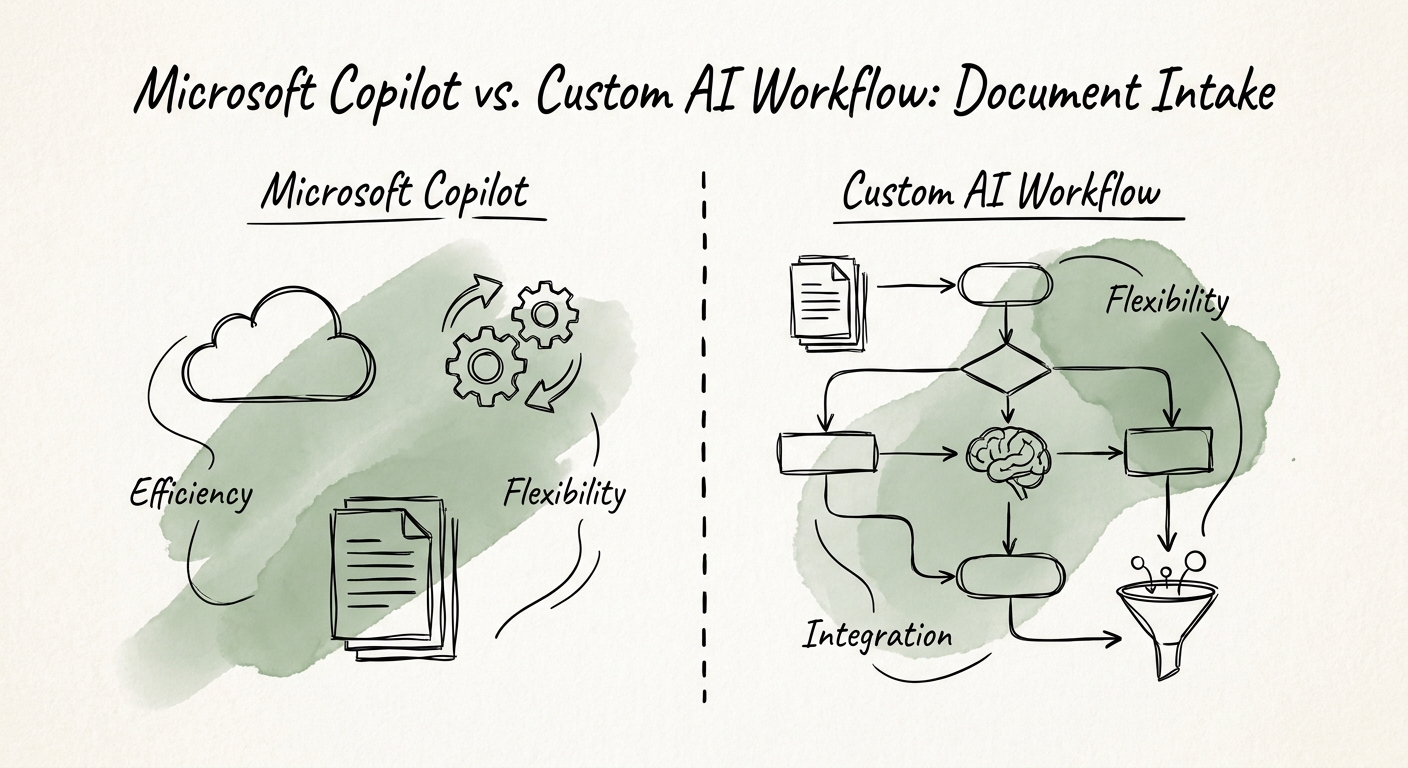
That is the document-intake problem, and it is why "should we just use Copilot?" is the wrong first question. The right first question is: what is the one document family that, if it captured itself reliably, would buy back the most hours? Pick supplier onboarding, or AP invoices, or new-patient forms, or claims — one. Then write down the approved source it should arrive through, the exact fields you need, how you detect a duplicate, and which downstream system (your ERP, your AP module, your CRM) is supposed to receive the clean record. Most teams skip this and ask the tool to absorb the chaos. The chaos wins.
This pressure shows up hardest in companies big enough to have real inbound volume but too lean to staff a process around it — exactly the band RSM's middle-market AI survey describes, and the same scale constraint the OECD's analysis of AI adoption among small and medium-sized enterprises keeps surfacing. You have the documents. You do not have a person whose whole job is babysitting them.
What Copilot is genuinely good at — and where it quietly stops
Copilot is excellent the moment a human is already looking at the document. Drop that buried six-page contract into a chat and ask it to pull the renewal date and the payment terms; have it compare two versions of a vendor agreement; ask it to draft the "you forgot your tax ID" email back to the supplier. Per Microsoft's Copilot architecture documentation, it operates inside your Microsoft 365 content and the requesting user's permissions — so if the packet lives in SharePoint or arrived in an Outlook inbox the reviewer can already open, Copilot reads it well and respects who's allowed to see what, which the Microsoft 365 Copilot privacy documentation spells out.
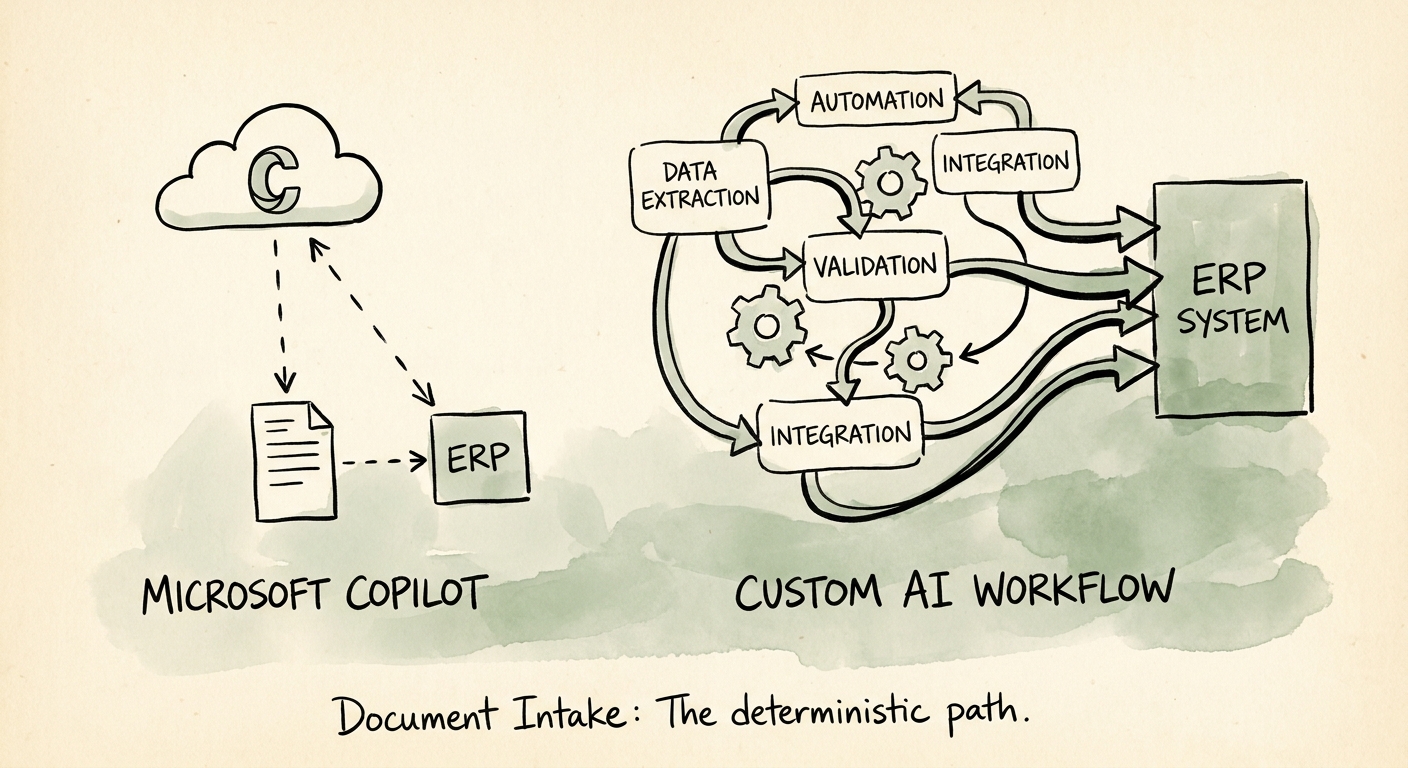
Here is the line teams trip over. Copilot is a reading assistant invoked by a person, one document at a time. It does not sit at the front of the channel catching all forty vendors, normalizing the phone-photo form against the fillable PDF, deciding that this packet is a duplicate of one filed three weeks ago, holding the one missing tax ID in an exception queue, and then writing a validated record into your ERP without anyone clicking. That is not a smarter prompt — it is a workflow: capture, extract structured fields, validate against your systems, route the exceptions, update the source of record.
When intake includes contracts, invoices, employee paperwork, health information, or proprietary operating details, the build side also inherits real controls. The NIST AI Risk Management Framework is the right reference for defining who reviews what and how you monitor accuracy over time, and CISA's AI data-security best practices apply to how that document data is stored and moved. Copilot review rarely forces those decisions. A custom intake path does — which is a feature, not a tax.
Settle it with 80 ugly packets, not a demo
Do not decide this in a slide. Pull 80 to 100 of your most recent real inbound packets for that one document family — and deliberately include the rotated phone photo, the email-body submission, the one missing a field, the near-duplicate. Demo files are clean; your Tuesday is not, and Deloitte's State of AI in the Enterprise 2026 reads as a broad move from experiments toward production, which is exactly where messy inputs expose the difference. Run those packets two ways: Copilot-assisted human review, and a small custom intake prototype.
Score six things, not "did it feel smart": field-extraction accuracy on the eight fields you actually need, missing-field detection rate, duplicate flags caught, how often a reviewer had to override, whether the downstream system update actually succeeded, and total time from arrival to routed-and-clean. You will usually see a clean split — Copilot wins on the genuinely weird one-offs a human should read anyway, and the prototype wins on the high-volume, same-shape packets where consistency is the whole point.
That split is your answer. Keep Copilot in the hands of your reviewers as the reading tool it's good at. Build the workflow for the document family where field 7 has to land the same way every single time. If you want the second one scoped — which family to start with, what the exception queue looks like, and how the controls map — that's what an AI roadmap is for. The thing you walk away with on Monday: name your one document family and write down its eight fields before you touch any tool.
