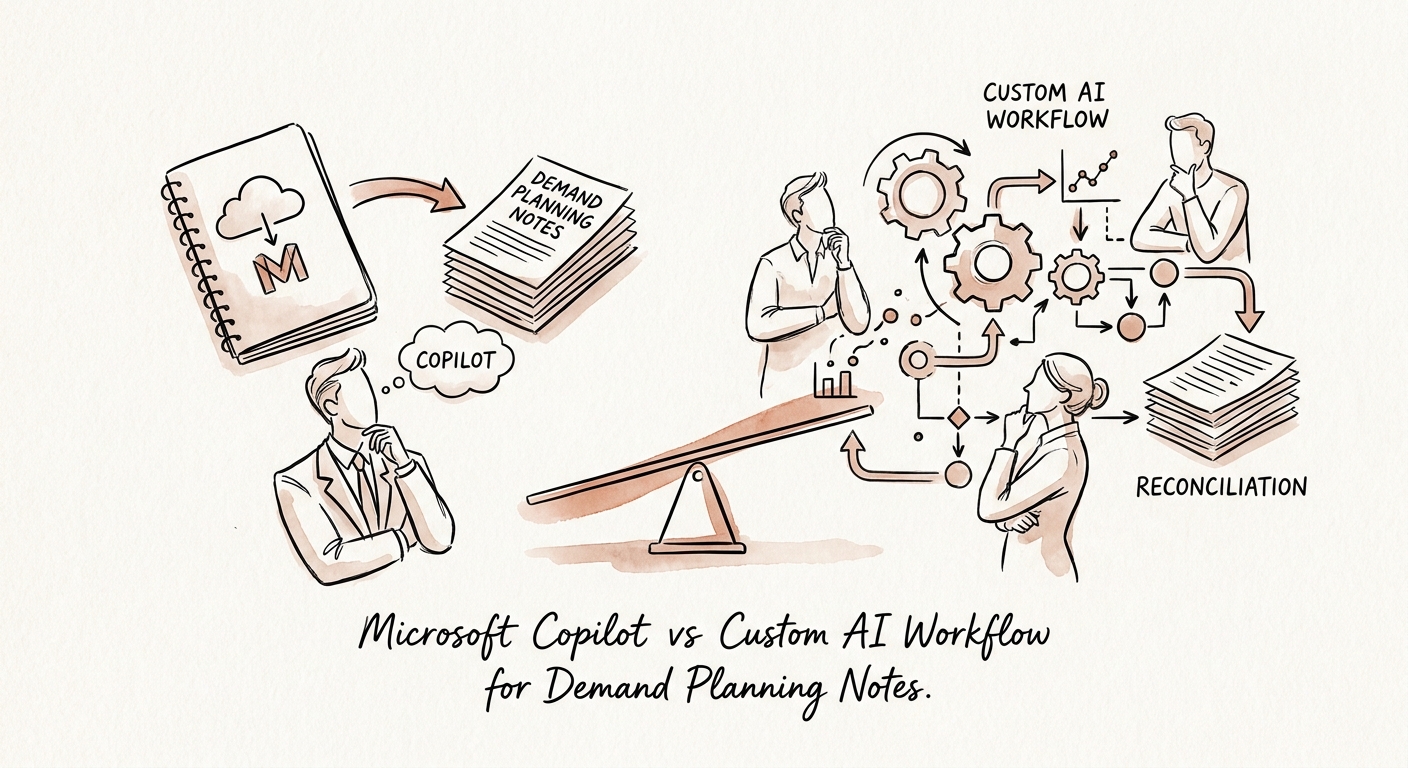
The forecast is the easy part. The note next to it is where the money is.
Picture the demand review for a mid-market distributor. The planner pulls up next quarter's number for a fast-moving SKU. It's up 18 percent. Nobody asks why, because the system says 18 percent and the meeting is running long. What the system does not say — because nobody typed it into a field — is that the increase came from one account's verbal commitment, the account's PO is two weeks late, and the supplier for that SKU mentioned a possible allocation in passing on a call three weeks ago. That entire chain of risk lives in a planner's notebook, a Teams thread, and one person's memory. The forecast number survived the meeting. The reason it should have been questioned did not.
That is the actual problem with demand planning notes. It is not slow meeting summaries. It is that the assumptions, supplier warnings, seasonality caveats, and customer commitments that explain a forecast almost never make it into the planning system as structured, owned, trackable signals. When the forecast is wrong, the post-mortem usually finds the warning sign existed — it was just trapped in unstructured text nobody routed anywhere. The OECD's research on SME AI adoption keeps coming back to use-case clarity, and for a planning team that clarity is brutally concrete: which notes are decision-grade, what they attach to (a SKU, an account, a region, a lead-time window), and who is on the hook when a note should become a reorder, a hold, or a supplier call.
Two different tools, drawn along the line where a note becomes a decision
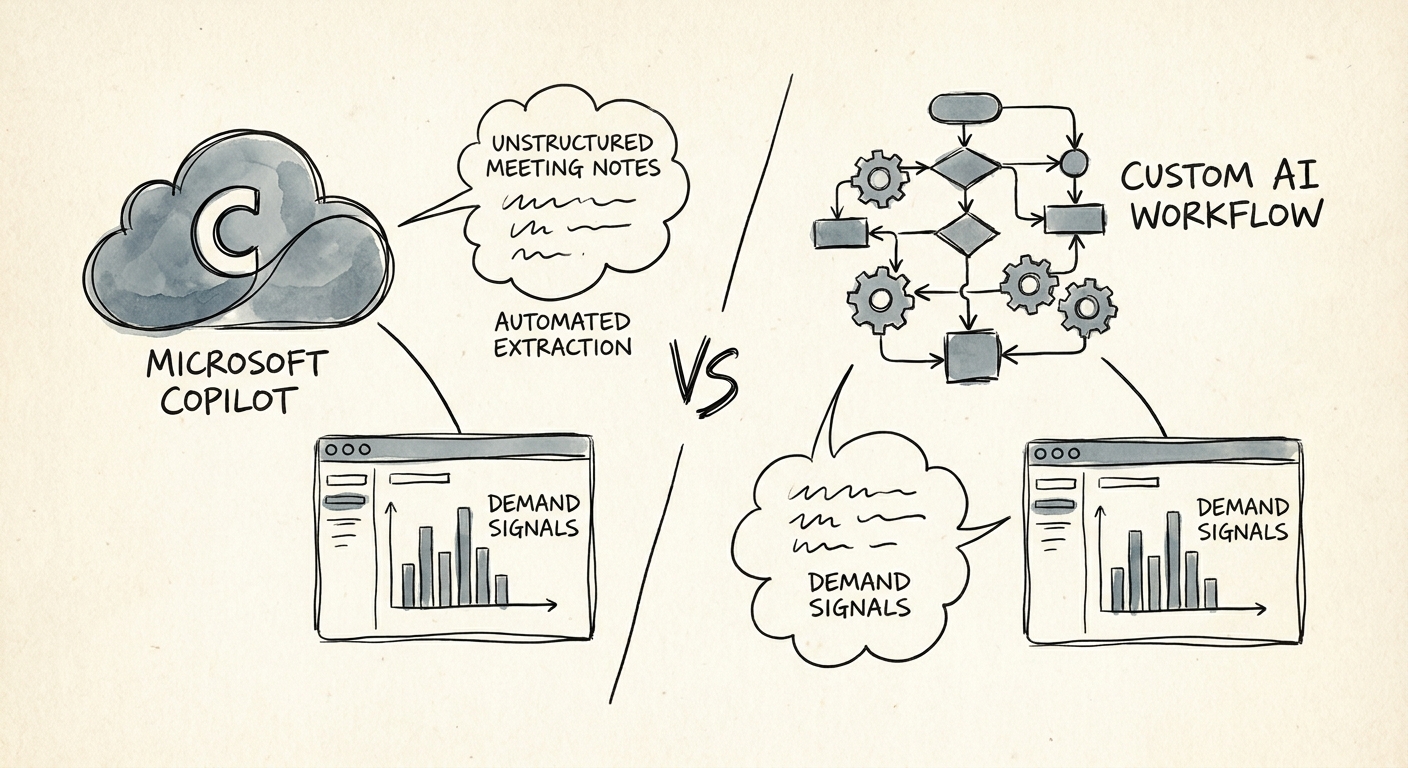
Microsoft 365 Copilot is genuinely good at one half of this. If the raw material is a demand-review meeting, a string of supplier emails, and a sales rep's account update — all sitting inside Microsoft 365 — Copilot can summarize the discussion, surface the assumptions buried in the email thread, and draft a clean narrative for the next planning cycle. It respects the permissions the planner already has, which matters when those threads touch margin and customer detail. Microsoft's privacy and data protection and architecture documentation describe exactly that permissioned-assistant model. If your pain is "I spend Thursday afternoon reconstructing what we agreed in the Tuesday demand review," Copilot is the cheaper, faster answer and you should stop reading and go buy the seats.
The line gets crossed the moment a note has to act the next day without a human remembering to act on it. Tagging that supplier-delay warning to the three SKUs it threatens. Comparing it against the live forecast for those SKUs. Flagging that the forecast assumes a PO that hasn't landed. Routing the allocation risk to the buyer who owns that supplier and the late commitment to the account's sales rep. Writing the resulting exception back into the planning tool or ERP so it shows up next cycle. Copilot drafts; it does not own a queue of demand signals and chase them. That is a workflow, and a workflow is what you build custom. When you do, the NIST AI Risk Management Framework is your spine for human approval and monitoring — a planner approves before a note becomes an inventory action — and CISA's AI data security guidance governs how you handle the customer, supplier, and margin detail riding inside those signals. The RSM middle-market survey and the San Francisco Fed's analysis of AI and small businesses both point the same direction: companies your size get value from narrow, owned use cases, not from buying a platform and hoping planning improves by osmosis.
Run the pilot on one planning cycle, and score it on lead time to risk
Don't pilot this on a generic document pile. Pilot it on one full demand-planning cycle — one month, the real notes, the real forecast, the real supplier traffic. Deloitte's State of AI frames the gap as moving from ambition to activation, and in demand planning activation has a precise meaning: the team sees a risk earlier than it would have, and someone specific already owns the follow-up. If the pilot just produces nicer meeting recaps, you proved you needed Copilot, not a workflow — that's a useful answer, not a failure.
Here is the scorecard worth keeping. How many forecast-relevant assumptions got captured as structured signals versus lost to memory. How much earlier a supplier or demand risk surfaced (measure it in days of lead time, not in "we feel faster"). Whether the right owner — buyer, planner, or rep — actually got the handoff. Planner review time per cycle. And the one that pays the bill: did fewer signals turn into stockouts, capacity scrambles, or expedite fees. The Monday-morning move is small and free: take last quarter's three worst forecast misses and trace each one backward. If the warning sign already existed in someone's notes and just never got routed, you have your build case. If the misses came from genuinely unknowable demand, Copilot for the recaps is plenty and a custom workflow would be solving a problem you don't have.
