The onboarding module is teaching last quarter's refund policy
Here is the moment that should bother you. You changed the refund policy in March. Three new support reps started in April. They were trained on the onboarding module, passed the quiz, and clicked the box that says "I have reviewed and understood this material." The module still describes the February policy. You now have three people who were formally certified on the wrong process, and a completion record that proves it.
That is what makes employee training documentation different from every other document an AI tool might help you write. A stale proposal costs you one deal. A stale knowledge-base article costs you one annoyed customer. Stale training material costs you an entire cohort, and it does so quietly, because the people it misled have a certificate saying they learned the right thing. The acknowledgement layer that makes training "count" for HR and compliance is exactly the layer that turns drift into liability.
OECD research on AI adoption among small and mid-sized companies keeps landing on readiness and practical support as the real constraints, not the model. For training, "readiness" is brutally concrete: which tracks change often (compliance, security, customer-facing process), who is allowed to approve a change, where the one true current version lives, and how you capture that an employee saw that version on that date. Sort those four questions out and the build-versus-buy decision mostly answers itself.
Copilot drafts the module. It cannot prove who learned what.
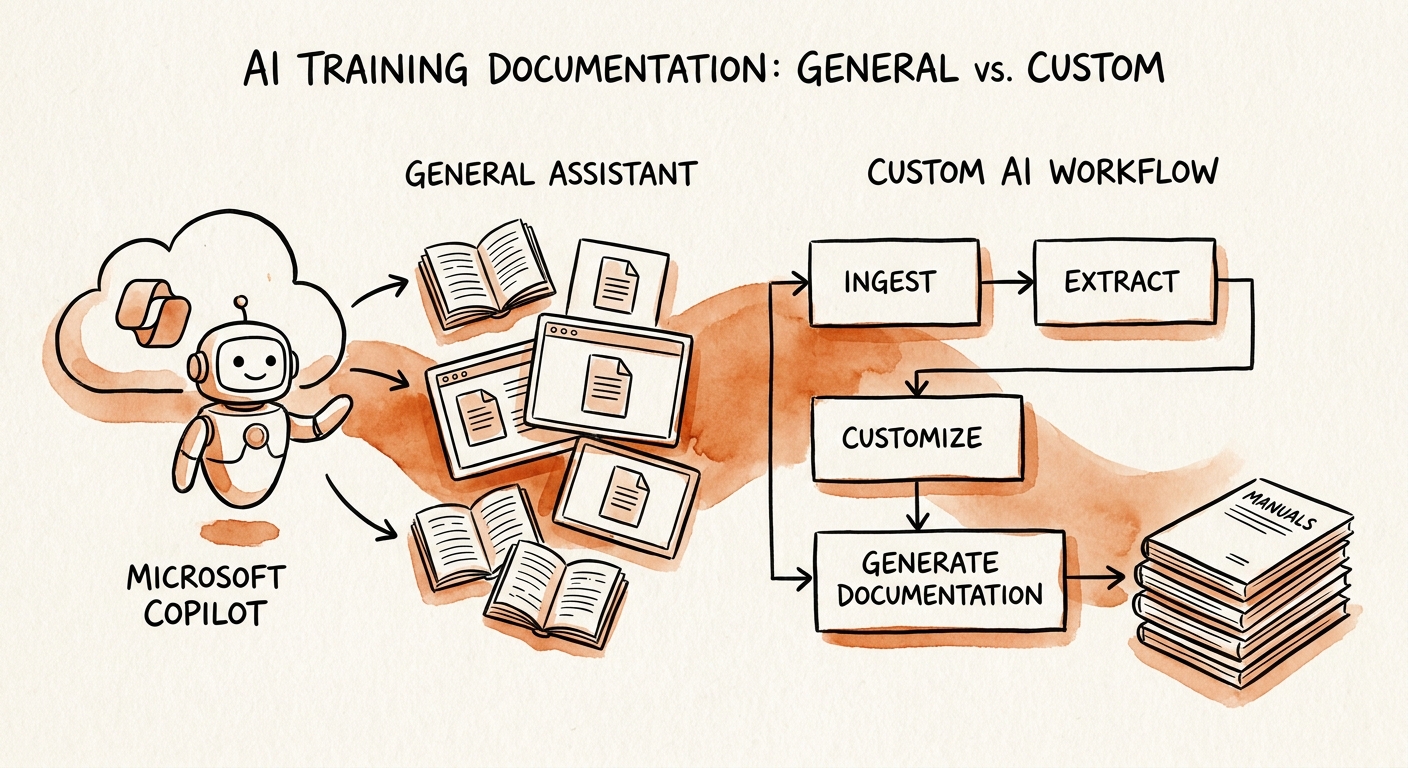
Microsoft 365 Copilot is genuinely good at the authoring half of this. It will turn a policy-change email and a recorded enablement call into a clean SOP outline, rewrite a wall-of-text onboarding doc into role-specific steps, and draft a quiz from the source material — all inside the tenant, respecting the existing Microsoft 365 permission model so it only reads what the author can already see. If your HR or enablement team's pain is "we never have time to write the first draft," Copilot removes that pain this week. Read how it handles your data in the Microsoft 365 Copilot privacy documentation and architecture overview before you point it at sensitive HR content.
What Copilot does not do is enforce currency. It will happily summarize the March policy if you hand it the March email, and just as happily leave April's module untouched because nobody told it the policy moved. It has no concept of "this training track is now out of sync with the source policy," no role-based learning path it maintains, no record that ties a specific employee to a specific version they acknowledged, and no way to push the corrected module back into your LMS or HRIS and re-trigger the cohort that learned the old one.
That gap is where a custom workflow earns its budget. A governed training workflow watches the source-of-truth policy, flags the module the moment the two diverge, routes the change through the named approver, re-issues acknowledgement only to the people whose certification is now invalid, and writes the evidence trail. Use the NIST AI Risk Management Framework to assign who owns each review, and CISA's guidance on securing AI training data to lock down access to the employee, security, and policy-sensitive content that feeds it. The line is clean: Copilot makes the draft faster; the custom workflow makes the draft provably current and provably learned.
Pick your highest-drift role and run one re-certification cycle
Do not boil the ocean of every onboarding doc. Deloitte's 2026 State of AI work keeps showing that value shows up in adoption inside one real workflow, not in pilots that touch everything lightly. So pick the single role where stale training already burns you — usually customer support, implementation, finance operations, or field service, because their procedures change monthly and a wrong step is visible to a customer or a regulator the same day.
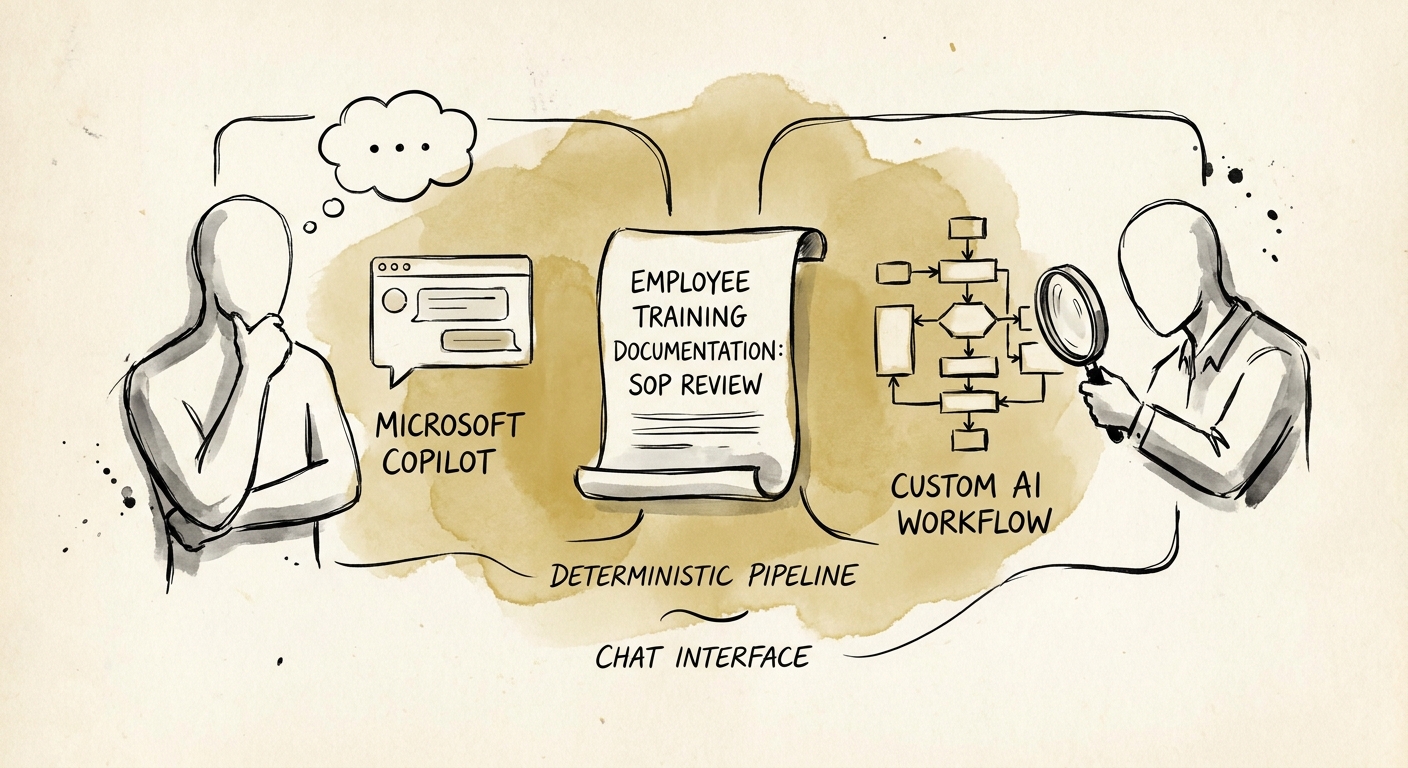
Then run one full change cycle on that role and time it. Push a real policy change through and measure: how many days from policy update to corrected module (update latency), how long the named approver sat on it, how many references in the module still pointed at the dead process before the cycle (stale-reference count), and — the one that actually proves training happened — how fast you re-certified the people whose old acknowledgement is now void, and whether the "repeated question" volume to that team dropped afterward. If the honest answer is "drafting was our only bottleneck," Copilot is enough; stop there and save the money. If the answer is "we cannot tell you, today, who is certified on the current version," you have found the workflow worth building. That second answer is the whole reason custom exists.
That decision — what stays in Copilot, what becomes a governed workflow, and which role goes first — is exactly the scoping we do in an AI roadmap engagement: one high-drift role, one measured cycle, before anyone signs up for a tenant-wide rollout.
