The ticket nobody owned for eleven days
Picture a 180-person company mid-rollout on a new billing platform. The implementation stalls. Your project lead emails the vendor's support portal, the vendor replies to a different person on a Teams thread, an account manager promises a fix "by end of week" in a separate email, and the SLA credit clock keeps ticking the entire time. Three weeks later someone asks in a status meeting, "what's the actual state of that ticket?" and the honest answer is that no single human knows, because the truth is scattered across four systems and two inboxes.
That is the real problem with vendor tickets, and it is a different problem from internal helpdesk tickets. With your own IT queue, the data lives in one tool and you control the process. With vendors, the status of record sits outside your walls — in their portal, their reps' email habits, their SLA language. Reading any one thread faster does nothing. What you actually need to know is whether a vendor issue is stuck, who owes the next move, and whether you have an escalation packet ready before the relationship affects a customer-facing deadline.
OECD research on SME AI adoption keeps pushing toward concrete, narrow use cases rather than sweeping deployments. For vendor management at your scale, the narrowest lane that pays for itself is the ticket class where silence costs money: implementation blockers, business-system outages, and unresolved escalations where service credits are on the line.
Copilot remembers the thread. It does not chase the vendor.
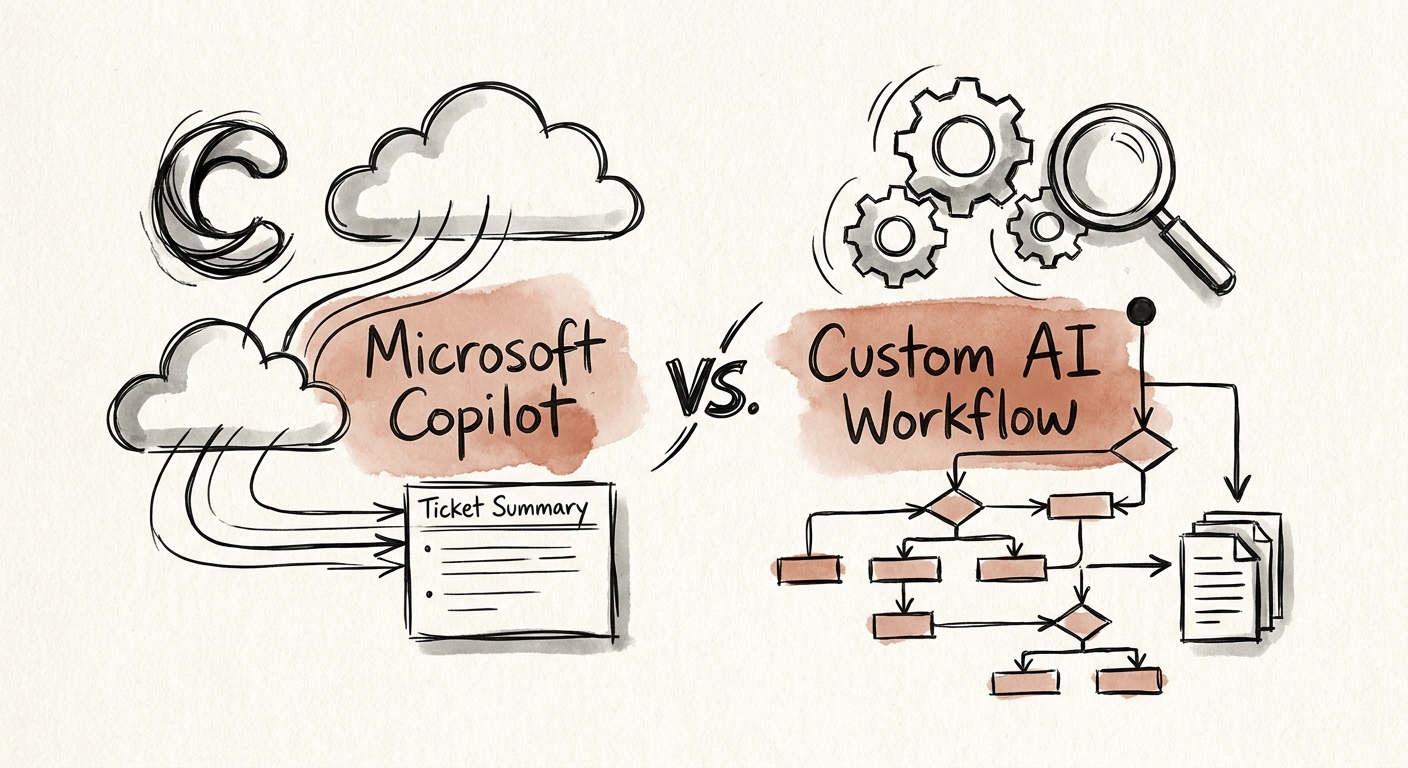
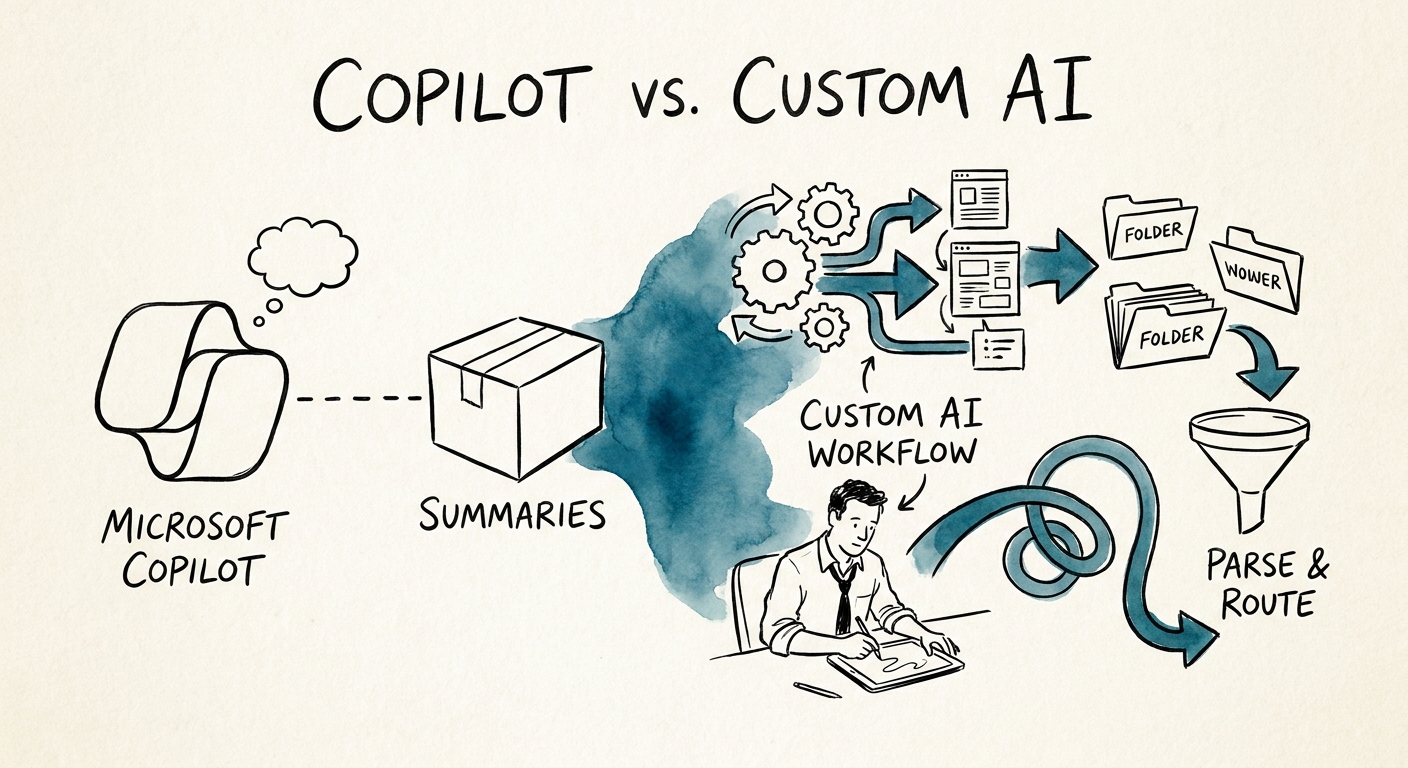
Here's the dividing line, and it matters more than any feature list. Microsoft 365 Copilot is excellent at one thing your vendor problem includes: it can read the emails, Teams messages, and meeting notes that already live inside your tenant and tell a vendor manager "here is what's been said about this ticket so far" without them rereading a 40-message trail. If a vendor's updates flow through Outlook and Teams, and you mostly need a person to catch up fast, Copilot is the right tool — and the cheaper one. Its privacy boundary and architecture mean it only reasons over content the user can already see. That is a feature, not a limit, as long as the source of truth is inside Microsoft 365.
The moment your source of truth lives in the vendor's own portal — a place Copilot cannot reach and cannot map to your SLA terms — you've outgrown summarization. A custom AI workflow earns its cost when the job is not "tell me what happened" but "tell me what's about to go wrong": pull status from the vendor portal, match each ticket's elapsed time against the SLA you signed, flag the handoff that's been sitting on the vendor's side for nine days, assign a named internal owner, and assemble an escalation packet with the source emails attached so nothing is hidden. RSM's middle-market AI survey shows companies your size moving past off-the-shelf assistants toward workflows wired into how the business actually runs — and vendor accountability is exactly that kind of wiring.
Whichever side of the line you land on, the controls are non-negotiable. Use the NIST AI Risk Management Framework to govern who reviews an AI-generated escalation before it goes to a vendor, and apply CISA's data-security practices to the vendor contracts, incident notes, and customer-impact data the workflow touches.
The metric that decides it: stuck tickets caught early
Most teams measure the wrong thing. They look at the summary and judge whether it reads well. A vendor ticket summary that reads beautifully but doesn't tell you the SLA clock is about to expire is just a nicely formatted way to miss a service credit. The number that matters is how many stuck tickets you catch before they hurt a delivery date or burn a credit window.
So run a 90-day test on one ticket class. Before you start, write down four baselines: how many vendor tickets blew past their SLA last quarter without anyone flagging it, how long the average escalation took to assemble, how often "who owns this?" had no clear answer, and how many service credits you were entitled to but never claimed. Deloitte's State of AI in the Enterprise 2026 and the San Francisco Fed's analysis of AI and small businesses both land on the same uncomfortable point: the value shows up in operating outcomes, not in how impressive the tool looks in a demo.
The decision falls out of the test cleanly. If the win was simply that people stopped rereading threads, keep Copilot and move on. If the win was catching stalled vendor handoffs, claiming credits you'd been leaving on the table, and never again hearing "nobody knew" in a status meeting — build the custom workflow, because that value can't come from a tool that can't see past your own inbox. If you want help scoping which ticket class to test first and what the controls should look like, that's the work we do in the AI roadmap.
