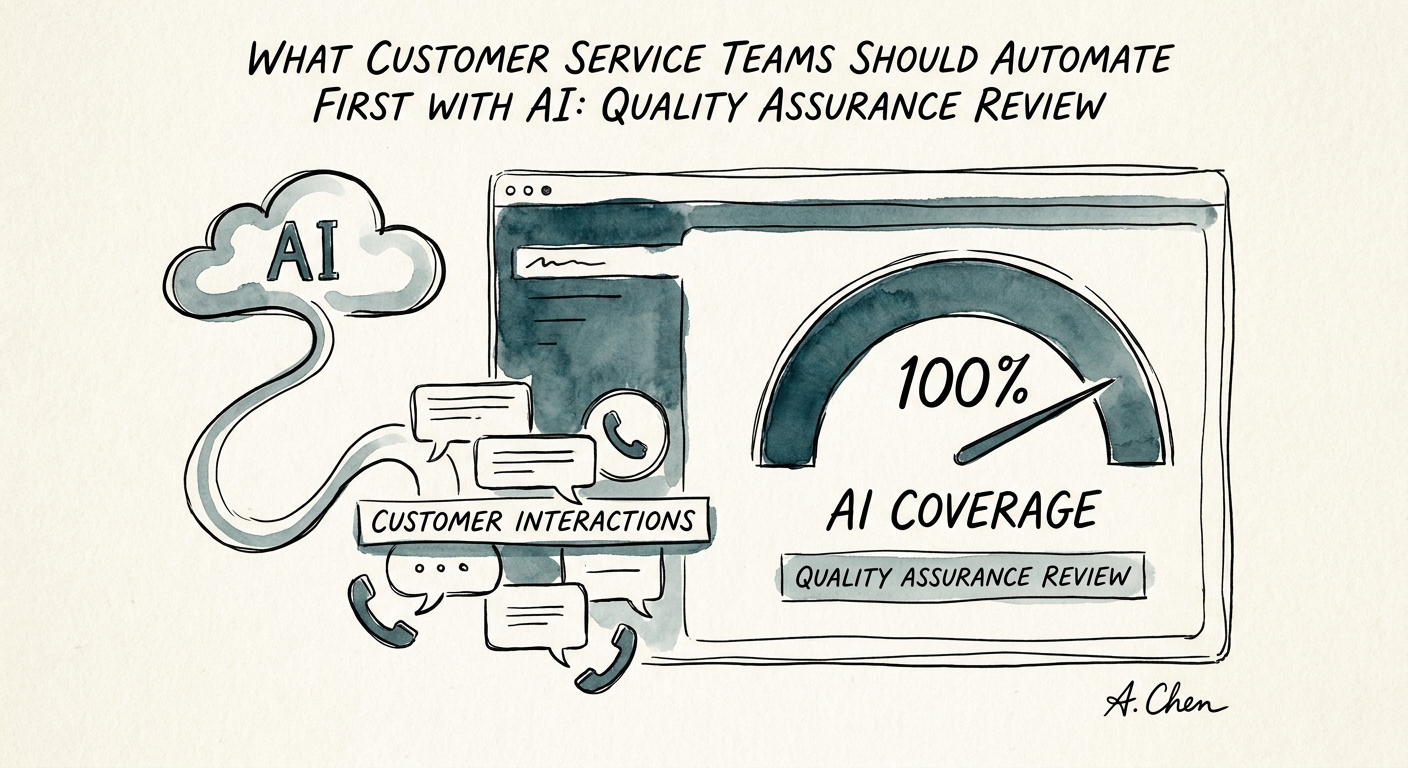
You are scoring 2% of tickets and pretending it is QA
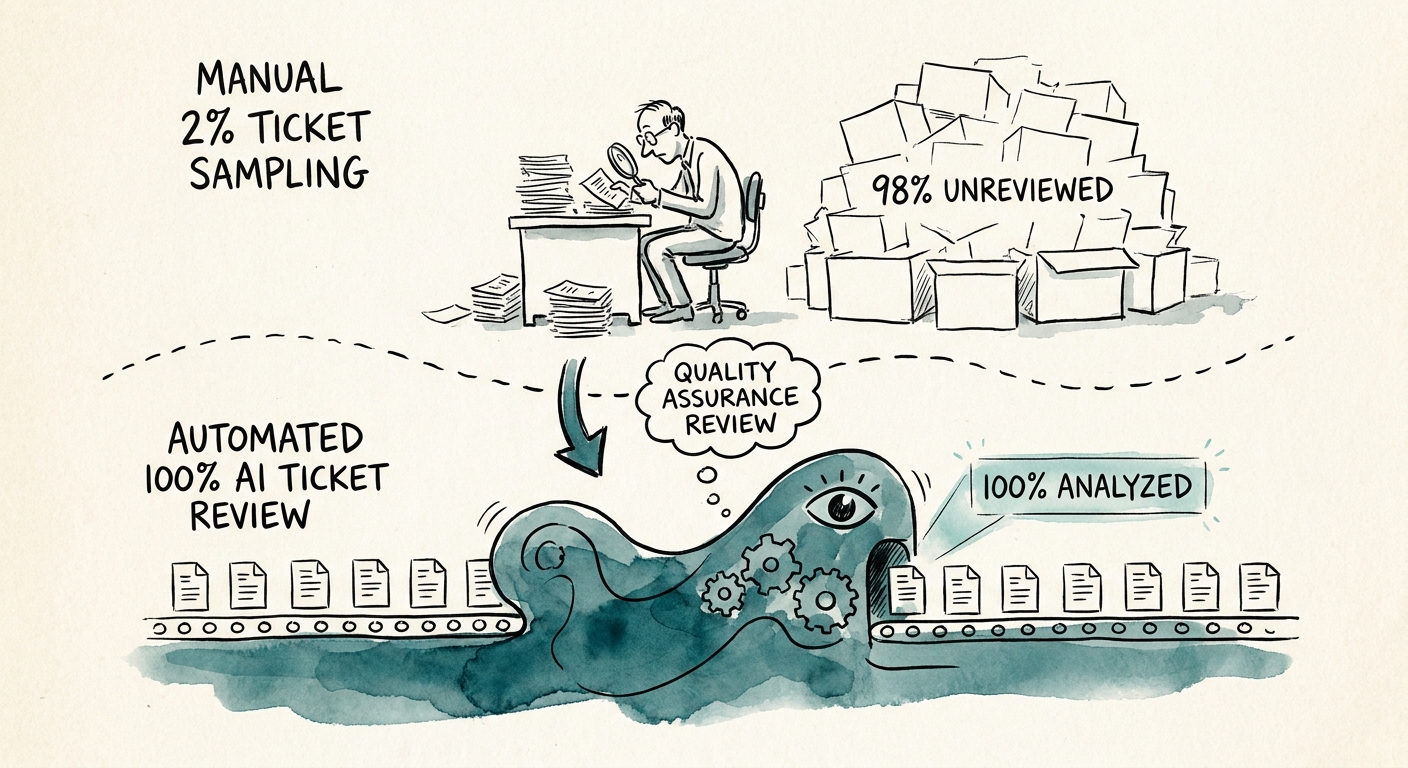
Here is the math most support leaders quietly avoid. A team handles 8,000 tickets a month. A QA analyst can fairly evaluate maybe 4 to 6 per agent per month against the rubric. So you grade a couple hundred interactions, declare a quality score, and build coaching plans on a sample so thin that one bad Tuesday for one agent swings their number. That is not quality assurance. That is an audit theater you run because someone asked for a dashboard.
AI is genuinely good at the part that does not scale: reading every transcript, flagging the ten that probably violated the rubric, and surfacing them for a human to actually score. That is the use case worth piloting. Not "AI writes the coaching." Not "AI assigns the score." AI widens the sample and triages it, so your analyst spends their hours on the 30 conversations that matter instead of randomly pulling 200 that mostly do not.
The reason to keep the scope that narrow is in the adoption data. The U.S. Census Bureau's AI use survey and the OECD's research on AI in smaller firms both show the gap is not access to tools; it is turning a tool into a workflow someone trusts. Deloitte's 2026 State of AI says the same thing in enterprise language: value shows up when the process can be measured and corrected after the demo, not during it. In a support org, the thing you measure is whether your QA sample got bigger and your calibration stayed intact.
The failure mode is calibration drift, and it is silent
Picture a 40-seat support team. The AI starts flagging every ticket where an agent skipped the empathy acknowledgment. Looks great in week one. By week three, two supervisors notice agents are opening every chat with the same robotic "I completely understand how frustrating this must be" because that phrasing reliably clears the AI flag. The rubric criterion was real. The AI enforced it literally. And your team trained itself to game a machine instead of helping customers. That is calibration drift, and it does not announce itself on a dashboard.
The fix is the review packet. For every finding the AI surfaces, a supervisor should see five things before it touches an agent: the transcript with the relevant lines highlighted, the specific rubric criterion the AI thinks failed, the AI's stated reason, the confidence level, and the name of the supervisor who will own the coaching decision. No loose chat output. A concrete artifact the supervisor accepts, edits, or rejects. The NIST AI Risk Management Framework frames this well: the same flagged sentence can be a non-issue in a routine ticket and a serious miss in a refund dispute. Context lives with the human, so the human has to see the source.
Two boundaries are non-negotiable. First, the AI never sets the final score and never writes the coaching language an agent reads. It nominates; the supervisor decides. Second, the transcripts you feed it carry customer PII, payment details, and account data, so the retention rule, access scope, and logging path need to be settled before the first batch runs, in line with CISA's guidance on securing data used to operate AI systems. Then measure the things that actually tell you it is working: how many AI-flagged tickets a supervisor agreed were real, how often supervisors had to override the flag, whether your monthly sample size grew, and whether repeat defects on the same rubric criterion went down across the team. If override rates stay high, you do not need a smarter model. You need a tighter rubric or cleaner transcript access.
What 90 days looks like, and how to know it worked
Days 1 to 30: pick one ticket type, one channel, one rubric. Run the AI over a full month of transcripts and have your QA analyst score the tickets it flags and a random control batch it ignored. You are checking one thing: does the AI find more real defects than a random pull would? If it does not beat random, stop and fix the rubric before you touch anything else. A vague rubric criterion produces vague flags no matter how good the model is.
Days 31 to 60: put the supervisor review packet in front of every flag and watch calibration. Run a weekly calibration session where two supervisors score the same AI-flagged ticket independently. If they disagree more than they used to, the AI is introducing noise, not removing it. Days 61 to 90: decide. The good outcome is boring. Your analysts now review a 10x larger sample in the same hours, repeat defects on your worst rubric criterion are trending down, and agents are getting coached on real patterns instead of one unlucky transcript. The bad outcome looks impressive in a demo but leaves your supervisors re-reading every flagged transcript by hand to check the AI's work, which is just the old job plus a new queue.
If you are weighing this against other places to start with AI, run the AI Opportunity Score first; support QA often ranks high because the source documents are already structured and the win is measurable. Once the review path is producing real time saved, the AI ROI Calculator turns that into a number you can take to a budget conversation. The AI Transformation Blueprint sequences the rollout so QA becomes the proof case for the next workflow instead of a one-off experiment.
