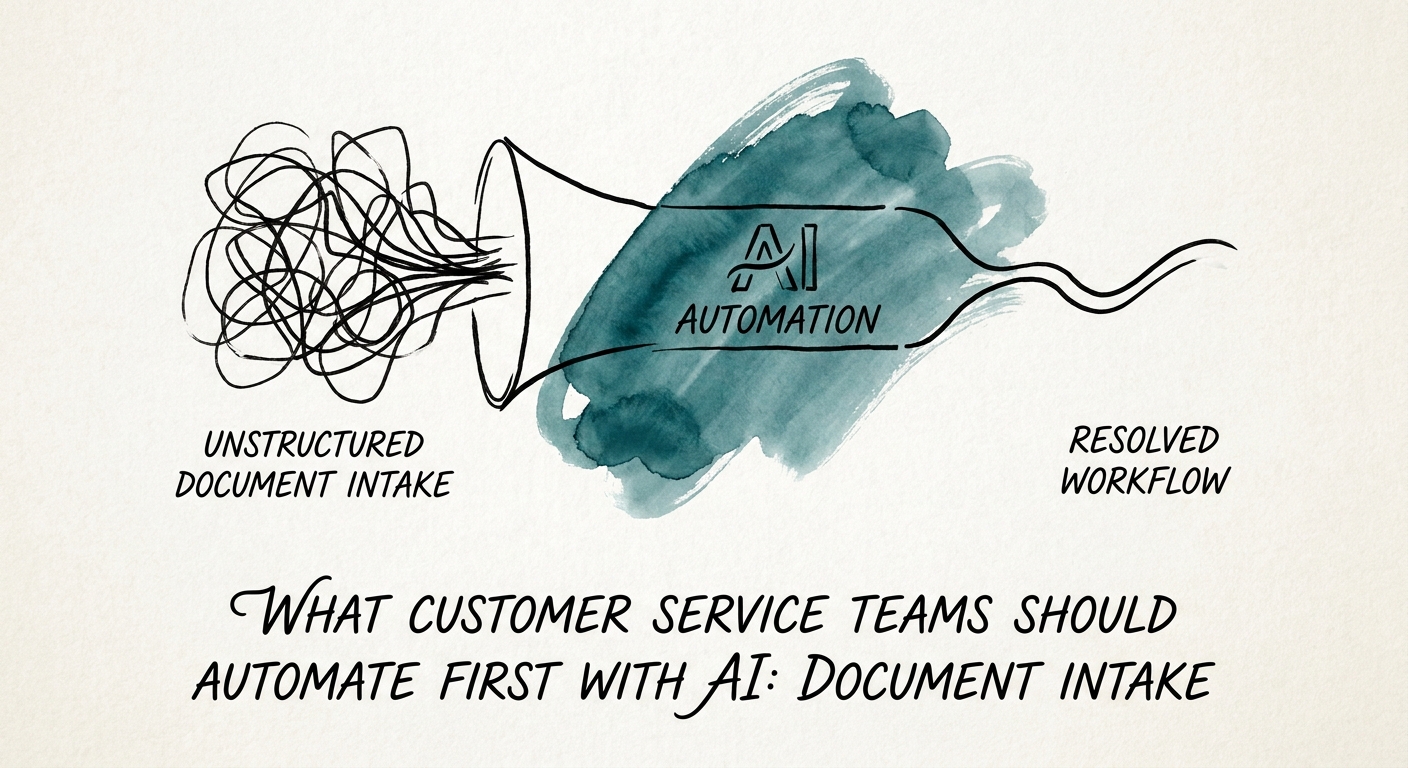
The slow part of support isn't the answer — it's opening the attachment
Picture a 60-person B2B services firm. A customer emails in a signed renewal packet: a scanned MSA addendum, a revised seat count buried on page four, a PO number in the subject line, and a "can you confirm by Friday" note. Before anyone replies, someone on the support desk has to open all of it, find the seat count, match it to the account, check the PO against the system, and write a summary for whoever owns the relationship. That's roughly twenty-five minutes of reading and retyping per packet — and it happens dozens of times a week across onboarding forms, proof-of-delivery files, and implementation sign-offs.
Everyone wants to put AI on the reply. That's the riskiest place to start: it's customer-facing, it's where a wrong word costs you a renewal, and it's the part your team is actually good at. The boring, invisible work — extracting the fields and routing the file — is where the time leaks and where a mistake just means a human catches it in review. The Salesforce State of Service research tracks why service speed and operational efficiency keep climbing as priorities, and the RSM middle-market AI survey shows middle-market firms moving from experimentation into real adoption. Both point the same direction: start where the cost is internal, not where the customer is watching.
Pick one document stream first. If renewal packets back up your queue every quarter-end, that's your candidate. To find the one with the clearest source, owner, and payback, run workflow discovery before you build anything.
What separates a demo that impresses from a workflow you can trust
The extraction demo always looks great. You drop in a clean PDF, the fields pop out, the room nods. Then production hands you a phone photo of a signed form, a packet where the seat count was crossed out and rewritten in the margin, and a "POD" that's actually three documents stapled into one scan. The gap between demo and operating workflow is entirely about what happens to the messy minority of files that don't behave.
So build the controls before the convenience. Define exactly which fields you extract (account ID, PO number, effective date, quantity) and set a confidence threshold below which the file routes to a human instead of guessing. Decide what an exception even is — unreadable scan, mismatched account, a clause the model can't classify — and where it goes. The OECD report on AI adoption by small and medium-sized enterprises is blunt that adoption lives or dies on data quality, process ownership, and governance — not model choice. For the management layer, the NIST AI Risk Management Framework gives you the structure, and because customer documents in B2B services routinely carry pricing terms and contact data, CISA AI data security best practices should drive your answers on what gets processed, where it's retained, and who can see it.
Then measure it honestly. Don't claim "saved 25 minutes per packet" — count what actually moved: incomplete handoffs that vanished, first-response time on renewal requests, the volume of files that cleared without anyone retyping. Run those through a disciplined AI ROI model so the number survives scrutiny from the person who signs off on the next phase.
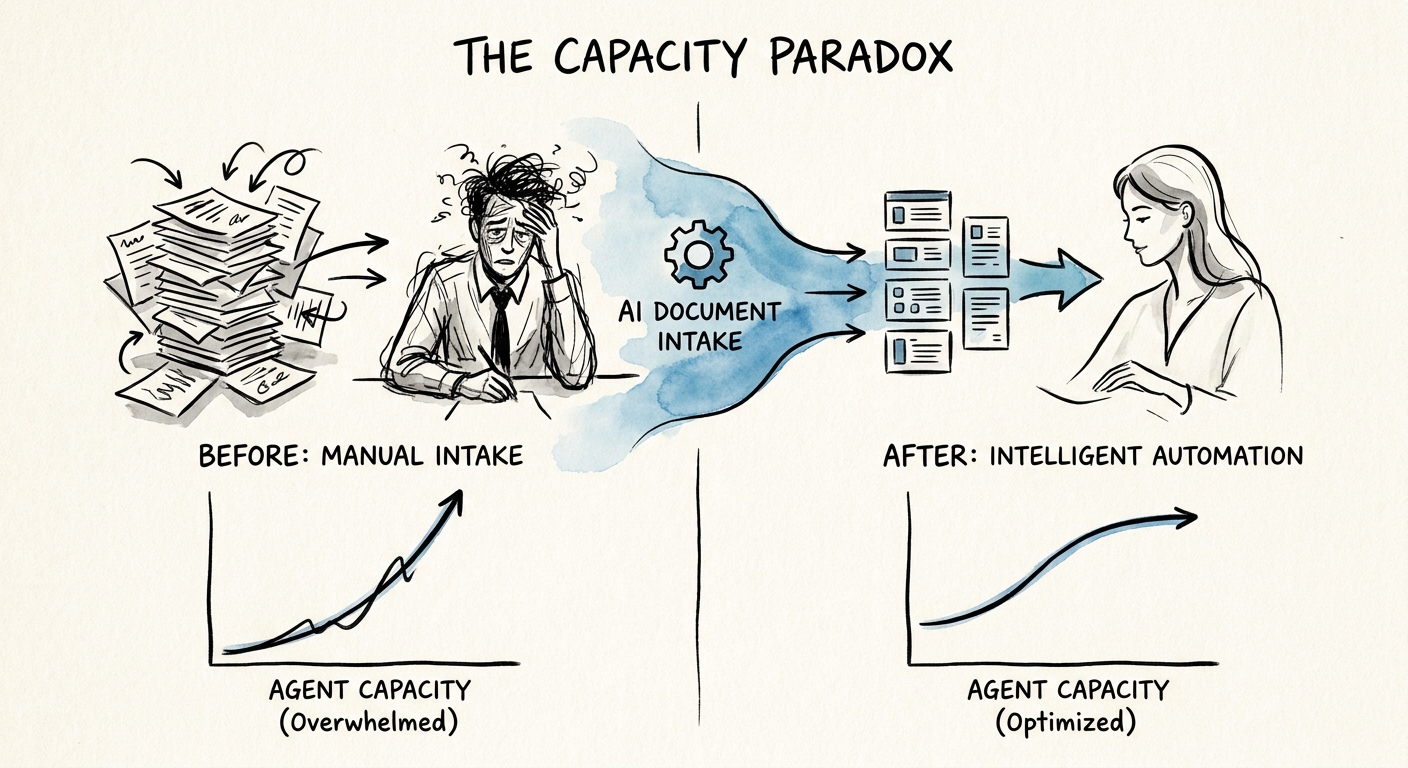
The pilot only counts when it changes who does what on Monday
Here's the trap: the model works, the accuracy is fine, and nothing changes — because the support rep still opens every packet "just to be sure." A pilot that doesn't move the work off someone's plate is a science project, not a workflow. The Deloitte State of AI report frames the whole shift as moving from pilots into redesigned business processes, and for document intake that's literal: someone has to stop manually capturing what the model now captures, and the review step has to become checking the exceptions, not re-doing the easy ones.
A renewal-packet intake that's actually live ends with five things in place: a queue the team works from, one named owner accountable for it, a review checklist that defines a clean pass, explicit exception rules, and a weekly look at where files still stall the response. If you can't point to all five, you have a demo, not an operation.
You can stand up one stream — one document type, one review path, one go/no-go on automating the clean cases — inside 30 days. Map it with a 90-day implementation plan so the first win in support becomes a pattern you repeat for the next document pile, not a one-off you can't reproduce.