The bot everyone wants to build is the wrong place to start
Picture a support team at a 60-person B2B software company. Three reps, one queue, roughly 400 tickets a week. The CEO read something about AI support agents and now wants a bot that answers customers automatically. Reasonable instinct. Wrong first move.
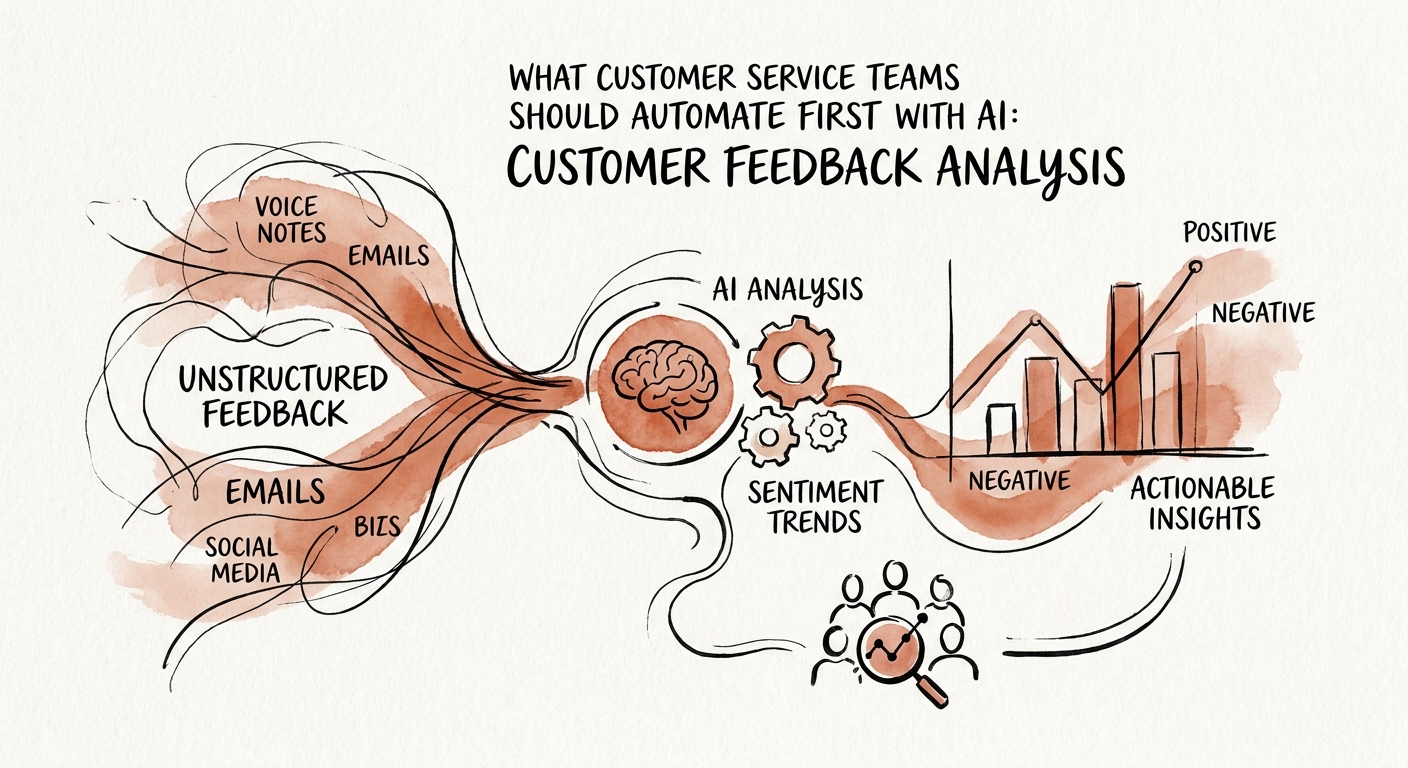
Here is why. An auto-responder that gets a billing question wrong in front of a paying customer is a visible, costly failure — the kind that ends up screenshotted in a churn thread. But there is a quieter, lower-risk job hiding in that same queue that almost no one staffs properly: actually reading all 400 tickets and telling you what they add up to. Right now a human skims them, forms a vague impression, and moves on. Nobody can answer "what were our top three complaint drivers last month, and which one is accelerating?" without a painful afternoon in a spreadsheet.
That gap is the opportunity. The Salesforce State of Service research points at the pressure here: service orgs are expected to use customer data faster and more consistently than a manual triage process allows. And the Federal Reserve Bank of San Francisco small-business analysis reinforces the sequencing — for a smaller operator, the AI work that pays off first is the kind that sharpens visibility without standing up a whole transformation effort. Reading is that work. Answering can wait.
What "read everything" actually looks like on a Tuesday
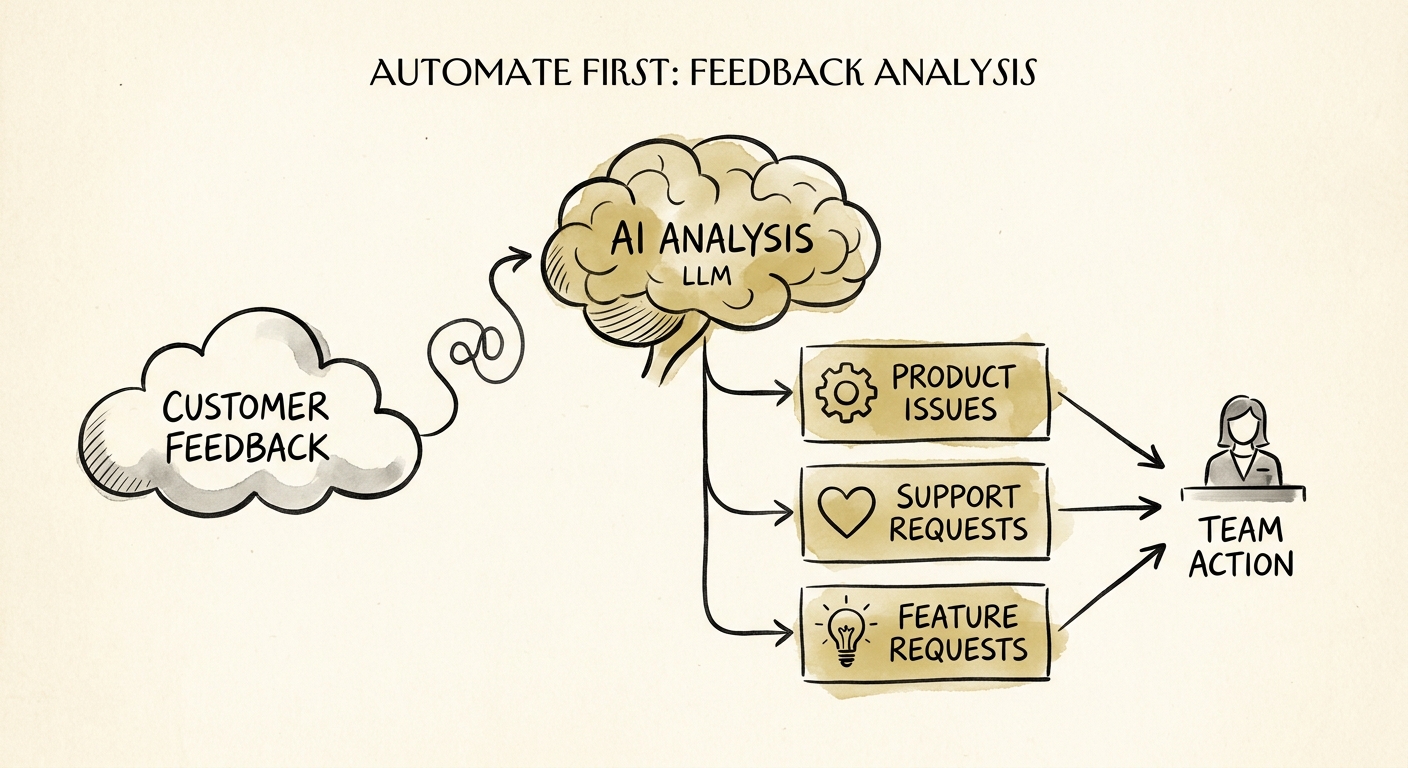
Concretely: every ticket that lands gets tagged by an AI step into a small, fixed set of operational themes — product issue, service issue, billing issue, and retention risk — before a human ever touches it. Not a hundred fuzzy tags. Four. Anything the model isn't confident about, or that smells like a churn signal, drops into a single human-review queue instead of being silently filed.
The discipline that makes this trustworthy is the audit trail. Each label has to point back at the exact ticket text that triggered it. So when the dashboard says "billing issues up sharply this week," your support lead clicks the number and sees the actual tickets — several of which turn out to be the same failed invoice webhook. That's a product bug masquerading as a billing trend, and you'd never catch it from a summary alone. The NIST AI Risk Management Framework makes the underlying rule explicit: any AI output that shapes how customers get treated needs a named owner and a way to measure whether it's right. A label with a citation behind it is measurable. A label without one is a guess you've automated.
The payoff for the support leader is specific. Monday morning, instead of "feels busy," you get: retention-risk tickets are flat, service issues spiked because of one onboarding doc that's out of date, and one enterprise account filed four angry tickets in three days. That last one is the conversation you have early — not the one you discover in the renewal call.
The trap that kills these projects, and the order that works
The thing that sinks feedback-analysis pilots isn't accuracy — it's data sprawl. Support tickets are some of the most sensitive records you own: they carry personal details, full account history, contract terms, and undisclosed product defects all in one thread. The instinct is to point the AI at the entire help desk and let it read freely. Don't. Let the CISA AI data-security best practices decide, up front, which fields the workflow can read, how long it keeps the outputs, and which records — legal escalations, anything with a defect under embargo — get excluded before processing. Scope it to ticket subject and body, strip what you don't need, set a retention window, and write that down before the first ticket flows through.
So the order is: classify first, route the uncertain stuff to one human queue second, and only automate an actual customer-facing response once the team trusts the labels enough to stop double-checking them. That trust is earned in numbers — when your reviewers stop overriding the AI's tags, you've found the workflows worth answering automatically.
If you want a help-desk-specific version of this — which themes to track for your product, what to exclude, and what to measure in the first 30 days — that's the kind of plan we build. Build the AI roadmap and start with the queue you already have, not the bot you don't.