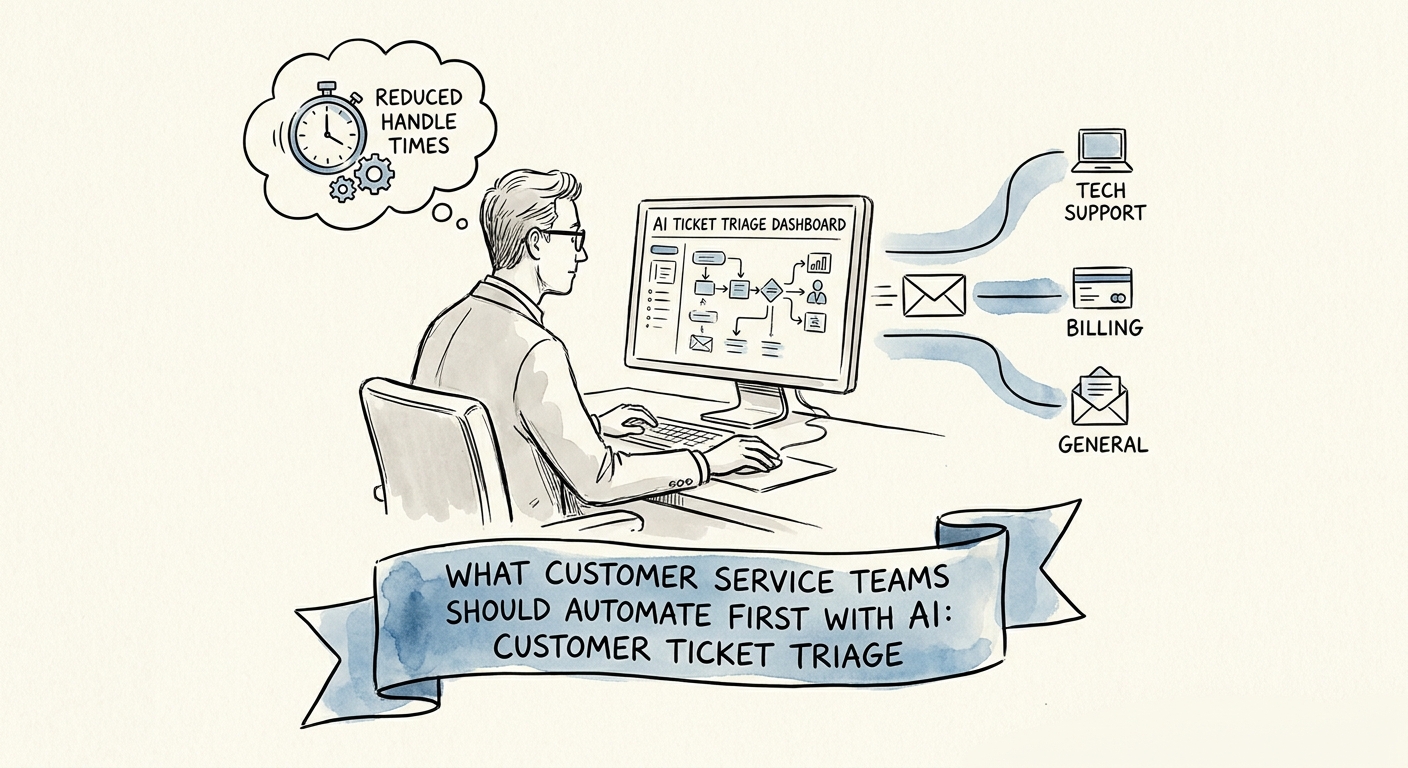
Don't point AI at the reply box. Point it at the queue.
Picture a Monday morning in a support inbox: 140 overnight tickets, half of them mislabeled, a third missing the account ID or order number you need to do anything useful, and two buried "we're cancelling" emails sitting behind a stack of password resets. The agent's first 90 minutes go to sorting, not solving. That sorting is the most automatable work in the entire support function, and it's almost never where teams aim their first AI project.
They aim at the reply box instead, because "AI answers customers" is the demo everyone has seen. It's also the version most likely to send a confidently wrong answer to a paying customer in week one and torch the team's trust before the pilot has a chance. Triage is the opposite bet: high volume, repetitive, measurable, and completely invisible to the customer. The model reads, classifies, and routes. A human still owns every word that leaves the building.
The pressure to do something is real. The Salesforce State of Service research documents service teams stretched on responsiveness, and the RSM middle-market AI survey shows mid-market firms moving past tire-kicking into real deployment. Triage lets you ride that momentum without betting your customer relationships on a model's first guess. Keep the scope tight with the ticket triage design and ROI guide so the pilot stays about queue quality, not a sprawling chatbot.
What the first release actually does — and what it never touches
Define the job narrowly. On each inbound ticket, the model should: assign a category, write a two-line summary of what the customer wants, flag the missing fields an agent will need (order number, environment, version, account tier), suggest a queue and priority, and draft an internal handoff note. That's it. It does not close tickets, does not send customer-facing replies, and does not promise a refund, a date, or a fix. Drawing that line on day one is the whole game.
The build work is unglamorous and that's the point. You need clean categories that mean the same thing to every agent, read access to the systems where customer context lives, an explicit "ambiguous — send to human" path, and a named routing owner for every queue. The OECD report on AI adoption by small and medium-sized enterprises is blunt about why projects stall: not the model, but missing process ownership and unready data. A triage pilot surfaces both in week one, cheaply.
For governance, lean on the NIST AI Risk Management Framework: map where customer data flows, measure classification accuracy against what agents would have chosen, and keep a service leader — not the vendor, not the model — accountable for the routing rules. Then measure honestly, using AI ROI measurement without fake savings. Track five things: misroute rate, how often the summary saved a clarifying round-trip, handoff completeness, duplicate-question volume, and queue aging on the categories the model touches. If those move, you have signal. If they don't, you learned it for the price of a pilot, not a platform.
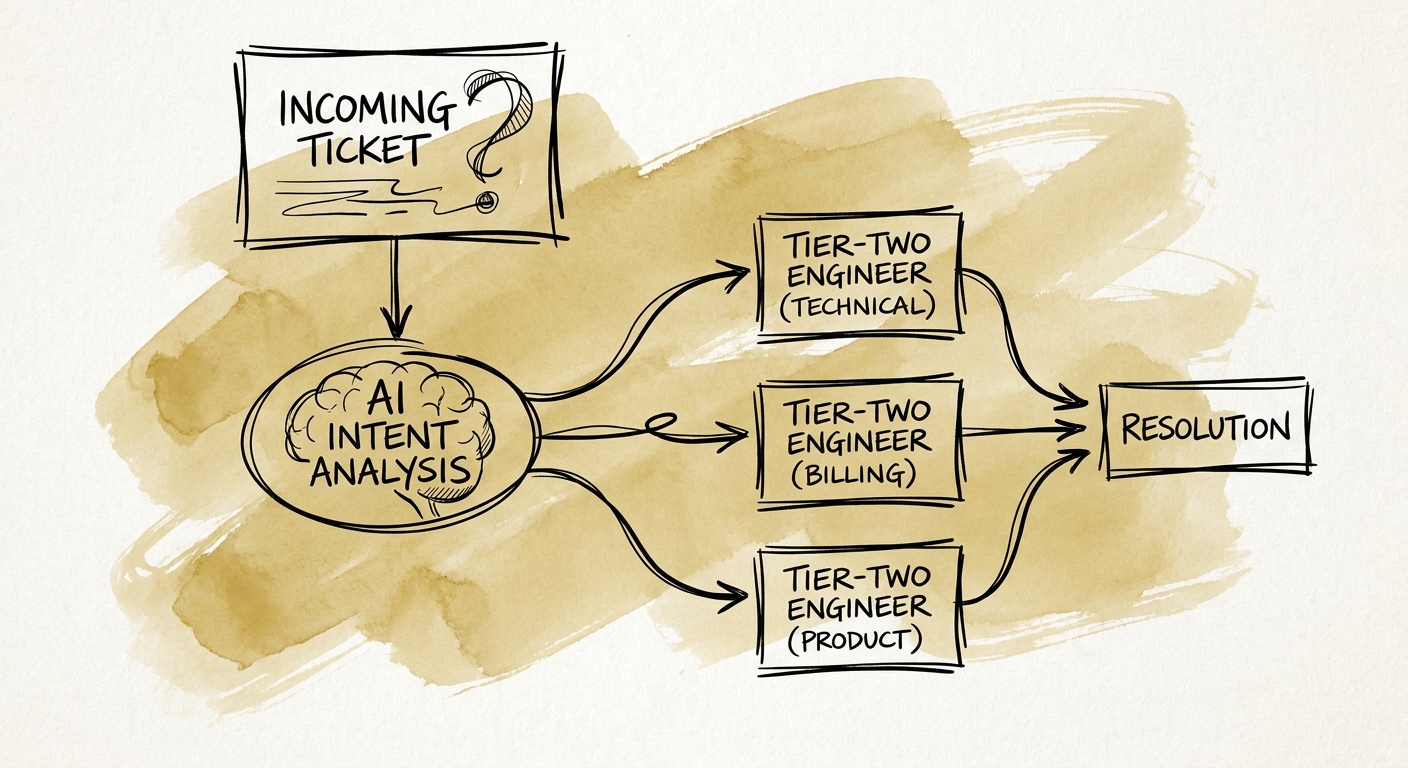
Earn auto-resolution. Don't assume it.
Here's the decision that actually faces a support leader after 30 days of clean triage: the misroute rate is down, summaries are saving agents real time, and someone in the room says, "let's just have it answer the easy ones." That's the moment to slow down. The value you captured came from changing how work enters the queue, not from removing the human. The Deloitte State of AI report locates AI value in process change, and triage already changed the process — exceptions get caught, recurring patterns get visible to team leads, agents start solving instead of sorting.
Jumping straight to automated resolution is precisely the failure pattern the Gartner agentic AI project forecast warns about: agentic workflows shipped before the underlying data quality and controls are proven. Prove routing and context first. Auto-resolution is a separate project with its own risk profile, its own approval gate, and its own narrow first slice — say, password resets where the answer is deterministic and the blast radius is small.
Monday-morning move: pull last week's tickets, count how many were misrouted or bounced back for missing information, and put a number on the sorting tax your team is paying right now. That number is your pilot's baseline and its business case in one. When you're ready to decide whether triage graduates to production controls, walk it through the AI pilot versus production workflow guide.
