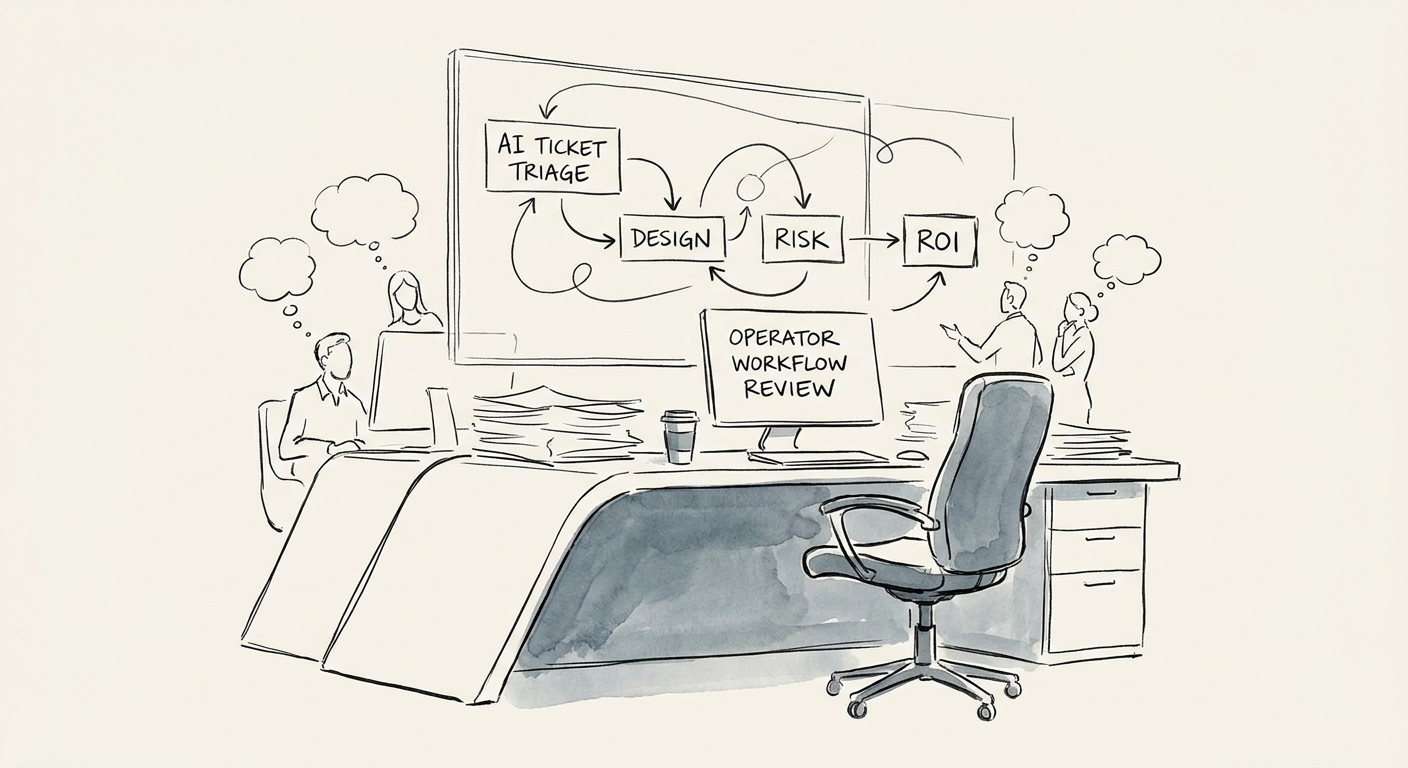
The "low priority" tag that cost you a renewal
Picture a Tuesday morning queue at a 60-seat support team. A ticket comes in: "still seeing the sync error, third time this week." The AI tags it general inquiry, low priority, routes it to the overflow pool. It sits for nine hours. Turns out the sender is the admin at your second-largest account, and "third time this week" was the polite version of a churn warning. Nobody decided to ignore that customer. A label did.
That is the real risk with AI ticket triage, and it has nothing to do with whether the model can write a tidy summary. It can. The risk is that triage touches the one thing support runs on: which ticket gets looked at first. Get routing and priority slightly wrong at volume and you don't get a visible failure — you get a slow leak of mislabeled urgency that surfaces weeks later as a reopen, a bad CSAT, or a renewal call that goes sideways.
So treat the first build narrowly. Let AI read the incoming ticket and propose four things a human can verify in five seconds: issue type, urgency, the affected product area, and a one-line summary of the customer's history. Keep it bolted to the helpdesk, the CRM record, and your knowledge base — and keep anything that reaches the customer directly (auto-replies, refund offers, policy exceptions) out of scope until the labels have earned trust. A wrong suggestion costs a glance. A wrong action costs the relationship.
Your taxonomy is the whole product
Most triage projects skip the boring part and pay for it later. The model is not your bottleneck; your category list is. If your agents quietly disagree about what counts as "urgent" versus "high," the AI will inherit that confusion and amplify it across every ticket at once. Before you connect anything, sit three of your best agents down and have them label 200 recent tickets cold. Where they disagree with each other, the AI has no chance — fix the taxonomy there first.
Define it tightly: issue types, urgency levels with concrete triggers (an SLA-bound account, a payment failure, a security keyword), affected product areas, and account-tier signals pulled from the CRM, not guessed from tone. Then draw the line between suggest and decide. A routing suggestion to a queue is reversible and safe. An automatic escalation — or worse, an automatic de-escalation — of a sensitive account is not. Start with everything in suggestion mode and promote individual categories to auto-route only after they've held up for weeks.
The numbers that tell you the truth are unglamorous: reassignment rate (how often a human moves the ticket the AI placed), incorrect-priority rate, and missed escalations — the false negatives that hide. Watch the false negatives hardest, because a queue that looks calm can be calm for the wrong reason. The OECD SME AI adoption report makes the point that for smaller firms the binding constraint isn't access to the tool, it's whether the organization can absorb the workflow without breaking what already works. Triage is exactly that kind of workflow. And the rollback rule has to be written before launch, not improvised during a fire: if escalation accuracy drops below your floor or urgent tickets start landing in the wrong pool, the category reverts to suggestion-only while you repair the examples. Reverting should be a one-line config change a manager can make on a Tuesday, not a project.
Measure it like a support leader, not a tech demo
The trap is celebrating "the AI summarized 4,000 tickets" while the metrics that pay rent stay flat. Run a real before-and-after on a single queue: first response time, reassignment rate, escalation accuracy, reopen rate, and backlog age. If response time drops but reopens climb, you sped up the wrong work — you're closing tickets the AI mislabeled as simple. That pattern is the tell that your taxonomy still has gaps.
The exercise that actually moves a triage build toward production is the weekly wrong-answer review. Pull every ticket where a human overrode the AI, and read for the pattern, not the count. Twenty corrections that are all the same edge case is a taxonomy fix. Twenty scattered ones is a model you can't yet trust on that category. The Deloitte State of AI report describes the wide gap between AI experiments and production value, and support triage crosses that gap at a specific, observable moment: when your queue managers stop second-guessing the labels and run the morning queue off them, and your agents see fewer pointless handoffs.
If you want a concrete Monday move: this week, export the last 30 days of tickets and have a senior agent label urgency on a sample by hand. That hand-labeled set is your scoring key — without it you're guessing whether triage is working. From there you can scope customer service AI against a real baseline. The discipline here is the same kind we bring to high-stakes support transitions, like holding 95% customer retention through a post-merger integration: the queue can get faster, but it can never get faster by quietly dropping the customers who matter most. When ticket volume is outgrowing your current process, scope the work before the backlog sets the priorities for you.
