Count the emails it takes to book one escalation call
Say a 60-person B2B SaaS support team gets a Tier-2 escalation that needs a live call with the customer, a solutions engineer, and the account's CSM. Watch what actually happens: the agent emails three internal calendars, the customer replies with two windows that don't work, the SE is in a different time zone, someone proposes Thursday, the CSM is out Thursday, and four business hours evaporate before anyone is on a call. The ticket sat the whole time. That latency — not the call itself — is what shows up in your CSAT comments as "took forever to get someone on the phone."
This is why scheduling coordination, not direct customer answering, is the right first place to point AI. The work is repetitive and bounded, the output is trivially easy for a human to glance at and approve, and a mistake costs you a re-proposed time slot — not a wrong technical answer a customer screenshots and forwards to their VP. The Salesforce State of Service report keeps landing on the same point: service productivity is gated less by how fast agents type and more by how fast customer context connects to the next operational step. Booking the right people into the right slot is that step.
The realistic division of labor: AI reads the ticket, drafts a one-line summary of the issue, infers who needs to be in the room (SE for a config bug, billing for a contract dispute), pulls live availability across the internal calendars, and proposes two or three concrete windows. A human — or an explicit customer click — closes the loop. Nobody's calendar gets a hard-booked meeting from a model guess.
The four rules that matter more than the prompt
The temptation is to obsess over how you word the AI's instructions. In practice, a scheduling assistant lives or dies on four coordination rules you define before it touches a calendar — availability, priority, owner, and confirmation — and these are exactly where support work is unforgiving. A scheduler that books a contractually time-bound P1 outage call for "next available Tuesday" hasn't saved time; it's created a breach.
Walk the edge cases that are specific to a support queue, not a generic meeting bot. Priority: a customer with a 4-hour contractual response window cannot be queued behind a routine onboarding check-in, so priority has to read from the account tier, not just the inbox order. Owner: the assistant needs to know that a security incident pulls in your on-call engineer and never auto-invites a customer to that internal triage. Time zones: "3 PM" with no zone is how you no-show a customer in Singapore. Confirmation: nothing is real until the customer affirmatively picks a slot — proposed is not booked.
Because the assistant is now reaching into calendars, identities, and ticket bodies that may contain sensitive customer detail, access boundaries stop being optional. The Microsoft 365 Copilot architecture and data protection documentation is worth reading on exactly this: the assistant should only see what the agent operating it is already permitted to see, and it should surface which records it drew on. For the governance wrapper around all of it — defining the use case, logging the exceptions, deciding who reviews overrides — the NIST AI Risk Management Framework gives you a structure that doesn't require a compliance department to operate.
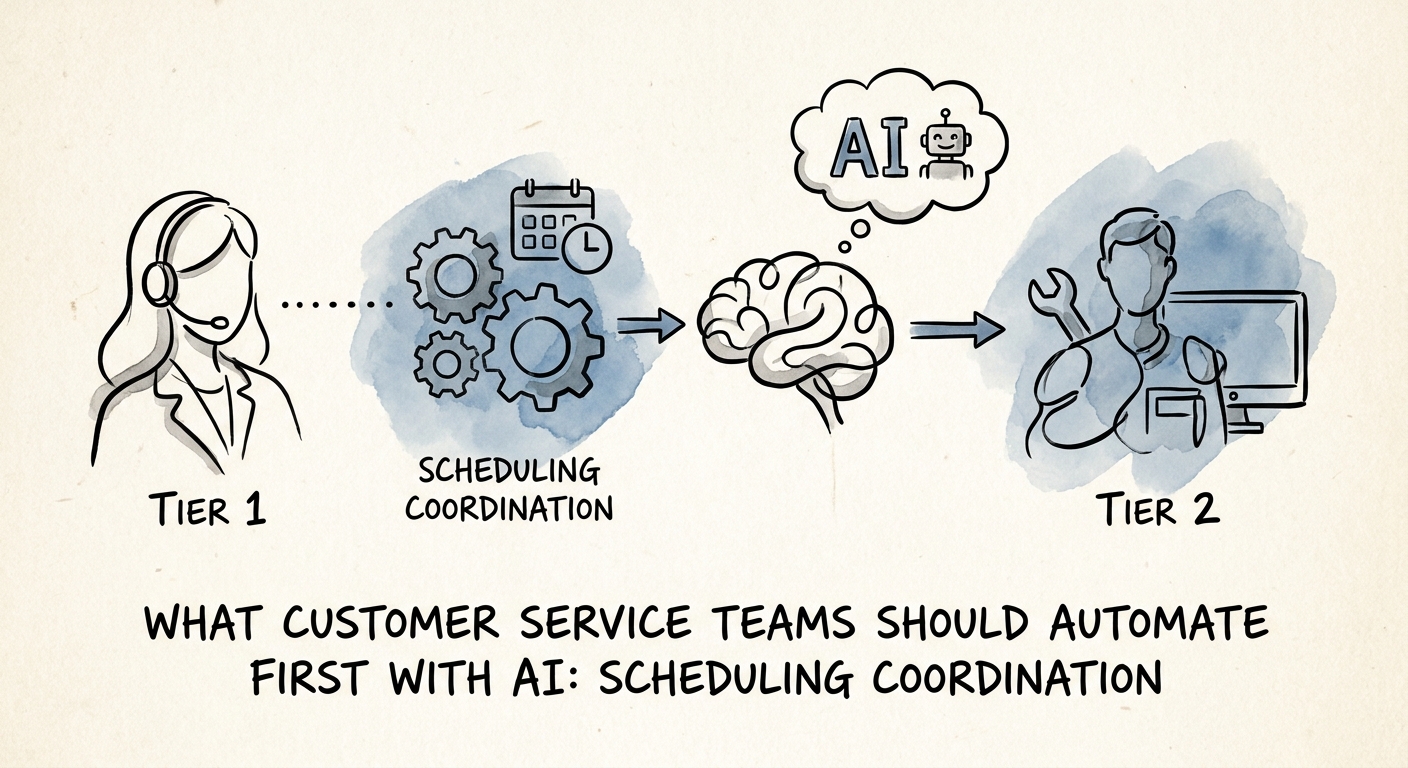
Measure minutes-to-meeting, not "we shipped AI"
The failure mode here is a dashboard that brags about how many meetings the AI "touched." That number tells you nothing. The thing your support leaders actually feel is the gap between a customer asking for a call and that call being on three calendars. Instrument that. Track handoff latency (request to confirmed slot), reschedule rate (how often the first proposal gets rejected — a proxy for whether the availability logic is right), the share of proposals customers confirm without a back-and-forth, and agent adoption, because a tool the team routes around is a tool that failed quietly.
Run it as a four-week pilot on one queue — your escalation or success-call queue, where the coordination tax is highest — before you let it near anything else. The IBM Institute for Business Value AI capabilities research is blunt that the value comes from embedding the capability into the live workflow, not from the model itself; a scheduler bolted on beside your help desk instead of inside it will get ignored.
If you're not sure scheduling coordination is even your highest-leverage first move — maybe your back-and-forth is worse in ticket triage or account research — pressure-test it before you build. Run the AI Opportunity Score against your support workflows and let the comparison, not the hype, pick where you start.