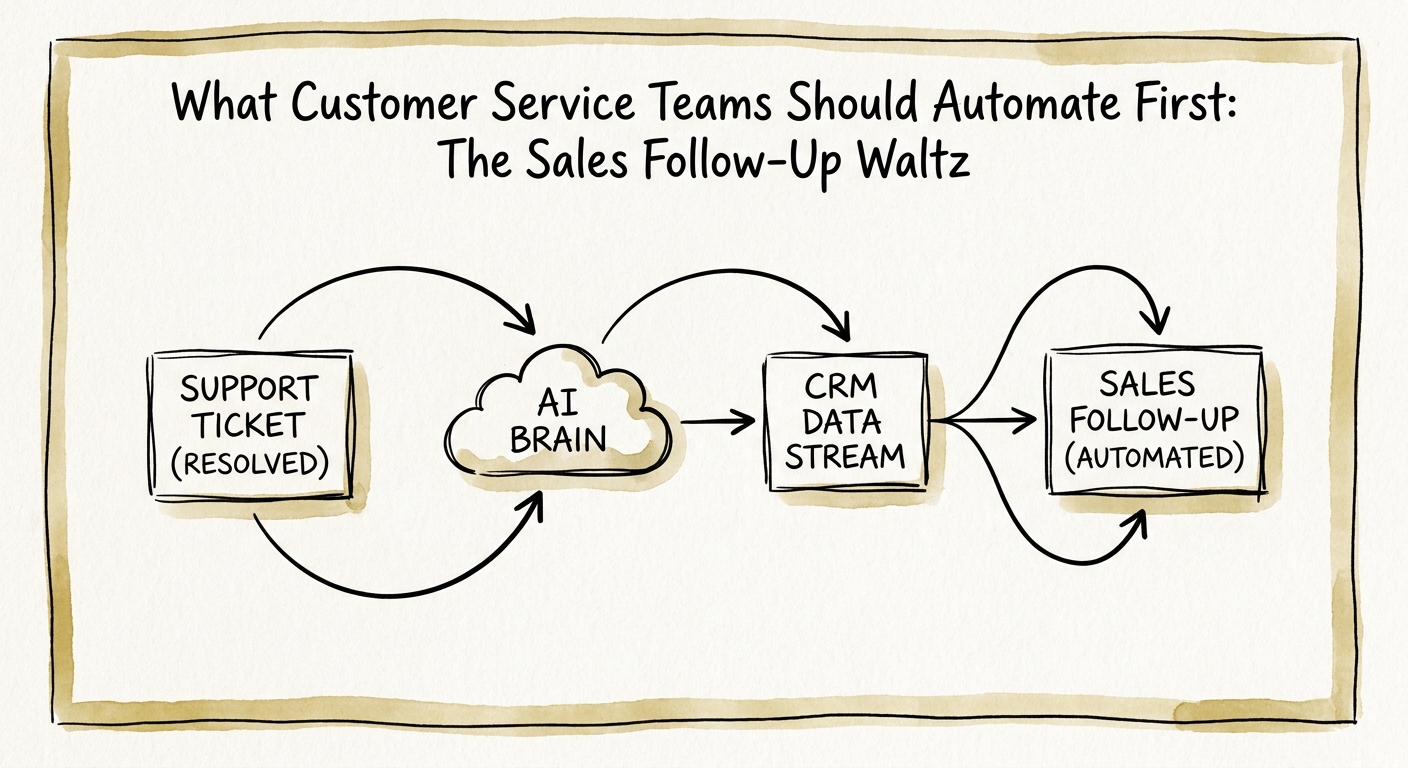
The third "how do I add seats?" ticket is a sales meeting nobody booked
Picture a 60-person B2B SaaS company. A customer success rep closes a ticket: "How do I add five more users to our plan?" Two weeks earlier, the same account asked about your API rate limits. A month before that, someone there filed a ticket about exporting data to a tool you happen to integrate with. Three separate support conversations, three different reps, zero connection drawn between them. Meanwhile the account exec assigned to that logo is forecasting it as flat.
This is the gap. Customer service and customer success teams sit on the richest expansion signals in the company — repeated feature requests, seat questions, integration friction, training gaps, the occasional executive who shows up in a ticket thread because something broke. The Salesforce State of Service report frames AI in service around productivity and customer experience; the Salesforce State of Sales report keeps follow-up tied to account context. Put those two together and the first AI workflow a service team should build becomes obvious — and it is not a bot that sells from the support inbox.
It is a reviewed handoff. The AI reads the ticket history for an account, spots that those three conversations add up to a buying signal, drafts a short brief for the account owner — issue, signal, context, recommended next action — and drops it in a queue for a human to approve before anything reaches the customer. Nobody gets sold to from a support thread. Sales just stops flying blind.
Three checks, or you've turned your CSAT engine into a spam cannon
Here's what goes wrong when teams skip the design work: the AI sees "add five seats," flags it as expansion, and an SDR pings the customer mid-ticket — while their actual problem is still open. Now the customer feels surveilled and unheard at the same time. You traded a renewal for a quick pitch. This is exactly the customer-expectation boundary the NIST AI Risk Management Framework exists to make you think about before you ship.
So gate every handoff on three questions the workflow must answer before a brief is even generated. One: is the customer's actual issue resolved, or still open? An unresolved ticket is never a sales trigger. Two: is there a genuine buying signal, or just a routine support question — adding seats reads differently than asking how to reset a password. Three: does the account owner review before any outreach happens? In a SaaS shop that usually means the CSM or AE who owns the logo, not whoever happened to catch the ticket.
Permissions matter as much as logic. A support rep can see things — billing details, internal escalation notes, churn-risk flags — that don't belong in a sales prospecting view. Microsoft 365 Copilot's architecture and data-protection documentation is worth reading on this point: enterprise AI should inherit identity, access, and audit boundaries rather than flatten them. Your service context is not a sales research database that anyone with a login can mine. Scope what the model can read, and log what it surfaces.
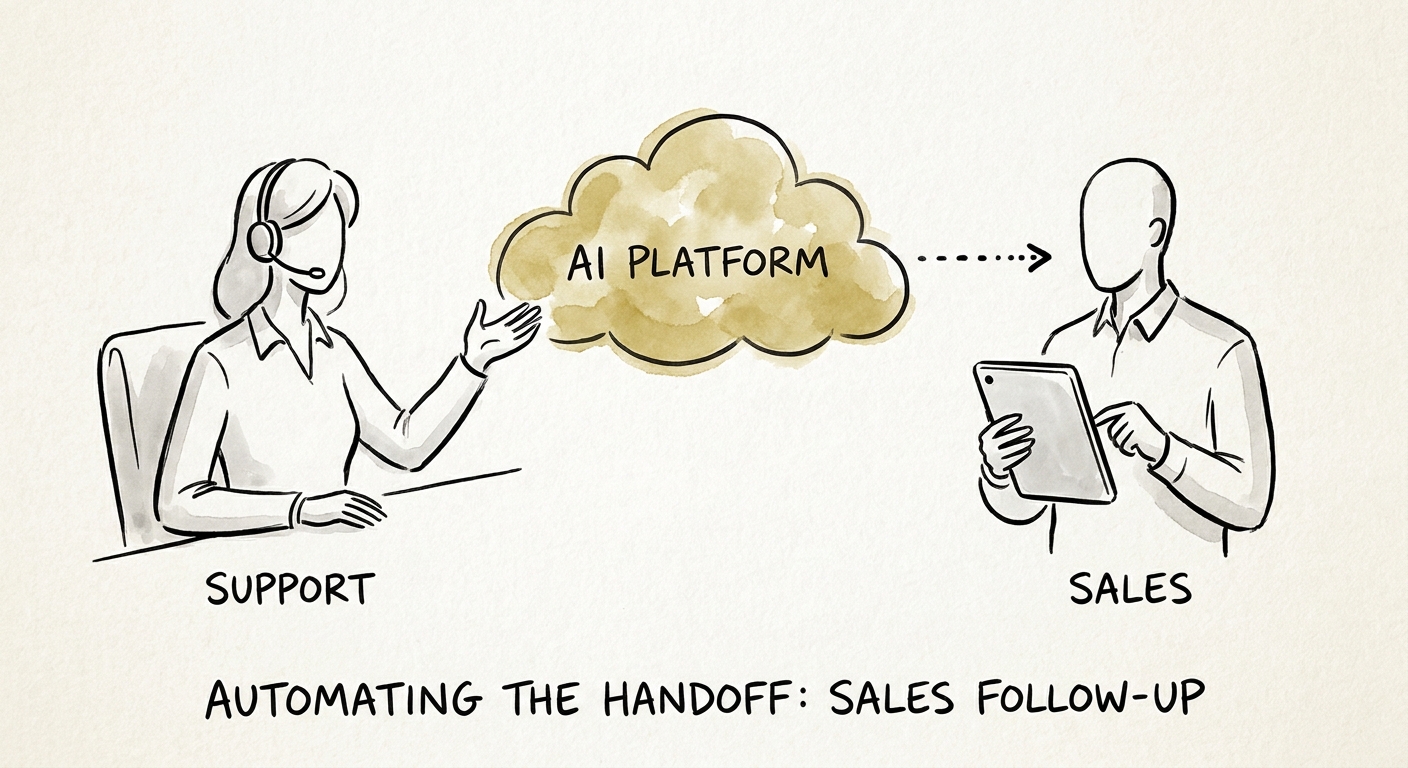
Count accepted handoffs, not messages sent
The failure mode of any "AI follow-up" pilot is that it optimizes for volume — more outreach, more touches, more activity that looks like progress on a dashboard. For a service-to-sales handoff, volume is the wrong number entirely. The whole point is that support already has limited, trusted attention with the customer; you do not want to spend it faster.
So measure the things that tell you the handoff got better. Handoff acceptance rate: of the briefs the AI drafts, how many does the account owner actually act on? Quality of the drafted context: does the AE open it and immediately understand the situation, or do they have to re-research the account anyway? Avoided bad sends: how many times did a check correctly stop an outreach on an unresolved ticket? Resolution status at handoff, and revenue-owner adoption — are CSMs and AEs voluntarily using the queue a month in, or ignoring it? If acceptance is high and bad sends trend toward zero, you have a workflow worth expanding. If reps are rubber-stamping or ignoring the queue, your checks are wrong, not your idea.
If you want to know whether your support queue is structured enough to support this — clean account mapping, ticket history that's actually searchable, owners clearly assigned — run the AI Opportunity Score first. Then use a QuickStart AI Audit to write the review rules and permission scopes before you let a single brief reach a customer-facing rep.
