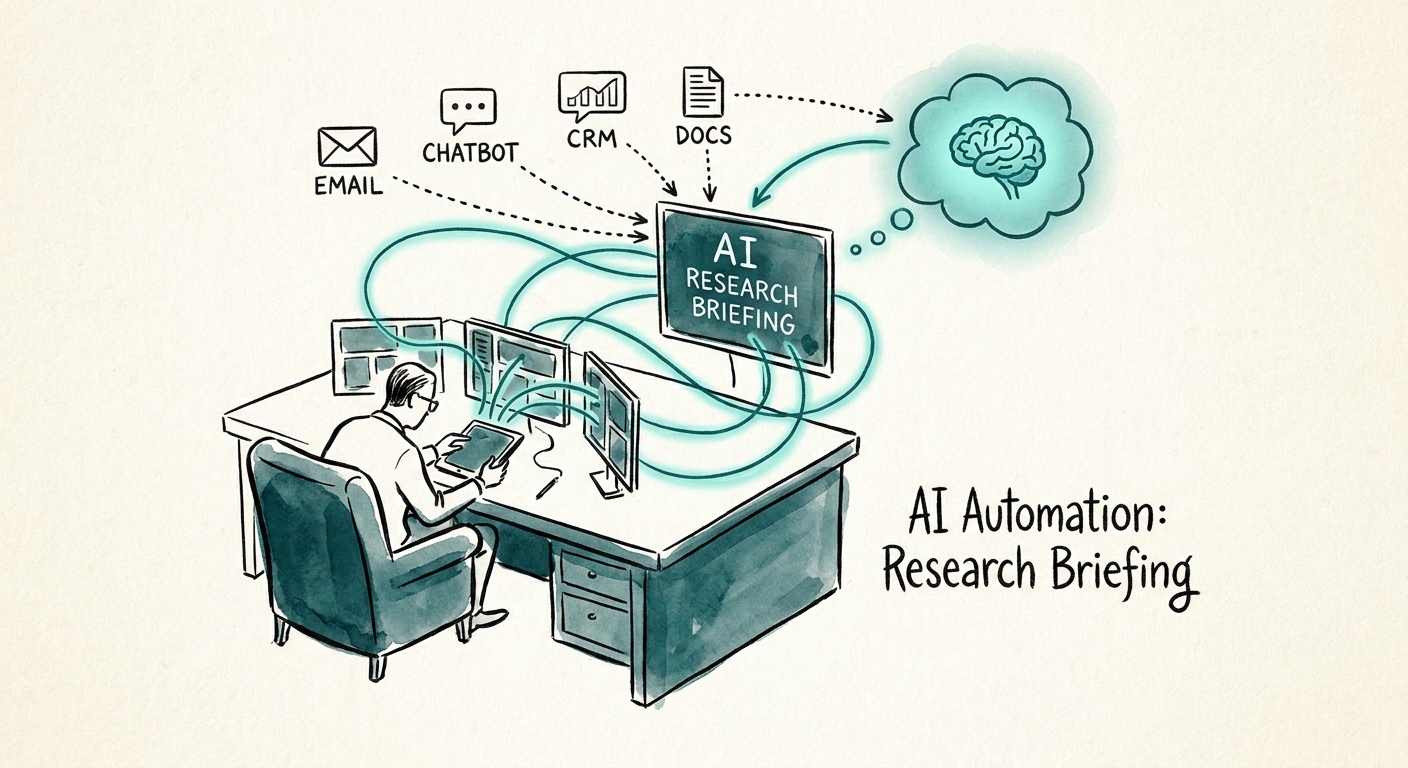
Watch what an agent does in the first 90 seconds of a B2B support ticket
They don't answer. They dig. They open the CRM to see which contract this account is on, scroll the last four tickets to check whether this is a repeat issue or a new one, ping Slack to find out if engineering already knows, and skim a knowledge article that may or may not still be accurate. By the time they type a word, two minutes are gone and the customer has already half-decided the company is disorganized. Multiply that by a B2B services queue where every account has a history, an entitlement tier, and a relationship — and the reconstruction tax is the single biggest hidden cost in the room.
So when teams ask what to automate first, the instinct is to automate the answer. That's the wrong end. The first useful AI workflow in a B2B service org is the research brief: a short, source-linked summary the agent reads before they engage. Account tier, open and recently-closed tickets, product context, any active escalation, and the one knowledge article that actually applies — assembled in the time it takes the ticket to load. The Salesforce State of Service report shows service orgs leaning on AI for exactly this kind of productivity lift, and the leverage is real because briefing is where the wasted minutes hide.
This matters more in B2B than in consumer support. A retail chatbot can guess; a B2B agent talking to a $200K account that's mid-renewal cannot. McKinsey's State of AI 2025 makes the underlying point plainly: value shows up when you redesign the work, not when you bolt a model onto it. Redesigning the work here means moving AI upstream of the reply — to the moment the agent forms their mental model of the situation.
The brief is only as trustworthy as its citations — and that's a permissions problem first
Here's where most teams quietly break it. A research brief that pulls from your CRM, ticket system, and internal wiki is reaching into systems with real access boundaries. A tier-2 agent should not see the enterprise account's pricing exception notes. A contractor handling overflow should not see the legal-flagged escalation thread. If the AI brief surfaces context the agent isn't entitled to, you haven't built an assistant — you've built a data leak with a friendly summary. The Microsoft 365 Copilot data protection architecture is worth reading specifically for how it ties what an assistant can summarize to what the underlying user is already permitted to open. Inherit your existing permissions; don't invent new ones for the AI.
The second discipline is visible sourcing. Every line in the brief should carry its receipt: "Customer reported login failures — Ticket #4821, closed 9 days ago" beats "Customer has had recent issues." When an agent can click straight to ticket #4821, they catch the stale or hallucinated line in two seconds instead of repeating it to the customer's face. A brief without source links isn't faster context; it's a new thing to fact-check. Treat any unlinked claim as untrusted by default.
The NIST AI Risk Management Framework gives you the control vocabulary to make this operational rather than aspirational. Decide, in writing: when a brief touches an active escalation, does a supervisor review before the agent acts? When the model's confidence on "is this a repeat issue" is low, does it say "uncertain" instead of guessing? And when an agent spots that the knowledge article the brief cited is six months out of date, what's the one-click path to flag it? Those three rules turn a clever feature into something you can put in front of a regulated B2B account.
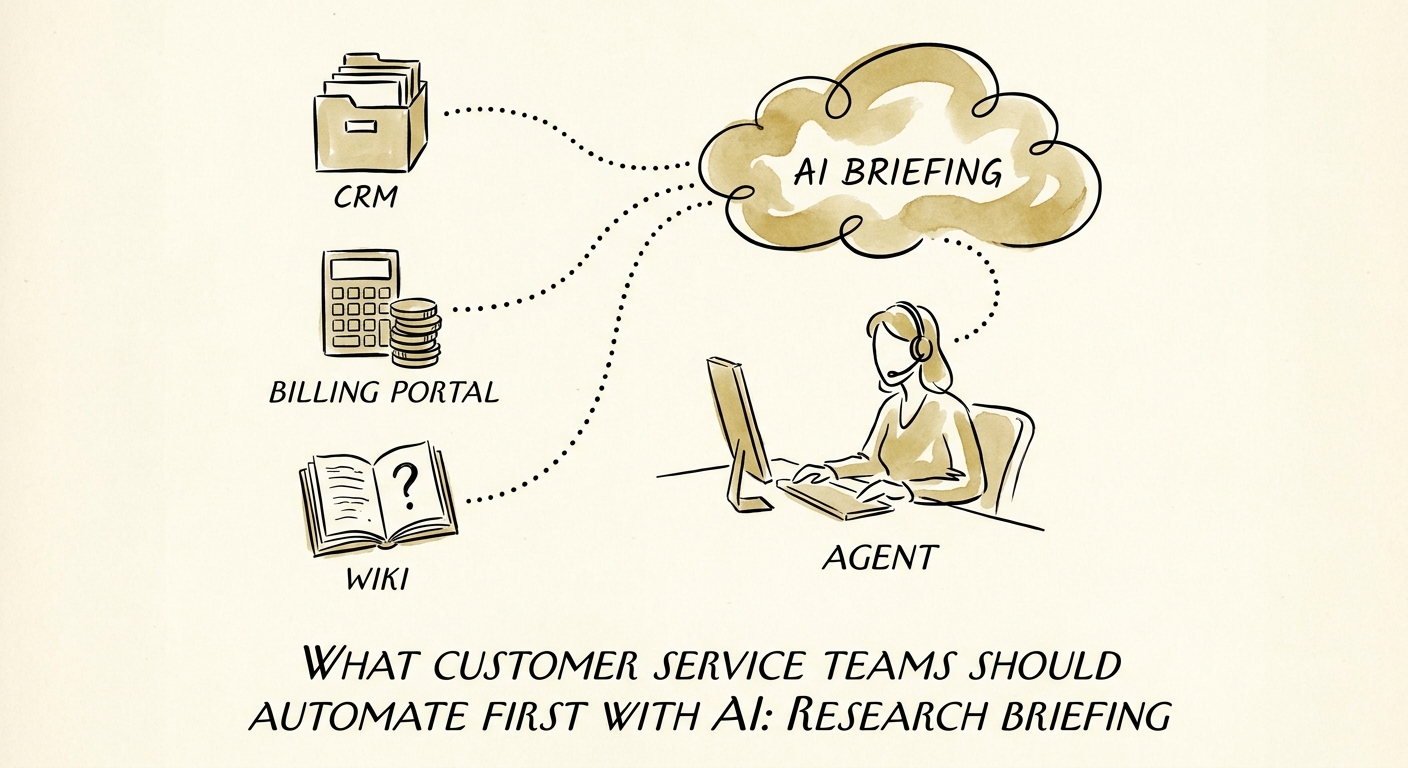
Run a two-week pilot, and measure the right number
Don't measure how much text the brief produces — measure what it changes. Pick one queue. For two weeks, track five things: average pre-engagement prep time (the 90 seconds you're trying to kill), first-response accuracy, escalation correctness (did the agent route it right the first time), how often the cited knowledge article turned out to be wrong or missing, and how heavily supervisors had to edit briefs before they were usable. If prep time drops and edits stay low, the brief earns its place. If supervisors are rewriting half of them, your knowledge base is the real problem and no model will paper over it — which is itself a useful finding.
The trap to avoid: chasing volume. A brief that's longer is not a brief that's better. The win condition is an agent who opens a ticket already knowing the account, the history, and the one fact that matters — and who can prove every line came from a system they're allowed to see.
If you want to design that service workflow deliberately, start with Customer Service AI. And before you commit a quarter to it, run the AI Opportunity Score to compare research briefing head-to-head against ticket triage or escalation routing — so you automate the workflow with the most trapped time, not the one that demos best.