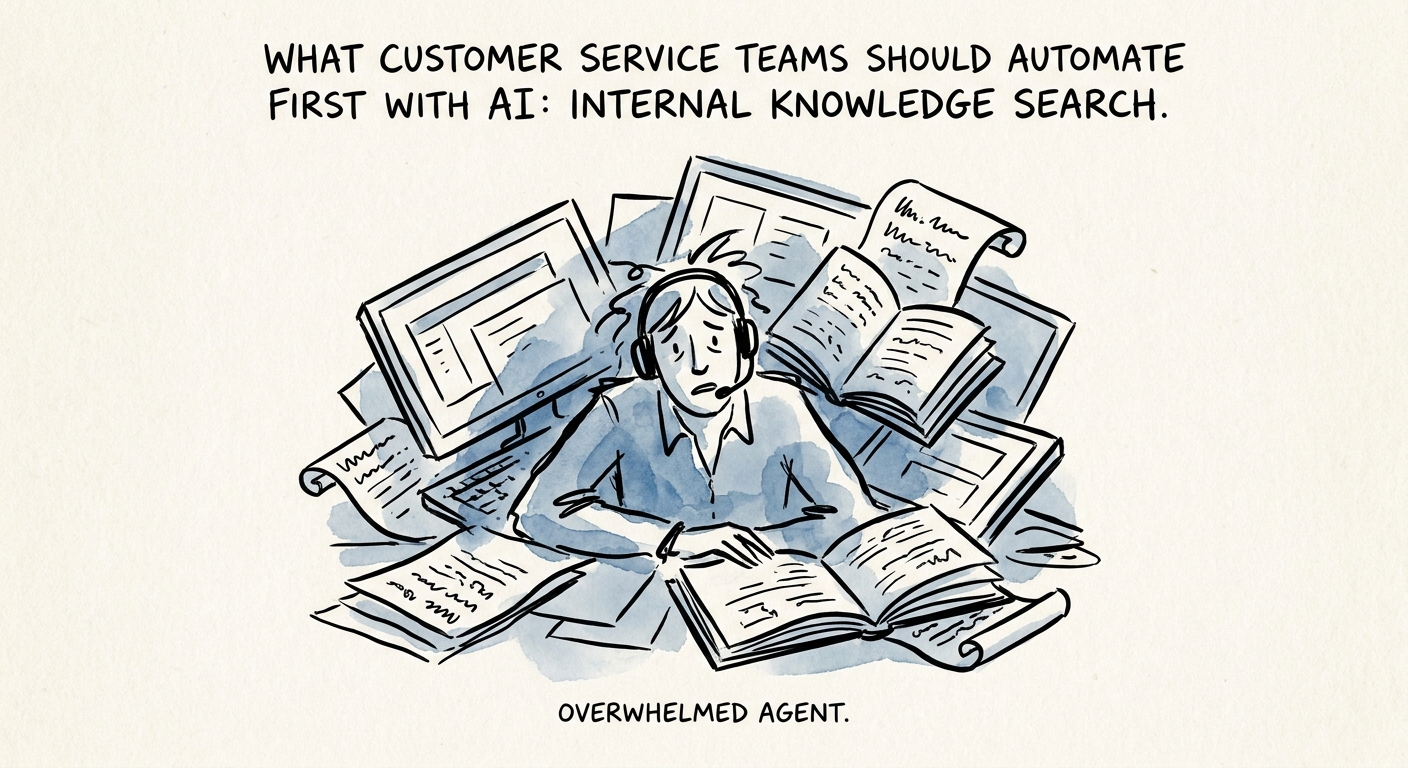
The new rep who pastes a 2-year-old refund policy
Picture a support floor on a Tuesday. A customer asks whether their plan includes priority routing. Your three-year veteran knows the answer cold. Your six-week hire opens a knowledge base search, gets eleven articles, picks the one that looks right, and quotes a policy that was retired last quarter. Now you have a wrong promise in writing and a supervisor escalation by Thursday.
That gap between your best agent and your newest one is the most expensive thing on the floor, and it is exactly what internal knowledge search is built to close. Not a customer-facing chatbot. An agent-assist layer that sits beside the ticket, reads the question, and surfaces the one approved answer with its source attached so the rep can confirm it in two seconds instead of guessing across eleven tabs.
The order matters. The Salesforce State of Service report tracks how service organizations are putting AI to work supporting agents and lifting response quality, and the safer first move is consistently the internal one: the AI proposes, the human ships. Publishing unsupported text straight to a customer is the move that generates the headline. Helping a human find the vetted answer faster is the move that quietly drops your average handle time and your reopen rate at the same time.
The retrieval is easy. The library is the project.
Here is what most teams get wrong: they treat this as a search-engine problem when it is a content-governance problem wearing a search-engine costume. You can stand up retrieval over your help center in an afternoon. If that help center has four articles describing the same return process — two of them stale, one half-written, one owned by a person who left in March — the AI will confidently retrieve the wrong one and now your bad answers arrive faster and sound more authoritative. You've automated the mistake.
So do the unglamorous work first. Give every article a named owner and an expiry date. Run a freshness sweep and kill or merge the duplicates. Wire up usage tracking so you can see which articles agents actually open and which ones the AI keeps surfacing that nobody confirms. The IBM Institute for Business Value research on AI capabilities ties real return to trusted data and adoption, not to model choice — and in a service context, "trusted data" means a knowledge base where the answer the AI hands your agent is the answer you'd actually stand behind.
Two controls separate a pilot from a liability. First, permissions: an agent should only ever see answers drawn from sources they're cleared to read. A tier-one rep retrieving content meant for the security team is a data-protection incident waiting to happen. The Microsoft 365 Copilot data-protection architecture spells out why identity and access have to gate retrieval, not bolt on after. Second, behavior under uncertainty: decide in advance what happens when confidence is low or every candidate article is stale. The NIST AI Risk Management Framework gives you the scaffolding to define low-confidence escalation, stale-answer handling, and named reviewer ownership before you let the tool past a handful of seats. A system that says "I don't have a current approved answer, escalate" beats one that invents a plausible one every single time.
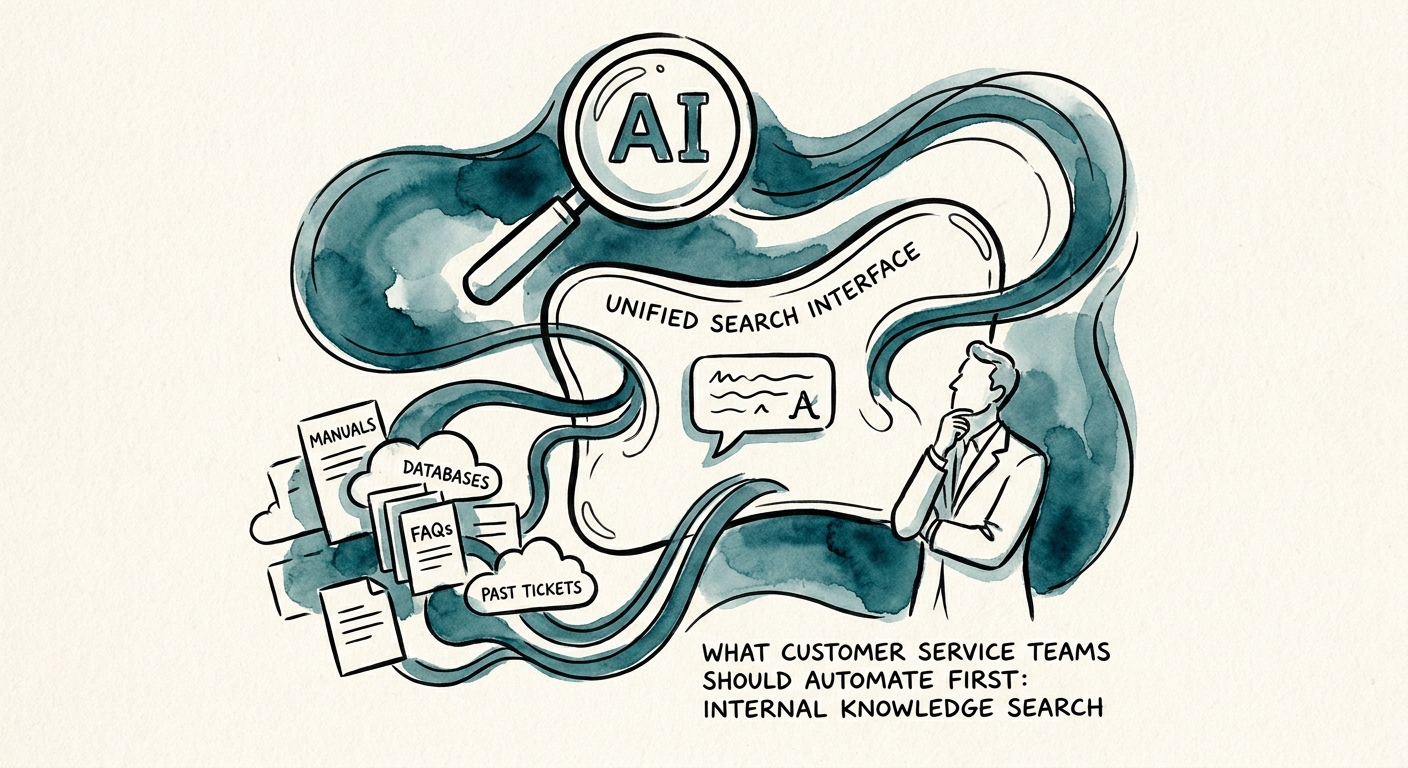
What to put on the dashboard Monday
You'll know this is working long before anyone says "the AI is great." Watch six numbers. Search success rate: did the agent find an answer they used? Source-citation coverage: what share of surfaced answers carried a real, current source? Time to answer, measured from question to confirmed reply. Escalations avoided, because the rep found it themselves. Agent edit rate — how often a human had to correct the proposed answer before sending, which tells you whether the library is actually trustworthy. And knowledge gaps logged: every time an agent searches and finds nothing usable, that's a missing article you should be writing this week.
That last metric is the flywheel most teams skip. A good internal search workflow doesn't just answer questions — it tells you exactly which questions you can't answer yet, ranked by how often they're asked. Run it for a month and your gap log becomes your content roadmap, written for you by your own customers.
If you want to map the agent-side workflow — what the AI proposes, when it escalates, how the human confirms — start with Customer Service AI. For the retrieval and permission layer underneath it, the freshness checks and access gating, see Knowledge Systems and RAG. Build the thing your agents already open forty times a shift before you build the thing your customers will only forgive once.
