The report nobody trusts but everyone reads
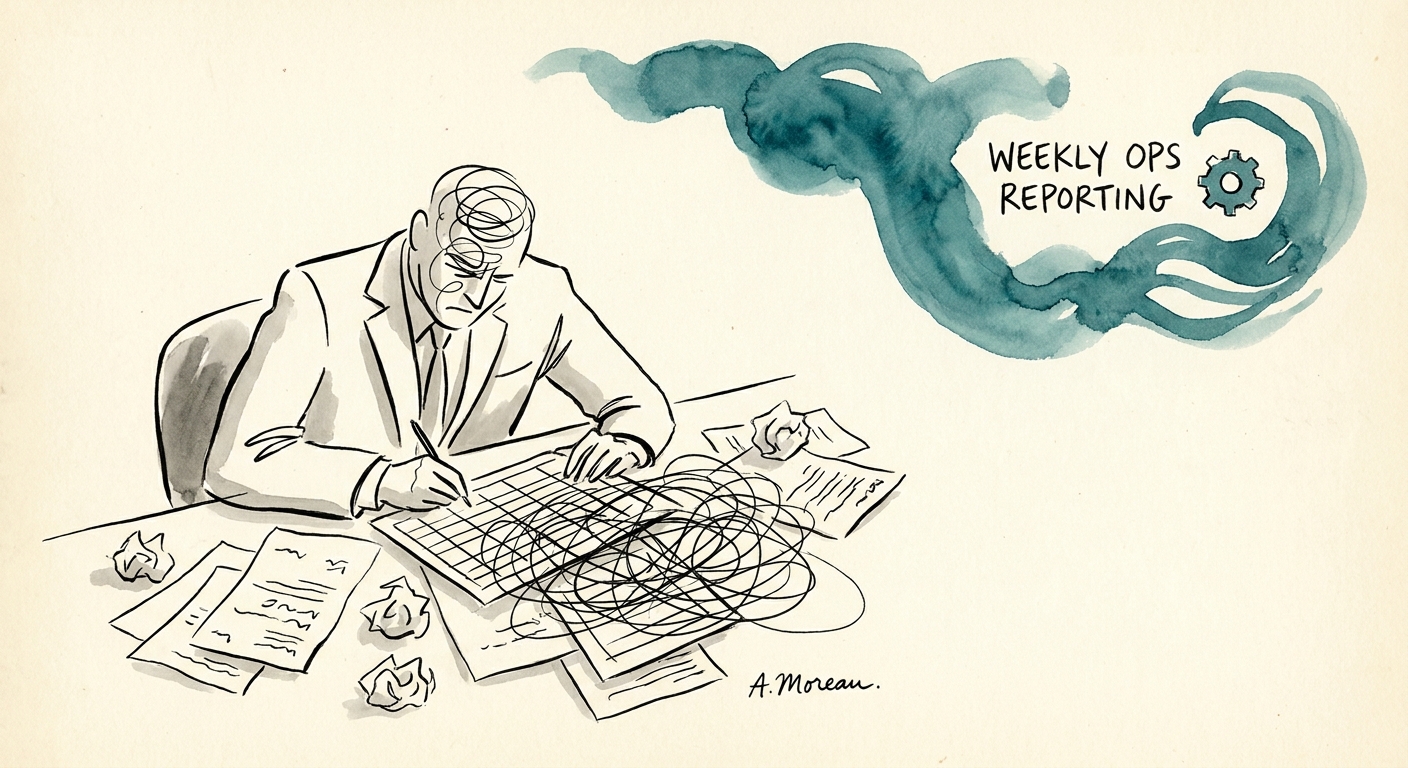
Picture the Monday support sync at a 90-person B2B software company. The CS lead has spent Sunday night pulling numbers out of Zendesk, copying CSAT into a slide, and writing three sentences about "elevated volume." By the time it lands in the leadership channel, it's stale, it's hedged, and half the room already suspects the escalation count is wrong because two agents categorize tickets differently. The report gets read. It doesn't get trusted.
When customer service teams ask what to automate first, the instinct is the inbox — auto-replies, deflection bots, suggested responses. That's the riskiest place to start, because every mistake lands on a customer. The quieter, higher-leverage first move is the weekly operations report: it's repeatable, it's internal, and every claim it makes is backed by data you already own. The Salesforce State of Service 2025 picture is that AI is reshaping service work, but the near-term, low-blast-radius win is helping a manager see backlog, escalation trends, and root-cause clusters a week earlier than they do today.
And the value isn't "more status updates." Per Atlassian State of Teams 2025, team performance hinges on finding the answer and prioritizing the right work — not on generating more recap. A good AI report compresses the search: instead of three people reconstructing what happened, leaders get a sharper operating conversation in the first five minutes of the meeting.
Automate the assembly, never the verdict
Here's the line that keeps this safe. The AI drafts the report — pulling ticket volume, backlog, escalations, root-cause patterns, and owner actions into five sections, with a source link behind every number and explicit flags where the data is thin. What it must not do is render judgment: it should never conclude "the West team is failing," never paper over an unresolved exception to make the trend look cleaner, and never convert a week of incomplete tagging into a performance verdict on a person. That last step — leadership review before the report goes out — is the one human checkpoint you do not remove.
The NIST AI Risk Management Framework is the right frame here precisely because this report isn't decorative. It steers resource allocation, staffing, and what you promise customers. A report that quietly drops the four worst tickets to smooth the curve isn't a reporting tool — it's a governance failure with a chart on top.
There's also a precondition most teams skip. The IBM Institute for Business Value AI capabilities research is blunt that AI value depends on data quality and operating-model fit, not the model. If your ticket categories are inconsistent — and at a B2B software shop where one agent files a 500-error as "bug" and another files it as "how-to," they almost always are — your first sprint isn't building the report. It's cleaning the taxonomy. Garbage in produces a confident, well-formatted lie.
Make it a management system, not a prettier recap
You'll know the automation is working not by how the report looks but by five numbers about the report itself. Track correction rate (how often a human edits a claim before publish — falling means trust is rising), source coverage (what share of statements link back to data), time to publish, root-cause recurrence (is the same issue showing up week after week, which means nobody owned it), and action completion (did last week's owners actually close their items). If the report names a root cause and the same cause reappears for three straight weeks, the report is doing its job — your follow-through isn't.
Start narrow: one team, one week, leadership reviews every draft. Once correction rate drops and source coverage holds, you've earned the right to consider customer-facing automation — and you'll do it on a foundation of clean data and a governance habit you built on something internal first.
Two next steps. Read when not to automate weekly operations reporting with AI so you know the failure modes before you build, and run the AI Opportunity Score to pressure-test whether reporting really should come before you touch the customer inbox.