The bot will confidently answer the wrong question
Picture a support queue where a renewal escalation is tagged "billing question," the account record still lists a contact who left eight months ago, and the only linked help article describes a feature that was deprecated last quarter. A human agent works around all three of those flaws in about four seconds without noticing. They read between the lines. They check Slack. They know the customer.
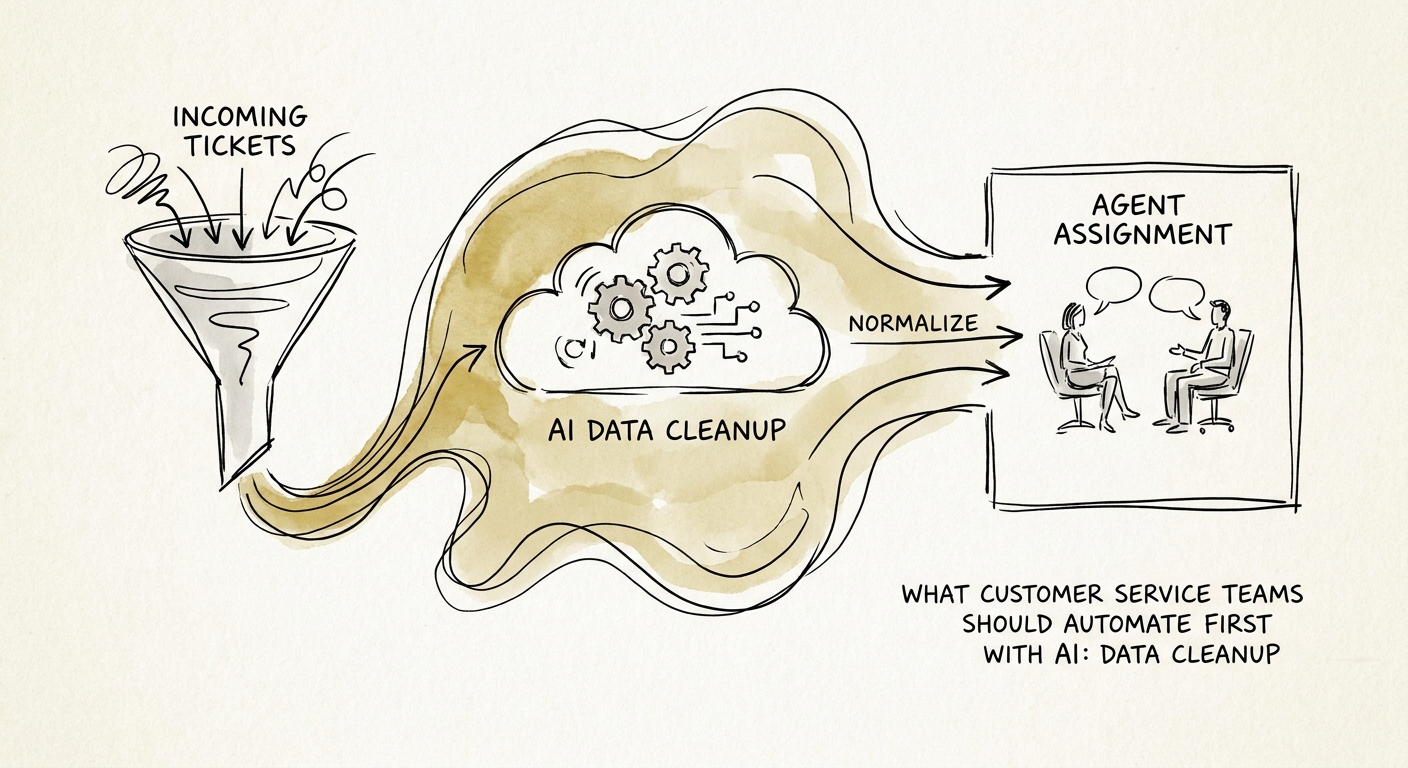
Point an AI at that same ticket and it does none of that. It reads "billing question," routes to the billing queue, pulls the dead article, and drafts a polite reply to a person who no longer works there. It does this instantly and at scale across every ticket that comes in overnight. The thing that made AI attractive — speed without a human in the loop — is exactly what turns dirty case data into dirty customer treatment. So the first thing a customer service team should automate is not triage or replies. It is the cleanup of the case context those features will run on.
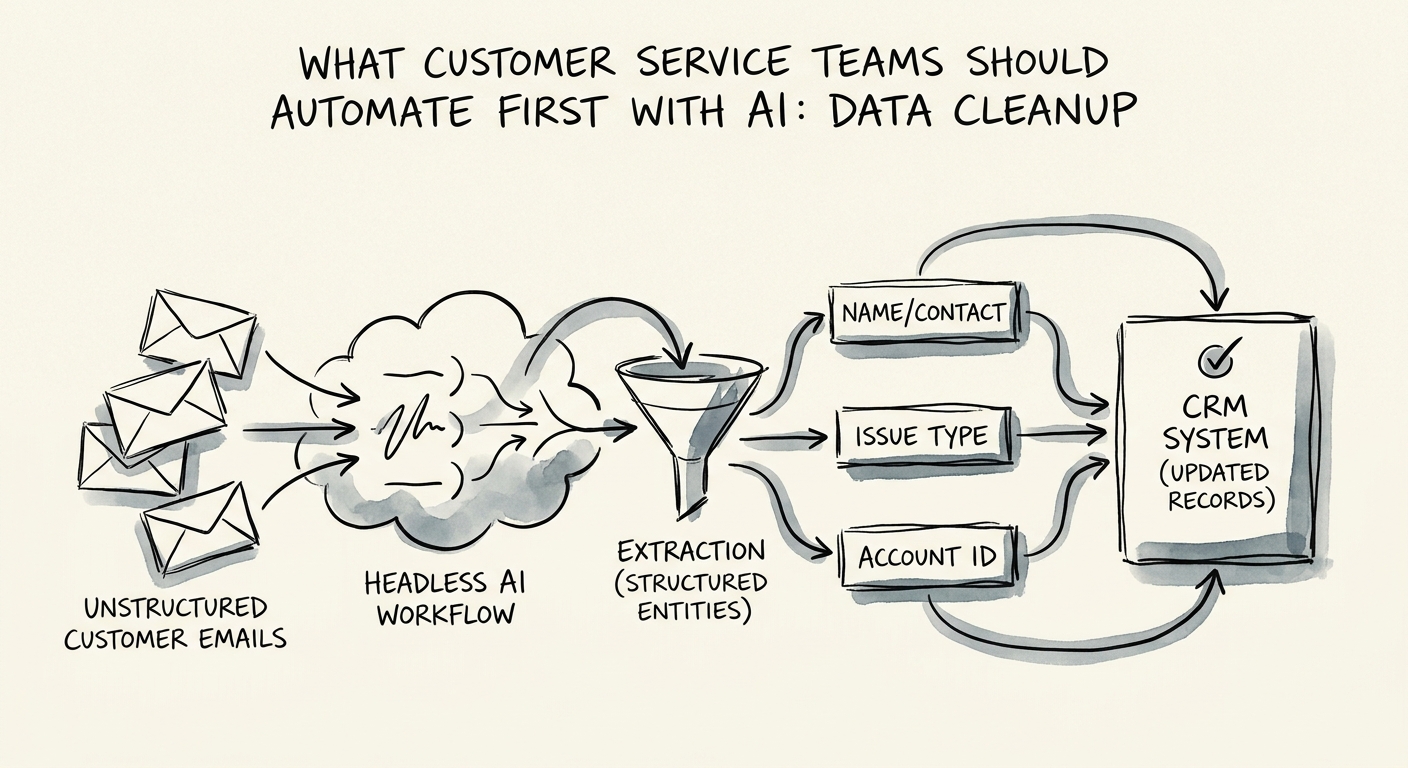
Salesforce State of Service and Salesforce State of Sales both keep landing on the same point: support and revenue teams make decisions off shared customer context, and when that context is wrong in service, it leaks into renewals and expansion too. A mistagged churn-risk ticket isn't just a support miss. It's a forecasting miss. The first cleanup workflow should hunt for the five flaws that quietly break automation: empty required fields, tags that contradict the ticket body, account history that's gone stale, the same issue filed three times under different subjects, and cases with no relevant knowledge article attached. Let AI flag and propose the fix. Keep a service ops owner approving each batch until the rules earn trust.
Customer-facing data needs a tighter leash than your internal stuff
Cleaning a marketing spreadsheet wrong costs you a bad chart. Cleaning support data wrong can cost a customer a downgrade in how they get treated — a VIP account silently demoted, a contract entitlement dropped, an escalation path that no longer fires. That is why this cleanup deserves more governance than most teams give it. The PwC Responsible AI survey and the NIST AI Risk Management Framework both point at the same discipline: when a system can change records that affect how a person is served, you need to be able to answer "what changed, who approved it, and why" after the fact.
In practice that means the cleanup tool shows its work. For every proposed change it surfaces the source evidence (the ticket text, the CRM field, the timestamp), the reviewer who signed off, a full change log, and — critically — a hard stop on a defined set of protected accounts. The tier-one enterprise logos, the legally sensitive contracts, the accounts mid-renewal: those should never be auto-merged or auto-retagged without a named human pulling the trigger. Build the boring path first. Get fields complete and tags trustworthy and routing accurate before you let the same engine touch ticket triage, knowledge retrieval, escalation routing, or drafted responses. Each of those downstream features inherits whatever the cleanup left behind, for better or worse.
Six numbers that tell you the cleanup is actually working
It's easy to declare a data project "done" and never check whether agents feel it. IBM's Institute for Business Value AI capabilities research makes the unglamorous case that an AI capability only matters if it moves a business outcome — so tie the cleanup to numbers a support lead already cares about. Track six: field completeness on new cases, tag consistency (does the tag match the body?), routing accuracy, time-to-first-owner, reopened-case rate, and the count of manual lookups agents do because the record didn't tell them what they needed.
If those six are moving the right direction, you've earned the right to automate the visible stuff. Here's what to do Monday: pull last week's reopened tickets and your slowest-to-route tickets, and read the first twenty. You'll see the same three or four data defects repeat — that's your cleanup spec, written by your own queue. Fix those patterns first, then layer in AI for customer service and workflow automation on top of context the system can finally trust.