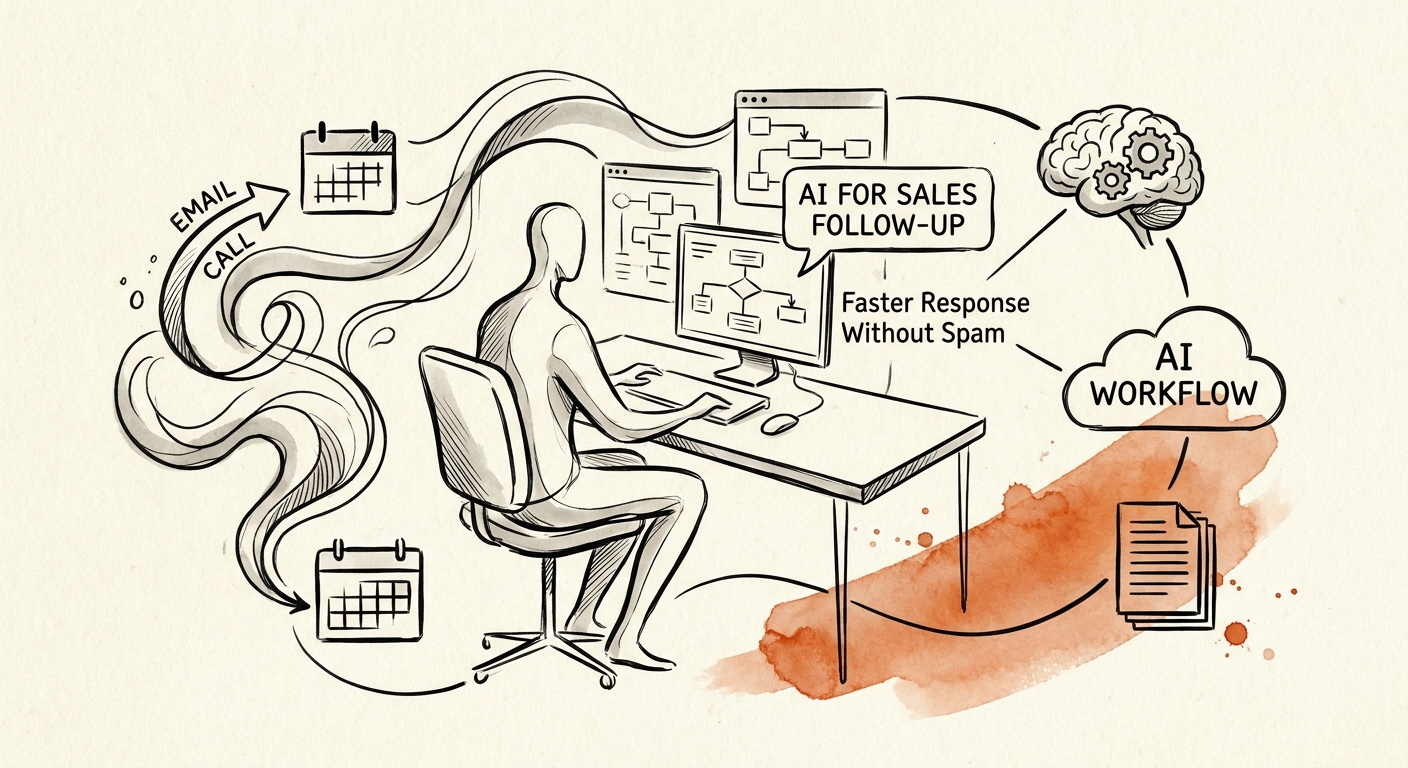
The 3pm demo, the 8am ghost
Picture the rep's actual day. A solid 2pm demo with a prospect who asked two sharp questions about onboarding and one about a competitor. The rep means to follow up that afternoon. Then a renewal fire, two internal calls, and a stuck deal eat the rest of the day. The follow-up goes out 36 hours later: "Great connecting! Wanted to circle back." No mention of onboarding. No mention of the competitor. The prospect reads it in two seconds and files it under "salesperson, generic." The thread dies.
That gap is exactly where AI helps and exactly where it backfires. The useful version listens to the call, pulls what the buyer actually said, checks what's in the CRM, and hands the rep a draft within the hour that references onboarding and addresses the competitor question by name. The harmful version skips the memory and manufactures enthusiasm at scale, which is how a buyer ends up with three "personalized" emails that all sound like the same template wearing a different first name.
The San Francisco Fed small-business AI analysis shows adoption climbing, but sales is the one function where moving faster in the wrong direction costs you the relationship, not just a wasted hour. The buyer remembers being spammed. Speed only helps when what arrives fast is also right.
Build it around the call notes, not the send button
Most teams aim the AI at the wrong end of the workflow. They point it at "write more emails" when the leverage is upstream, in the few minutes after a conversation when the context is freshest and the rep is least likely to capture it. Get that part right and the draft writes itself honestly.
Here's the loop that works for a small sales team. The trigger fires off a real event: a demo wrapped, a form filled, a renewal date approaching, an opportunity that hasn't moved in two weeks. The AI assembles a context packet from what exists, the call summary, prior emails, open objections, what was promised last time, and flags what's missing instead of inventing it. If the CRM has nothing on budget, the draft doesn't pretend to know the budget. It drafts the next step, and a human decides whether it ships.
That review gate is non-negotiable on anything touching pricing, contract language, or a claim about a competitor. For a routine "here are the onboarding docs you asked about" note, let the rep approve with one click. The point is to match the friction to the stakes, not to add a committee to every email. The OECD SME AI adoption report draws the line between owning a tool and changing how you operate. A follow-up assistant only counts as the second thing when the CRM gets cleaner and the manager can finally see which deals are quietly aging, not just when the team has a new button.
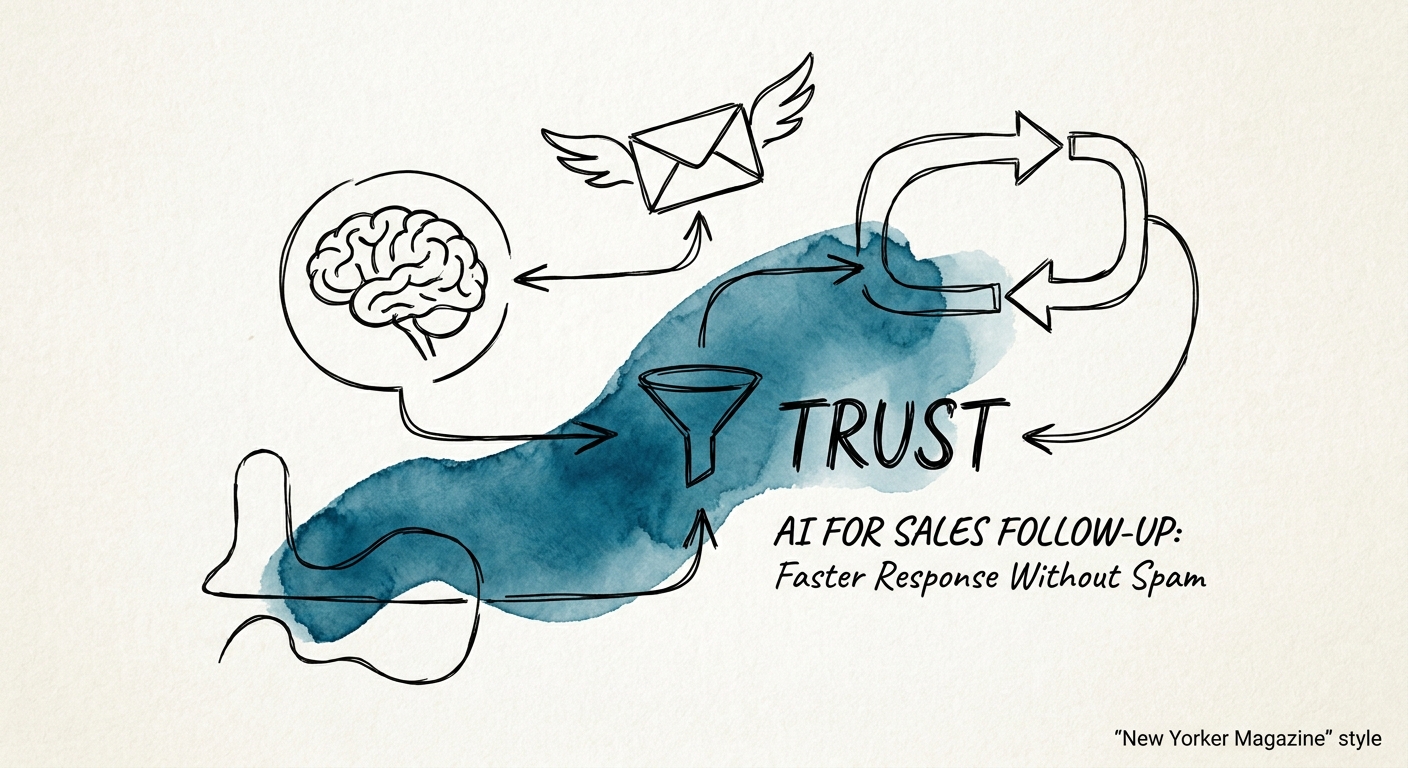
The edit rate tells you if it's working
Track the obvious sales numbers, reply rate, meeting conversion, response time, how many deals have a defined next step. But the metric that actually diagnoses the system is how reps treat the drafts. Watch two failure modes. If reps rewrite every draft from scratch, the AI doesn't understand your sales motion and you're paying for editing instead of writing. If reps fire off drafts without reading them, you've automated your way into the spam problem you were trying to avoid, and you'll find out when a prospect replies "please stop." Healthy looks like a light edit: a name fixed, a sentence cut, send.
This is where the cancelled-project statistic earns its place. The Gartner agentic AI project forecast projects a large share of these efforts getting killed, and follow-up automation that runs without the human gate is a prime candidate, because the damage shows up in the pipeline, not the dashboard. Both the Deloitte State of AI report and the RSM middle-market AI survey land on the same point: value comes from changing the process, not the message volume.
Monday move: take your last ten lost or stalled deals and read the actual follow-up emails. Count how many referenced something specific the buyer said. That ratio is your baseline, and it's usually worse than reps think. When you're ready to build the loop that fixes it, start with AI for Sales and Marketing. The same discipline behind a 68% win-rate operating system applies here, and you can build sales and marketing AI workflows that give you speed the buyer actually welcomes.
