The answer was confident, current, and wrong
Picture a 60-person consulting firm. A senior associate is on a client call and pings the new AI assistant: "What's our standard data-retention clause for healthcare engagements?" It returns a crisp, well-formatted paragraph in two seconds. The associate reads it to the client. It's the 2023 version, superseded after a regulatory change, still sitting in a SharePoint folder nobody archived. The current language lives in a partner's email thread the assistant never saw.
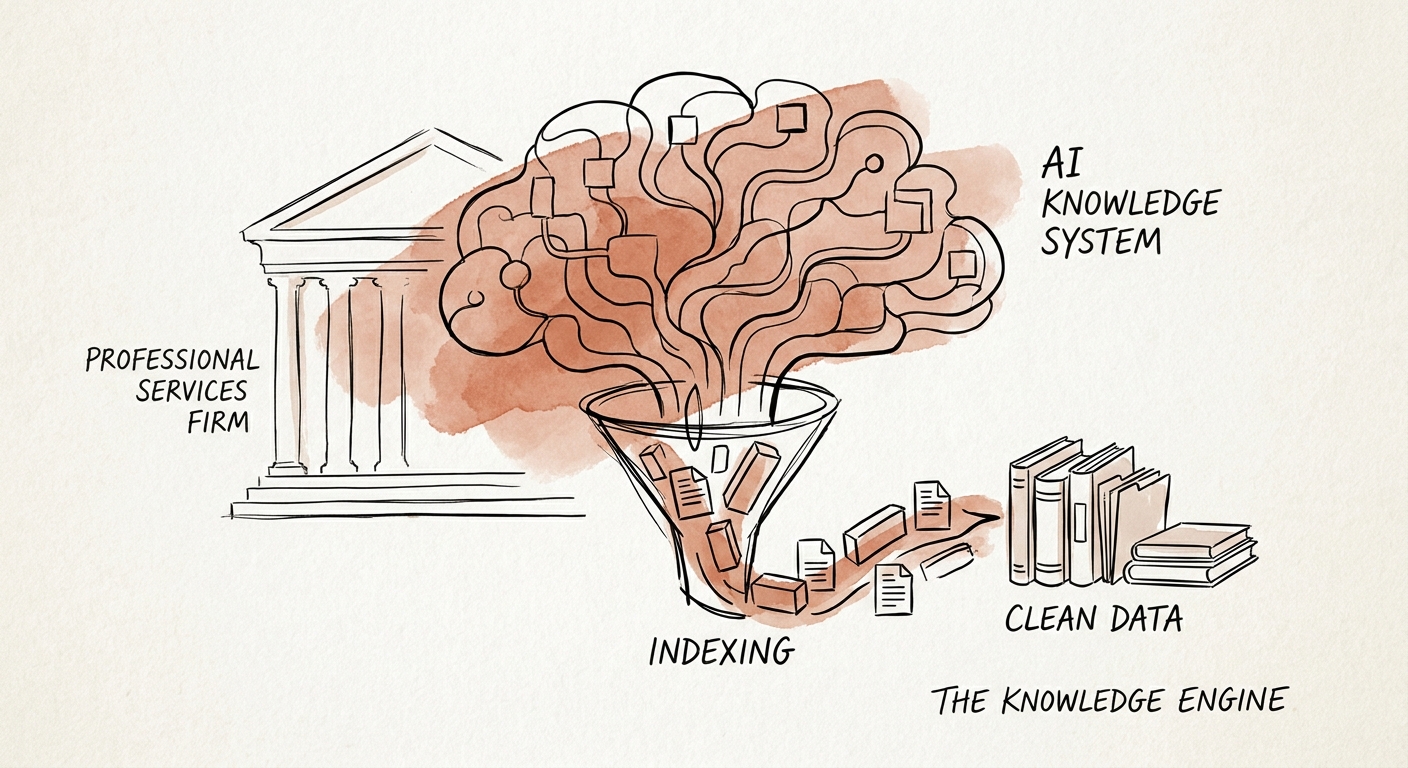
That's the core problem with pointing AI at a professional services knowledge base: the documents aren't organized by truth, they're organized by accident. Delivery notes, client FAQs, implementation runbooks, old SOWs, ticket resolutions, and partner guidance accumulate across drives, inboxes, and project folders. A human knows which to trust because they know the backstory. The retrieval layer doesn't. It treats a stale draft and the signed final with equal authority.
The Salesforce State of Service report makes the point that service AI earns its keep by putting better context inside the workflow, not by adding another search box. For a services firm, "better context" means the assistant can only draw from material someone has actually blessed. So the first move isn't buying an assistant. It's deciding what counts as an approved source, and walling off everything else.
The four labels that turn a document pile into a system
What separates a firm's knowledge base from a generic FAQ corpus is that yours is laced with things the assistant must never blur together: client-specific material, confidential deal terms, and guidance that's only valid for the partner who wrote it. So before retrieval, every source needs four tags.
Approval status. Signed-final, draft, or superseded. The assistant answers only from signed-final, and it says so. A draft retention clause should be invisible to the live system, not one rank below the real one.
Owner. A named person, not a team alias. When the answer is wrong or stale, you need to know whose desk the fix lands on. "Knowledge management" owning everything means nobody owns anything.
Freshness. A last-reviewed date, plus a trigger that flags anything past its window. Regulated-engagement content might expire every quarter; an internal onboarding doc might be fine for a year.
Client boundary. This is the one that's specific to your firm and the one that ends careers if you get it wrong. Material from the Acme engagement must not surface in a Beta answer. Microsoft 365 Copilot's architecture and data-protection documentation is worth reading precisely because AI search should inherit existing permissions rather than route around them, so the consultant who can't open a folder also can't get the assistant to paraphrase its contents. The NIST AI Risk Management Framework gives you the scaffolding for the rest: map where confidential context lives, measure how often answers cross a boundary they shouldn't, and define who handles the exceptions when they do.
Get those four labels onto your content and the assistant stops being a liability. Skip them and you've automated the exact mistake the associate made on that call, on every call.
What to watch in the first 90 days
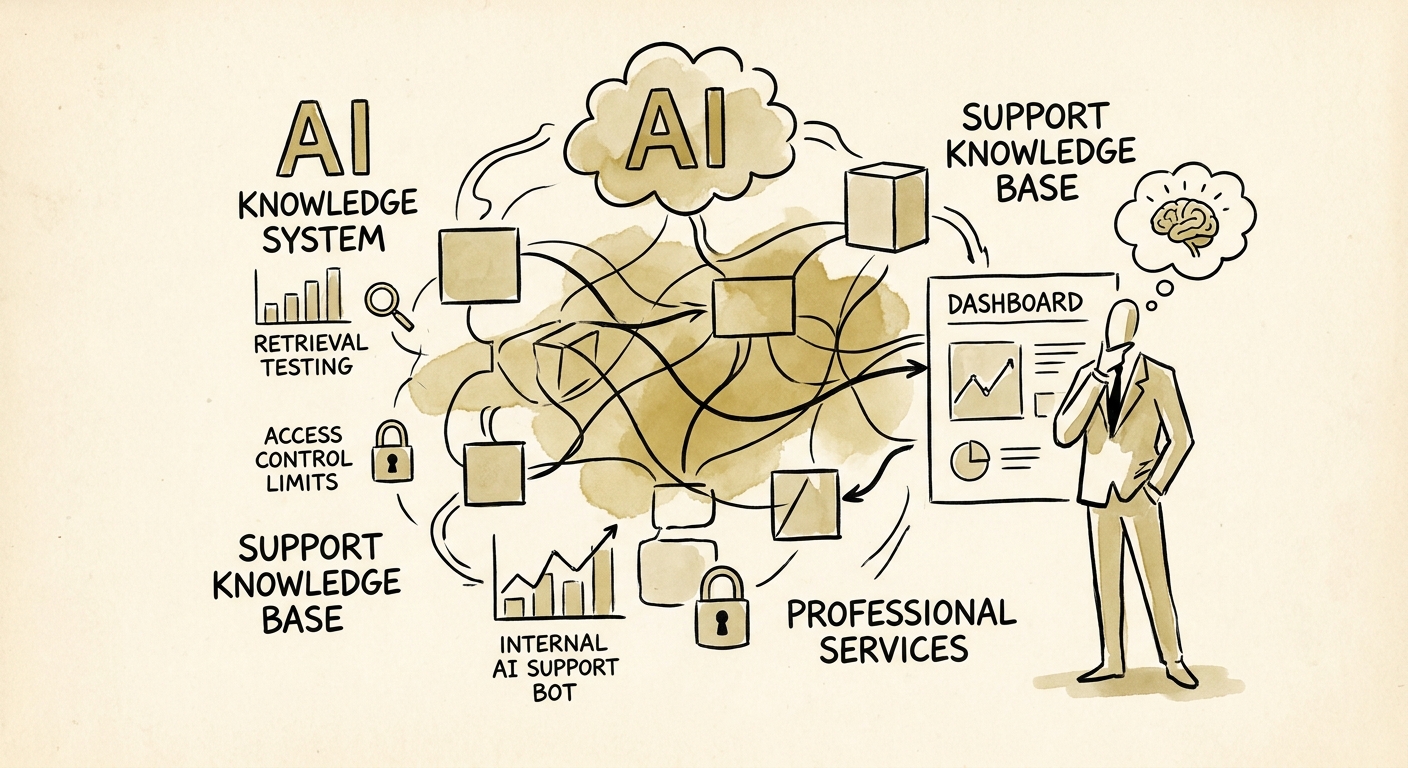
Start narrow. Pick one document type where wrong answers are cheap to catch and easy to verify, such as internal implementation runbooks rather than client-facing legal language. Have the assistant retrieve from approved sources, show its source links inline, and route any low-confidence answer to the named owner instead of guessing.
Then watch six numbers, not vanity adoption stats. IBM's Institute for Business Value AI capabilities research keeps landing on the same finding: the value shows up when AI is woven into how the work already happens. So measure answer acceptance rate, how heavily reviewers edit drafts, how many duplicate questions collapse into one answer, time-to-source, how much stale content the freshness flags catch, and whether your service team actually reaches for it on a real call. If reviewers are rewriting half the answers, your source base isn't clean yet. Fix that before you widen the scope.
If you're not sure which document type to start with, that's the audit, not a guess. A QuickStart AI Audit inspects what's actually in your source base and where the boundary risks hide. And before you commit a quarter to it, run the AI Opportunity Score to weigh support-knowledge automation against other candidates like account research or document intake, so you spend the effort where it pays back first.
