The MSA in the chat window
Picture a 60-person technology-enabled services firm on a Tuesday. A deal lead pastes a customer's master services agreement into a team chat assistant and asks, "anything unusual here before I send our redline back?" Thirty seconds later they have a tidy list: an auto-renewal clause, an uncapped indemnity, net-90 payment terms. Genuinely useful. The reviewer ships the redline by lunch.
Here is what that workflow does not do. It does not check whether net-90 is something finance already vetoed twice this quarter. It does not record that the indemnity language matches a clause your counsel flagged on the last three deals. It does not leave a trail showing who saw the term, who approved the exception, and which version of the contract the AI actually read. The summary was right. The process around it was invisible.
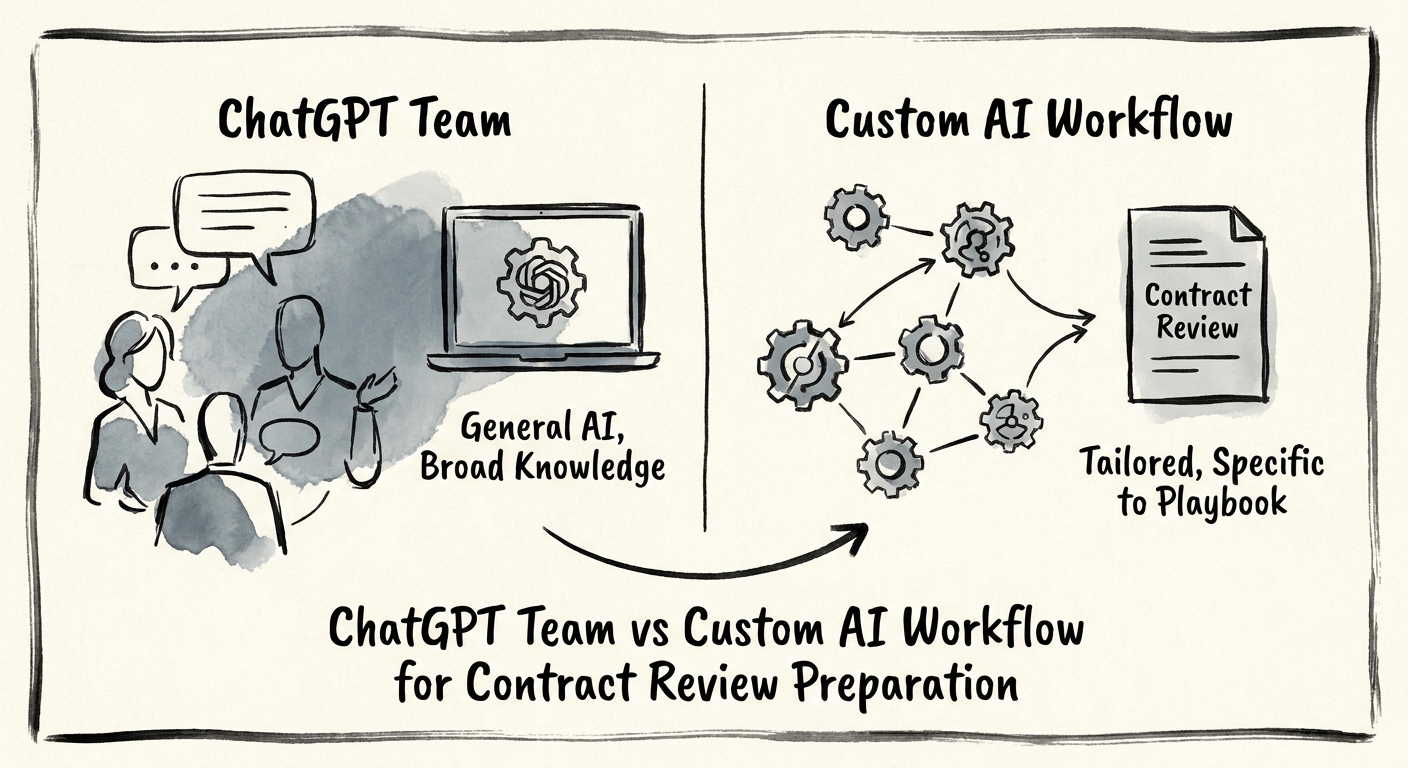
That invisibility is the build-vs-buy line. A team assistant like ChatGPT Team is a knowledge tool — fast reading, fast drafting, on material someone has already pulled in. OpenAI's business data privacy, security, and compliance commitments cover the basics most operators ask about first: your inputs aren't used to train the models, and admin controls exist. For summarizing an approved contract draft or rewriting a clause in plainer language, that's a perfectly good fit, and you can have it running this week.
Where contract review stops being a reading problem
The reason contract review is the wrong place to stop at "chat assistant" is that contract evidence almost never lives in one place. The signed MSA is in a shared drive. The negotiation thread is in email. The approval to grant a discount is buried in Slack. The pricing exhibit is in a finance spreadsheet. A chat workspace can only reason over what a person decided to paste in — which means the assistant is blind to exactly the context that determines whether a term is safe. This is the problem Microsoft 365 Copilot's data-protection and auditing architecture is built around: permission-aware search across the repositories where contracts actually sit, with a record of what was accessed.
Once you need the AI to pull the right contract version on its own, respect who's allowed to see which deal, route an indemnity exception to counsel and a payment-term exception to finance, and log every step — you've left chat-assistant territory. You're describing a controlled workflow. The NIST AI Risk Management Framework is the cleanest way to pressure-test whether you've crossed that line: map the context (whose money and risk is on the table), measure the failure modes (a missed auto-renewal, a hallucinated clause summary, a stale contract version), manage the controls (approval routing, source citation), and govern accountability (a named owner when a bad term slips through). Run a contract through those four questions. If three of them have no answer, a chat assistant isn't the tool — it's the thing that will eventually ship a $400K commitment nobody signed off on.
And the build case is a capability question, not a software-shopping question. IBM's Institute for Business Value research on AI capabilities frames it well: the right choice strengthens your data readiness, operating model, adoption, and measurement — not the one with the slicker demo. For most services firms the honest answer is a hybrid. Keep the chat assistant for the drafting and the reading. Build the custom workflow only around the handful of clauses that carry real money: payment terms, indemnity, liability caps, auto-renewal, termination.
What to do Monday
Don't start by pricing platforms. Start by counting. Pull your last 20 closed contracts and tally how many shipped with a term that finance or legal would have changed if they'd seen it in time. If that number is one or two, a chat assistant plus a tighter review checklist probably solves your problem — buy, don't build. If it's five or more, you don't have a reading problem, you have a control problem, and no amount of better summarization fixes it.
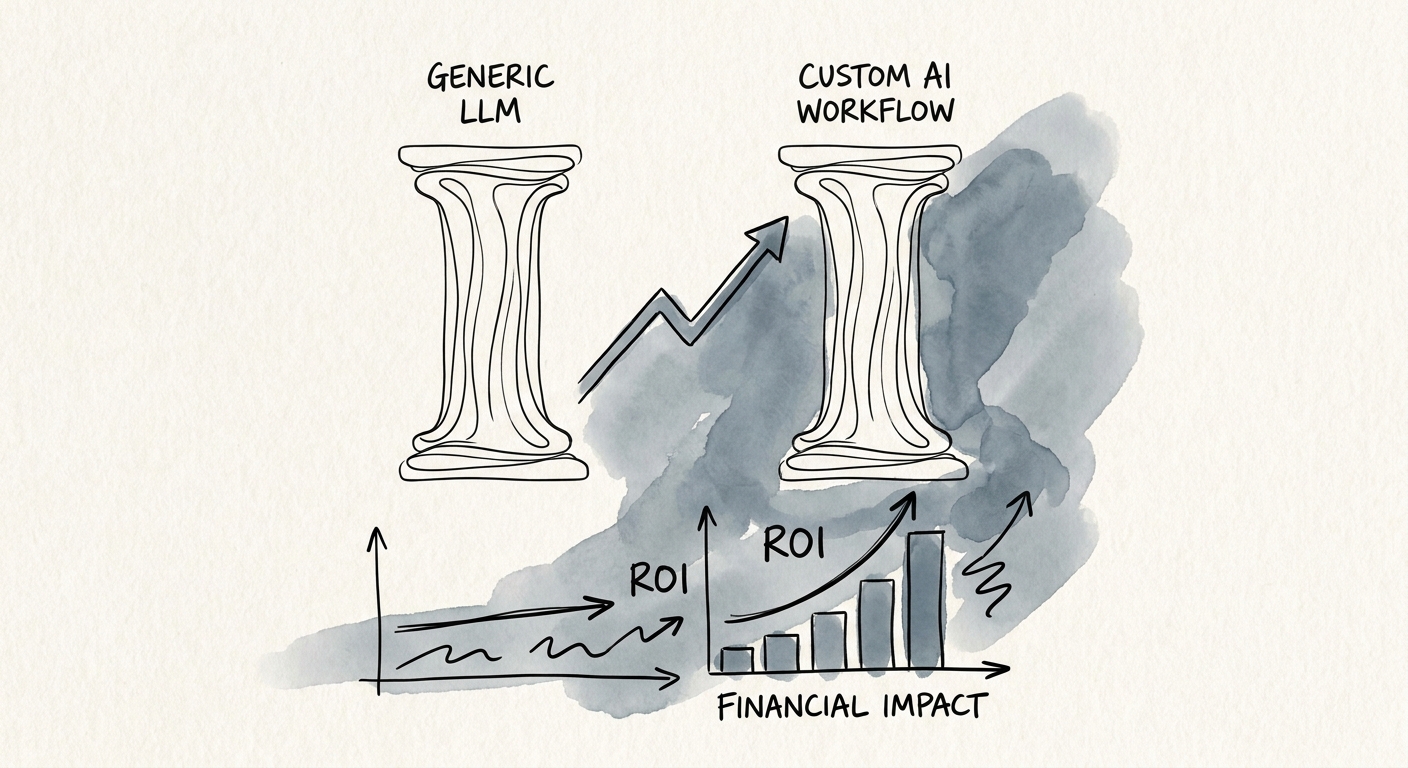
Then compare the two paths on metrics a reviewer feels, not on feature lists: intake completeness (did the AI see every relevant document, or just what got pasted in?), reviewer rework, whether every flagged term carries a clickable source, approval cycle time across legal-finance-sales, and whether the people doing reviews actually adopt it. McKinsey's State of AI 2025 keeps landing on the same point: the value shows up when the workflow is redesigned, not when a model is bolted onto the old one.
If you want to put a number on the build case before you commit, run the scenario through the AI Opportunity Score and the AI ROI Calculator — they'll tell you whether a team assistant or a custom contract-review workflow has the stronger operating case for a firm your size.
