The hidden cost is a $300/hour person hunting for a queue
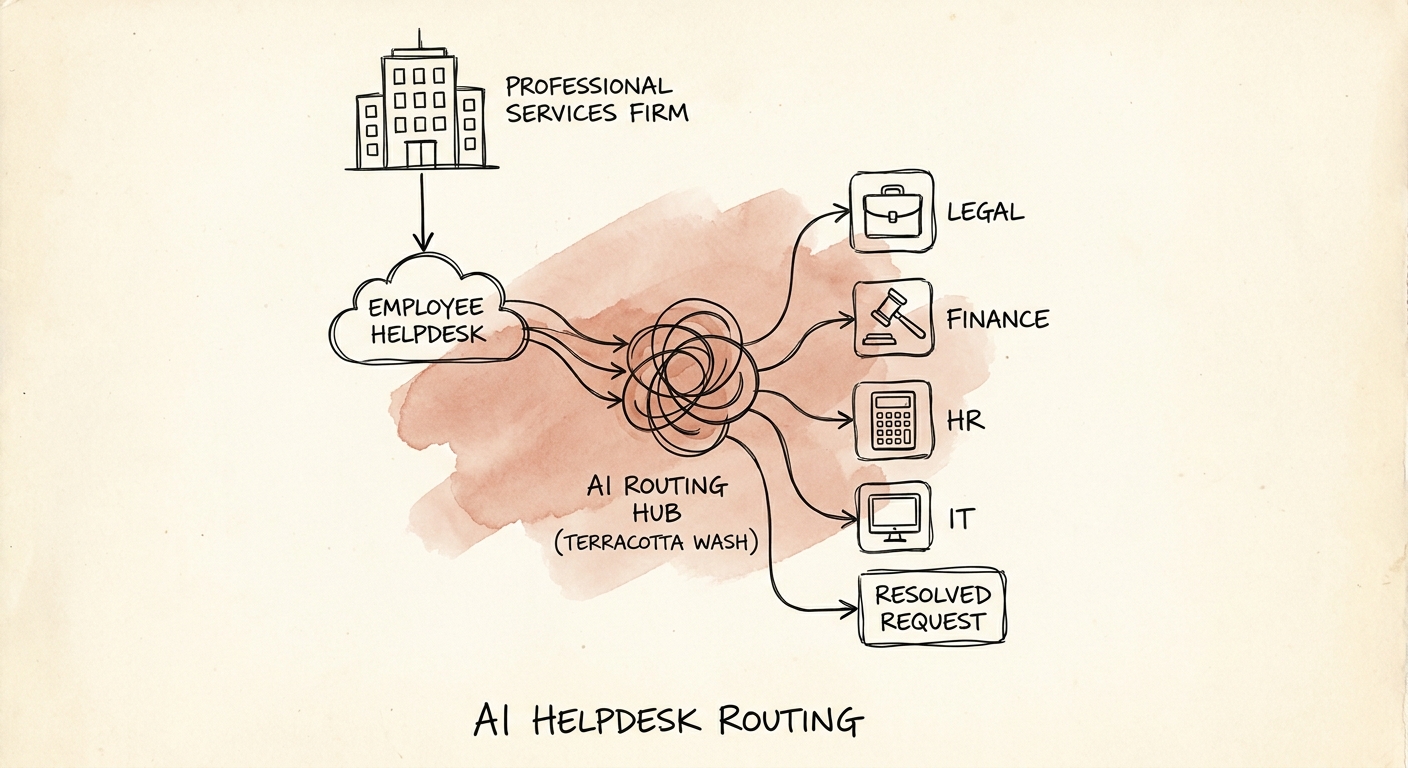
Picture a senior associate at a 60-person consulting firm at 4:40 PM. Their laptop won't connect to the client VPN, and the client demo is at 9 AM. They open the internal portal and stare at fourteen queues: IT-Hardware, IT-Access, Workplace-Tech, Facilities, "General Support." Which one owns a VPN cert problem? They pick wrong, the ticket sits in the wrong bucket overnight, and the morning is gone before it starts.
That is the real expense of bad helpdesk routing in professional services, and it is invisible on every dashboard. Ticket-volume reports show the tickets. They never show the fifteen minutes a billable person spent guessing the category, or the hours a request aged in a queue whose owner never looked at it. The currency here isn't tickets resolved — it's utilization protected.
This is exactly the kind of narrow, readiness-first workflow that OECD's research on AI adoption by small and medium-sized enterprises points smaller firms toward: don't boil the ocean, automate one painful classification problem where you can measure the before and after. Helpdesk routing qualifies because the input (free-text request) is messy and the output (correct queue, correct owner) is checkable.
Routing is only as smart as the records it reads — and some records it should never see
The trap most firms fall into: they let an AI classify a ticket from the words alone. "I need access" routes to IT-Access. Except the writer is a new partner whose access request actually requires practice-group approval and a conflict check before anyone provisions anything. Free text guessed it wrong because free text doesn't know who the person is.
Good routing reads context, not just language. The records that make a services-firm helpdesk route correctly are specific: HRIS role and seniority, identity-group membership, office location, practice group, the service catalog, approval hierarchy, and a fallback queue for when confidence is low. A laptop request from a contractor in the London office and one from a partner staffed on a regulated-client engagement are not the same ticket, even if the words match.
And some of that context the assistant should never touch. CISA's guidance on securing the data used to train and operate AI systems translates directly into access control and logging here: the router needs role and location to decide a queue, but it has no business reading the compensation field attached to a "payroll question," or the medical detail behind a leave request. Scope what it sees to what routing requires. NIST's AI Risk Management Framework gives you the line to draw — when a suggestion is merely assistive (route a monitor request to IT-Hardware) versus when a human must confirm before anything moves (anything touching access, comp, leave, or a client-sensitive matter). Build that line in before go-live, not after the first wrong leak.
Pilot one practice group, and measure the thing nobody else measures
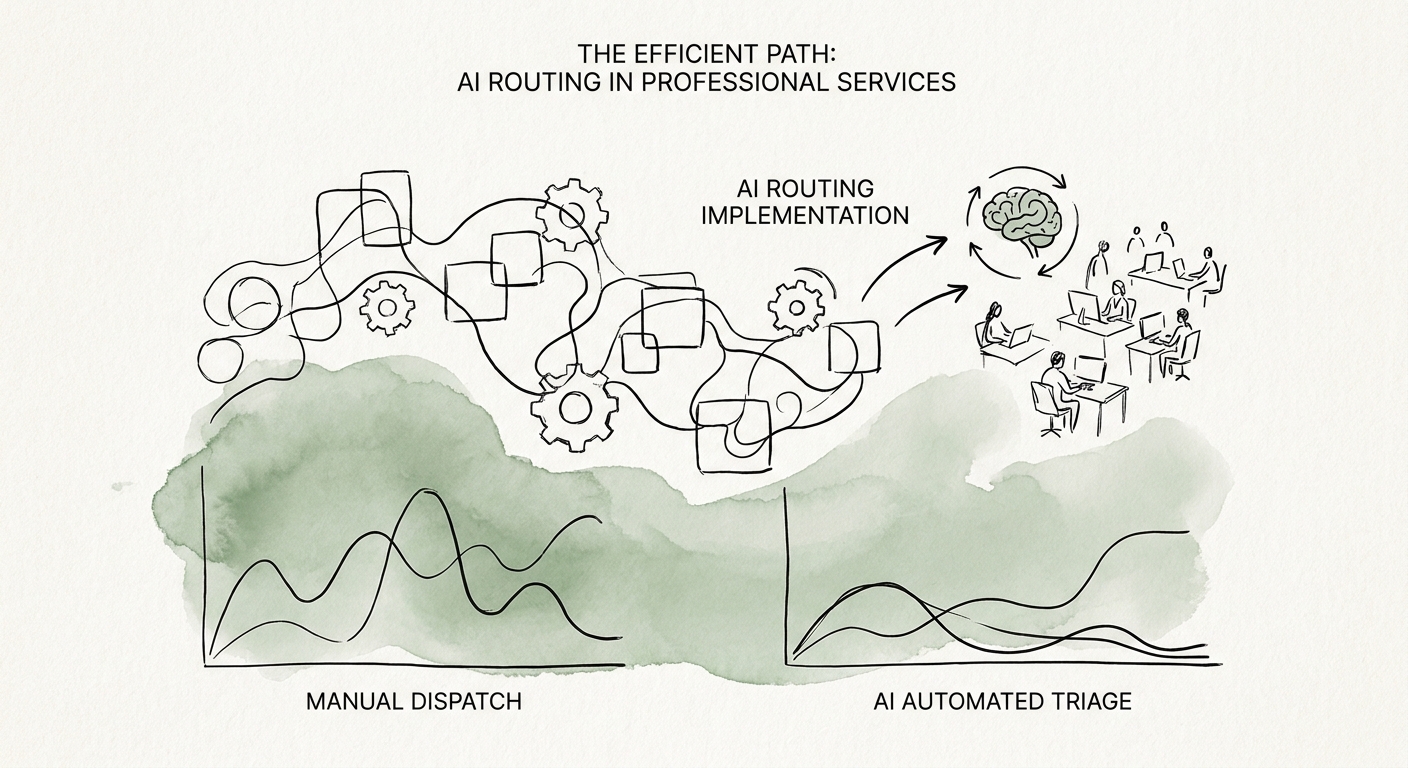
Don't roll this out firmwide. Pick a single office or practice group where you already know the ownership map is clean, and run the routing there first. A configured ITSM workflow may be all you need if your categories and queue owners are genuinely tidy. Custom logic only earns its keep when routing has to weigh client team, utilization pressure, or approval hierarchy — which, in a services firm, it usually does.
Hold the line if two support teams still argue about who owns "software approvals," or if the service catalog hasn't been touched in a year. Automation poured on top of disputed ownership just routes mistakes faster.
Here is the measurement that separates a real win from a vanity metric. Most firms will report first-touch routing accuracy and time-to-assignment. Track those, but add two more: reopened internal tickets (a proxy for "routed confidently to the wrong place") and an honest estimate of billable interruption avoided — minutes of fee-earner time that didn't get spent self-triaging. That last number is the one that justifies the project to a managing partner. The Monday-morning move: pull last quarter's tickets for your pilot group, count how many bounced between two or more queues before resolution, and you'll have your baseline reopen-and-transfer rate in an afternoon.
One non-negotiable in the ROI case: if routing accuracy climbs but a comp question or a leave request surfaces in front of the wrong owner even once, the workflow isn't ready. Governance isn't a tax on this project — it's part of what you're shipping. When you can show partners an evidence packet — source record, AI-suggested queue, human edit, and what happened after the ticket left intake — you're ready to fold the result into a wider AI transformation blueprint, with the disciplined cadence of an implementation sprint behind it.