The 2:15 PM call that costs you the account
Picture a 40-technician HVAC and refrigeration shop. At 2:15 PM a dispatcher gets a callback: the part for a commercial walk-in cooler is on backorder, the customer's product is warming, and the original four-hour SLA window closes at 4:00. The dispatcher now has to decide three things, fast: who reroutes to a higher-priority job, whether a loaner unit or a partner vendor can cover, and what the customer hears before they call corporate to escalate. That sequence — classify, reassign, communicate — is the whole game. Whether an AI can summarize the email thread is beside the point.
This is why dispatch exception handling is the wrong place to start an AI program with vague ambitions. The exceptions that hurt are a small, knowable set: no-part calls, missed appointment windows, and named-account escalations. San Francisco Fed research on AI and small businesses points to a real gap between intent and capacity — teams want the tooling but stall on implementation. Service operations feel that acutely because the work is time-boxed. So pick one exception family and make that lane work before you touch the rest of the board.
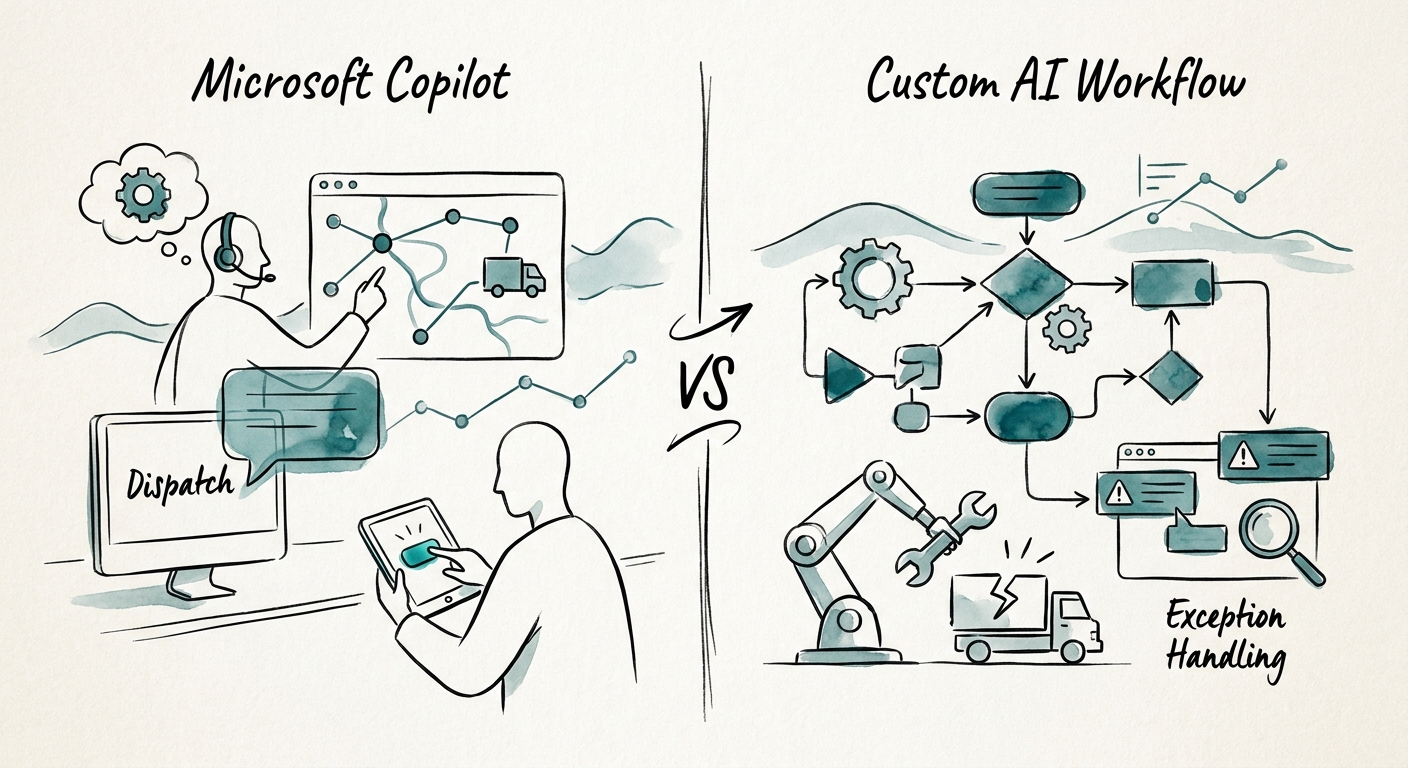
Copilot reads the board. It doesn't move the trucks.
Here is the honest dividing line. Microsoft 365 Copilot is genuinely useful when an experienced dispatcher needs context faster: pull the customer's service history, summarize the last three Teams messages about this account, draft the "we're tracking your delay" note in the dispatcher's voice. Because dispatch work touches customer addresses, technician schedules, and SLA commitments, Microsoft's Copilot privacy and data protection model and its architecture matter — Copilot respects existing M365 permissions rather than inventing a new data boundary. For context-gathering on data that already lives in your tenant, that's a reasonable fit on day one.
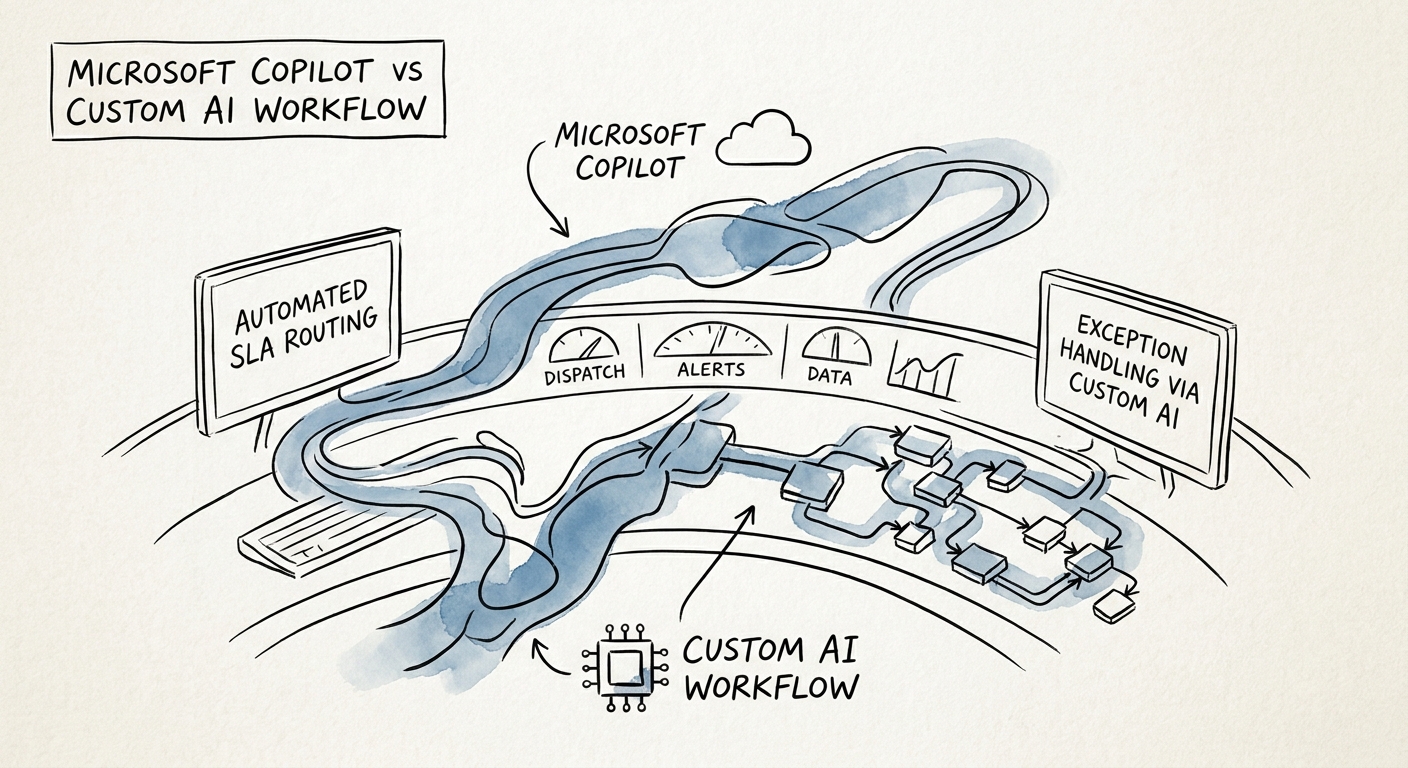
What Copilot will not do is the part the cooler scenario actually needs: score the SLA risk on that ticket, bump it in the dispatch queue, reassign a technician whose 3:00 job can slip, fire the customer notification automatically, and leave an audit trail showing the manager approved the reroute. That's a custom workflow — a system with write access to the dispatch board and rules about who gets reassigned and when a human signs off. When you build it, use the NIST AI Risk Management Framework to define your escalation and review controls (which exception types auto-route, which require a dispatcher's yes), and apply CISA's data-security guidance to constrain how customer and technician data moves between routing, notification, and reporting steps. The shorthand: Copilot is read-mostly, a custom workflow earns write access — and write access to a live dispatch queue is exactly what you govern hardest.
Run one exception family for 90 days, then count the misses you avoided
Deloitte's State of AI in the Enterprise 2026 tracks the same pattern across the market: the value shows up when something leaves pilot and changes how work happens, not when a demo impresses a room. For a dispatch board, "in production" means a no-parts exception gets triaged and the customer hears about it before they pick up the phone to complain. Take your single chosen exception family and run it for a 90-day test — long enough to see the edge cases the demo never surfaces.
Track six numbers, and make them operational, not vanity: time-to-triage on the exception, missed-SLA rate, dispatcher touches per exception, technician utilization on reroutes, time-to-customer-notification, and the list of exception types you'd trust to auto-route versus the ones that still need a human. Two outcomes are both fine. If the bottleneck is just that your dispatchers need context faster, Copilot is the answer and you stop there. If you need the queue to update itself, risk to be scored, and escalation to be auditable without waiting on a manual thread read — that's your build trigger, and now you have the evidence to justify it. Map that decision before you write a line of integration code: build the AI roadmap.
