The call ends. Now what actually has to happen?
A rep hangs up from a 40-minute discovery call. The next-step email is the easy part — they could write it in two minutes, and Microsoft Copilot can write it in ten seconds from the meeting transcript. But the email is the smallest thing that needs to happen. The opportunity should move from "Discovery" to "Demo Scheduled." Three competing products the buyer mentioned should land in a field someone will actually read. A pricing question the rep promised to route to solutions engineering needs an owner and a clock. And if this account is co-owned with another rep, the follow-up cadence has to respect that — not double-tap the buyer.
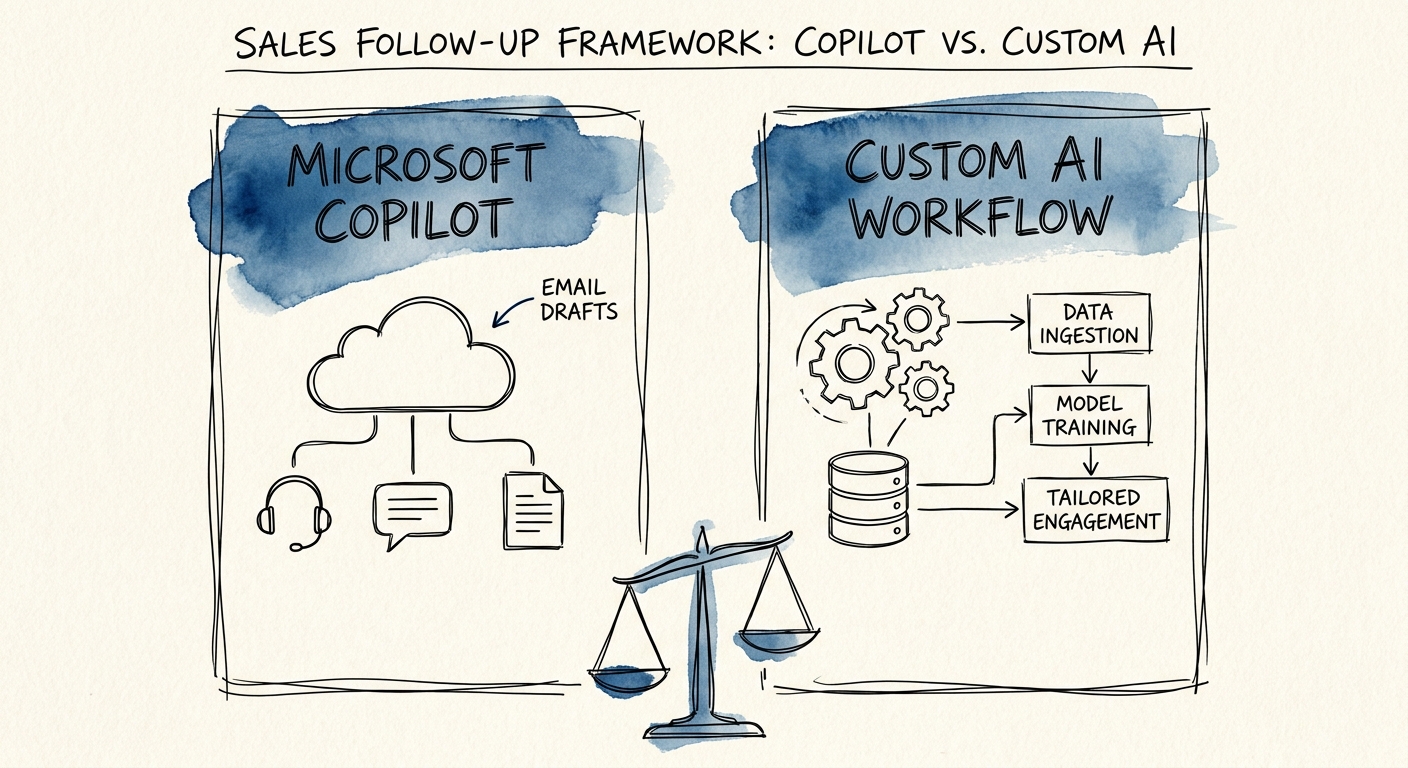
That is the real test, and it's the one that separates "buy Copilot" from "build a workflow." Copilot is excellent at the parts that live inside Microsoft 365: summarizing the Teams call, drafting the Outlook reply, pulling the deck the buyer asked about. None of that touches what your CRM believes about the deal. The reason mid-market revenue teams keep reaching for AI here is volume — the RSM middle-market AI survey shows how fast these teams are pushing AI into daily selling. Smaller teams feel the same pull, often with no RevOps person at all to catch what falls through, a gap the San Francisco Fed analysis of AI and small businesses describes plainly.
So before you compare license costs, answer one question: when this rep's call ends, does the follow-up only need to be written, or does it need to change the state of the deal? If it's just written, Copilot is probably your answer and you can stop reading. If it has to move pipeline, you're looking at a workflow problem wearing a drafting problem's clothes.
Draw the line at the CRM boundary
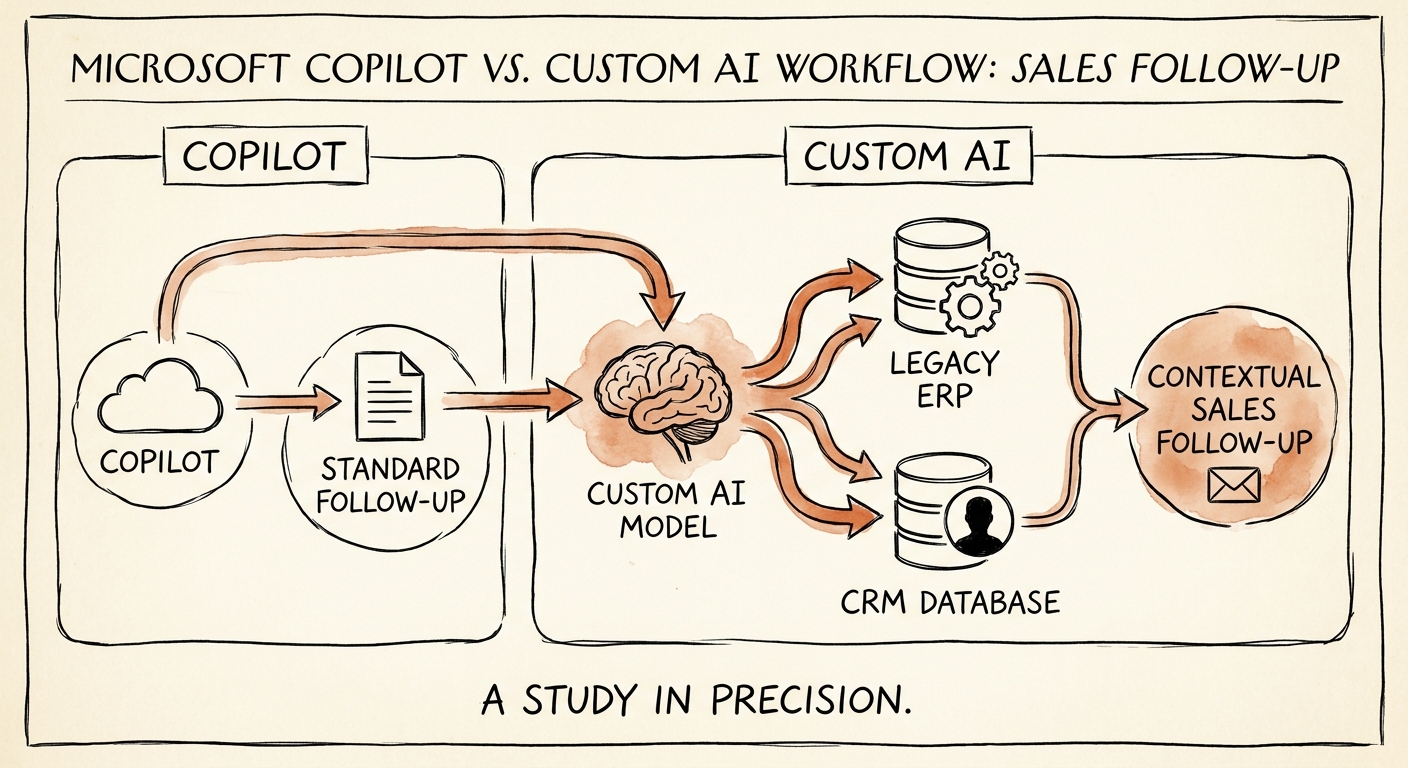
Here's the clean dividing line. Everything upstream of the CRM — the transcript, the email body, "what did we agree to?" — is Copilot's home turf. Everything downstream — stage changes, field writes, routing, approvals, attribution — is where a custom workflow earns its keep. Map a single follow-up loop and you'll see exactly where your work lives: call notes → CRM update → next-step draft → who owns the next action → manager sign-off on the discount the buyer floated. Most teams discover that two of those five steps are pure Microsoft 365 (Copilot handles them) and three of them require reading and writing CRM state Copilot never touches.
When the boundary involves customer data, treat it like the access-control problem it is. The Microsoft 365 Copilot privacy and security documentation defines what Copilot can see inside your tenant and what it can't — read it before assuming it has the context your follow-up needs. For the parts that reach into the CRM and out toward the buyer, the NIST AI Risk Management Framework gives you the four moves that keep this from going sideways: name the context, measure the risk, manage the controls, and put one person's name on ownership. The CISA AI Data Security Best Practices get specific about the design — source boundaries, who's allowed to see which account, logging every write, and an escalation path when the AI wants to touch a sensitive deal.
A custom workflow stops being optional the moment your follow-up has to: read the deal stage and tailor the next step to it, enforce that a rep can't follow up on another rep's named account, hold a discounted offer until a manager approves, write back which touch advanced the pipeline so attribution survives, or get measured against deals that moved rather than emails that sent. None of those are drafting problems. All of them are state problems.
Pilot it on one segment, and watch the deals, not the drafts
Pick the narrowest real slice — say inbound demo requests for one product line — and run the assisted follow-up loop for three weeks. The trap is judging it on output that looks polished. The Deloitte State of AI report is blunt that value shows up only when the work actually changes, so instrument the things that matter to a sales leader: hours from call to next step, how often the CRM matched reality without a human fixing it, how much a manager had to edit, and — the only metric that pays the invoice — whether more of those opportunities advanced a stage than under the old manual process.
Then resist the urge to let it send. The Gartner agentic AI project forecast projects a brutal cancellation rate for agentic projects precisely because teams skipped the guardrails when a draft looked convincing. Run it in suggest-mode first: the AI proposes the follow-up and the CRM update, the rep or manager approves, and you keep a clear rollback for any account flagged sensitive. Earn the right to automate the send and the write-back — don't grant it on day one because the demo impressed someone.
If the loop you mapped is mostly downstream of the CRM, you're building, not buying — and the next move is to scope which steps a human keeps and which the workflow can own. AI for Sales and Marketing is where that decision gets made: Copilot for the workspace, a custom workflow for the pipeline, or a deliberate split between them.
