The Tuesday that scheduling eats your senior engineers
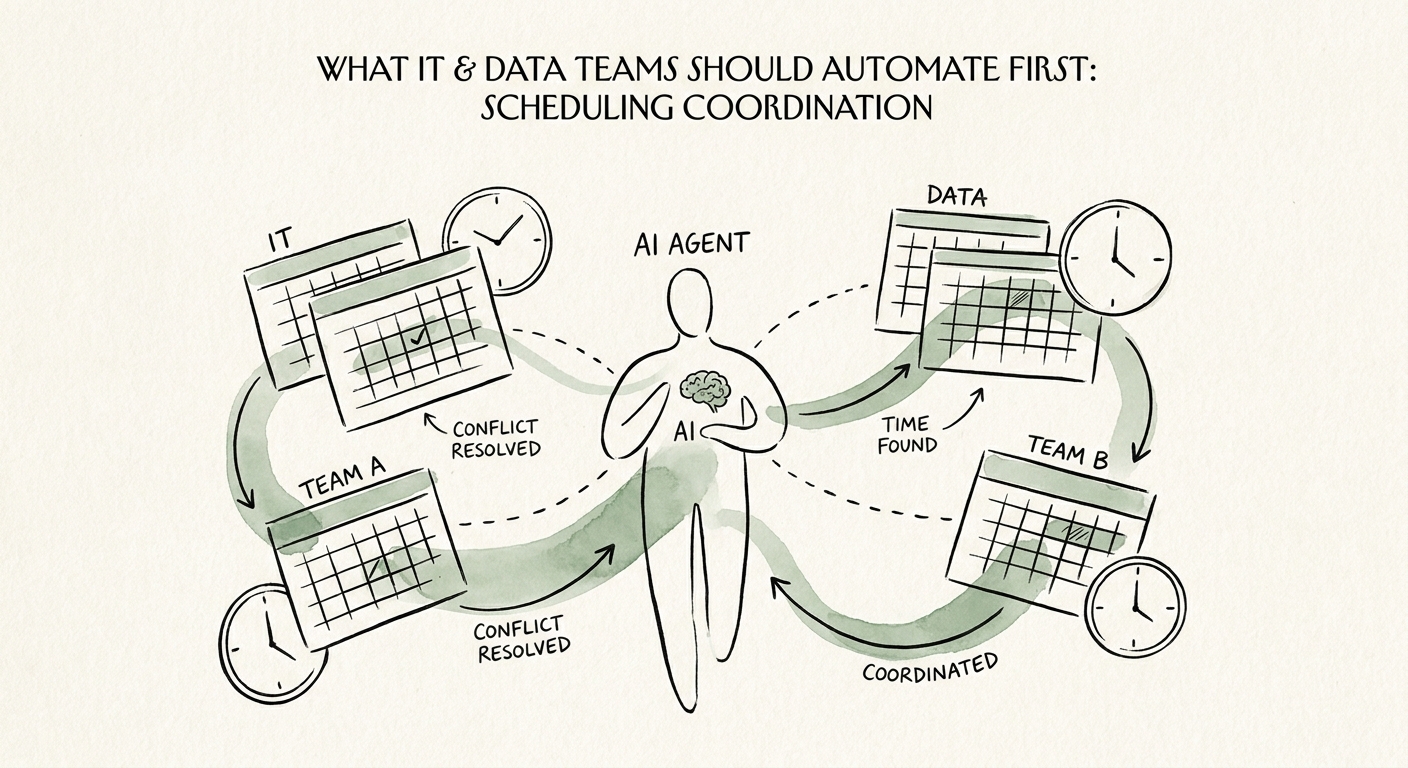
Picture a 60-person engineering org. A deploy is slotted for Thursday's release window. But the security review hasn't closed, the data team has a heavy ETL backfill running against the same shared cluster, two of the reviewers are on PTO, and a stakeholder demo got double-booked over the change-approval meeting. So a staff engineer spends ninety minutes in Slack threads and a shared calendar untangling it — work that produces zero code and shows up on no roadmap. That coordination tax is exactly why IT and data teams keep landing on scheduling as their first AI automation, and the data backs the instinct: the U.S. Census AI business adoption analysis and Deloitte State of AI in the Enterprise 2026 both show adoption pressure moving fastest through the internal-operations work that engineers actually do all day.
Here's the distinction that matters and that most teams blur: internal IT scheduling is not the same animal as booking a client call. The constraints are interlocking and consequential — release windows, change-freeze periods, on-call rotations, security and architecture reviews, and ETL or backfill jobs competing for the same compute. Move one wrong and you don't lose a meeting slot; you ship into a freeze or stack a heavy data job on top of a deploy. So the right first pilot is one recurring workflow — say, scheduling the weekly change-approval and release-readiness review — where any engineer can see the source calendar, the exact rule that fired ("reviewer X is OOO, suggest Y"), and the named owner who approves the swap.
What "automated" must mean for a deploy calendar — and what it must never mean
The line is simple and load-bearing. The assistant can propose: flag the conflict, draft the new slot, draft the heads-up message. The on-call or change owner still decides. The moment a tool can silently push a release-readiness review to accommodate someone's calendar, you've automated your way into a missed gate — and the post-incident review will trace the outage straight back to a reschedule nobody approved.
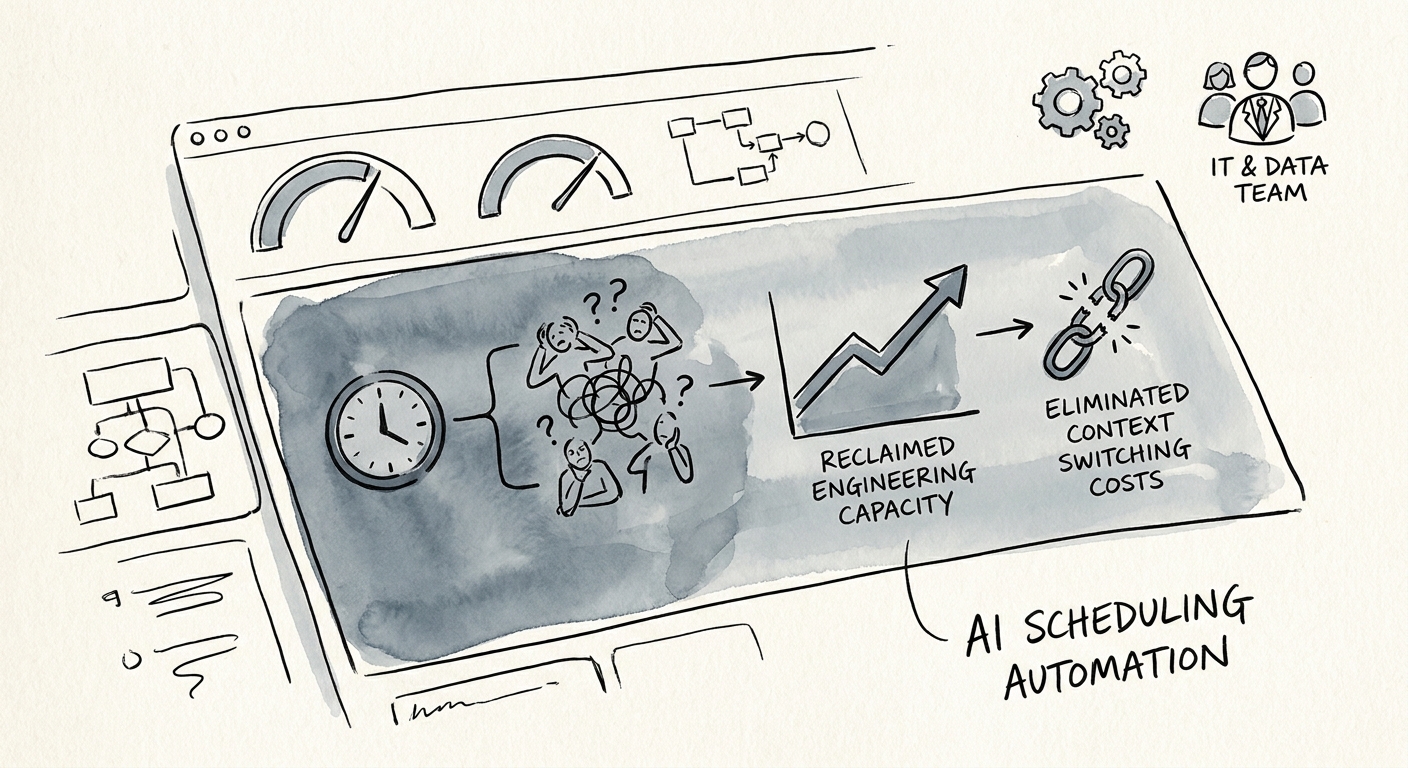
So measure the right things before you trust it with anything bigger. Baseline four numbers from the manual world first: hours lost to reschedule loops per week, conflicts where a deploy collided with a freeze or a competing data job, reviews that slipped because the right approver wasn't booked, and how long an exception sat before its owner touched it. Then run the weekly read on the pilot: which suggestions got accepted, which reschedules got rejected and why, whether the bot ever surfaced a confidential project name in a calendar title, and whether any exception landed on the wrong owner. That last column is the tell — if exceptions keep routing to people who can't actually approve them, the workflow is generating motion, not relief. Once those measures are real and tied to a named owner, the AI Opportunity Score and the AI ROI Calculator turn the pilot into a budget conversation.
Lock down what the bot can read before it reads anything
This is where IT teams have an advantage over every other function — you already think in least privilege. Apply it here. The NIST AI Risk Management Framework gives you the scaffolding to map intended use, risk, and accountability for the scheduling workflow specifically, and CISA's AI data-security best practices should govern what the integration actually touches. Calendar metadata is the trap: an event titled "Project Halcyon go/no-go — acquisition target" tells a scheduling assistant — and anyone who can see its logs — more than you want shared. Scope the integration to read only the fields it needs (busy/free, attendee role, resource conflicts), strip or tokenize sensitive titles, require explicit owner approval for any change to a freeze window or review gate, and log why every reschedule was accepted or rejected.
Do that, and Monday looks like this: stand up one read-only pilot against your release-review calendar, name the change owner who approves swaps, and watch a single weekly metric — exception-owner response time — for a month. Only after exception handling is genuinely trusted do you extend the same pattern to adjacent ceremonies like sprint planning, incident retros, or data-pipeline maintenance windows. When you're ready to sequence that expansion deliberately, build the AI roadmap so each workflow inherits the same guardrails instead of reinventing them.