"I just need access to the billing dashboard, thanks" — and your router said yes
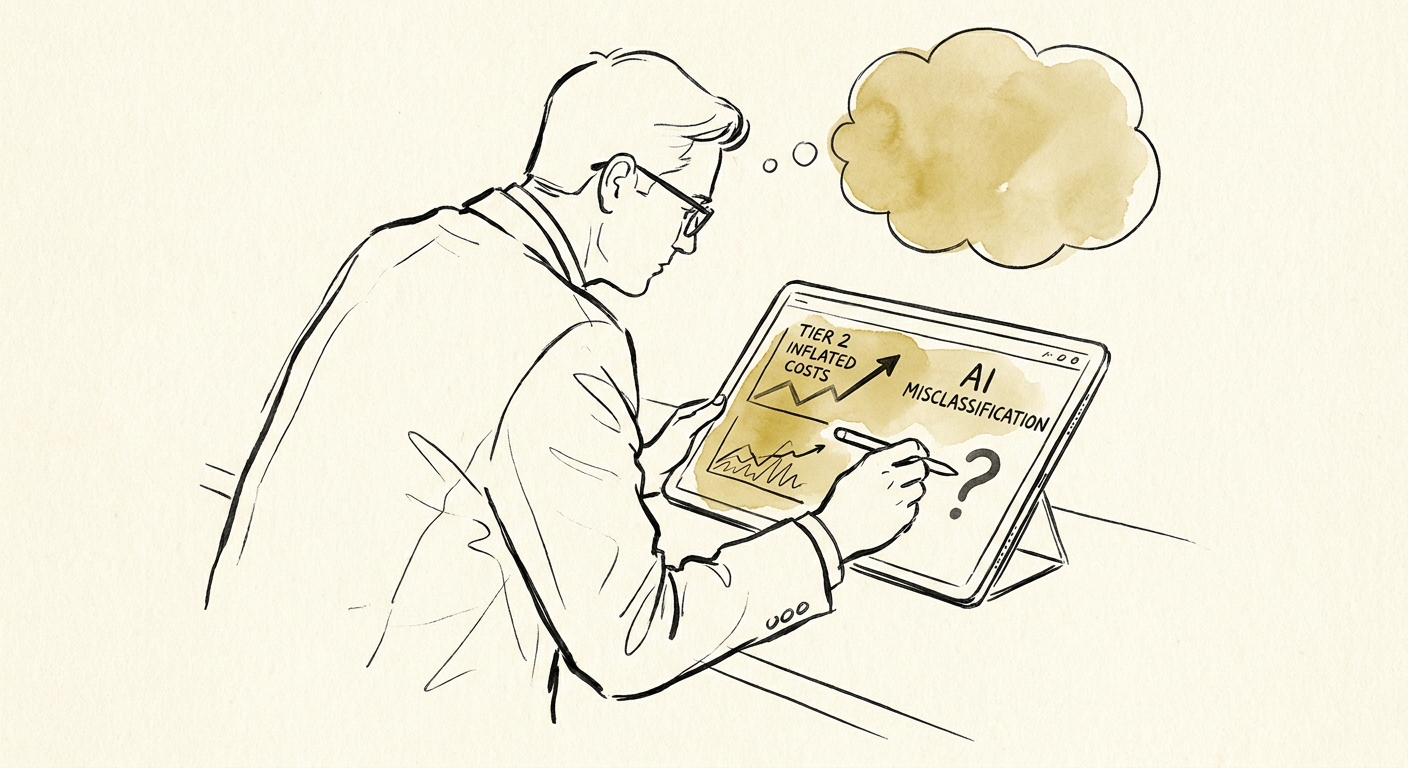
Picture a Tuesday afternoon at a 120-person services firm. A ticket lands: "Hi! New role on the finance team, can you give me access to the billing dashboard? Manager said it's fine." Polite, well-formed, no typos. Your AI router reads the language, matches it to the "access request" pattern it has fulfilled 400 times this quarter, and pushes it down the auto-grant path. Resolved in nine seconds. The dashboard the router can't see is the one in your SOC 2 audit, where "manager said it's fine" is not an approval record and the new hire just got read access to revenue data on their second day.
That ticket looks identical to a password reset. That's the trap. Helpdesk routing feels like the perfect first AI workflow precisely because the requests rhyme — resets, software installs, VPN questions, "where do I find my paystub." High volume, recognizable patterns, low stakes. Most of it is genuinely safe to classify and route, and you should. The failure mode isn't automating the helpdesk. It's letting the router treat a privileged-access grant, a budget-moving purchase, or a half-described outage with the same confidence it brings to unlocking an account.
The public governance guidance converges on one unglamorous point: automated decisions need defined boundaries, a named owner, and monitoring you can actually see. That's the through-line across NIST's AI Risk Management Framework, PwC's responsible AI research, and IBM's AI governance guidance. None of them say "don't automate." They say know what the machine is allowed to decide on its own — and prove it later. For the helpdesk, that means drawing the line before you turn routing loose, not after the auditor finds the gap.
The three ticket types that should never auto-resolve
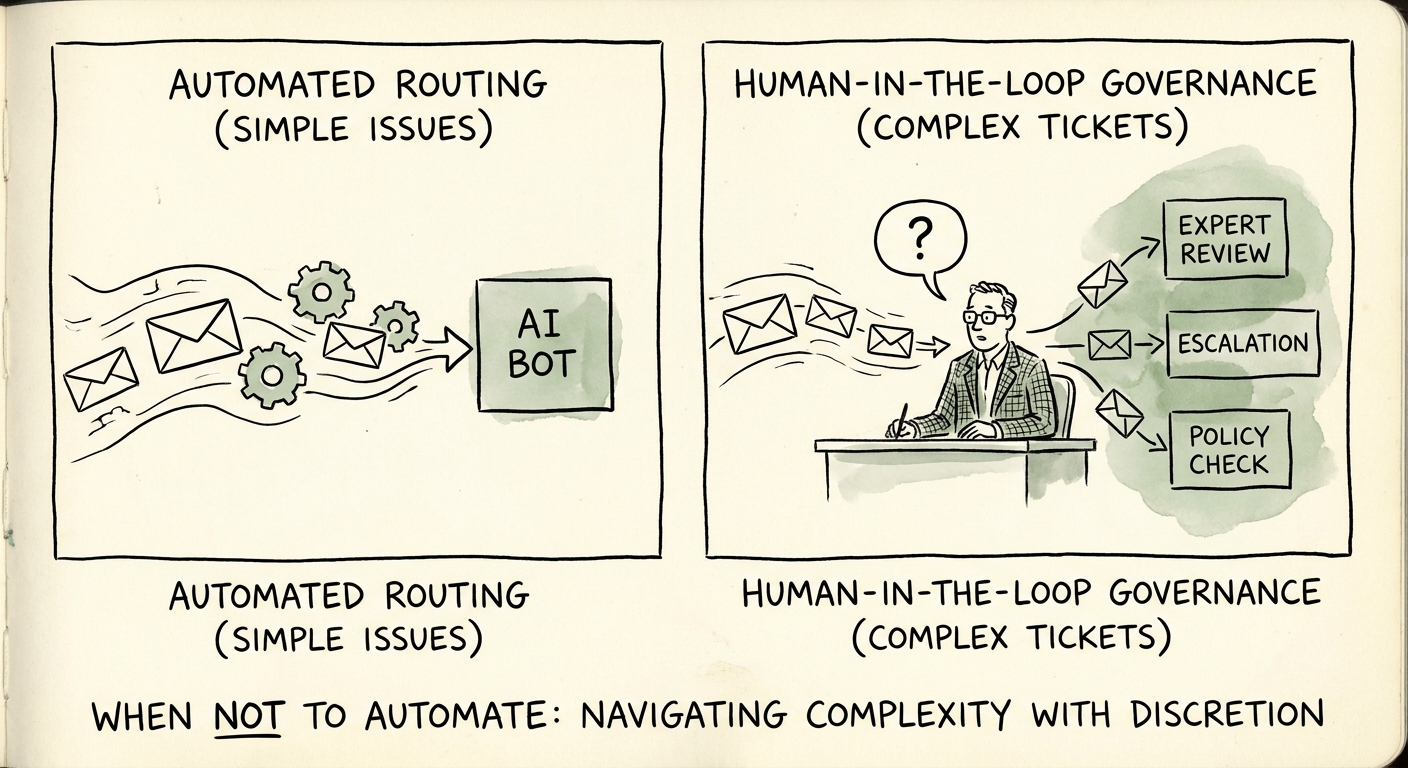
1. Anything that touches identity, access, or a security signal. Permission grants, role changes, MFA resets that bypass the normal flow, "I got a weird login alert," privileged-system requests. The router is excellent at reading the words. It is blind to whether the requester should have that access, whether the approver is real, or whether a flurry of access tickets from one account is social engineering in progress. Let the model gather context — pull the requester's current role, surface the relevant policy, draft the queue assignment. But a human owner confirms the business reason and the approval path. The cost of a wrong call here isn't a re-routed ticket; it's an account that can read payroll.
2. Anything that moves money or breaks the standard catalog. Routing a standard laptop request? Fine, automate it. A request for a $4,000 GPU workstation, an expedited rush order, a new SaaS seat for a tool nobody's evaluated, a hardware exception "because the standard model won't run my software" — those carry budget context the router has zero visibility into. It doesn't know this department is already 18% over on hardware spend this quarter, or that procurement froze net-new SaaS last month. Spend and exceptions go to an accountable approver, full stop.
3. The ambiguous "it's broken" ticket. This is the one most teams underweight. A ticket that says a system is "down," "locked," "not working," or "acting weird" is the single most dangerous string in your queue, because it could mean five different things at five different severities. "Down" might be one person's expired cert, or it might be the first report of an outage that's about to generate 80 more tickets. A confident router will pick the most common interpretation — usually the low-severity one — and quietly mis-triage the incident. When the model's confidence on an ambiguous ticket is low, the correct output is not a guessed queue. It's a human review task, fast.
The goal was never maximum automation. It's a service desk that clears the boring 70% without a human touching it, while making the risky 30% more visible, not less.
What to build Monday: a four-tier routing taxonomy
Before you give a model any authority, sort every request type in your catalog into four buckets. This is a two-hour whiteboard exercise with your helpdesk leads, and it's the highest-leverage thing you'll do all quarter.
Auto-resolve: documented, reversible, low-stakes. Password resets through the standard flow, known software install instructions, ticket-status checks, "where is X" questions. The router acts. Draft-only: the model summarizes the ticket and proposes a route, a human clicks send. Good default for anything new. Approval-required: a named owner signs off before execution — most spend, most non-standard requests. Human-only: the router can summarize and tag, never act — security incidents, access grants to sensitive systems, anything involving an employee-relations matter or a manager dispute.
Then add one rule on top: confidence-based escalation. If the model's classification confidence is below your threshold, if the ticket text references a restricted system, or if business impact is unclear, it escalates to a human task regardless of which bucket it landed in. AI makes the easy work faster and the risky work louder — it should never let risk hide behind a green dashboard.
Finally, instrument it so you'd catch a bad call. Track reroute rate, escalation accuracy, employee wait time, reopened tickets, and — the one most teams skip — how often a human overrides the router on access and spend tickets. If first-response time drops but reopens climb, the router is shifting work downstream, not removing it. Start with the AI assistant governance framework to set the boundaries, and run the AI Opportunity Score to gut-check whether helpdesk routing is even your best first workflow. The honest test: if your team can't write down, in one sentence per bucket, what the AI is allowed to decide alone — it isn't ready to decide anything alone yet.