The fastest way to embarrass yourself with AI is a great answer from the wrong file
Picture a support rep typing "what's our refund window on annual plans?" into a shiny new internal assistant. It answers in two seconds, cites a document, sounds confident. The problem: it pulled from a 2023 policy draft someone left in a shared drive, not the current one in your billing system. The rep quotes it to a customer. Now you have a commitment you never made, generated by software you bought to reduce mistakes.
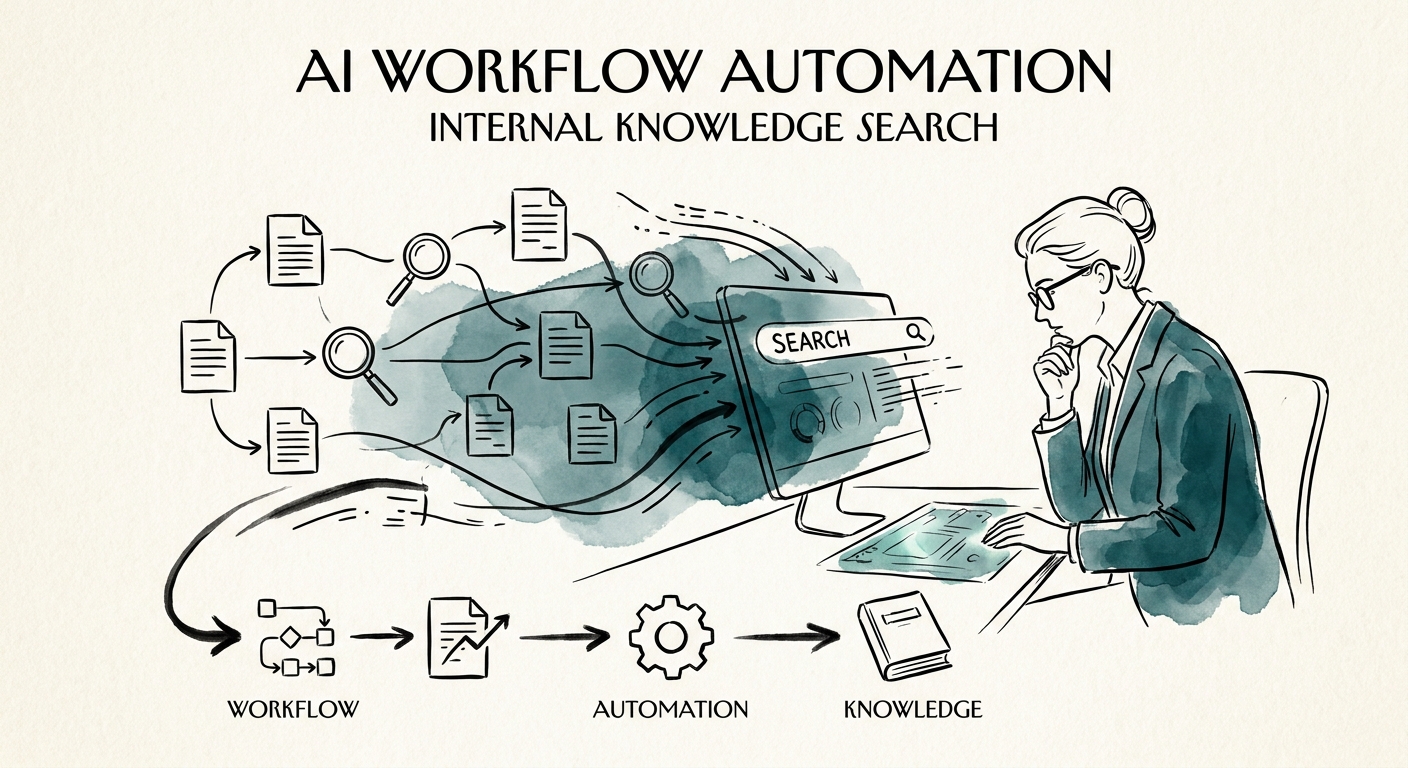
This is the specific failure mode of internal knowledge search, and it's different from every other AI workflow. The model isn't hallucinating — it's faithfully retrieving a real document that happens to be wrong, stale, or off-limits. Retrieval makes bad information easier to find, faster. That's why McKinsey's State of AI keeps landing on the same finding: the wins come from redesigning the workflow, not bolting a chatbot onto existing chaos. For search, the redesigned workflow has three moving parts — permissioned retrieval, a cited answer, and a low-confidence escalation path — and none of them are the language model.
The part teams underestimate is permissions. Microsoft's Copilot data protection architecture is blunt about it: enterprise search rides on identity, access controls, and auditability. If a junior employee can ask the assistant a question and get an answer synthesized from the comp spreadsheet or a sealed legal thread, the assistant didn't leak the data — your over-broad file shares did. AI just made the leak conversational.
Before you index anything, run the "who can see what" and "which copy is real" audits
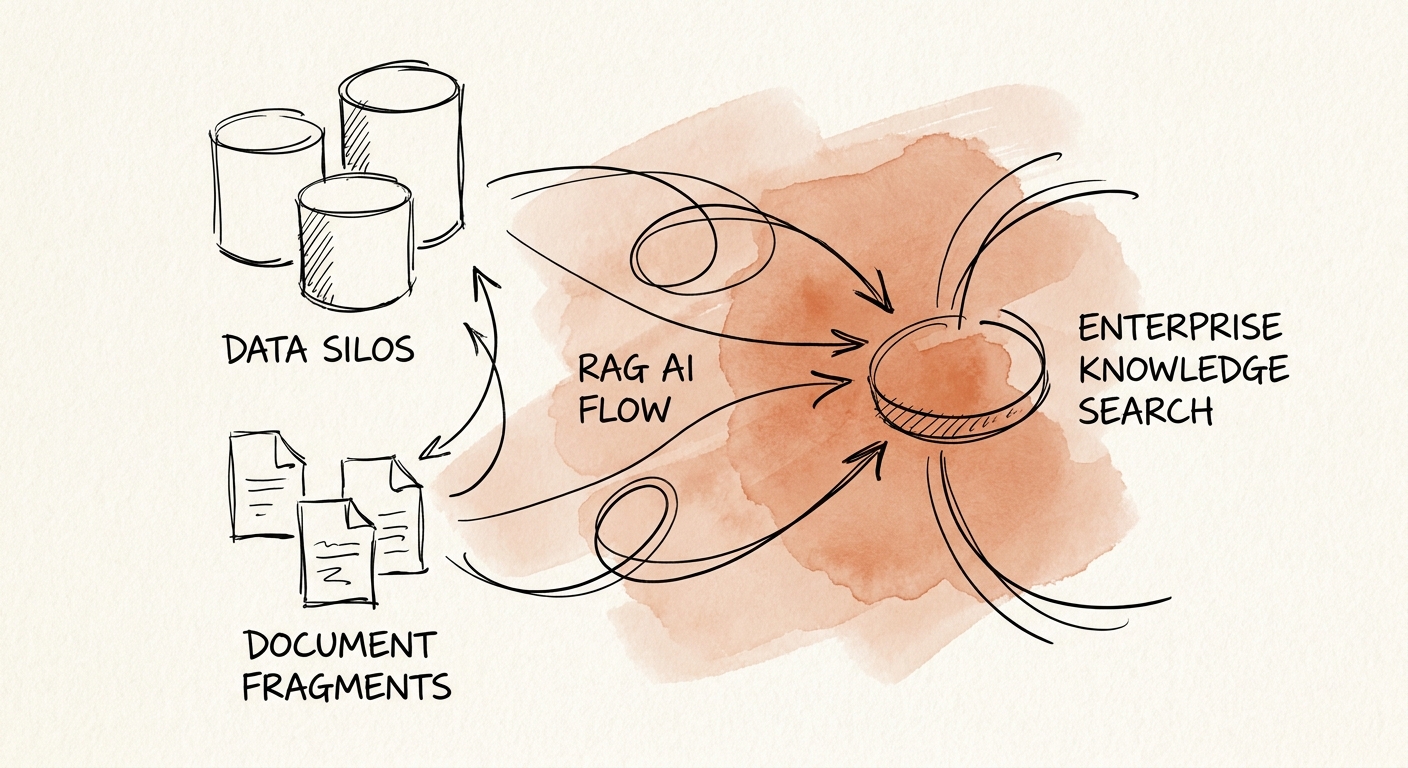
Two questions decide whether this project helps or hurts, and you answer them with people, not models. First: which repository is authoritative for each kind of answer? Refund policy lives in billing, not the wiki. Current pricing lives in the CRM-connected price book, not a sales rep's pinned Slack message. Implementation steps live in the runbook, not last quarter's project notes. Write this down as a one-page source-of-truth map: question type, the one system that owns the answer, and who owns that system. Everything not on that list is, for now, not allowed to answer.
Second: what permissions does the assistant inherit? The cleanest pilots index a deliberately narrow corpus — say, the published support knowledge base and the resolved-ticket history for one product line — where every employee on that team is already cleared to read every document. That sidesteps the hardest version of the problem until you've proven the workflow. This is exactly the discipline the NIST AI Risk Management Framework formalizes: map the context, measure the risk, manage the controls, govern over time. For knowledge search the mapping step is concrete — list authoritative sources, flag drafts, and define how a person challenges a weak answer.
And don't skip the boring substrate. IBM's Institute for Business Value ties AI performance to data quality, adoption, and operating model — which in practice means deduplicated documents, owners who keep them fresh, and a culture where people actually trust the tool enough to use it instead of pinging a colleague. An assistant indexing five conflicting copies of the same policy will pick one and sound certain. That's worse than no assistant, because now the wrong answer comes with a citation.
Pick one team, instrument it, and read the escalation log every week
Start where questions are frequent and source ownership is unambiguous — support, sales engineering, or implementation delivery — not "the whole company." Then instrument five things from day one: search success rate (did the asker stop looking?), citation coverage (what fraction of answers point to a named source), stale-source catches (answers flagged because the doc is past its review date), escalation frequency (how often the assistant hands off to a human on low confidence), and time saved versus the old "ask three people" path.
The escalation log is your most useful artifact. For the first month, read every low-confidence handoff. A cluster of escalations on one topic usually means a source is missing, contradictory, or out of date — that's a content fix, not a model fix, and it's the cheapest improvement you'll ever ship. When citation coverage holds steady and escalations trend down, you've earned the right to widen the corpus to the next team and re-run the permissions audit for their sources.
If you'd rather not guess your source landscape, a QuickStart AI Audit inventories your repositories and access controls before anyone writes code. And if you're still deciding whether knowledge search beats other automation candidates, the AI Opportunity Score gives you a side-by-side. Either way, the Monday move is the same: open your top-five most-asked internal questions and find out how many copies of the answer currently exist.
