The question is never "can it write the answer." It's "who's on the hook when it's wrong."
Picture a 120-person software company. A strategic prospect sends a 214-question RFP on Tuesday, due Friday at noon. Buried in the security section: "Do you offer a 99.95% uptime SLA with financial credits?" Your answer library says yes, because eighteen months ago a sales engineer pasted it in from a deal that closed. Since then, the contract template changed the SLA to 99.9% and capped credits. Nobody updated the library.
This is the actual shape of RFP response support. Drafting two hundred answers fast is the easy part. The hard part is that every answer is a commitment — a security control you have to maintain, a pricing assumption finance has to honor, a roadmap feature product has to ship, a legal exception counsel has to defend. The fast tool that doesn't know which of those answers expired is not saving you time. It's manufacturing risk at scale and handing it to whoever signs the proposal.
The OECD's work on SME AI adoption keeps landing on readiness over raw capability. For a proposal team, readiness is unglamorous and specific: knowing which answer in the library is current, which commitment has lapsed, and which questions are too consequential to answer without a human from security, product, finance, or legal putting their name on it.
Draw the line at the security questionnaire
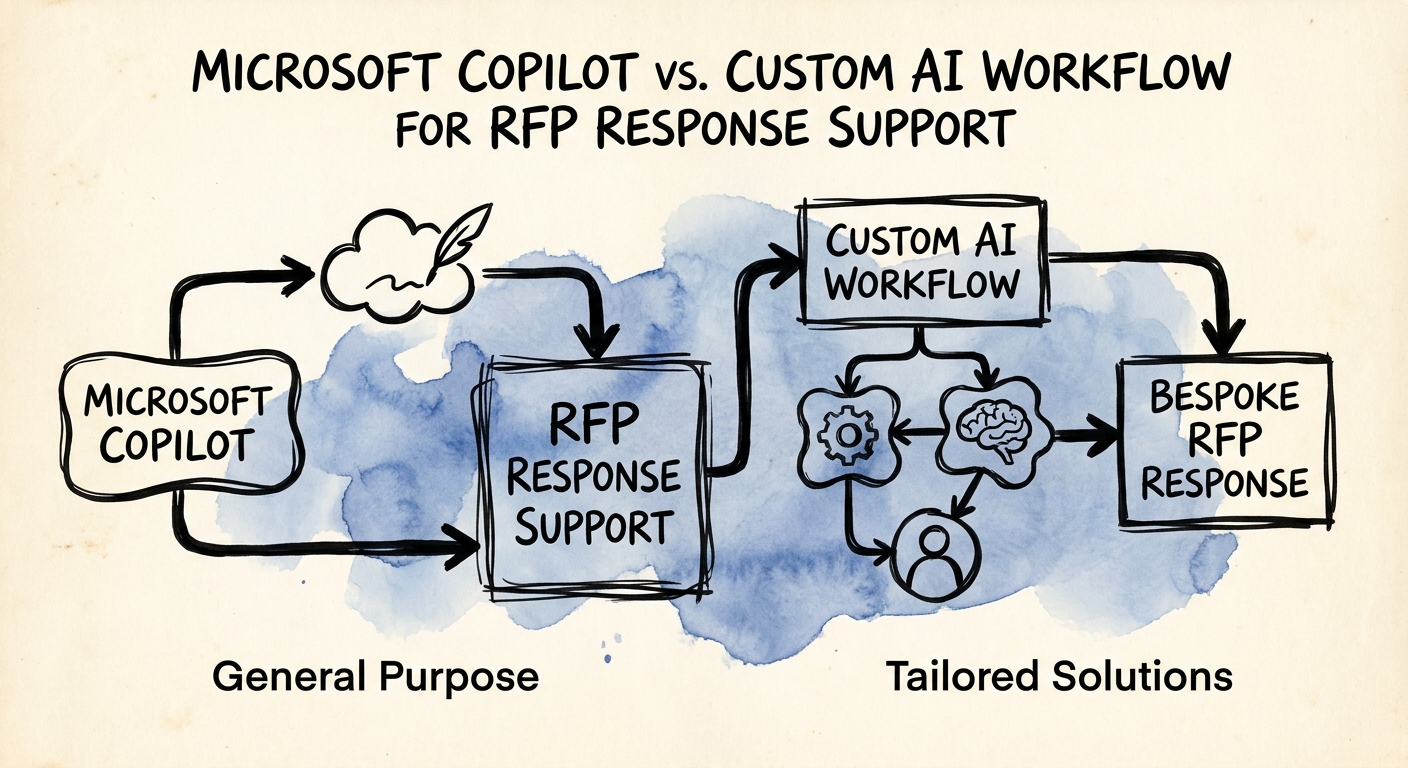
Here is a line you can draw on a whiteboard. Microsoft 365 Copilot is genuinely good for the first 70% of an RFP: the company-overview boilerplate, the implementation-approach narrative, the "tell us about your support model" prose. It can pull from your last five winning proposals sitting in SharePoint, summarize them, and hand a sales engineer a draft to edit instead of a blank box. Because it operates inside your Microsoft 365 permissions, it isn't reaching into documents the responder shouldn't see — Microsoft's privacy and data-protection guidance and its architecture documentation describe how that permission boundary holds. For narrative answers nobody will litigate, that's the whole job.
The other 30% is where Copilot stops being enough, and it's almost always the security questionnaire, the SLA table, the data-residency attestations, and the pricing exhibits. These answers need things a chat assistant structurally cannot give you: a single source of truth for what your current controls actually are, an expiration date on every committed answer, a required-approver gate before a response can be marked final, and a write-back into your CRM or proposal tool so the deal record reflects what you promised. Build the custom workflow exactly here. Anchor its handling of security and customer data in CISA's AI data-security practices, and use the NIST AI Risk Management Framework to define who approves what and how you monitor for drift. The test isn't "is this question hard to write." It's "if this answer is wrong, does it cost us in the contract." If yes, it doesn't ship without an approver and a freshness check.
The metric that matters is unsupported claims caught before the proposal leaves the building
Most teams measure RFP turnaround and stop there. Turnaround is easy to improve and easy to fake — you can cut cycle time in half by letting AI confidently answer everything, right up until a credit clause you never approved surfaces in red-line negotiation. Deloitte's State of AI work keeps naming the same gap between AI enthusiasm and AI that actually holds up in operation. For proposals, holding up means faster responses that don't quietly seed deal, legal, or delivery risk.
So track a fuller scoreboard: cycle time, yes, but alongside rework loops per RFP, the rate at which library answers get flagged as expired, the volume of security and legal exceptions, answer-reuse rate, and the one number nobody reports — unsupported claims caught before submission. That last metric is the difference between a tool that drafts and a tool that protects.
This week, do one concrete thing: pull your last three submitted RFPs and audit the answers in the security and SLA sections against what your current contract template actually commits to. Count the gaps. That count is your real adoption risk, and it tells you precisely where the custom workflow has to enforce control instead of just generating text. If you want help drawing that boundary and standing it up, our AI roadmap process starts exactly there.
