The reschedule that almost lost the account
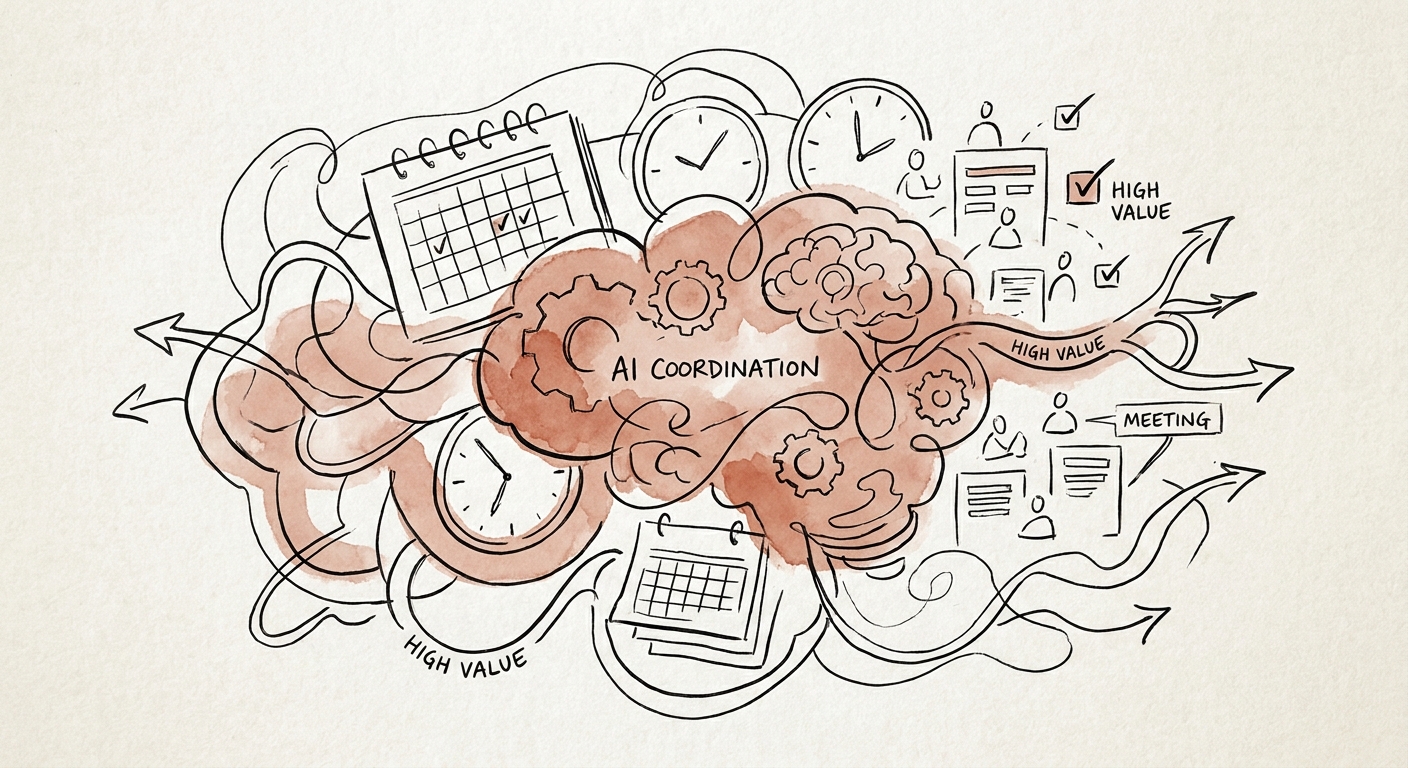
Picture a 60-person consulting firm. A partner is mid-flight when the firm's newly deployed AI scheduler decides a delivery review "conflicts" and quietly moves the client's steering committee out a week to accommodate two analysts and a contractor. The client reads it as a signal: you deprioritized us. The partner spends Thursday on damage control instead of the renewal. Nobody saved any time. That is what happens when you point automation at a calendar without first telling it whose calendar bends and whose does not.
This is exactly why scheduling is the wrong place to start a sweeping "AI transformation" and the right place to start a single, governed workflow. The handoff is repeatable, it happens dozens of times a week, and the cost of getting it wrong is visible the same afternoon. The U.S. Census Bureau AI business adoption analysis shows AI spreading through ordinary operating functions rather than landing as one big system, and the Federal Reserve Bank of San Francisco small-business AI analysis makes the same point from the firm side: smaller shops win with one concrete use case, not an enterprise program.
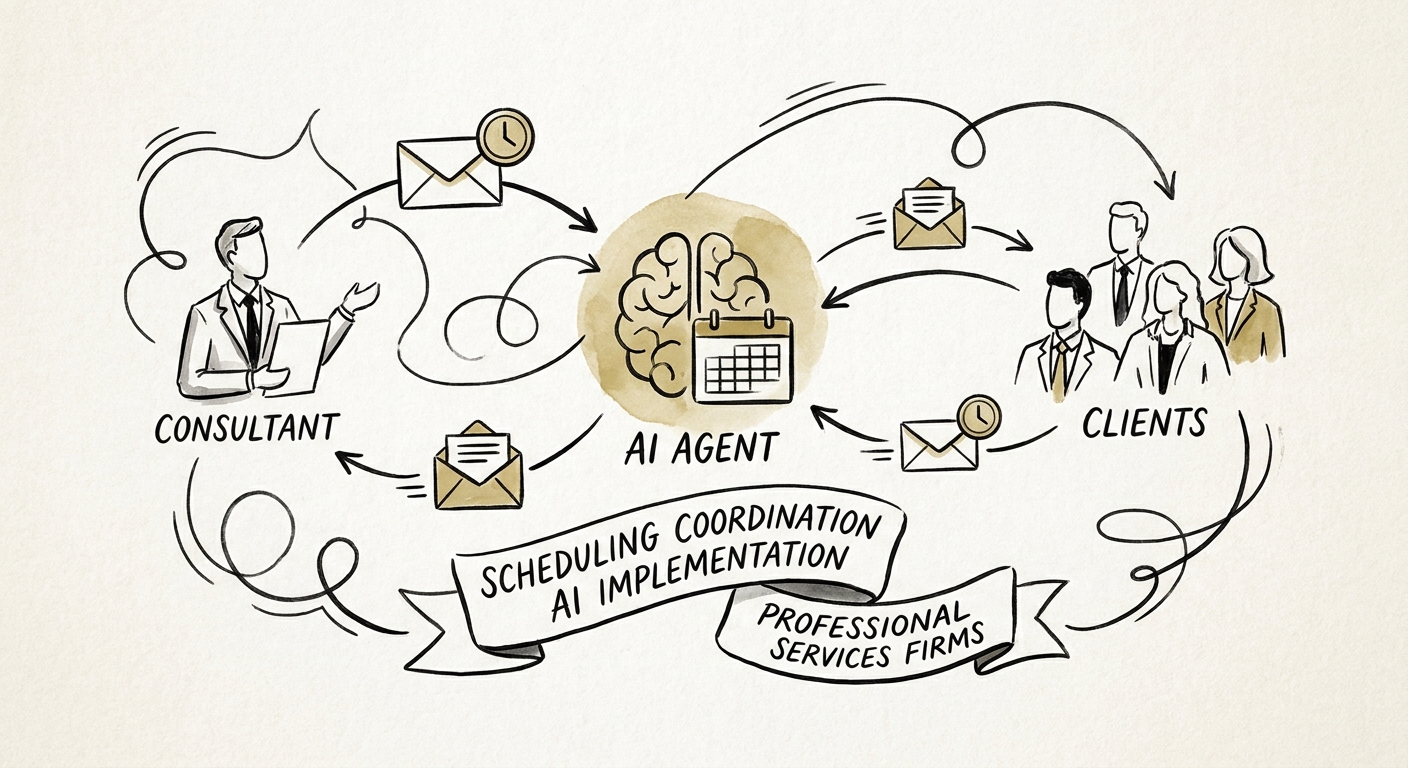
The thing a professional services firm is actually buying is not a calendar tool. A booking link already handles "find 30 minutes with one person." What it cannot handle is the coordination layer above the calendar: a kickoff that requires the engagement lead and the client sponsor, a QBR where the account tier dictates who flexes, a follow-up call that should fire only after the executive meeting closes. The OECD SME AI adoption report frames this as a capability and implementation gap, not a software gap, and that is precisely the wall firms hit here.
Draw the line: send, ask, or never
Before you evaluate a single vendor, sit down with whoever runs your engagements and sort every scheduling action your firm takes into three buckets. This 20-minute exercise does more for your outcome than any model choice.
Send on its own. Internal-only standups, recurring delivery check-ins among your own team, confirming a slot the client already proposed. Low blast radius, fully reversible.
Ask a human first. Anything touching a named client calendar, any reschedule of a meeting a partner owns, any invite that exposes which other clients a consultant serves. The assistant drafts; a person hits send. For a mid-market firm this single rule prevents the cross-client leak where a calendar reply accidentally reveals you're also working with the prospect's competitor.
Never automate. Cancelling a top-tier client's session, moving anything within 24 hours of a board or steering meeting, declining a request from your largest account. These stay human, full stop.
That sorting is also a data-handling decision, because scheduling messages carry client names, deal status, travel constraints, and commercial sensitivity. The CISA AI data-security best practices give you the baseline for scoping exactly what operational data the assistant can read and what it must never touch. Pick the narrowest "send on its own" workflow as your pilot — usually internal delivery-review scheduling — and measure three numbers: time-to-confirm a meeting, missed or dropped handoffs, and whether the admin hours you recovered actually turned into billable client work. That last metric is the one firms forget, and our companion guide on measuring AI ROI for scheduling coordination shows how to keep it honest instead of counting "hours saved" that quietly evaporate into Slack.
The 90-day build, one gate at a time
Run the pilot in a 90-day window with a single named owner — not "the ops team," one person whose name is on it. Week one: one mailbox, one delivery-review motion, one small user group, and an exception log where the assistant writes down every time it wasn't sure. That log is your roadmap; read it weekly. By week four you'll see the patterns — "didn't know which partner owns the Acme account," "tried to book over a client's stated blackout" — and each pattern becomes a rule you add deliberately: account priority pulled from the CRM, escalation phrasing, an approval threshold above which a human always confirms.
Add capability in that order on purpose. The NIST AI Risk Management Framework treats AI risk as something you map, measure, manage, and govern across a system's life — which in practice means you earn each new permission by proving the last one didn't misfire. An assistant that has cleanly handled internal scheduling for six weeks has earned the right to draft client-facing replies for human approval. It has not earned the right to send them unsupervised.
When the pilot is stable, the right next move is not a bigger tool budget. It is an operating cadence that tells you which other workflows are ready for the same treatment, which client data needs cleanup before an assistant can touch it, and which actions stay permanently in human hands. Map your three buckets this week, pick the safest one, and put a name and a date on it. That is how a calendar fix becomes the first repeatable piece of an AI program instead of a one-off experiment that quietly gets switched off.