The rep has nine tabs open and the call starts in four minutes
Picture a sales rep at a 60-person tech company, four minutes before a discovery call. LinkedIn is open in one tab, the prospect's pricing page in another, a half-loaded funding announcement in a third, the CRM record (last touched in February) in a fourth, and a Slack thread where someone swears this account "went dark in Q3." The rep is going to walk in having read maybe a third of it, and improvise the rest. Multiply that by every rep, every call, every week.
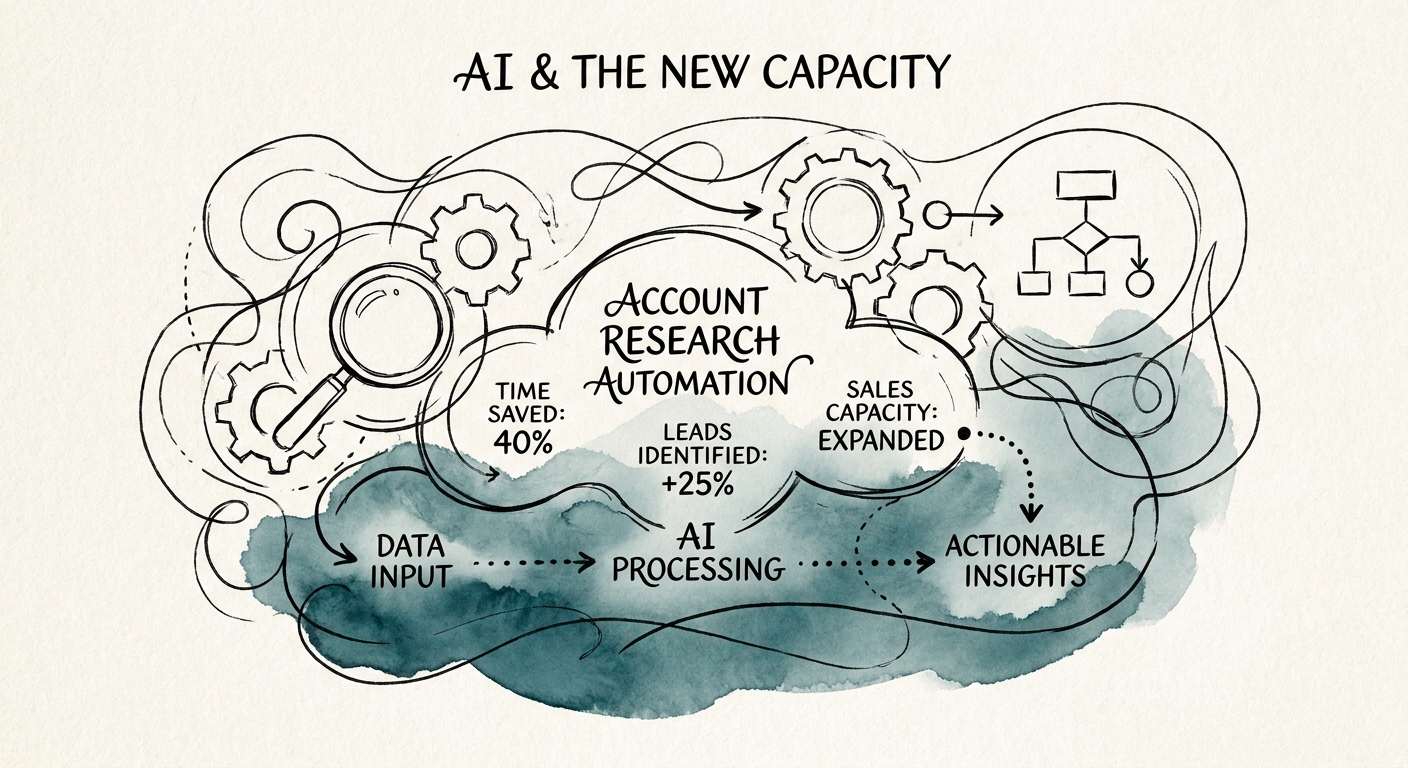
That is the problem AI account research actually solves — and it is worth being precise, because the failure mode is just as common. If the output is one more chat window the rep has to remember to open, it dies in a month. The win is narrower and more boring: the same nine tabs, pre-read and assembled into a single briefing that already lives on the account record the rep opens anyway.
Sales teams research the identical categories before every meeting. Company snapshot. What changed since last contact. Who got hired or promoted. Open roles that hint at initiatives. The current relationship and any live opportunities. The likely pain. Three questions worth asking. The categories never change; only the account does. That repetition is exactly why this is a strong first workflow — it's high-volume, close to revenue, and every output can be checked against a source in under a minute.
The line that matters: the rep still reviews the briefing ahead of the call. The system assembles and summarizes. It does not invent a funding round, promise a discount, or claim a relationship that isn't in the CRM. Research from McKinsey on AI in B2B sales and Gartner's B2B sales productivity work keeps landing on the same point: the gains show up in seller capacity and prep quality long before they show up in the close rate.
Decide what the AI is allowed to read before you let it write a word
Almost every account-research workflow that blows up dies on the same rock: the model read something it shouldn't have, or read something stale, and the rep got burned in front of a prospect. So the design decision comes first, before any prompt: a written list of sources the workflow may read, and an equally explicit list it may not.
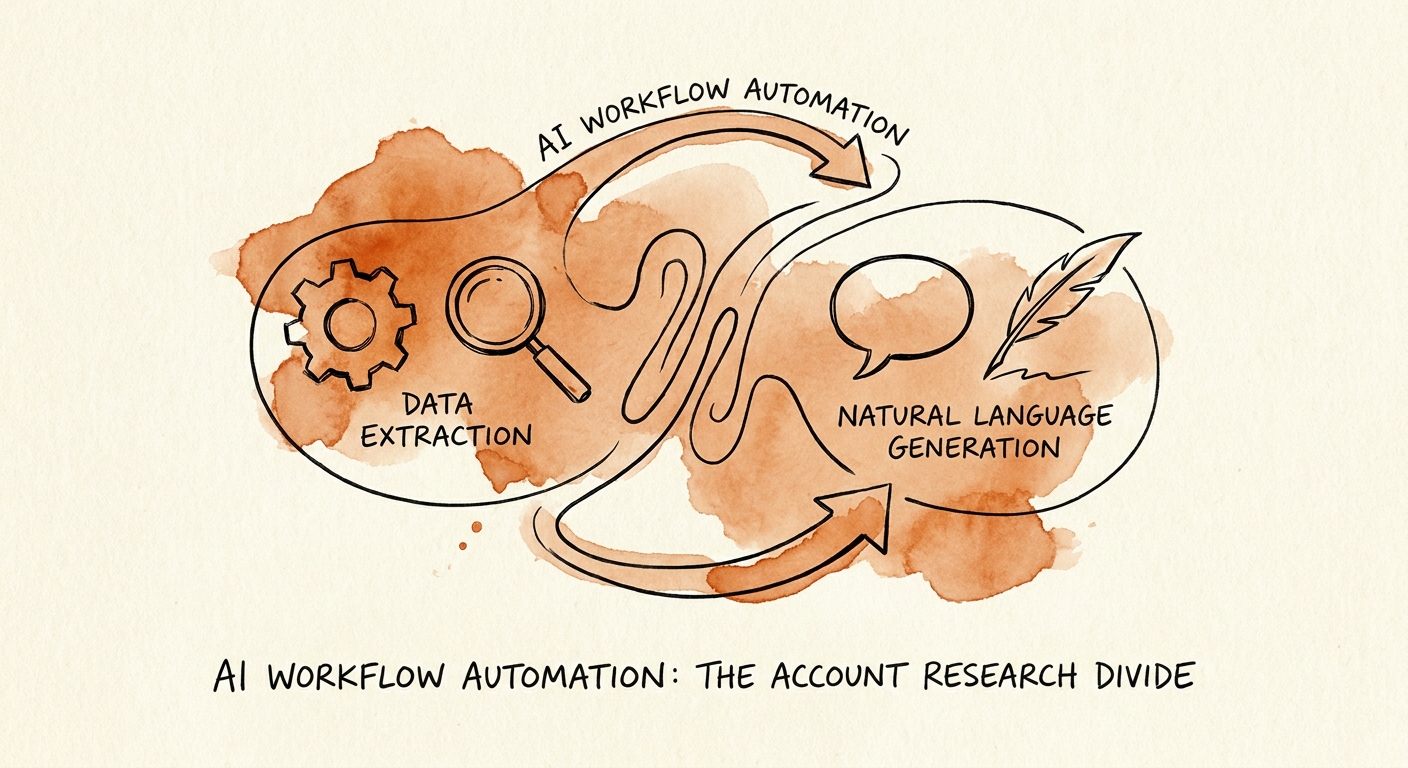
The architecture that holds up separates two jobs. Job one is extraction — pull only from the approved set: CRM records, account and call notes, support ticket history, the company's own public pages, current job postings, dated press releases. Job two is synthesis — turn those raw inputs into the structured briefing. Keeping them separate matters because it lets you trace every sentence back to where it came from. A briefing for a tech account should tag each section: "from CRM, last updated Feb," "from a careers page pulled today," "from a funding post dated last month." A rep who can see the provenance trusts the briefing. A rep who can't, skims it once and goes back to nine tabs.
Run the first month with humans scoring output. Have reps rate each briefing on accuracy, usefulness, what was missing, and whether it actually helped the call — and have a manager read a sample every week. That beats a satisfaction survey by a mile, because it ties the score to a real work product instead of a vibe. Crucially, log the failures. The briefing that confidently cited a "Series C" that was actually a Series B is not an embarrassment to bury; it's the single most useful design input you'll get.
One hard prerequisite: if the CRM is a swamp — duplicate accounts, owner fields blank, opportunities last touched in another fiscal year — fix that first. Account research is only as good as the customer data underneath it. The groundwork in CRM cleanup before automating sales is usually what separates a briefing reps rely on from one more artifact nobody opens twice.
Measure the prep, not the pipeline — at least at first
The temptation is to point at close rate on day one. Resist it. Better research may lift win rates over a couple of quarters, but you can't prove that with a 90-day pilot and you'll torch the project chasing a number that's moved by ten other things. The first proof is plainer: prep time dropped, the briefing got opened, discovery questions got sharper, and the post-call CRM notes came back fuller.
So instrument the briefing's lifecycle, not the deal. For each account, track whether the briefing was generated, opened, corrected by the rep, used in prep, and reflected in the follow-up notes. A briefing that's generated but never opened tells you the format is wrong. One that's opened and heavily corrected tells you the source list needs tuning. One that's opened, lightly corrected, and echoed in the call notes is the pattern you're trying to manufacture. Track four signals to start — generated, opened, corrected, used — and watch the funnel between them.
Before you pick this workflow at all, pressure-test whether it's the right first target using how to find manual work worth fixing, and keep the rollout boxed with the 90-day AI implementation plan. If the budget conversation needs numbers, run it through the AI ROI Calculator before you expand past the first sales pod. Coverage from Forrester on revenue operations, BCG on AI ROI in operations, and Bain on enterprise AI sales readiness all converge on the same discipline: a bounded pilot with a measurable work product beats a broad rollout you can't evaluate.
The best account-research workflow is almost invisible. The rep gets a better starting point. The manager gets a faster way to check what good prep looks like. And leadership gets evidence that AI tightened a revenue process instead of bolting one more tab onto a screen that already had nine.
