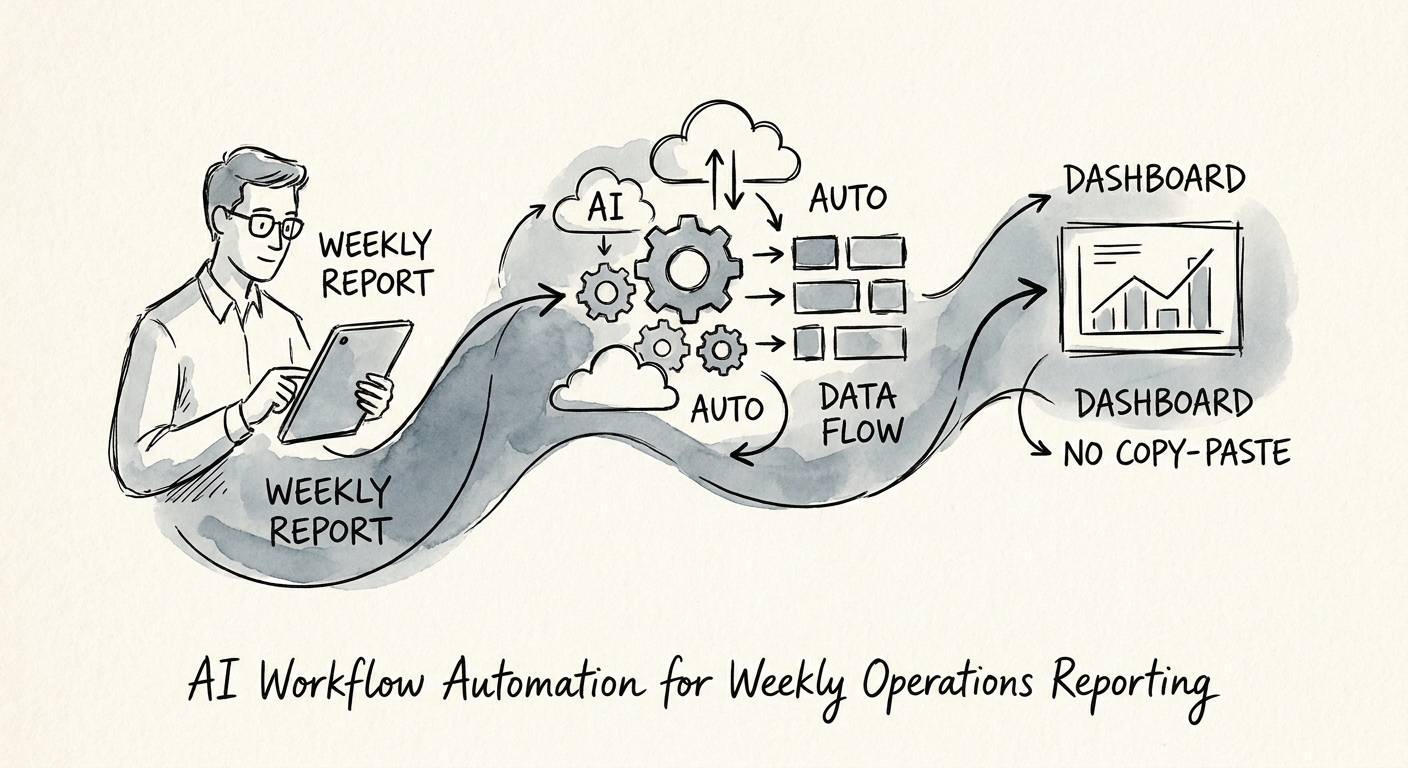
The packet that quietly eats two days a week
Picture the ops lead at a 90-person B2B services firm. Every Thursday afternoon the same ritual starts: open the CRM and copy pipeline movement into a spreadsheet, ping the delivery managers for project status because the PM tool is never current, ask finance for utilization, pull support ticket volume, check the hiring board, then stitch all of it into a Monday narrative the CEO actually reads. Friday is gone. The numbers were technically available on Wednesday, but assembling them into a story took two people the better part of two days.
That is the real shape of weekly operations reporting. It is not a dashboard problem, because the firm probably already has three dashboards nobody reads. It is a collection-and-translation problem: the same eight or nine inputs every week — pipeline, delivery status, utilization, customer risk, support volume, hiring, cash indicators, project exceptions, owner commentary — gathered by hand from systems that do not talk to each other, then rewritten into management language.
This is exactly where workflow automation belongs, and exactly where it gets done wrong. The failure mode is asking a model to "write the executive summary." What you actually want is narrower and more boring: pull the source data on a schedule, run the math in code, surface what moved, flag what's missing, and hand a draft to the accountable owner. The IBM workflow automation overview frames this well — automation is most durable when it orchestrates a defined process, not when it improvises judgment. Before you touch any of it, decide whether weekly reporting is even your best first target by working through how to find manual work worth fixing.
The dangerous part is the sentence, not the spreadsheet
Here is the trap specific to reporting automation: the spreadsheet won't lie to you, but the narrative will. If utilization is sitting at a value that's three days stale because the timesheet sync broke, the math just shows a stale number. A language model, handed that same stale number, will write a confident, fluent paragraph explaining why utilization dipped — and now your CEO is making a staffing decision off fiction that reads beautifully. MIT Sloan's AI coverage keeps returning to this: the risk scales with how persuasive the output is, not how accurate the input was.
So you invert the order. Validation runs first, before a single sentence gets generated. Each metric in the packet needs four things nailed down: an owner, a source system, an update cadence, and an exception rule. Pipeline movement comes from the CRM, owned by the RevOps lead, refreshed nightly, flagged if any stage hasn't been touched in 14 days. Utilization comes from the time system, owned by delivery, refreshed daily, flagged if the last sync is older than the report window. The workflow computes everything in plain code, checks freshness, and only then lets AI do what it's actually good at — explaining movement in words, naming anomalies, and drafting the questions the owner should ask in Monday's meeting.
Build the output as a review queue, not a finished report. Every section shows its source reference, its owner, its status, its last-refresh timestamp, why it tripped an exception, and what action it needs. Stale data shows up as a visible "do not trust" flag, not as smooth prose. And nothing publishes until the accountable owner approves or edits their section — the model drafts, the human signs. Keep this honest with AI pilot vs. production workflow so the thing survives real operating data instead of looking great in a demo and falling apart the first week a sync fails.
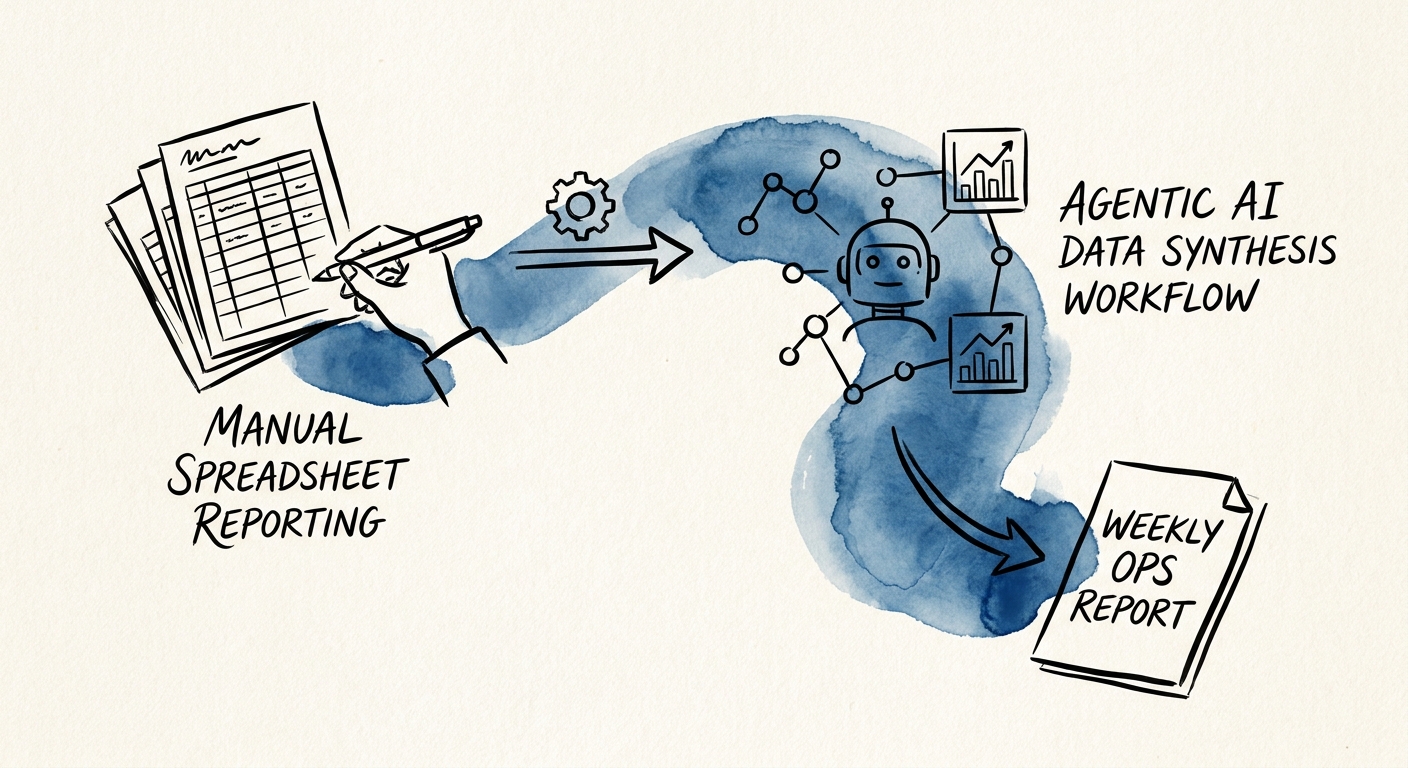
A 90-day rollout that earns its Mondays back
Pick exactly one cadence to start — the weekly executive report is the obvious one, but a customer-risk review or delivery scorecard works if that's where your pain is. Resist the urge to automate all of them at once.
Month one: map, don't build. Document the current process honestly. Who touches the packet, which systems they pull from, what each metric actually means, and where definitions quietly disagree — revenue in the CRM rarely matches revenue in finance, so find out before the machine does. Most firms discover here that two leaders define "active pipeline" differently, and that's worth catching on its own.
Month two: run it alongside, not instead. The workflow pulls sources and drafts the narrative in parallel with the human process. You compare the two every week. This is where you catch the model over-explaining a stale number and tighten the exception rules.
Month three: make it the draft of record. The automated draft becomes the starting point, owner approval stays mandatory, and the humans shift from assembling to reviewing.
Track the things that prove it worked: hours reclaimed, missing inputs caught before the meeting, stale syncs flagged, copy-paste eliminated, owner corrections per report, and decisions the packet actually enabled. Watch the correction count especially — if it climbs, your definitions are still soft. And the sections that still need human judgment? Those aren't failures. They're a signal to route better context to the owner, not to automate the call. McKinsey's State of AI research and Gartner's data and analytics coverage both land on the same point: value comes from the operating rhythm, not the rendering, and PwC's responsible AI guidance is blunt that human accountability has to stay in the loop on anything that drives a decision.
Run the numbers on whether this is worth doing with the AI ROI Calculator, and when you want a governed build instead of a side project that dies in month two, the 90-Day AI Implementation Sprint is the path. The win isn't a prettier deck. It's that the packet lands Monday morning instead of Friday night, exceptions are loud instead of buried, and your ops lead spends the week acting on the report instead of building it.
