The day Copilot quoted last quarter's discount
Picture a 60-person managed services firm. Their best solutions engineer asks Microsoft 365 Copilot to draft a renewal proposal, and it does — beautifully. Crisp executive summary, tidy scope language, a price table. The price table pulls a 20% discount that expired in Q1, lifted from an old deal deck still sitting in a SharePoint folder. Nobody catches it because the document reads like it was written by someone who knew what they were doing. The prospect signs the version with the wrong number, and now sales, finance, and legal are in a room arguing about whether the firm has to honor it.
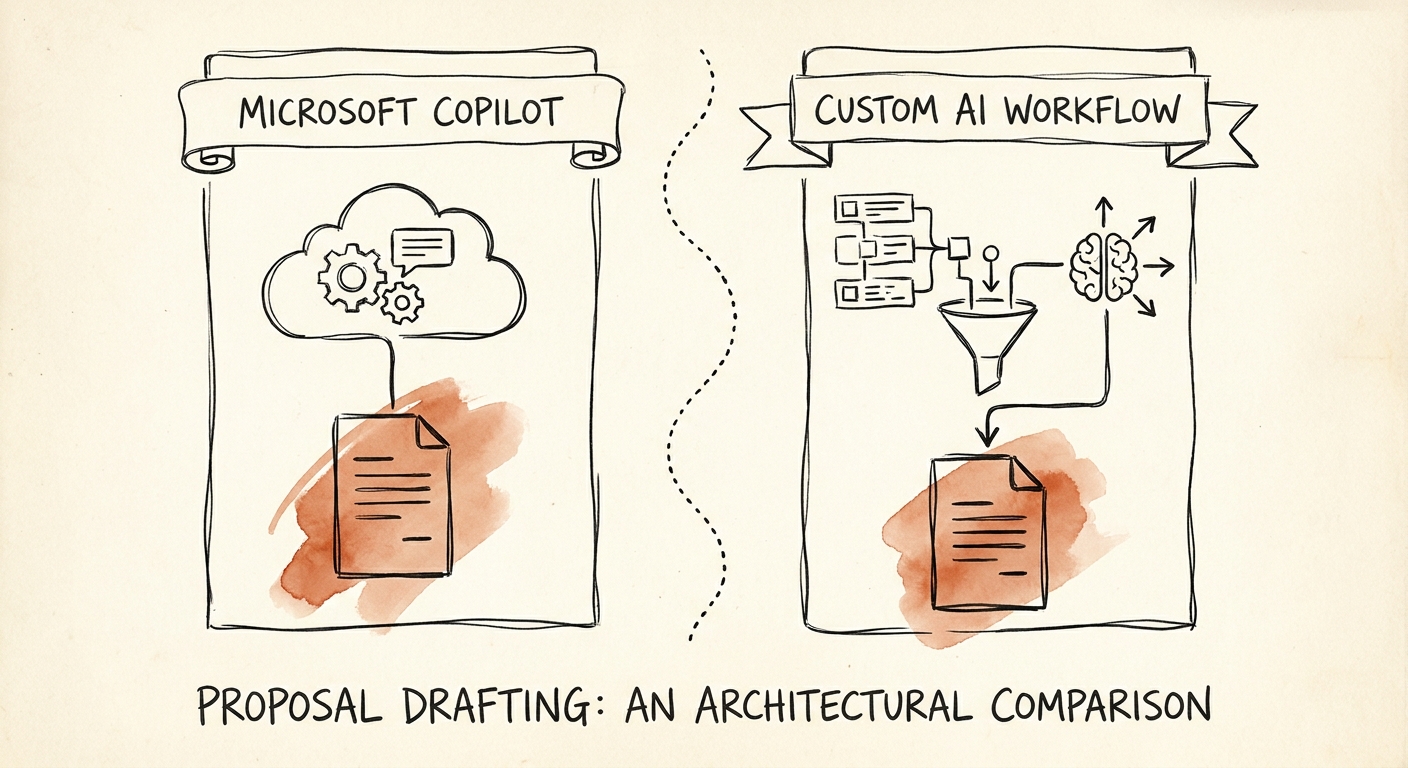
That is the real Copilot-vs-custom decision for proposal drafting, and it has almost nothing to do with writing quality. Copilot writes proposals fine. The question is whether the document can carry a pricing, scope, or security commitment that the company is contractually exposed to — and whether the tool knows the difference between approved language and a sentence that happened to be sitting in the tenant.
Copilot's strength is genuine and worth naming. Per the Microsoft 365 Copilot data protection architecture, it inherits your identity, permissions, data-protection, and auditing layer — so it will not surface a file a user can't already open, and the access trail is intact. That solves "who can see what." It does not solve "which of the things this user can see is allowed to go into a binding proposal." Those are different problems, and proposals live entirely in the second one.
The four fields that decide it — and the one nobody plans for
Strip a proposal down and it is four kinds of content stitched together: prose (cover note, narrative, win themes), approved-only content (current security posture, certifications, standard scope blocks), live data (which opportunity, which contract, which renewal date), and commitments (price, terms, SLAs). Copilot is excellent at the first and dangerous at the other three, because it treats a stale price deck and your current rate card as equally valid context.
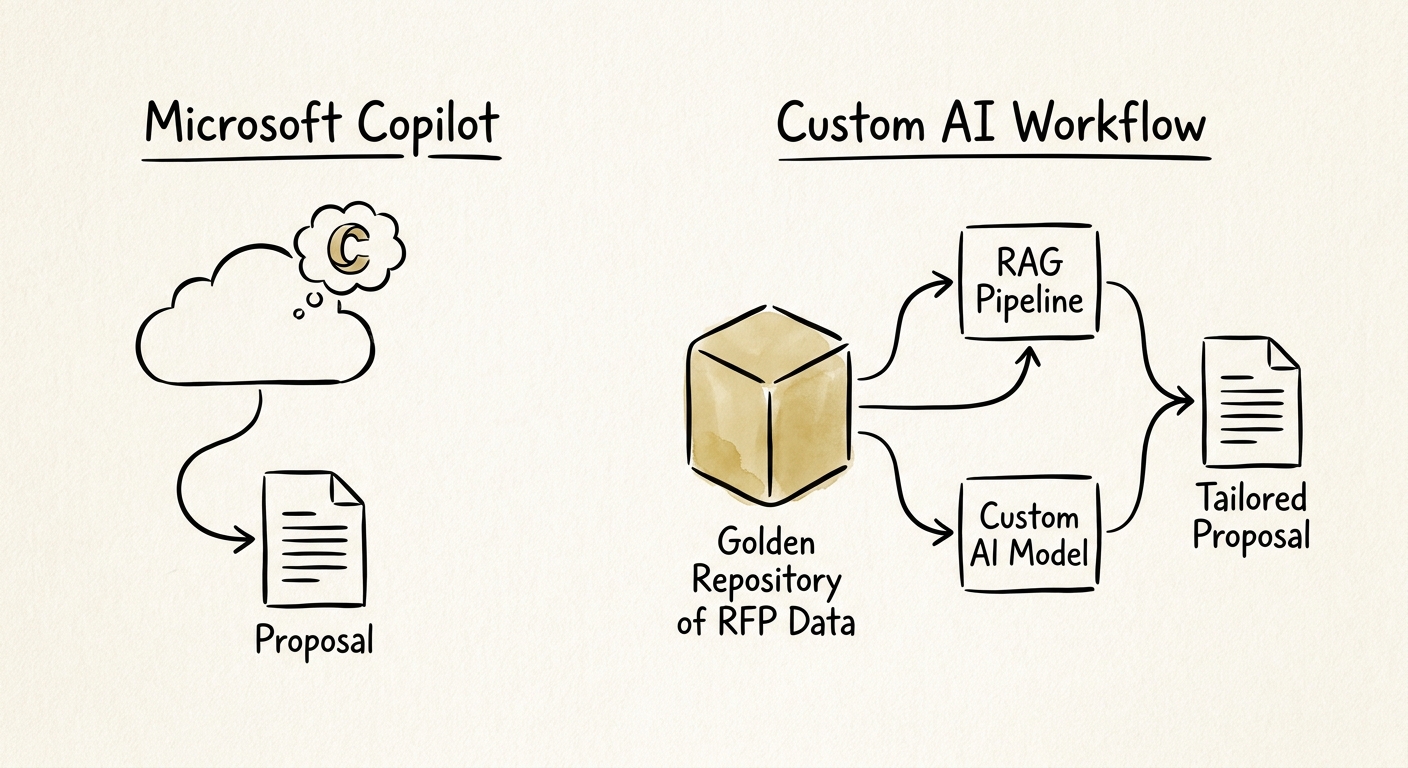
Map your proposals against those four and the answer falls out. If your reps are mostly assembling prose around content a human will price and approve anyway, buy Copilot licenses and move on — the assistant is the bottleneck, and it's a cheap one to fix. If your proposals fire off CRM triggers, pull pricing that must clear a margin gate, restate a security stance auditors will check, and route through legal before they leave the building, you are not describing an assistant. You are describing a workflow, and you need to build or buy one that constrains retrieval to approved sources and separates "AI drafted this" from "the company commits to this."
This tracks the larger pattern: McKinsey's State of AI keeps finding the returns come from redesigning the workflow, not bolting an assistant onto an unchanged one. The NIST AI Risk Management Framework gives you the cheap test before you spend: name the proposal's failure modes (wrong price, expired security claim, invented SLA), then ask which control catches each one. If the honest answer is "a busy reviewer hopefully notices," you have your build signal. And the field nobody plans for is the human reviewer's correction rate — track it, because a "helpful" assistant that quietly raises how often legal has to fix the draft is costing you cycle time, not saving it. The Salesforce State of Sales read is the same: AI is in the daily selling motion now, and it's only as trustworthy as the account and pricing context feeding it.
What to do Monday, before the next license renewal
Pull your last ten proposals and run them through one filter: how many lines in each carried a number or a claim the company is legally bound by? If it's a handful and a human owns each one, your problem is drafting speed — Copilot solves it, and a custom build is overkill you'll regret maintaining. If those binding lines are scattered through every document and depend on people remembering which version of the rate card is current, no amount of assistant polish closes the gap. You need approved-content retrieval, a CRM-fed data layer, a hard pricing gate, and an audit trail that shows what was approved versus what was merely generated.
Don't buy both on instinct. Most firms in B2B tech and professional services land on a split: Copilot for the prose-heavy front end, a governed pipeline for the commitment-bearing fields. Decide which fields belong on which side first, then size the spend. The guide on when not to automate proposal drafting walks the governance side, and the AI workflow automation path shows what the governed pipeline looks like in practice — read both before you sign for more seats.
