The internal queue is where you should learn AI first
Open your internal helpdesk on a Monday and the pattern is always the same. Roughly half the queue is "I'm locked out," "my VPN died," "I need access to the shared drive," and "where do I submit my mileage." The other half is buried underneath: the laptop that's been dead for three days, the contractor whose access was never provisioned, and the one ticket that quietly says "I have a question about my final paycheck" that absolutely cannot sit in a general queue for six hours.
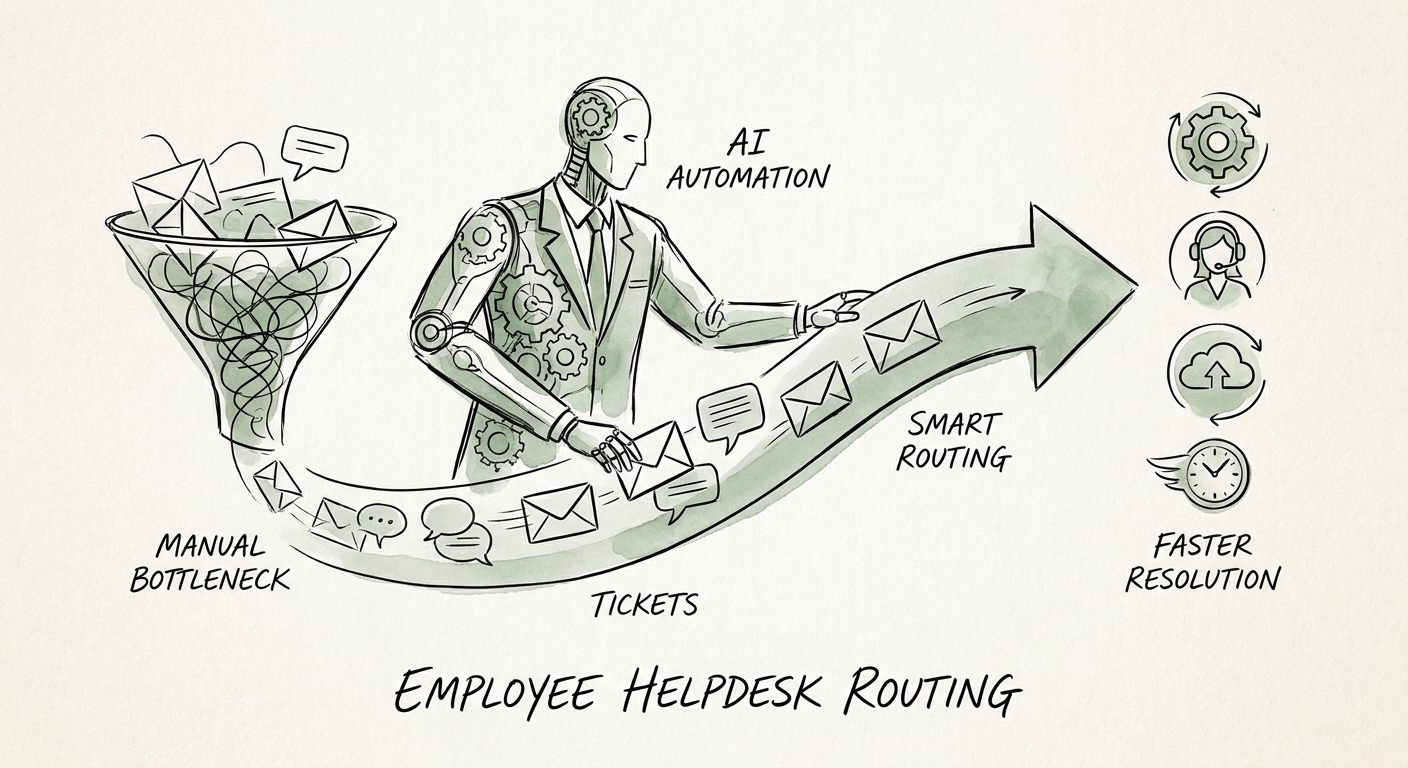
That mix is exactly why employee helpdesk routing is the best place to put your first governed AI workflow — not your external customer-facing support, and not finance. The volume is high, the request types are repetitive and namable, and the source of truth (your IT knowledge base, your access matrix, your HR policy library) already exists. You are not asking AI to be smart. You are asking it to read the incoming ticket, classify it, attach the relevant policy article, flag what's missing, and drop it in the right person's lane.
The research keeps pointing the same direction for companies your size: start with work that can be governed, measured, and improved. The RSM middle-market AI survey, the San Francisco Fed analysis of AI and small businesses, and Deloitte's State of AI in the Enterprise 2026 all describe the same trap: companies that bolt AI onto ambiguous, judgment-heavy work first get burned and stall. The internal helpdesk is the opposite of ambiguous. Before you commit, run the queue through the manual-work scoring guide to confirm the volume is real and the exceptions are visible.
Draw the line at the tickets you must not auto-route
Here's what makes internal helpdesk different from a customer chatbot, and why most teams get it wrong: the employee queue is full of HR-sensitive material that looks like routine IT. A "can't access payroll portal" ticket and a "dispute about my pay" ticket arrive in the same inbox and read almost identically for the first six words. If your AI treats them the same way, you will eventually route a harassment complaint, a leave-of-absence question, or a termination follow-up into a general IT lane where the wrong people can read it.
So design the workflow around explicit boundaries before you design it for speed. The NIST AI Risk Management Framework and CISA AI Data Security Best Practices give you the shape: approved inputs, permission boundaries, retained logs, a quality review step, and a hard escalation path when a request touches sensitive data or uncertain context. In practice for a mid-market helpdesk that means three rules. First, define a "human-only" category — anything mentioning a manager, a paycheck, a complaint, a medical issue, or a departure — and the AI's only job there is to detect it and hand it straight to an HR-cleared owner, untouched and unsummarized in the open queue. Second, AI never auto-closes; it routes and proposes, a person resolves. Third, every classification is logged with the reason it chose, so a reviewer can audit why a ticket went where it went.
The strongest first release is deliberately small: one source library (your IT/HR knowledge base), one queue (Tier-1 access and device requests), one escalation path, and one named owner accountable for source quality and review. That owner matters more than the model — they are the person who fixes the knowledge article when the AI keeps citing the outdated VPN instructions. Sequence the rollout with the 90-day AI implementation plan so governance and adoption ship together instead of one trailing the other.
Measure the resolution clock, not the deflection rate
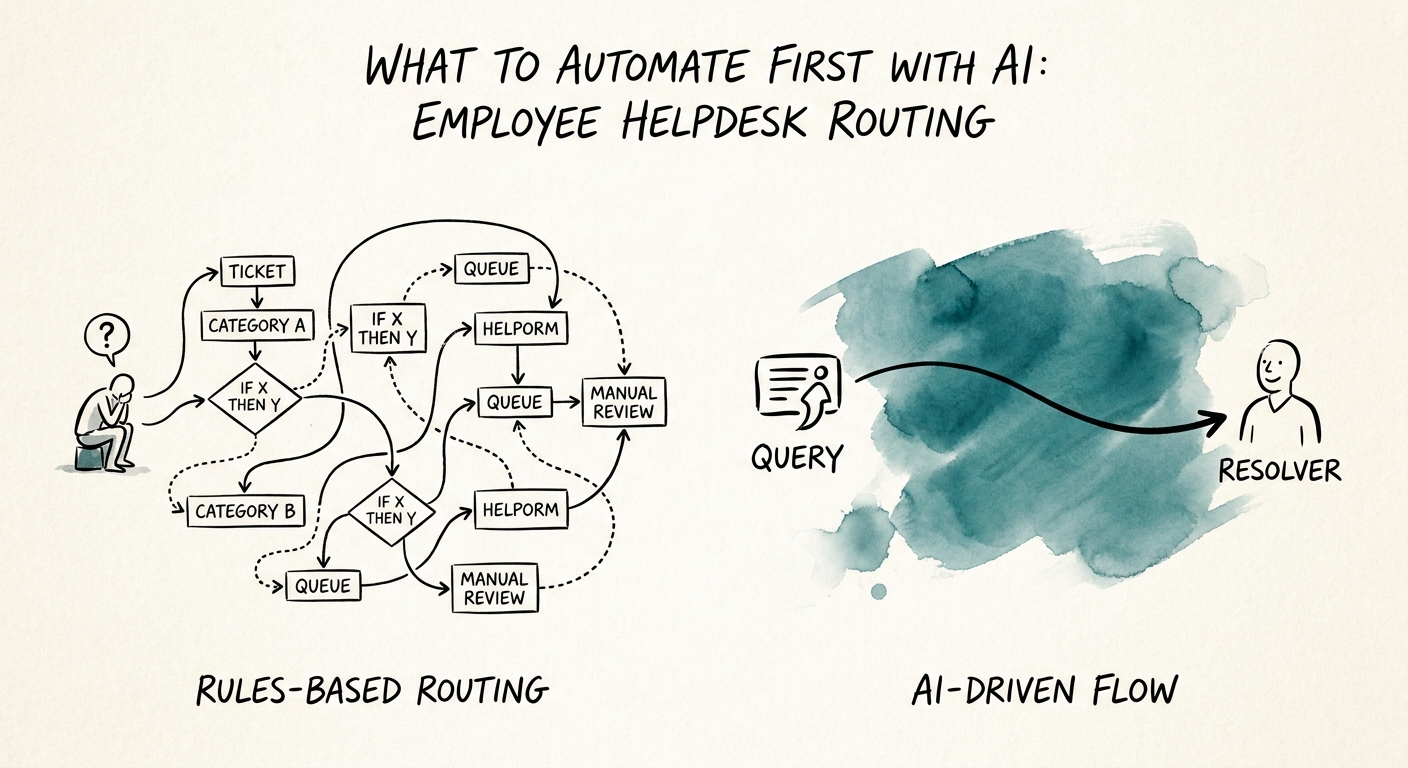
Vendors will push you toward "tickets deflected" as the headline number. Ignore it. On an internal helpdesk, a deflected ticket that should have reached a human is a liability, not a win. The metric that matters is whether the right work reaches the right person sooner with less rework.
Track five things, and watch them weekly. Intake completeness: did the AI gather the asset tag, the affected system, and the error before a human ever touched it? Routing accuracy: what percentage landed in the correct lane on the first pass — and critically, did any sensitive ticket get misrouted (that number must be zero, and it's the one you investigate every time it moves)? Reviewer effort: how much time the queue owner spends correcting versus the time saved. Exception rate: how often the AI correctly punts to a human, which should be healthy, not suppressed. And adoption: are agents actually using the routing, or quietly working around it because it's wrong too often?
When those numbers hold for a few weeks — and the misrouting-on-sensitive count stays at zero — you've earned the right to expand. The second workflow (say, automated knowledge-article suggestions, or device-request provisioning) should reuse this exact governance pattern, not start fresh with another tool and another set of permissions to babysit. Before you greenlight it, pressure-test the gains with AI ROI measurement without fake savings so the next bet is funded by proof, not optimism.
