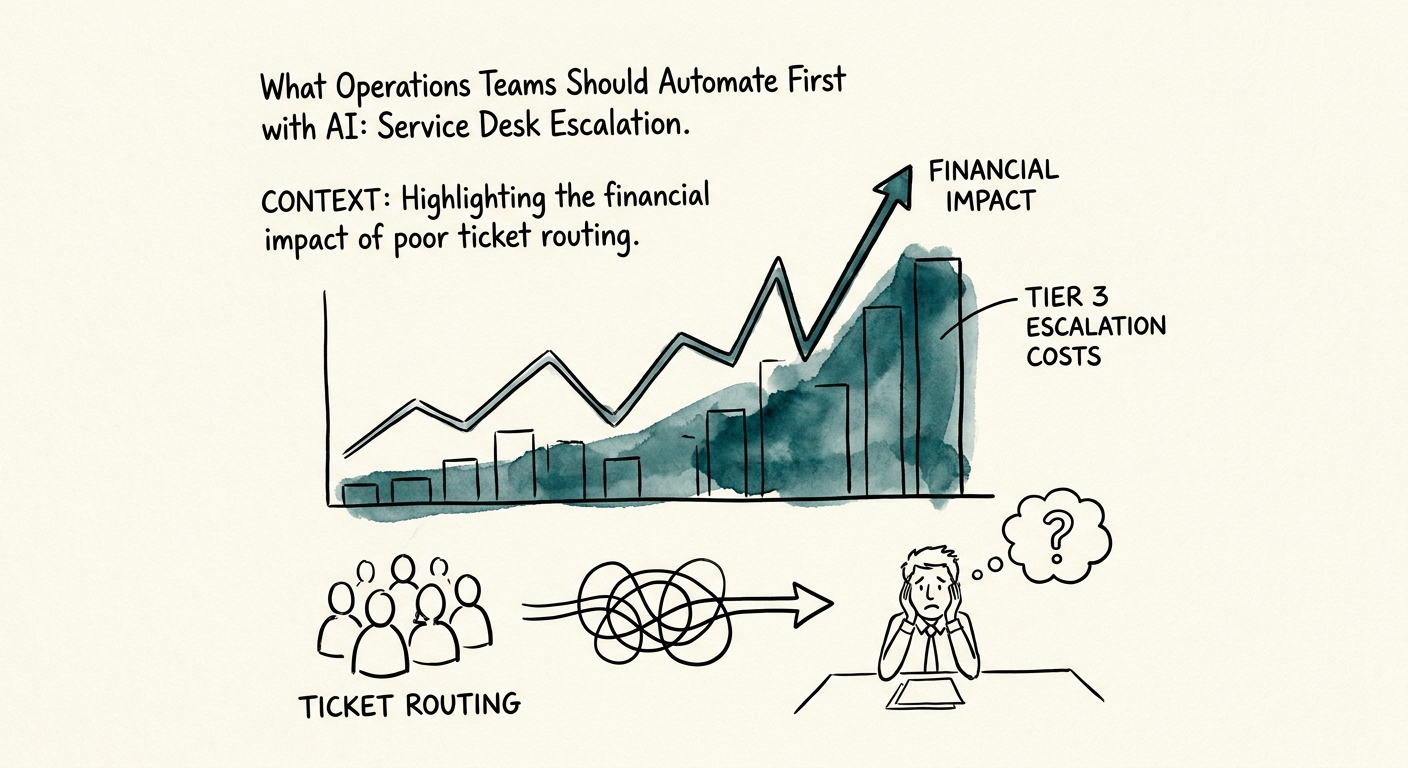
The 4:50 PM Ticket Nobody Wants
It's late on a Friday. A ticket lands: "portal slow." Two hours from an SLA breach, attached to your second-largest account, and the queue owner is already gone for the weekend. Does it escalate? Right now that decision lives in one tech's gut, and on a bad day it sits unread until Monday. That single moment — not a flashy chatbot — is where most operations teams should point their first AI workflow.
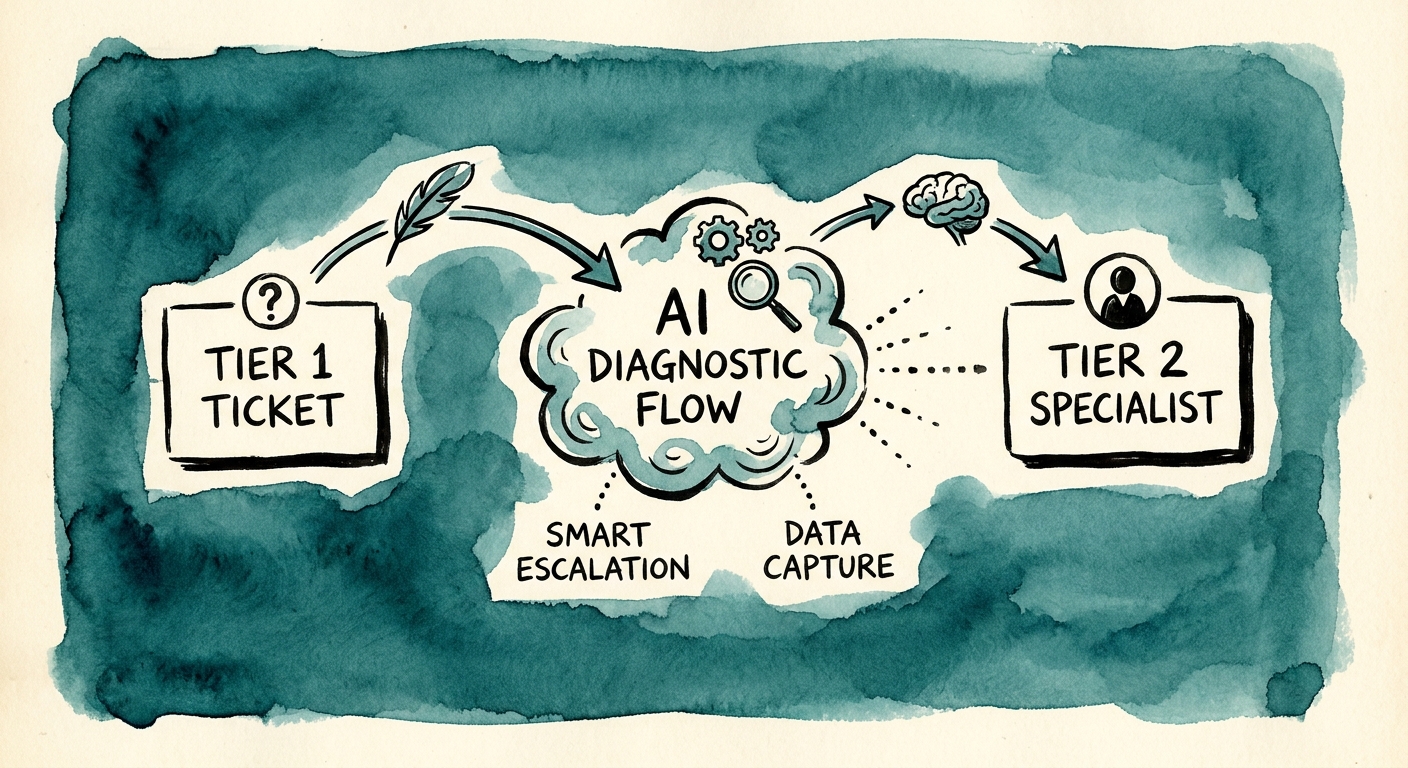
Service desk escalation is a strong first candidate precisely because the inputs are already structured. Severity, ticket history, SLA clock, affected customer, service owner, and the reason for handoff aren't fuzzy judgment calls — they're fields that already live in your ticketing system. When the decision is mostly "read these six signals and route accordingly," you have a workflow a model can genuinely accelerate, not just a place to bolt on a demo.
The evidence on where mid-market AI actually pays off points the same direction. The RSM middle-market AI survey, the San Francisco Fed's analysis of AI and small businesses, and the OECD report on AI adoption among small and medium enterprises all describe the same pattern: smaller operations get returns from narrow, repeatable, decision-shaped tasks — not open-ended assistants. Escalation routing is exactly that shape. So before anyone writes a prompt, map four things: where the ticket data is trusted, who owns the routing decision today, what the AI is allowed to do with that decision, and which case still goes to a human no matter what the model says.
Build the Routing Trail Before the Routing
Here's the failure mode that kills these projects in week three. The model reads a one-line summary — "portal slow" — decides it looks urgent, and pages a senior responder at 9 PM for what turns out to be a single user's stale browser cache. Do that twice and your best engineers stop trusting the escalations entirely. The fix isn't a better summary. It's tying every escalation to your actual severity criteria and owner rules, not to the model's read of the vibe.
Treat your severity policy and SLA thresholds as the source of truth, and make the AI justify itself against them. The NIST AI Risk Management Framework gives you the language for reviewer accountability and measurable risk on this kind of decision, and CISA's AI Data Security Best Practices help you decide what ticket history, customer data, and prior escalation outcomes the model should actually be allowed to see, retain, or log — especially when that history touches a named account.
Concretely, every escalation the model proposes should carry a routing trail: the severity criterion it matched, the source ticket, the SLA threshold it's protecting, the service owner it's paging, the one-sentence rationale, and — when it declines to escalate — why. That trail is what lets a service-desk manager glance at a 4:50 PM page and know in five seconds whether to trust it. If your first pass is just summarizing escalation candidates for a human to approve, keep it in draft mode and require sign-off. Only when the workflow starts writing back into the system — reassigning owners, flipping severity, paging on-call — do you wrap deterministic guardrails around it so a confident-but-wrong sentence can't open a P1 on its own.
The Metric That Tells You It's Working
Most teams measure the wrong thing here. They track "did it catch the urgent ones," which is easy to game — a model that escalates everything has a perfect catch rate and a furious on-call rotation. Deloitte's State of AI in the Enterprise 2026 makes the case for judging AI on production value rather than pilot activity, and for an escalation workflow that means three numbers: time-to-owner on high-severity cases, the false-escalation rate, and how often a manager overrides the routing. That override rate is your truth serum — if humans keep correcting the severity class, your underlying policy is vague, and no model will fix a rule your own team can't agree on.
Watch the queue from both ends. Track stalled-ticket aging and SLA-breach risk to confirm urgent cases surface faster, but also audit the tickets the model chose not to escalate — an escalation workflow only earns trust when it catches the Friday-afternoon landmine without training the queue to over-route every routine password reset. Salesforce's State of Service research documents how escalation volume and response expectations keep rising; the point of automating isn't to escalate more, it's to escalate the right things sooner.
Start narrow on Monday. Pick one escalation class — say, SLA-at-risk tickets on your top-tier accounts — and require the AI to cite the specific ticket history and severity rule behind every recommendation. Review the false positives every Friday for a month. Before you even build it, run the workflow through the manual-work scoring guide to confirm escalation is worth fixing first, then use the 90-day AI implementation plan to stage the source cleanup, prototype, reviewer training, and scale decisions in order. Expand only when the workflow proves it makes accountability faster and clearer — not when it simply makes the queue louder.