The conflict isn't on the calendar — it's between two systems
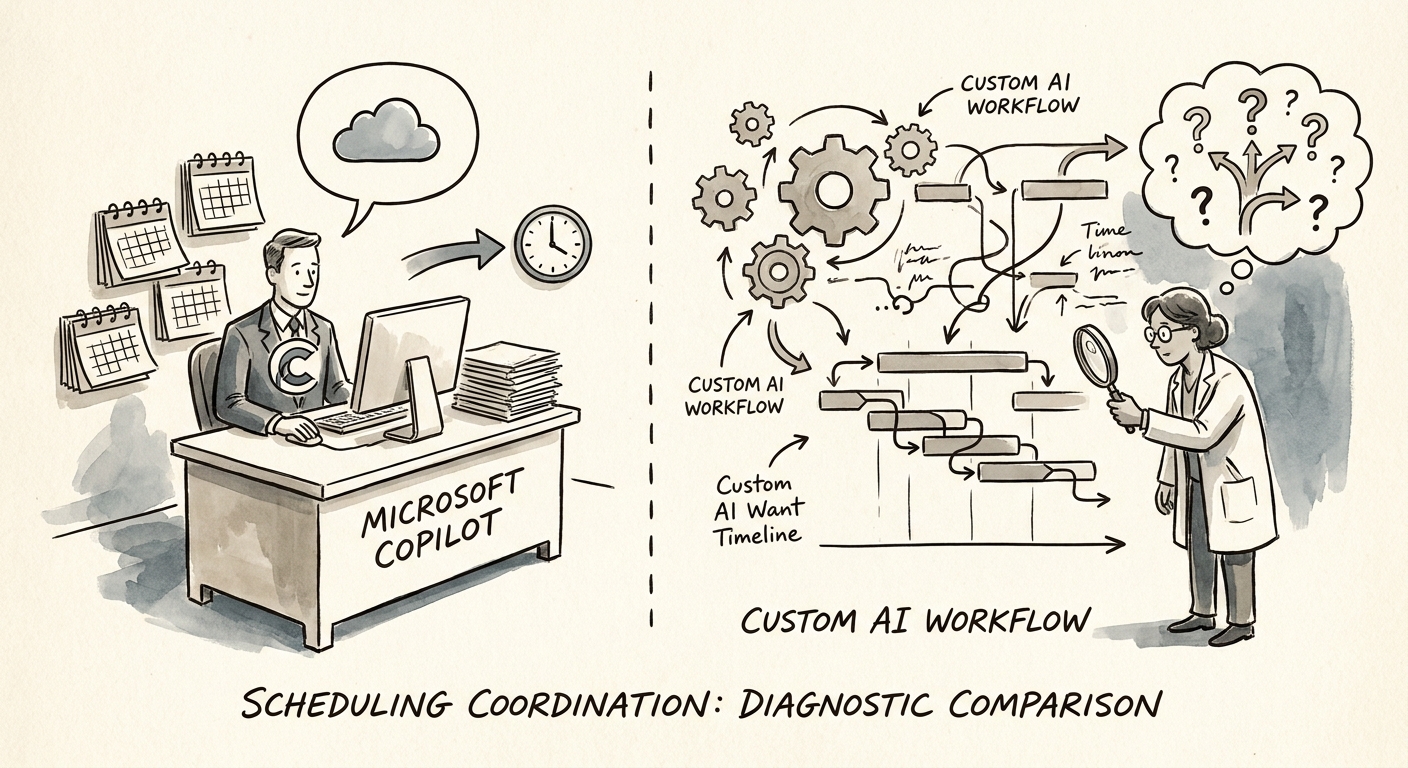
Picture the dispatcher at a 60-person HVAC and mechanical contractor on a Monday. A commercial client wants a service window Thursday afternoon. To say yes, she has to check four things at once: which technician is certified for that equipment, whether his van is already routed near that ZIP, whether the part is in stock, and whether the customer's contract allows after-hours billing. The "scheduling" question looks like a calendar problem. It's actually a four-system reconciliation problem, and only one of those four systems is Microsoft 365.
That distinction is the whole decision. Before you ask whether Microsoft Copilot is good at scheduling — it is, at certain kinds of scheduling — ask where the binding constraint actually lives. Microsoft's own documentation on Microsoft 365 Copilot privacy and data controls is clear that Copilot reasons over your tenant: Outlook, Teams, the meetings and documents your permissions already grant. When the conflict you're resolving is "find 45 minutes that works for these six people," that boundary is exactly right and Copilot is hard to beat.
But the dispatcher's Thursday-afternoon question never resolves inside the tenant. The constraints live in a field-service platform, a routing tool, an inventory count, and a contract record. The RSM middle-market AI survey shows mid-market leaders moving aggressively on AI, but enthusiasm doesn't change where your data sits. Map that first. Walk the actual coordination one time, name every system you touch to say "yes" to a slot, and use the AI project use-case scoring model to score system fit and data access before anyone debates the tool.
Two scheduling problems that look identical and aren't
Run your scheduling load through one filter: does resolving a conflict require a person to read the answer, or require a system to enforce it? That single question sorts almost every case correctly.
Reader problems are where Copilot earns its seat. "Summarize this thread and propose three meeting times." "Who hasn't responded to the Thursday invite?" "Draft the reschedule note to the client." A human reviews the output and clicks send. The OECD report on AI adoption by small and medium-sized enterprises makes the point that having the tool isn't the same as adopting it — but for reader problems the adoption gap is small, because the work already lives in Outlook and Teams and a person is already in the loop. Buying Copilot licenses and training people to use them well is usually the right move here. There's no system to build.
Enforcer problems are different, and they're where the dispatcher lives. The slot can only be offered if certification, route, inventory, and contract rules all clear — automatically, every time, without a human re-checking four tabs. That needs a durable queue, source-specific rules, exception routing when a constraint fails, and a log of why each booking was allowed. Copilot can't own that boundary because it can't see or enforce those systems. The NIST AI Risk Management Framework gives you the frame for building it responsibly: map the context, measure the risk of a bad auto-booking, define the controls, keep accountability visible. And before you greenlight the build, push it through an AI ROI model that avoids fake savings. Copilot value shows up as faster drafting and cleaner prep. A custom scheduling workflow has to show up as fewer misrouted trucks, fewer double-booked techs, and shorter time-from-request-to-confirmed-slot — numbers the dispatcher can actually feel.
Don't build because the demo dazzled — build because Copilot hit a wall
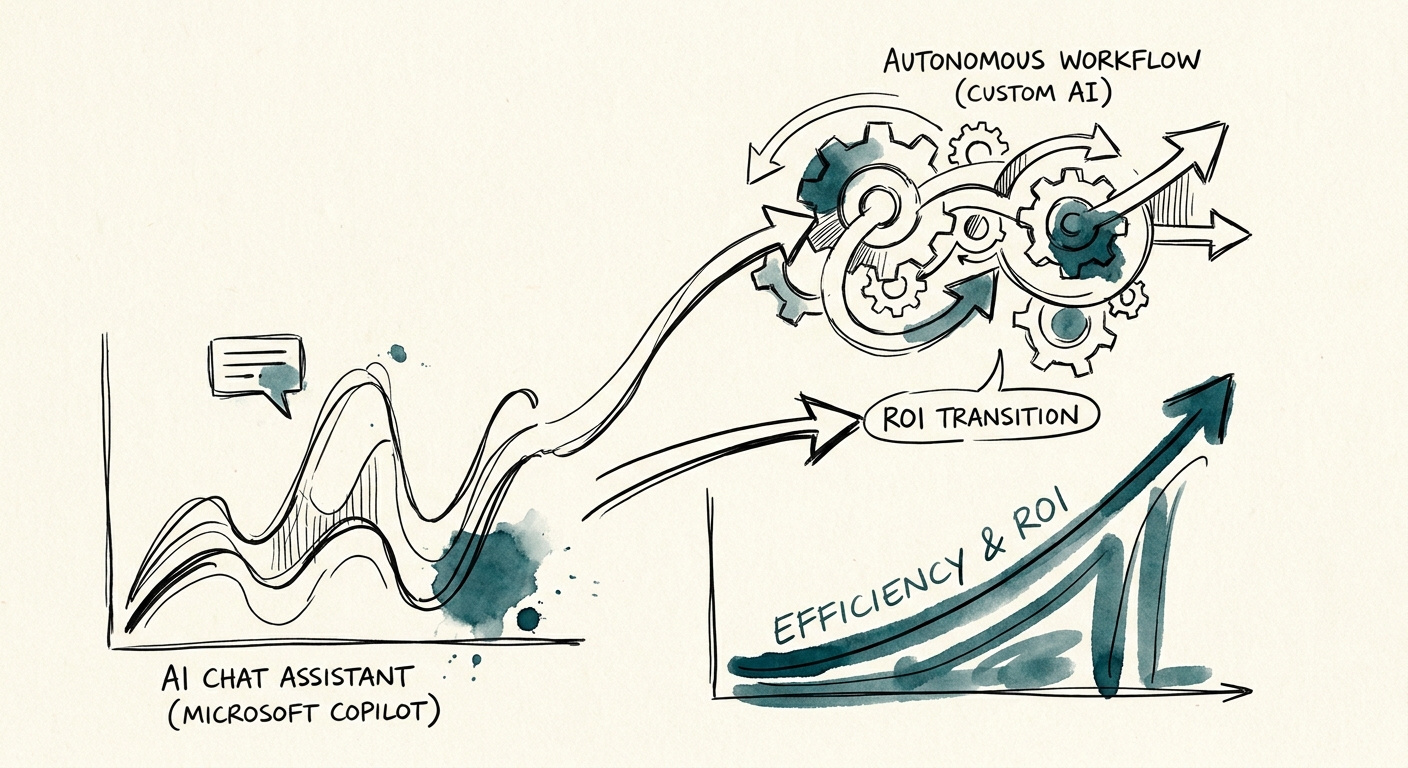
The trap is the impressive proof-of-concept. Someone wires an agent that books the perfect Thursday slot in a clean demo, and the contractor signs off on a six-figure build. Then production hits the messy ZIP boundary, the part that was "in stock" but reserved, the contract clause nobody coded. The Gartner agentic AI project forecast warns that a large share of agentic AI projects get cancelled, and the cause is usually this exact gap: cost, data quality, and controls were never specified beyond the demo. The Deloitte State of AI report says the same thing from the other direction — value comes from changing the process, not from acquiring the tool.
So decide with a one-page production checklist before a single line of custom code: who owns the workflow, which systems feed it, what rules govern an auto-booking, how exceptions route to a human, what gets logged, and the weekly metric that proves it's working. If Microsoft 365 holds the whole picture, license Copilot and train your people — that's the cheaper, faster answer and it's frequently the correct one. Build custom only when an enforcer problem crosses a boundary Copilot genuinely cannot reach, and the business case is specific enough to survive a bad Tuesday.
Not sure which side of the line you're on? Run your top scheduling pain through the AI pilot versus production workflow guide to decide whether it belongs in Copilot adoption, a lightweight automation, or a governed custom build — and when you're ready to sequence the work, build the AI roadmap.