Picture the Friday afternoon this report actually gets built
Your operations lead opens a blank deck around 3pm Friday. Then the tab-juggling starts: pipeline numbers from the CRM, open-ticket counts and SLA breaches from the support tool, hours and utilization from the PSA or timesheets, last week's revenue and AR from a finance export, and a Slack thread to chase down why the West region missed its number. Forty-five minutes of copy-paste later, there's a draft. Multiply that by 52 weeks. That ritual — not a feature checklist — is what decides whether Microsoft Copilot can own your weekly ops report.
So ask the only question that matters first: how many of those numbers actually live inside Microsoft 365? Microsoft's documentation on Microsoft 365 Copilot privacy and data controls is clear that Copilot operates inside organizational permissions and the tenant's data boundary — your email, Teams chats, meetings, SharePoint, and the Excel and Word files people have access to. If your weekly report is mostly assembled from numbers someone has already dropped into a SharePoint workbook, Copilot is sitting on exactly the right data and can draft a sharp narrative in seconds.
But a real ops report rarely lives in one place. The RSM middle-market AI survey shows leaders moving fast on AI — yet adoption only sticks when the tool matches how the work is actually done. The moment your report depends on the live CRM, the ticket queue, or an ERP pull, you've crossed out of Copilot's native reach. Before you pick a side, run the workflow through the AI project use-case scoring model and score one thing honestly: data access. If the answer is "five systems, three of them outside Microsoft 365," you already have your answer.
The honest test: who closes the gap between the systems?
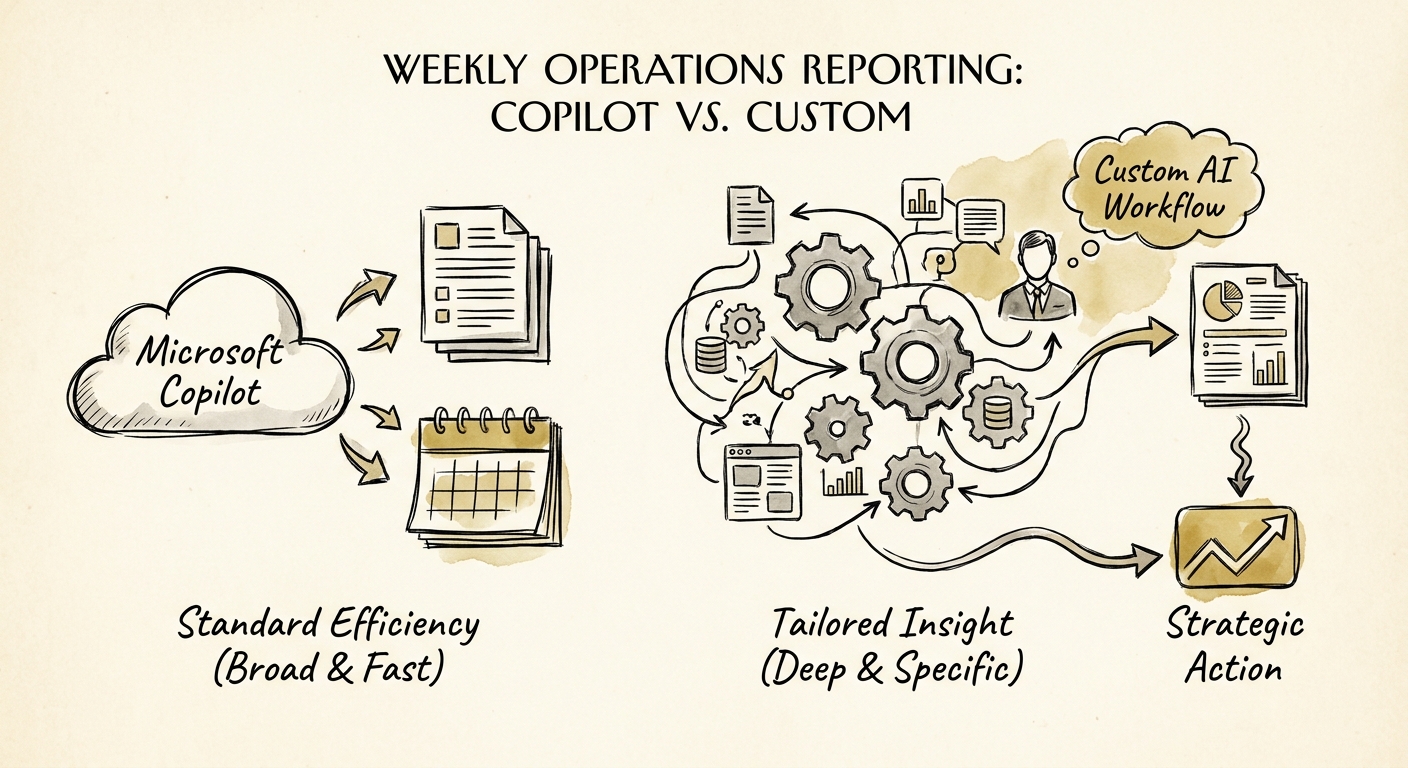
Here's the distinction that gets blurred in vendor pitches. Copilot is a brilliant assistant for the part of the report a human already touches. Drop the week's numbers into a worksheet, and it will summarize trends, draft the executive commentary, catch the metric that moved, and tighten your prose. That's genuine value — for an ops lead, it can turn a 45-minute write-up into a 10-minute review-and-edit. The OECD report on AI adoption by small and medium-sized enterprises makes the point that matters here: having the tool is not the same as changing the work. Copilot speeds up the writing. It does not go get the data.
And on a weekly ops report, getting the data is the whole job. The copy-paste-from-five-tabs step is the part that breaks — a stale CRM export, a ticket count pulled before the queue refreshed, a region that got skipped because someone was out Friday. That's where a custom AI workflow earns its keep: a scheduled job that pulls each source on a fixed cadence, applies your definitions ("SLA breach = first response over 4 business hours"), flags the West region miss for review instead of silently averaging it, and logs exactly which numbers came from where. The NIST AI Risk Management Framework gives you the language to decide: map the context, measure the risk in trusting an unverified number in front of your leadership team, and keep accountability for each figure visible.
Put a dollar frame on both. Run them through an AI ROI model that avoids fake savings. Copilot's payoff shows up as faster drafting and a cleaner narrative — real, but bounded by what a person feeds it. A custom workflow's payoff is different and bigger: the report goes out reliably every Monday at 7am without a human chasing five systems, the numbers reconcile because the pulls are governed, and the ops lead's Friday afternoon comes back. If you can't name a recurring, multi-system failure the workflow prevents, you don't have a build case yet — you have a Copilot case.
What to do before next Friday's report
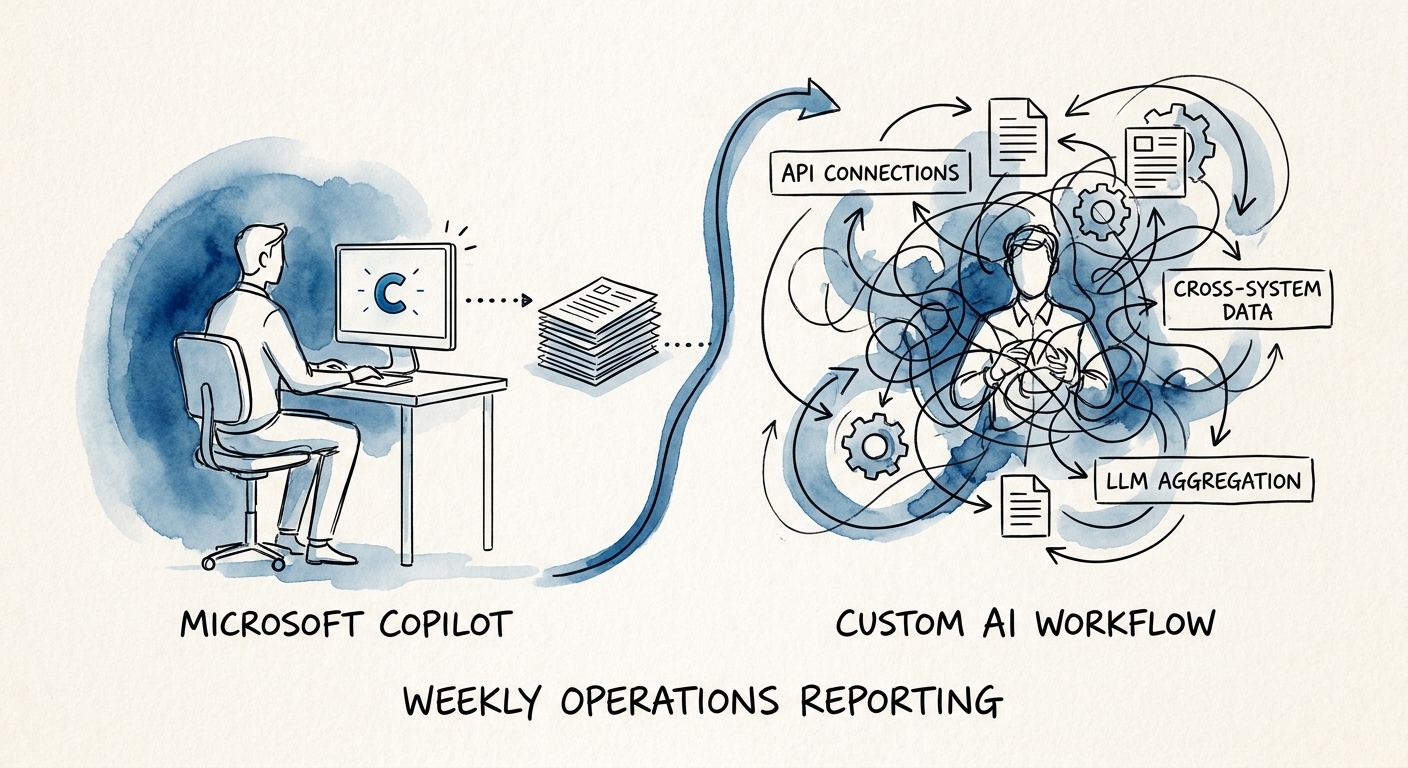
Treat this as a two-week experiment, not a procurement decision. Week one: have your ops lead build the report with Copilot, pasting the numbers in by hand and letting it draft the commentary. Note how long the data-gathering took versus the writing. If the writing was the bottleneck, you're done — Copilot owns this, no project required. If the gathering was the bottleneck, you've just proven the case for a workflow, with a real before-time to measure against.
If you do build, the Deloitte State of AI report is blunt that value comes from changing the process, not buying the tool. So spec the custom workflow like an operating asset, not a demo: a named owner, every data source listed, the definition of each metric written down, exception handling for the week a system is down, and a log of which numbers came from where. The Gartner agentic AI project forecast warns that a large share of these builds get killed — almost always the ones launched off an impressive demo with no clear cost, value, or data-quality story. Don't be that project.
Not sure which lane you're in? Walk it through the AI pilot versus production workflow guide to decide whether your weekly ops report belongs in Copilot adoption, a lightweight automation, or a governed custom build. The report goes out every week regardless — make the recurring version the one that doesn't eat your team's Friday.