The ticket that ages three days in a deflection bot
Picture a Tuesday in a 90-person B2B SaaS company. A platform admin at one of your top-decile accounts opens a ticket: "Noticed some logins from an IP range we don't recognize — can you confirm what's normal?" The phrasing is calm. There's no exclamation point, no "URGENT," no mention of the word breach. Your AI triage layer reads it as a low-confidence access question, tags it account settings, fires off a help-center article on configuring allowed IPs, and marks it deflected. Three days later that same admin emails your CEO directly, because what they were actually reporting was credential stuffing against their tenant.
That is the failure mode that matters for technology-services tickets, and it's not the one most teams budget for. The risk in a SaaS queue isn't that the bot fumbles a "how do I reset my password" — that's the ticket it should handle. The risk is that the highest-stakes issues frequently arrive wearing the linguistic costume of the lowest-stakes ones. A security report sounds like a config question. A churn signal sounds like a feature request. An AI optimized to maximize deflection will route by surface phrasing, and surface phrasing is exactly where SaaS support breaks.
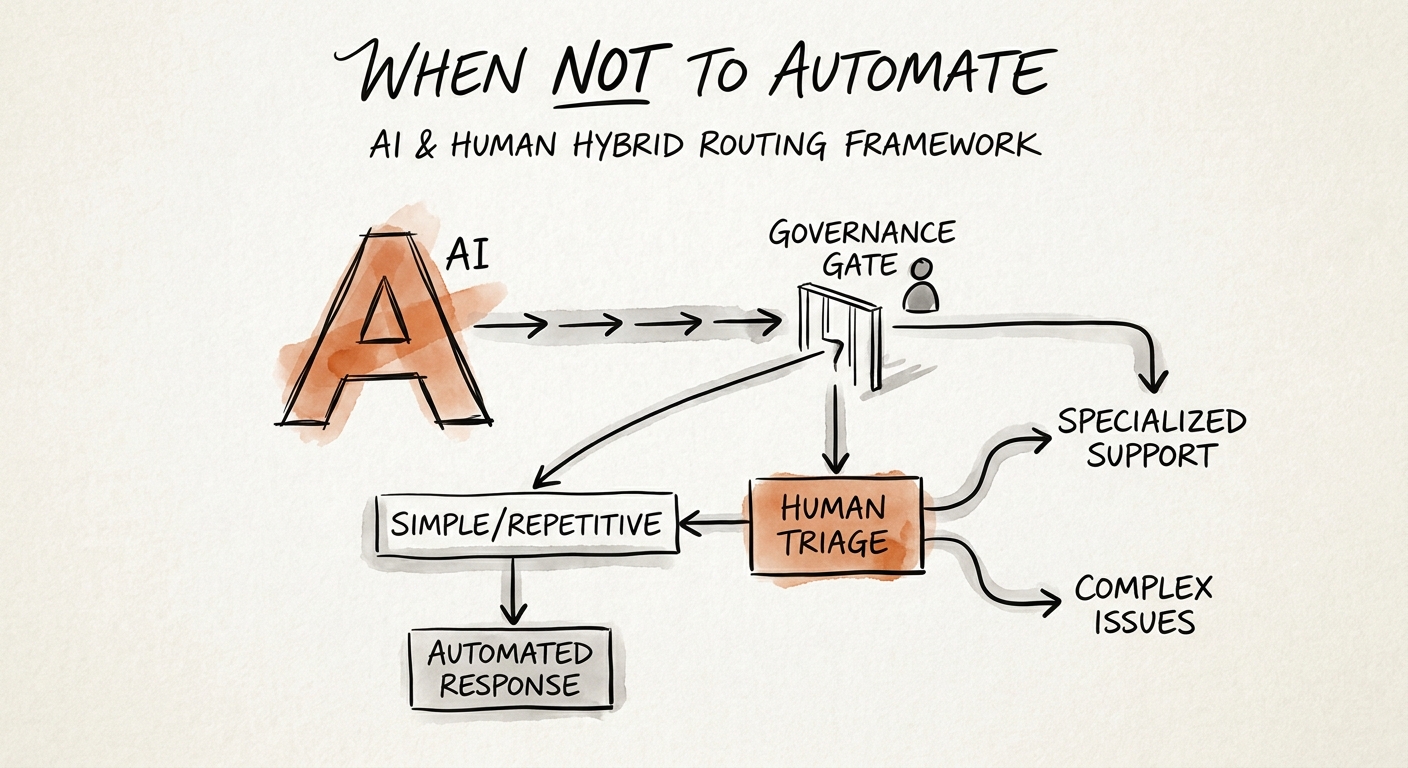
The evidence backs a split, not a wholesale handoff. NBER's Generative AI at Work study found the largest productivity gains landed on novice agents handling routine load — not on the complex, high-judgment cases. McKinsey's contact-center research reaches the same place: the right mix is automation on the volume tail, humans on the consequential edge. The job isn't to ask whether AI belongs in triage. It's to draw the line between the request you let the model close and the request you make it escalate even when it's "pretty sure."
If you haven't yet, start with what to automate before you buy a chatbot — because most of the value here is upstream of triage entirely.
Four ticket types your SaaS triage will misroute
These are the categories where, in a technology-services queue, autonomous classification reliably gets it wrong — not because the model is bad, but because the cost of a miss is asymmetric and the signal is buried.
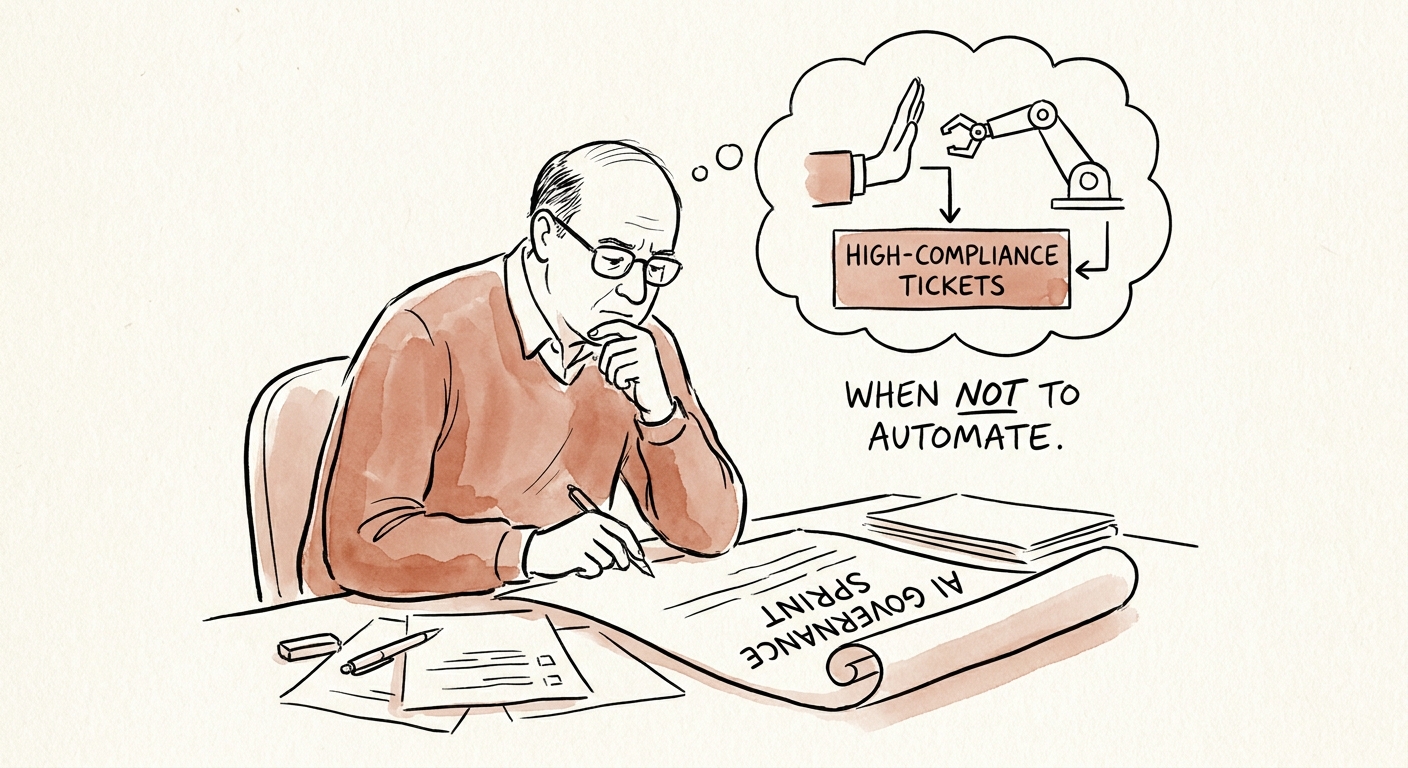
1. Security and data-access reports. Anything touching unexpected logins, exposed data, audit requests, SSO/SCIM misbehavior, or "is this access normal?" The tell is that these almost never use alarm vocabulary. Rule: any ticket from a customer admin referencing authentication, access, or data visibility routes to a human security owner within minutes, regardless of model confidence. The AI's job is to attach the tenant, the timestamp, and the relevant log slice — not to send a help article and close.
2. Renewal-risk and commercial exceptions. A request for an SLA credit, a dispute over a usage overage, a "can we talk about our plan before renewal" — in SaaS these are churn flares dressed as billing questions. The model should never imply a credit is approved, quote a discount, or soften a contract term. It should surface the account's renewal date, ARR, recent support volume, and CSM, then hand the ticket to someone with authority. A bot that "resolves" a refund request by quoting policy has just confirmed to a wobbling account that nobody senior is listening.
3. Cross-system technical failures. The webhook that stopped firing, the API returning 500s under load, the data sync that silently dropped records, the permission that broke after your last release. Generic troubleshooting answers here actively enrage an engineer-customer who already read the docs. AI earns its keep by assembling the diagnostic packet — error patterns, recent deploys, the customer's integration config — and routing to a named specialist. It should not improvise a root cause.
4. Tickets that reference your own incident or release. The category teams forget. When you've shipped a breaking change or you're mid-incident, a wave of tickets arrives describing the same symptom in twenty different phrasings. A triage model with no awareness of your status page will scatter them across categories and bury the pattern. These should cluster and escalate, not deflect — the spike is the signal.
Build the routing table before the deflection dashboard
Governance here is concrete, not philosophical. Write a four-column routing table the whole team can read: what the AI may read, what it may recommend, what it may send and close, and what it must escalate untouched. Routine knowledge retrieval and how-to deflection sit in "send and close." Draft answers for everything else go to an agent. The four categories above go straight to "escalate untouched," with the AI permitted only to enrich context. NIST's AI Risk Management Framework and PwC's responsible-AI guidance both push the same discipline: name the human accountable before the system goes live, not after the first bad miss.
Then instrument the failure, because deflection rate will lie to you. The number that matters for a SaaS queue is the escalation-miss rate: tickets the model closed that a customer reopened, that a manager later had to intervene on, or that an account flagged as "I had to escalate myself." Sample twenty auto-closed tickets a week and read them by hand for a month — you will find the misrouted breach report and the buried renewal flare faster than any aggregate metric surfaces them. IBM's AI governance guidance frames this as continuous monitoring rather than a launch checkbox, and in support that's literally true: your model's accuracy drifts every time you ship a feature or change a plan.
To set the first taxonomy and tie the categories to business risk, use the AI ticket triage framework; layer the AI assistant governance framework on top for approval rules and source requirements. The litmus test before you scale: if your support lead can't say out loud exactly how the model handles an inbound security report from a top account, you don't have a triage system — you have a faster way to lose the ticket. Pressure-test the workflow first with the AI Opportunity Score, then automate the tail you've proven safe.